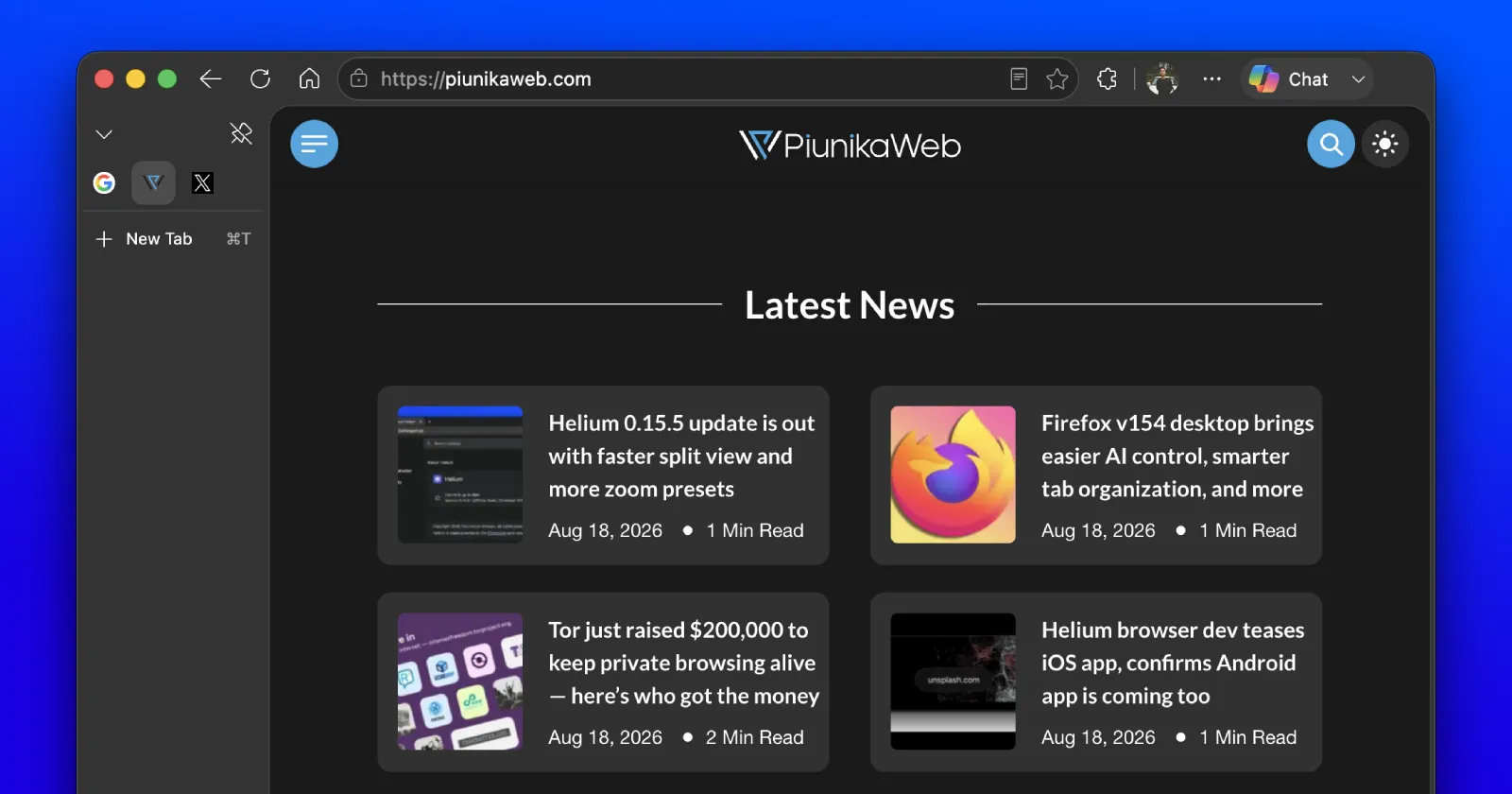
Most people who keep a few permanent tabs docked on the left side of their browser treat them almost like digital furniture. Your primary inbox, a work calendar, maybe a favorite playlist or web player. They sit quietly in the background all day long, invisible right up until you accidentally misclick and shut one down.
Reopening the tab means rummaging through your browsing history and setting up the pin a second time, a minor hiccup that feels surprisingly frustrating every single time it happens.
That said, Google introduced a neat safeguard in Chrome roughly a year ago to stop this from happening. And it looks like Microsoft is gearing up to copy the same idea in Edge.
The safety mechanism in question works like this: When you hit the Ctrl+W (⌘+W on Mac) keyboard shortcut while viewing a pinned tab in Chrome, the browser holds back from closing it instantly. Instead, a prompt appears on screen asking you to hit Ctrl+W (⌘+W) a second time if you genuinely intended to shut the tab down.
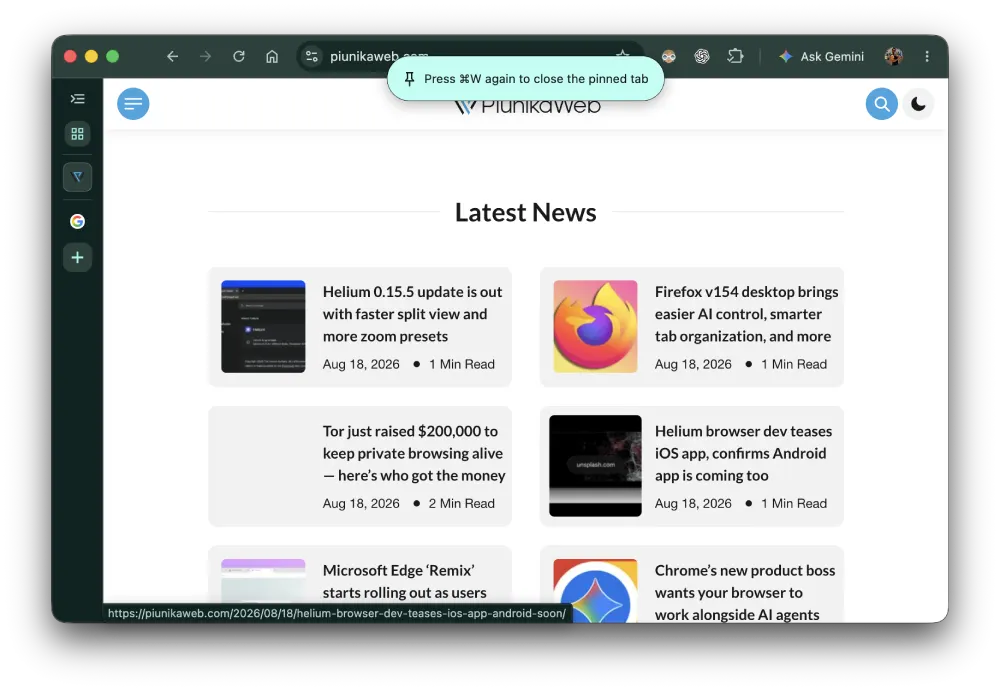
That extra step ensures a single slip of the hand won’t wipe away a page you wanted to keep running.
Browser sleuth Leopeva64 was the first one to spot the feature hidden in Edge.
As they explained in their post, Google added a system to Chrome Stable over a year ago that keeps pinned tabs safe from accidental Ctrl+W presses by requiring a second tap. Microsoft is currently testing that identical concept inside Edge Canary, though the visual notification box remains under active development.
Here’s the video they shared for reference:
Over a year ago, Google added a feature to Chrome Stable that prevents pinned tabs from being accidentally closed via the Ctrl+W shortcut: you have to press it again to close them. Well, Microsoft is testing this same feature in Edge Canary, but the toast is still in development: pic.twitter.com/soV0yg2SYb
— Leopeva64 (@Leopeva64) August 17, 2026
As you can see, the video only displays a basic red placeholder box where the alert will eventually show up. Even without the finished polish, the underlying mechanics seem identical to Chrome. You press the key combination once, receive a quick warning, and press it again to complete the closure.
It’s no surprise to see Microsoft following Google’s lead. After all, the company even took the same approach as Google with regard to MV2 extensions in Edge. The browser is also getting support for signing in with a Google account. And the two even partner on things like improving the clipboard experience in the browsers.
That said, Microsoft is still experimenting with its own ideas, with things like the new Remix feature that has begun gradually rolling out to users. We covered the details here.
Right now, this double-press safety net remains confined to Edge Canary. There is no official timeline for when it might graduate to the standard stable version. Still, it’s a thoughtful usability upgrade that you will probably never think about until the moment it saves your workspace from an accidental click.


Dwayne Cubbins
3105 Posts
I cover fast-moving stories across apps, online platforms, and everyday tech — phones, wearables, consoles, and whatever else people are fighting with this week. Bugs, rollouts, scams, policy enforcement, and the occasional internet-culture rabbit hole are all fair game. My goal is simple — make confusing tech news readable. When I'm not working, I'm working out or chilling with my dog. Got a tip? You can find me on X @dcubbins.
Next article View Article