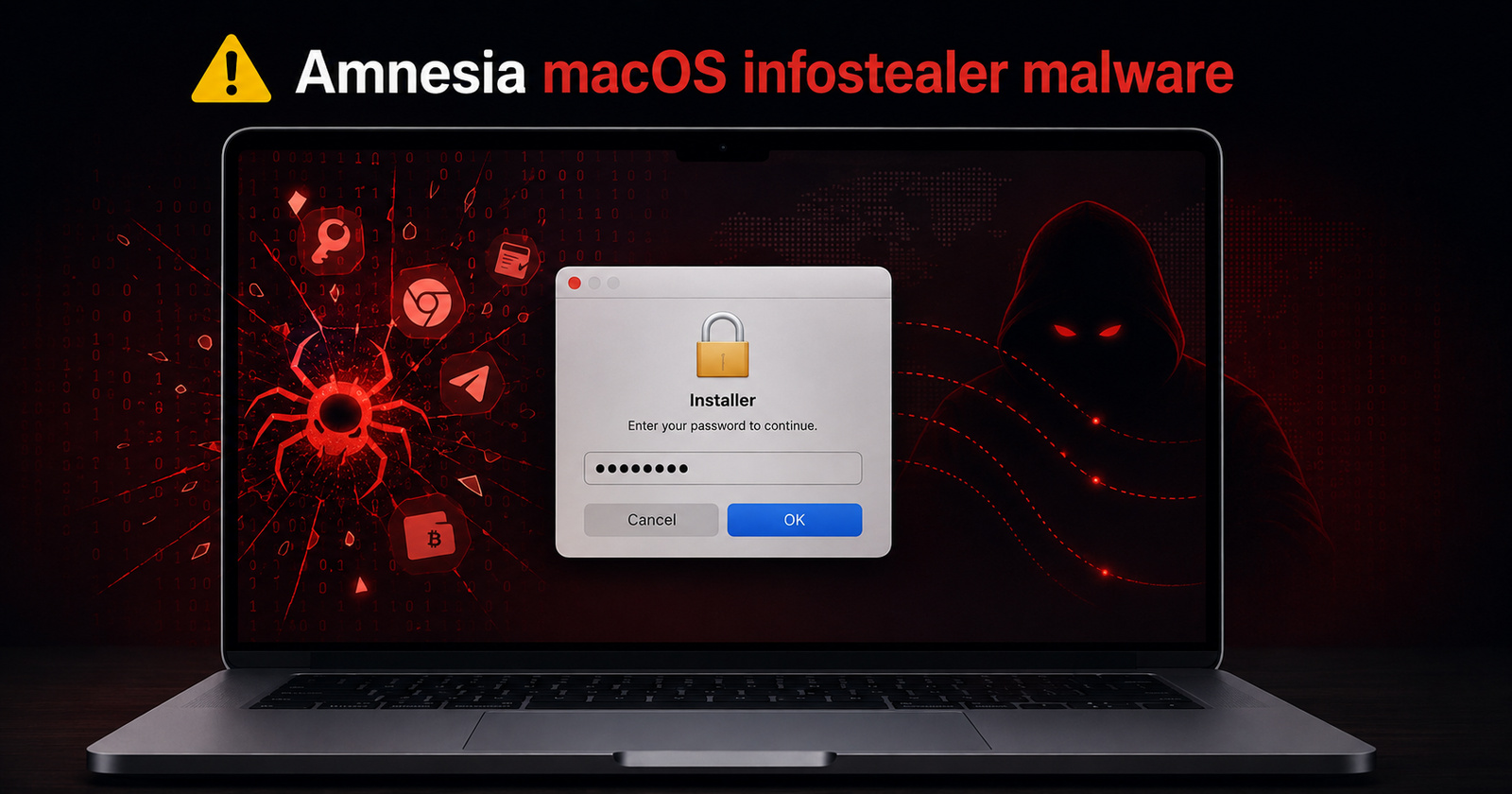
A new information-stealing malware named AmnesiaStealer (which is an information stealer) is targeting macOS users. It can hijack active browser sessions through remote control.
Researchers at Jamf Threat Labs discovered this malware, and it spreads via ClickFix social engineering attacks. These attacks rely on a counterfeit GitHub download page.
The fake page has the same design as the real GitHub, and this tricks users. It also has the “Verified Publisher” badge and a “Download for macOS” prompt. However, you don’t actually get the real file after clicking download. The same fake GitHub method was used for targeted malware attacks earlier as well, such as Atomic and MacSync.
Instead, it instructs visitors to copy a specific command (that’s base64-encoded), and then paste it in the Terminal, following which users would be asked to enter their password. This command then goes on to retrieve a shell script, which is self-deleting.
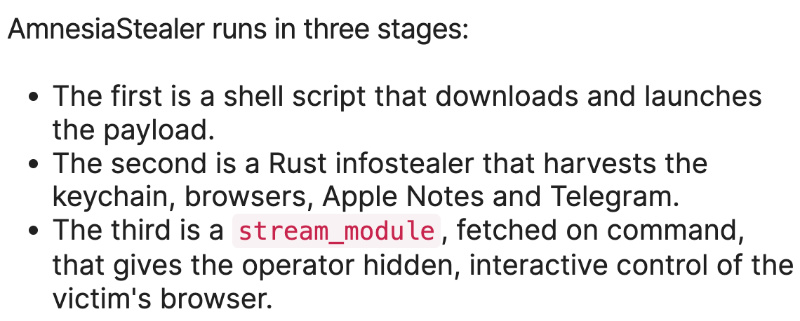
This script downloads a password-protected ZIP archive, and once AmnesiaStealer begins running, it also mimics a native “Installer” password prompt. After you’ve entered your login password, it copies keychain data, browser profiles, Apple Notes, Telegram sessions, documents from Desktop/Downloads/Documents, various system information details, and even crypto wallet information.
It targets data from 16 Chromium-based browsers. On macOS 26, it can’t recover Chrome’s Safe Storage key. Instead, it overwrites it with an attacker-controlled value. As a result, previously stored cookies and passwords wouldn’t be readable to the user. The attacker can decrypt the data.
Another shockingly scary feature is a module that clones the victim’s Chromium profile, including the authentication state. Basically, it opens a hidden copy of the real browser in the background. The attacker receives a live screen view of the session, and they can fully control it, including clicking, typing, scrolling, tab switching, and more, as if they were physically present.
The normal browser window of the user remains untouched, so they see nothing unusual going on. The attacker, meanwhile, goes on using the victim’s already logged-in accounts. All in all, it’s a three-stage malware:
The implications of such malware are vast even for an everyday user. An attacker can interact with online accounts and banking portals, which can have devastating consequences.
To stay safe from such malware, never paste or execute terminal commands that are randomly found on websites. Always verify downloads and make sure the sources are trustworthy. It’s also recommended to treat unexpected password pop-ups with caution, since the malware operates by you giving your login credentials away.
Featured image: AI


Sudhanshu K
348 Posts
I have been a consumer technology enthusiast for over 5 years. Thanks to my experience in software beta testing and product reviews, I've understood and learnt a lot about what bugs and issues bother people, and I spend time trying to simplify their solutions. I cover smartphones, software, social media, apps, AI, and most consumer tech gadgets. Actively pursuing a Computer Science bachelor’s degree. I'm mostly active on Twitter/X (@TechWhirlUlt), drop a DM or tag me if you want to share info or connect!
Next article View Article