





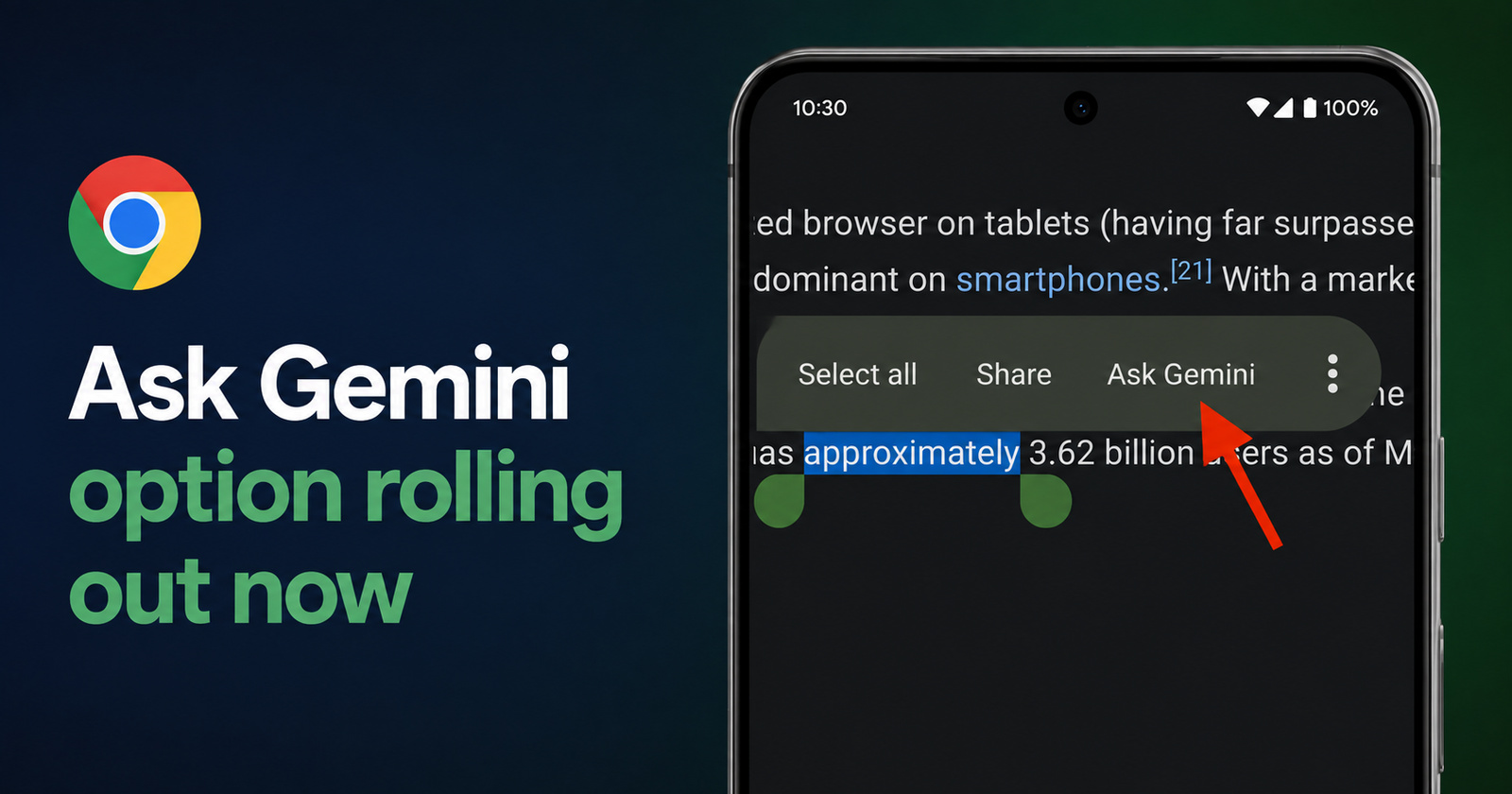
It turns out the "Ask Gemini" entry is actually a system-wide feature added by the Google app, so it also appears in the floating text selection menu of other apps like Firefox, Edge, and the Google app itself. It also appears in the "Manage apps" menu: https://t.co/UAhrmKrumz pic.twitter.com/NYEBAqfYHV
— Leopeva64 (@Leopeva64) August 14, 2026
Google has quietly introduced a new “Ask Gemini” option in the floating text selection menu on Android. The feature is now appearing in the stable version of Chrome for Android, as well as other browsers.
As initially detailed by @Leopeva64 on X, selecting text and tapping the new option launches the Gemini app with the highlighted content already inserted into the prompt box. This allows users to question the AI assistant without requiring manual copying and pasting. You can view the relevant media below.
Further testing also reveals that the option is not limited to just Google Chrome. It is a system-wide feature that works via the Google app.
Basically, the “Ask Gemini” option also appears in the text selection menus of other browsers and apps, including Firefox, Edge, and the Google app itself. The option additionally appears in the “Manage apps” menu. So, it’s a system-wide integration rather than just a Chrome-only feature.
Information about this feature being added to Android was actually posted more than a year ago by Android Authority, and it’s now finally rolling out to users.
Additionally, Google is also working on a different implementation of this feature in Chrome Canary. Tapping on Ask Gemini opens a bottom sheet within the browser instead of launching the full Gemini app.
Google is testing this same "Ask Gemini" entry in Chrome Canary for Android, but in that build it opens the Gemini bottom sheet instead of the app. So in the future, the entry that launches the app could be replaced by the entry that opens the bottom sheet in Chrome 👇 https://t.co/uIPVQT6pig pic.twitter.com/H7YpRGTAe2
— Leopeva64 (@Leopeva64) August 14, 2026
It’s not confirmed, but the current behavior of the Gemini app opening could be replaced by the bottom sheet in the future, once the Canary update moves to stable.
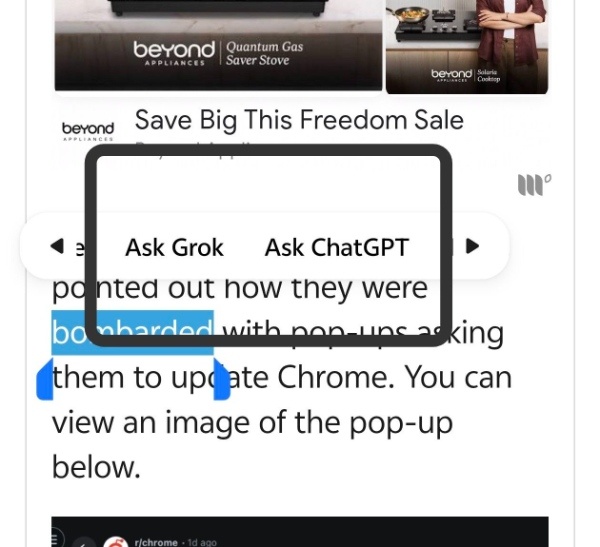
I’ve checked for this feature myself, but I only see “Ask Grok” and “Ask ChatGPT” on mine, so I’m assuming it hasn’t yet rolled out to me, or it’s only available in countries where Gemini in Chrome is available for Android.
On second thought, it’s unlikely to be restricted to countries that only have Gemini in Chrome (on Android), because it’s enabled via the Google app and not Chrome. Chances are that it’s still in early stages, and a broader rollout will take some time since Google doesn’t add features to everyone at once.
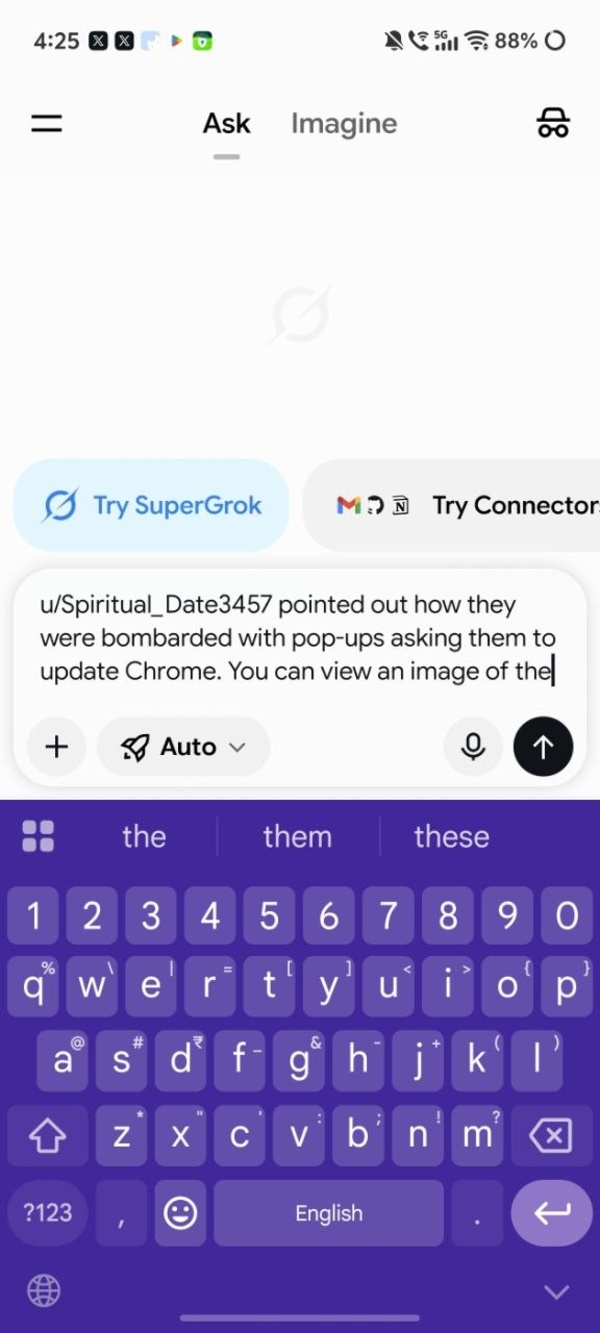
Either way, the existing “Ask Grok” and “Ask ChatGPT” features do automatically copy my text selection whenever I select either of these two options, similar to the Ask Gemini feature described above.
Are you seeing pop-ups on Chrome that interrupt your browsing and ask you to update? Those could actually be malware and aren’t from Google. More on that here.

We stand out from the tech-media crowd because we break news stories; we mainly bring you stuff that you won’t find anywhere in the mainstream tech media. Our stories have been picked up by some of the world’s most popular websites and media outlets—more info is available here.

Sudhanshu K
321 Posts
I have been a consumer technology enthusiast for over 5 years. Thanks to my experience in software beta testing and product reviews, I've understood and learnt a lot about what bugs and issues bother people, and I spend time trying to simplify their solutions. I cover smartphones, software, social media, apps, AI, and most consumer tech gadgets. Actively pursuing a Computer Science bachelor’s degree. I'm mostly active on Twitter/X (@TechWhirlUlt), drop a DM or tag me if you want to share info or connect!
Next article View Article
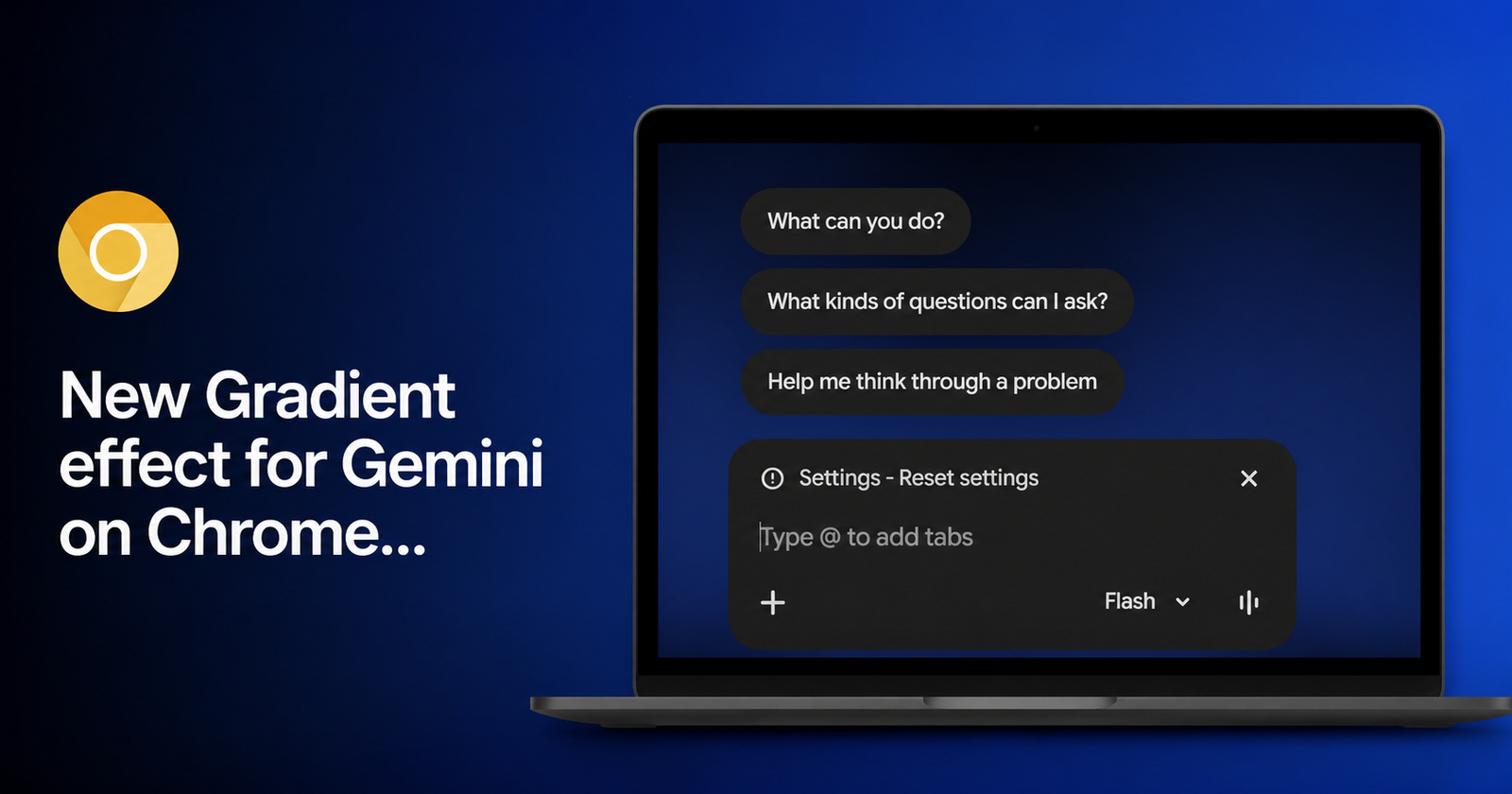
Gemini gets button position change in Chrome Canary along with gradient design and new animation
Google is currently testing multiple interface updates for its Gemini AI feature inside Chrome Canary. The company is trying out a… third possible location for the Gemini button on the...
Aug 15, 2026 1 Min Read