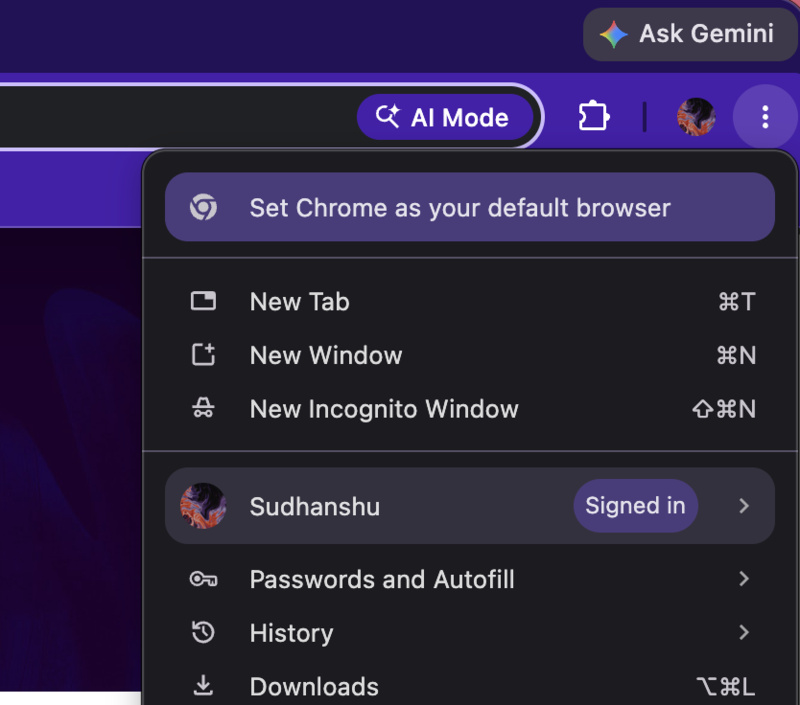
Like all browsers, Google attempts to convince its users to choose Chrome as their default browser. Earlier, it was simple banners and reminders in the browser menus. Now, the company is testing a massive on-screen pop-up in Chrome Beta.
As reported recently by the folks at Windows Report, Google is testing a more intrusive prompt on the screen, instead of simple banners near the Bookmarks bar or little nudges in Settings and menus.
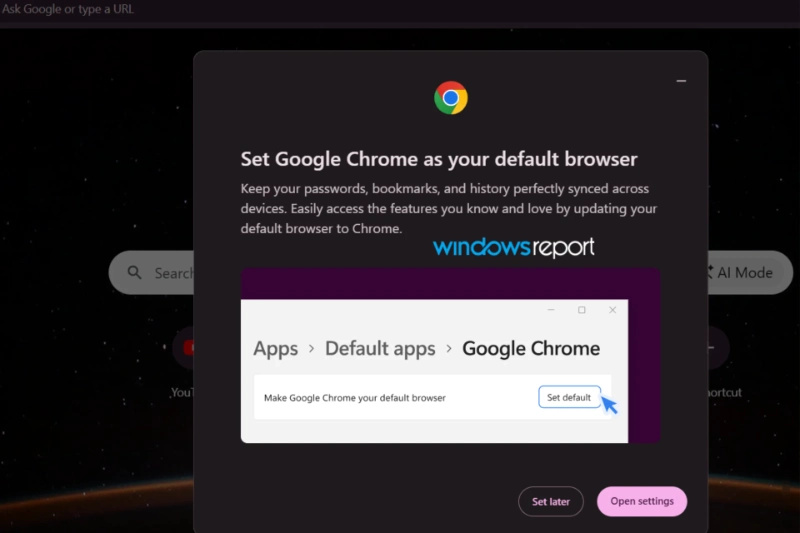
It gives you the option to “Open settings,” which would take you to the page where you hit “Set default” to make Chrome your default browser. Another option is “Set later.” Chrome also shows you a screenshot that depicts the exact setting you have to toggle.
The original source also mentions that the pop-up reappears whenever you restart the browser if you use the “Open settings” button and then proceed to not set it as the default. The “Set later” option has not been tested yet. Either way, that’s particularly annoying, since it’s intrusive and distracting. The pop-up is treated as a separate window (since there’s a minimize option).
I’ve tried to replicate these findings on Chrome Canary and Chrome Beta. However, since I’m on macOS, the test has probably not reached me yet. You might see it on Chrome Beta if you’re on Windows. Furthermore, the scale of this test is unclear; it could just be a handful of users selected for this.
 Whether Google would make this prompt appear in the stable version of the browser isn’t confirmed, but since it has moved past Canary and landed in the Beta version, there’s a good chance it will. Ideally, it takes two weeks for a Beta version to move to the stable channel.
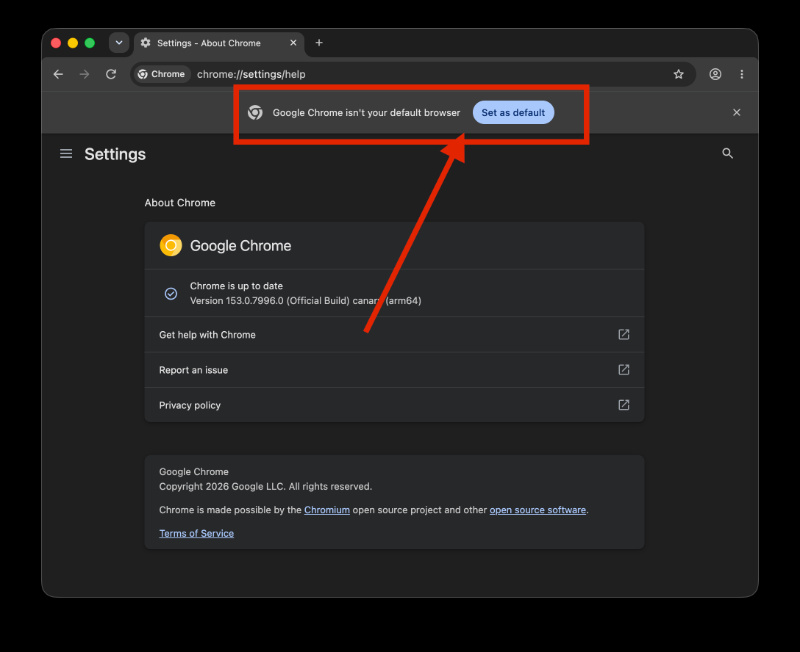
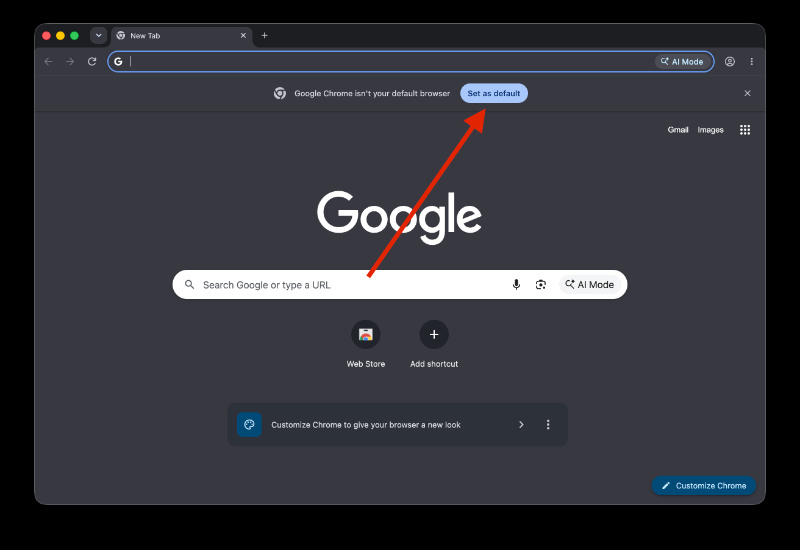
Since the prompt doesn’t appear on both Canary and Beta on macOS, Google has probably not added it for Macs yet. I just found the usual banner that appears, but there’s no pop-up right after starting the browser up, at least for now.
In other Chrome news, you can soon view downloaded files with your native default selections on the Android version. More on that here.


Sudhanshu K
247 Posts
I have been a consumer technology enthusiast for over 5 years. Thanks to my experience in software beta testing and product reviews, I've understood and learnt a lot about what bugs and issues bother people, and I spend time trying to simplify their solutions. I cover smartphones, software, social media, apps, AI, and most consumer tech gadgets. Actively pursuing a Computer Science bachelor’s degree. I'm mostly active on Twitter/X (@TechWhirlUlt), drop a DM or tag me if you want to share info or connect!
Next article View Article