Instead of just using the AI Mode on Google as a replacement for search, there are several practical features it offers that save your time and reduce the number of continuous searches you need to perform. If you’re someone who dislikes the process of reading through multiple websites for dinner, travel, or movie plans, Google’s AI Mode does theoretically simplify it.
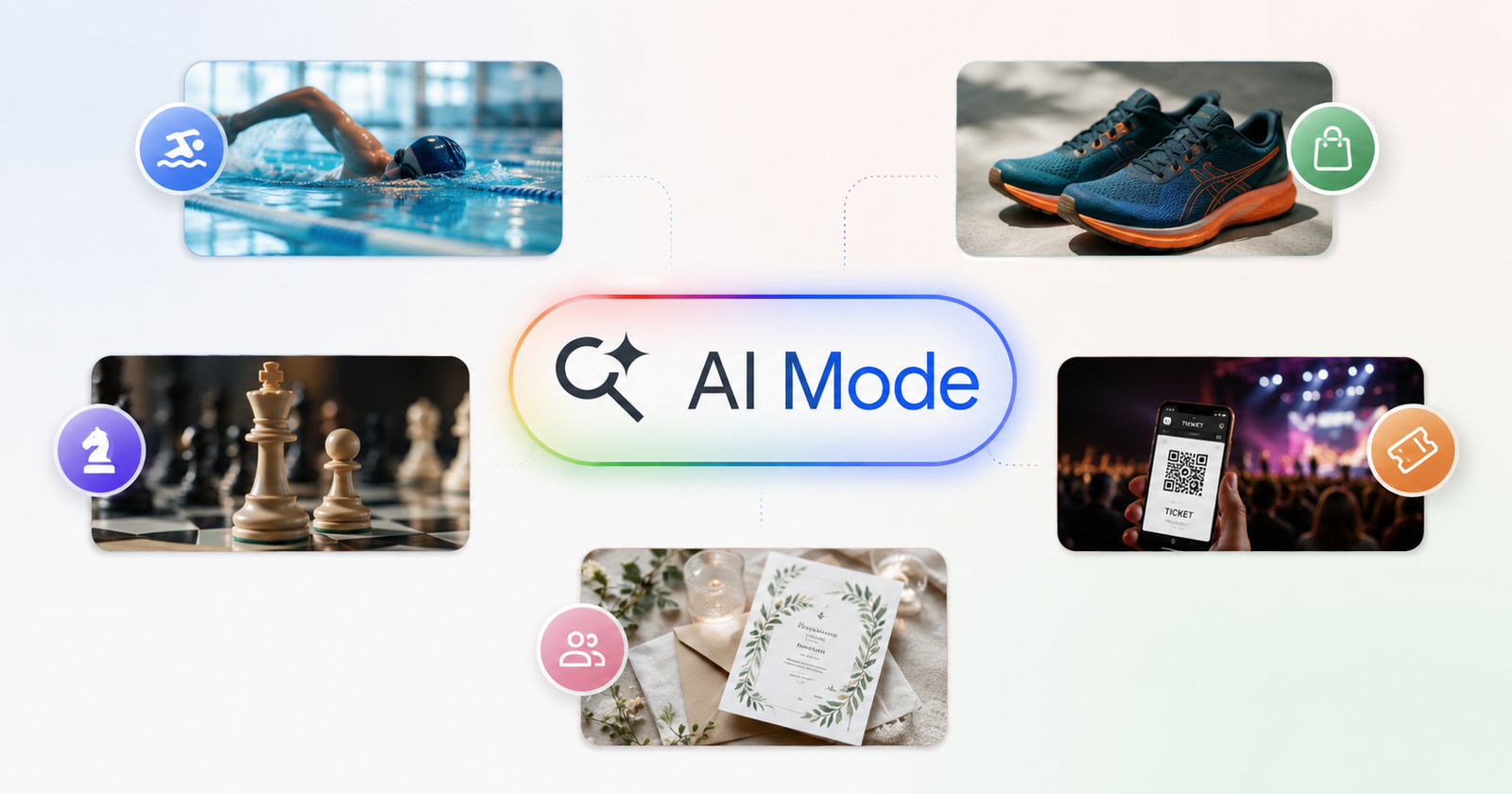
Google recently published a blog that describes 5 ways in which AI Mode can assist with your offline activities. The theme seems to be focused on outdoor activities and using technology to connect with the real world. This is likely because there’s an increase in Google searches lately for terms such as “Digital detox” or “Touch grass.”
The first one describes how you can use AI Mode to find classes for specific skills you want to build, or for sports activities. For example, I’ve asked Gemini about the best swimming coaching centers in a specific area. It gives me the locations, highlights the prices, and provides a roundup.
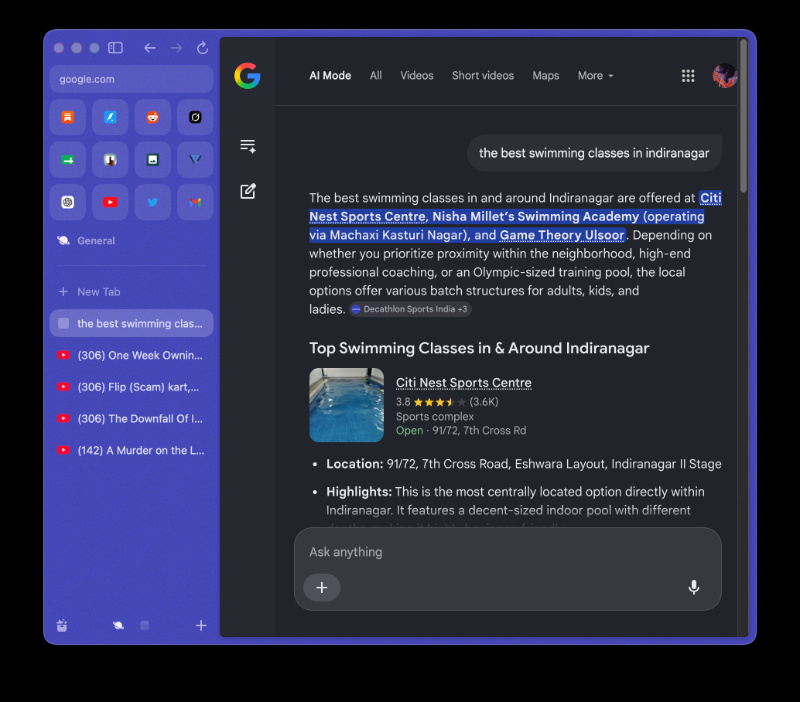
You can also ask follow-up questions regarding contact numbers or emails, active days, pricing, or ask it to summarize the reviews. If you’ve connected Gemini to your Calendar, you’ll also get suggestions that fit your existing schedule.
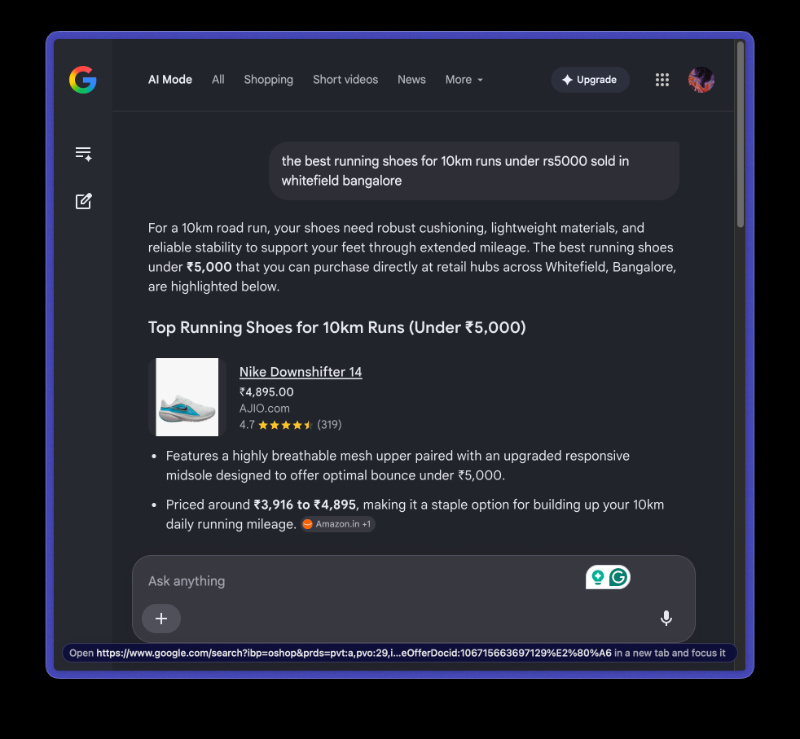
Moving on, the next demonstration in the blog illustrates how AI Mode can act as a buying guide for outdoor gear. In this example, I’ve asked it for the best running shoes sold in a specific area, at a specific price point. As usual, you can ask follow-up questions, filter the results more, and ask for a summary of reviews.
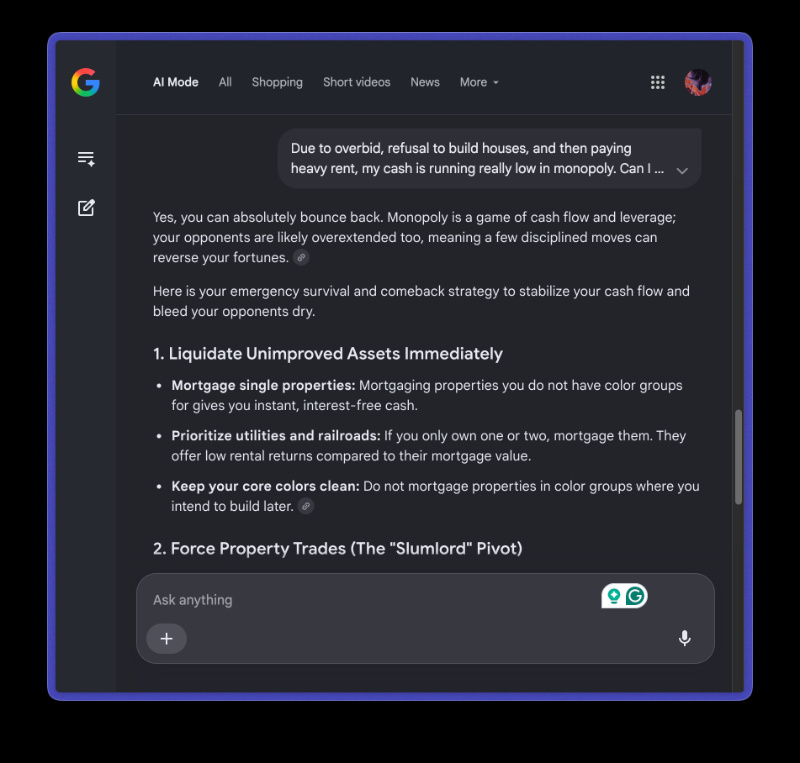
After this, Google’s AI can also help “perfect your strategy.” While the given example is about Chess, you can query the AI about…anything. For example, I’ve asked about Monopoly.
Another interesting use case is booking tickets to offline events. You can ask Google about upcoming tours from artists, sports games, movies, and more. If it’s for a sports game, you can also specify a budget.
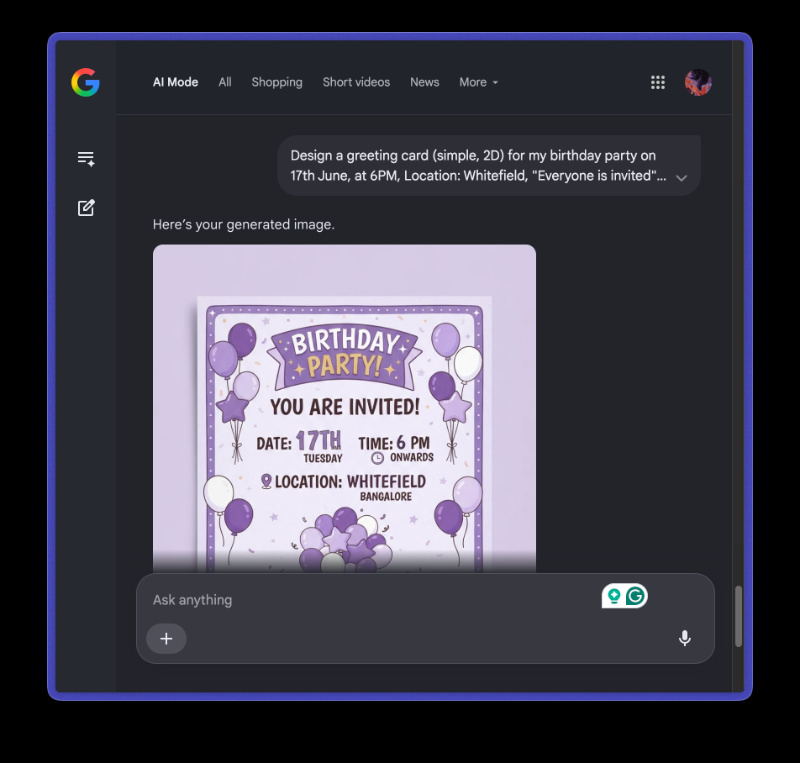
You can also use Google to generate images of invitations to family gatherings or friend meetups.
Speaking of gatherings and parties, Google also published a blog about how AI Mode can help you host a fun party. You can visualize the table, look up recipes and get their ingredient lists, recommend pairings, design a menu, and so much more.
Featured image: AI


Sudhanshu K
308 Posts
I have been a consumer technology enthusiast for over 5 years. Thanks to my experience in software beta testing and product reviews, I've understood and learnt a lot about what bugs and issues bother people, and I spend time trying to simplify their solutions. I cover smartphones, software, social media, apps, AI, and most consumer tech gadgets. Actively pursuing a Computer Science bachelor’s degree. I'm mostly active on Twitter/X (@TechWhirlUlt), drop a DM or tag me if you want to share info or connect!
Next article View Article