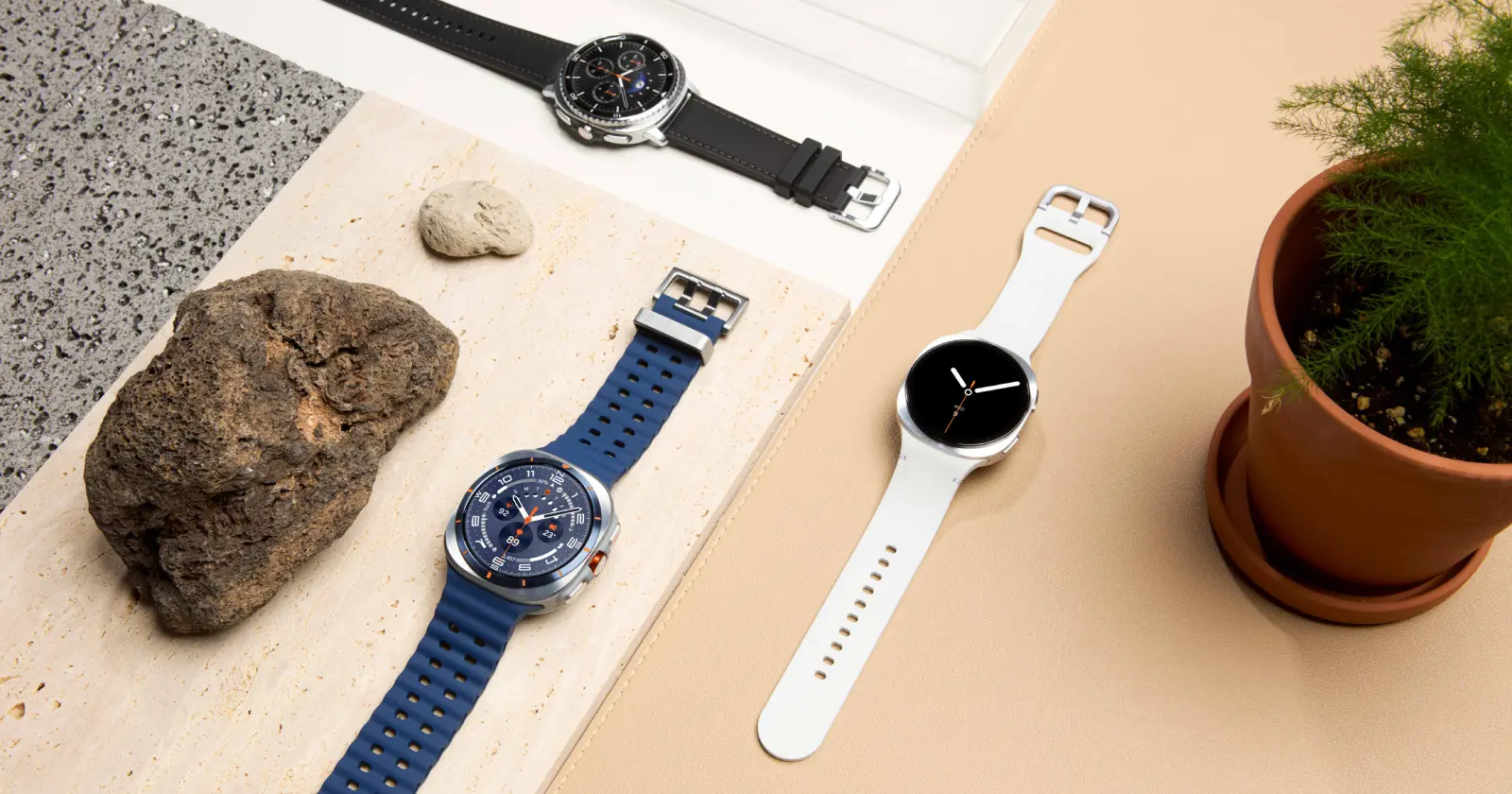
Samsung’s browser for Wear OS has always been a bit of an odd app. Most people probably open it once, realize browsing the web on a tiny watch screen isn’t exactly fun, and never touch it again. Even so, Samsung keeps adding new features to it.
The latest one is something almost nobody was asking for.
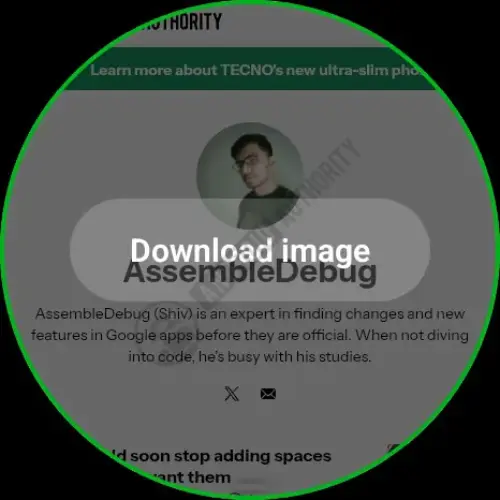
According to Android Authority, the Samsung Browser app on Wear OS now lets you download images and GIFs directly from websites. If you come across a picture while browsing, you can simply press and hold it to bring up a new Download image option.
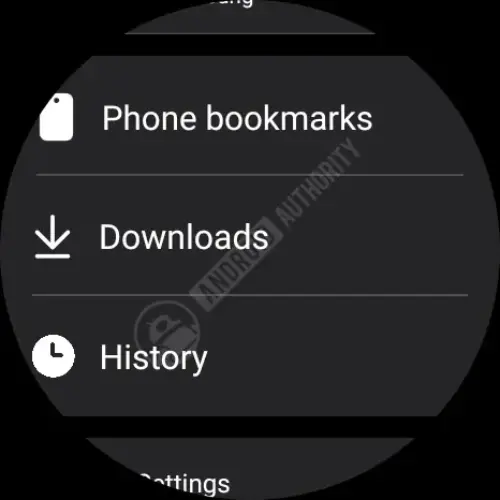
Downloaded files are stored in the watch’s internal Downloads folder, and the browser now includes a dedicated Downloads section on its home page where you can see everything you’ve saved. There’s one catch, though. The browser only shows thumbnails of the downloaded files. If you actually want to open them, you’ll need a third-party gallery or file manager app installed on your watch.
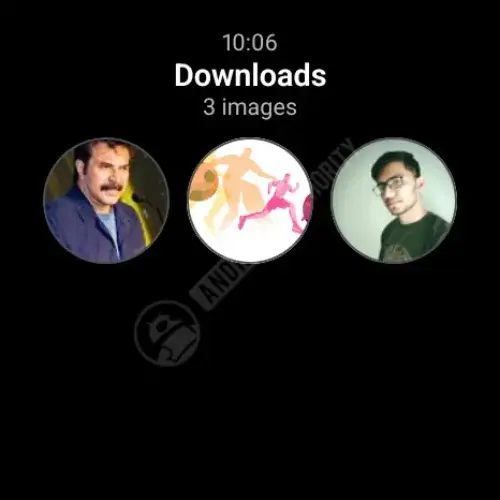
The publication also noted that Samsung currently supports PNG, JPG, JPEG, and GIF files, with a maximum file size of 10MB. You can also delete downloaded images individually or select multiple files at once if you want to clean up your storage.
Realistically, this isn’t going to change how most people use their Galaxy Watch.
Browsing the web on a smartwatch is still a niche activity. Reading articles, scrolling through image-heavy websites, or downloading pictures isn’t something that naturally fits on a display that’s barely a couple of inches across. Most people will still reach for their phone within seconds.
Still, there are a few situations where this could actually come in handy. Maybe you quickly want to save a QR code, a boarding pass image, a meme someone sent you, or a reference photo while your phone isn’t nearby. Those aren’t everyday scenarios, but they’re not impossible either.
More than anything, this update shows that Samsung hasn’t forgotten about its browser on Wear OS. While Google’s own browser experience on smartwatches remains fairly limited, Samsung continues to add small quality-of-life improvements to an app that many people probably didn’t even know existed.
Will image downloads suddenly make people browse the web on their watches every day? Probably not.
But if you’re one of the few people who occasionally opens Samsung Browser on your Galaxy Watch, it’s one more thing the app can do now.


Dwayne Cubbins
3128 Posts
I cover fast-moving stories across apps, online platforms, and everyday tech — phones, wearables, consoles, and whatever else people are fighting with this week. Bugs, rollouts, scams, policy enforcement, and the occasional internet-culture rabbit hole are all fair game. My goal is simple — make confusing tech news readable. When I'm not working, I'm working out or chilling with my dog. Got a tip? You can find me on X @dcubbins.
Next article View Article