Microsoft is tightening security for organizations that rely on Microsoft Purview Information Protection, and the browser is at the center of this change. Starting in August 2026, Microsoft Edge will begin enforcing screenshot restrictions for protected PDF documents opened in the OneDrive for Business and SharePoint web viewers. While the feature itself isn’t entirely new (desktop apps already respect these protections), this rollout finally closes a long-standing gap in the web experience. More interestingly, Edge will be the only browser enforcing the restriction at launch.
Edge becomes the preferred browser for protected enterprise documents
Microsoft says the update extends the “Do Not Allow Screen Capture” protection to PDFs rendered inside the OneDrive and SharePoint web viewers when they’re accessed through Microsoft Edge. Browser-rendered PDFs previously didn’t enforce this Microsoft Purview Information Protection (MIP) control, creating an inconsistency between desktop applications and the web. But once the rollout is complete, organizations using sensitivity labels with No Copy (EXTRACT) Permission will have those restrictions enforced automatically in Edge.
In practice, that means users won’t be able to take screenshots of protected PDFs opened through the supported web viewers in Microsoft Edge. The enforcement is enabled by default wherever applicable, respects existing Purview sensitivity labels and policies, and doesn’t affect PDFs without protection or labels that don’t restrict copying.
But only Microsoft Edge supports it
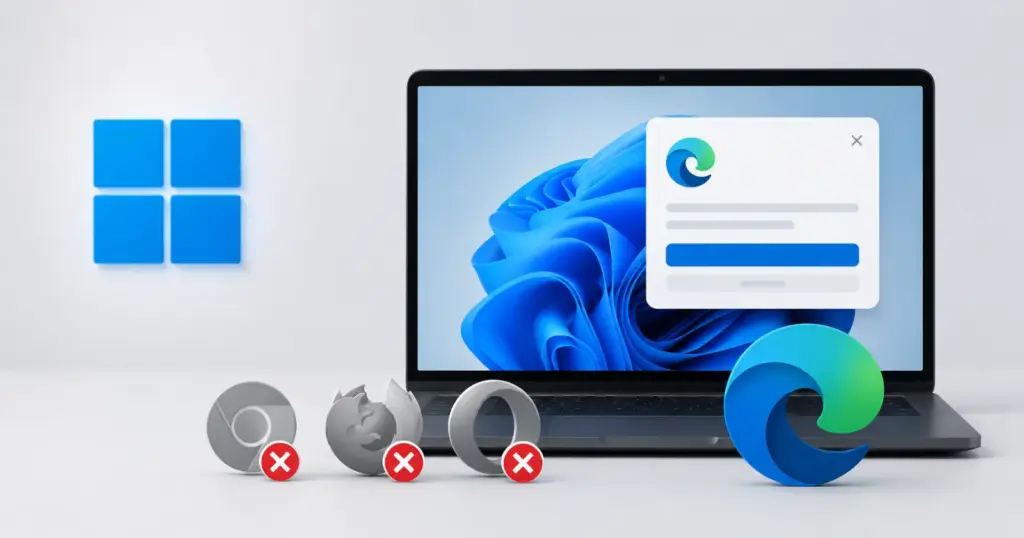
This is the part that immediately stood out to me. Microsoft explicitly states that other browsers and mobile web aren’t supported at general availability. That means organizations relying on Chrome, Firefox, Brave, Opera, Vivaldi, or any Chromium-based browser other than Edge won’t get the same screenshot enforcement for protected PDFs during the initial rollout.
Microsoft also warns that users opening protected PDFs outside Edge “may not have consistent enforcement.” That’s a significant distinction because it effectively makes Edge the only browser capable of delivering Microsoft’s intended protection model for these documents.
For enterprises handling confidential contracts, financial reports, legal paperwork, or internal documentation, browser choice could suddenly become part of their security policy.
Organizations may need to standardize on Edge
The rollout could also change how IT administrators manage browser deployments. Microsoft recommends that organizations:
- Review existing sensitivity labels that remove Copy (EXTRACT) permissions.
- Update internal helpdesk documentation so employees understand why screenshots may suddenly stop working.
- Notify users about the upcoming change before it rolls out.
- Consider using Conditional Access or browser management policies to ensure employees access protected PDFs through Microsoft Edge.
The company also notes that administrators should enable Microsoft Purview Information Protection support in Edge to ensure the feature works as intended. In other words, organizations that have allowed employees to choose whichever browser they prefer may now have a compelling security reason to steer them toward Edge, at least when accessing sensitive documents stored in Microsoft 365.
Rollout begins in August
According to Microsoft, the feature will roll out in two phases:
- Targeted release: Early August through mid-August 2026
- General availability (worldwide): Mid-August through late August 2026
Once available, the protection will automatically apply to supported PDFs opened in Microsoft Edge without requiring administrators to enable a new setting.
While this update won’t change anything for everyday users opening regular PDFs, it marks another step in Microsoft’s broader effort to make Edge the preferred browser for enterprise workloads. And by making Edge the only browser with consistent enforcement for protected PDFs, Microsoft is giving organizations yet another reason to standardize on its browser.


Hillary Keverenge
2723 Posts
Tech has been my playground for over a decade. While the Android journey began early, it truly took flight with the revolutionary Lollipop update. Since then, it's been a parade of Android devices (with a sprinkle of iOS), culminating in a mostly happy marriage with Google's smart home ecosystem. Expect insightful articles and explorations of the ever-evolving world of Android and Google products coupled with occasional rants on the Nest smart home ecosystem.
Next article View Article