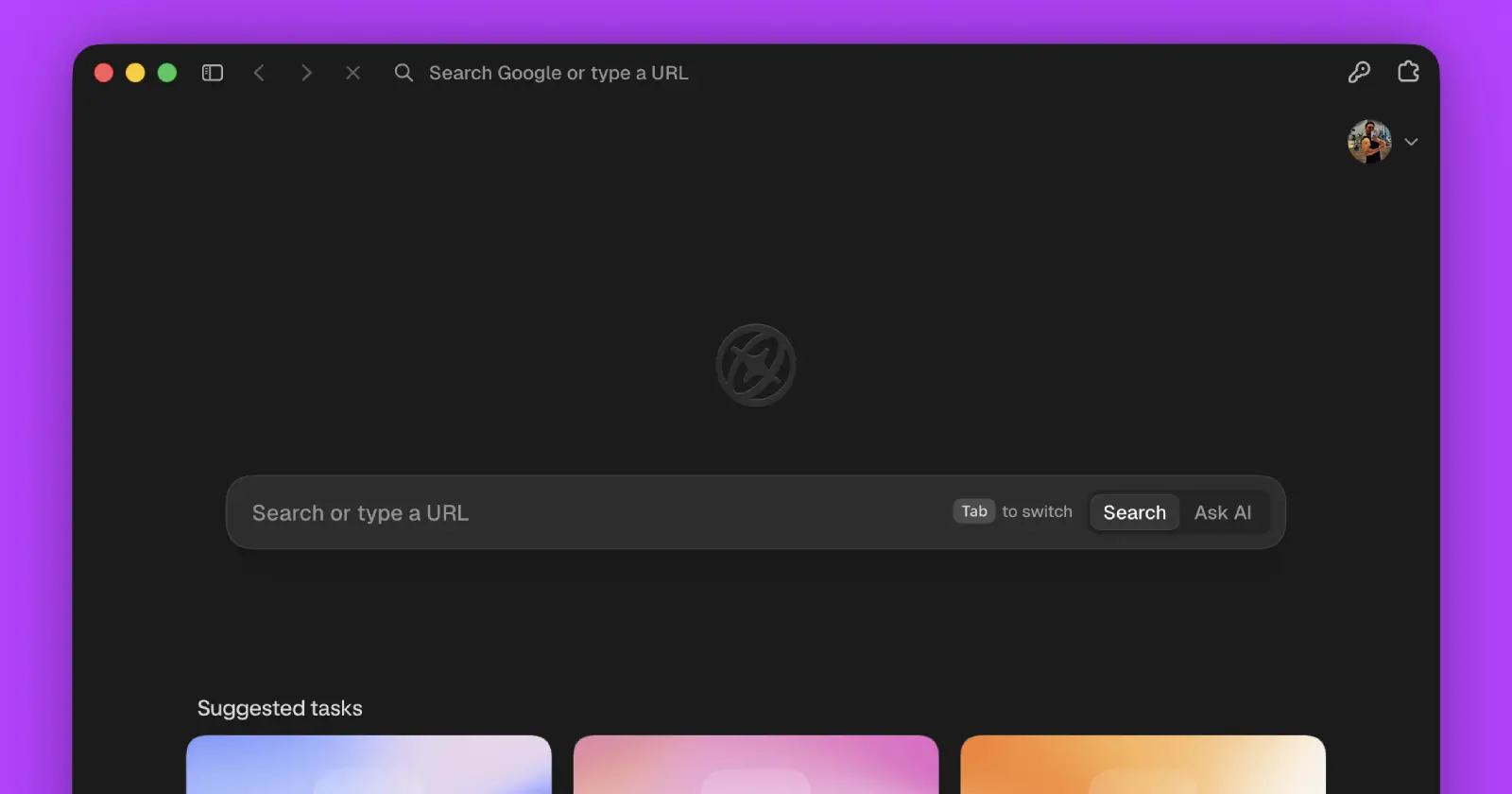
Aside just added profile switching, and anyone who spent time using Arc will probably recognize the idea right away.
The new feature lets you keep multiple browsing profiles inside the same window, so there’s no need to keep separate windows open just to switch between work, personal, or other setups. On macOS, users with vertical tabs can swipe left or right on the trackpad to move between profiles. Those using horizontal tabs can switch from the profile icon instead. Keyboard shortcuts are supported too, with Ctrl + 1 through 9 jumping directly to a profile.
This week, we shipped Profile switcher.
Now, you can swipe across the sidebar to switch profiles in a same window. If you were a fan of Arc Space, you would love ours too. pic.twitter.com/J1ZLyEfXdv— Aside (@AsideAI) July 15, 2026
Aside isn’t pretending the idea came out of nowhere either. The company said, “If you were a fan of Arc Space, you would love ours too.”
That’s a pretty clear nod to Arc, whose Spaces feature became one of the biggest reasons people stuck with the browser. It made it easy to separate different parts of your online life without feeling like you were constantly managing a pile of browser windows. Even after Arc shifted its focus away from active development, plenty of users continued looking for something that offered a similar experience.
Aside’s version feels like it was designed alongside the rest of the browser rather than squeezed in later. Since the interface already revolves around vertical tabs and trackpad gestures, swiping between profiles feels like a natural extension of the existing workflow.
That said, the profile switcher isn’t the only new feature the team has added.
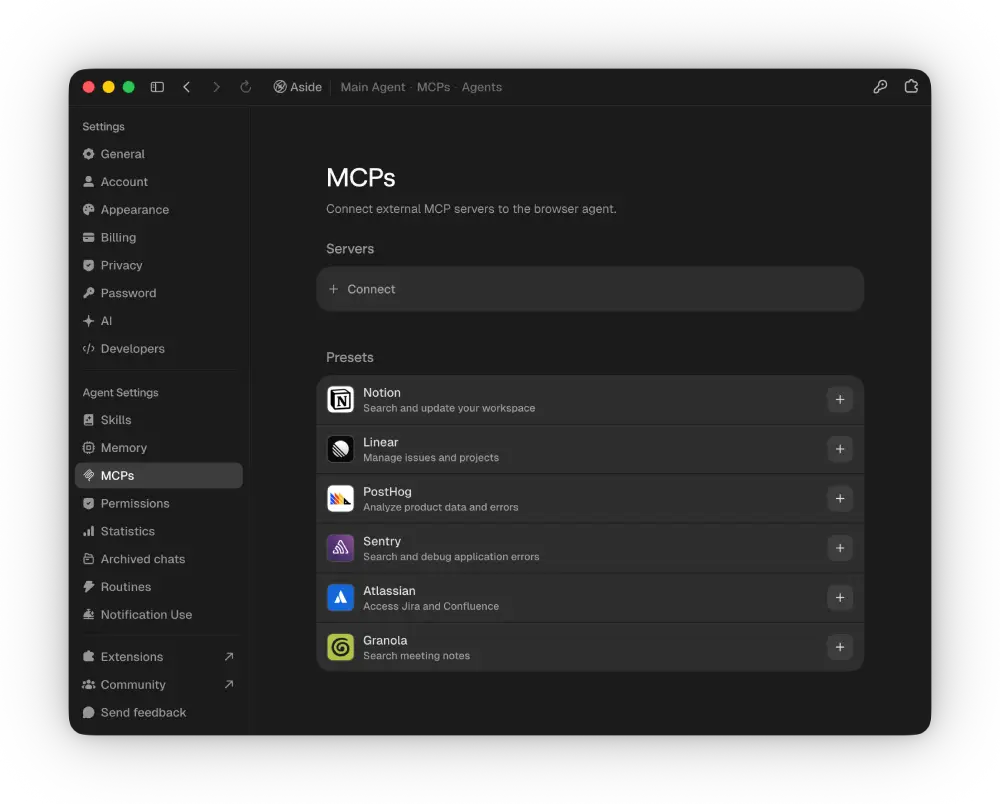
Aside now supports connecting directly to MCP servers, making it possible for its AI agent to interact with external tools. The company says that could be used for tasks like turning meeting notes into follow-up emails.
The release also adds more AI models, a new option to recover archived chats from Settings, and memory extraction that reportedly uses around 60 percent less RAM than before.
If you’ve been following PiunikaWeb lately, then you’re probably aware that Aside has been shipping updates almost every week, with each release adding another feature or refining performance instead of waiting for larger milestone releases. That pace has helped it stand out while other AI browsers continue trying to figure out what actually makes them useful beyond simply adding a chatbot.
If you want to see everything included in this release, Aside has published the complete changelog, along with its announcement on X.


Dwayne Cubbins
3072 Posts
I cover fast-moving stories across apps, online platforms, and everyday tech — phones, wearables, consoles, and whatever else people are fighting with this week. Bugs, rollouts, scams, policy enforcement, and the occasional internet-culture rabbit hole are all fair game. My goal is simple — make confusing tech news readable. When I'm not working, I'm working out or chilling with my dog. Got a tip? You can find me on X @dcubbins.
Next article View Article