





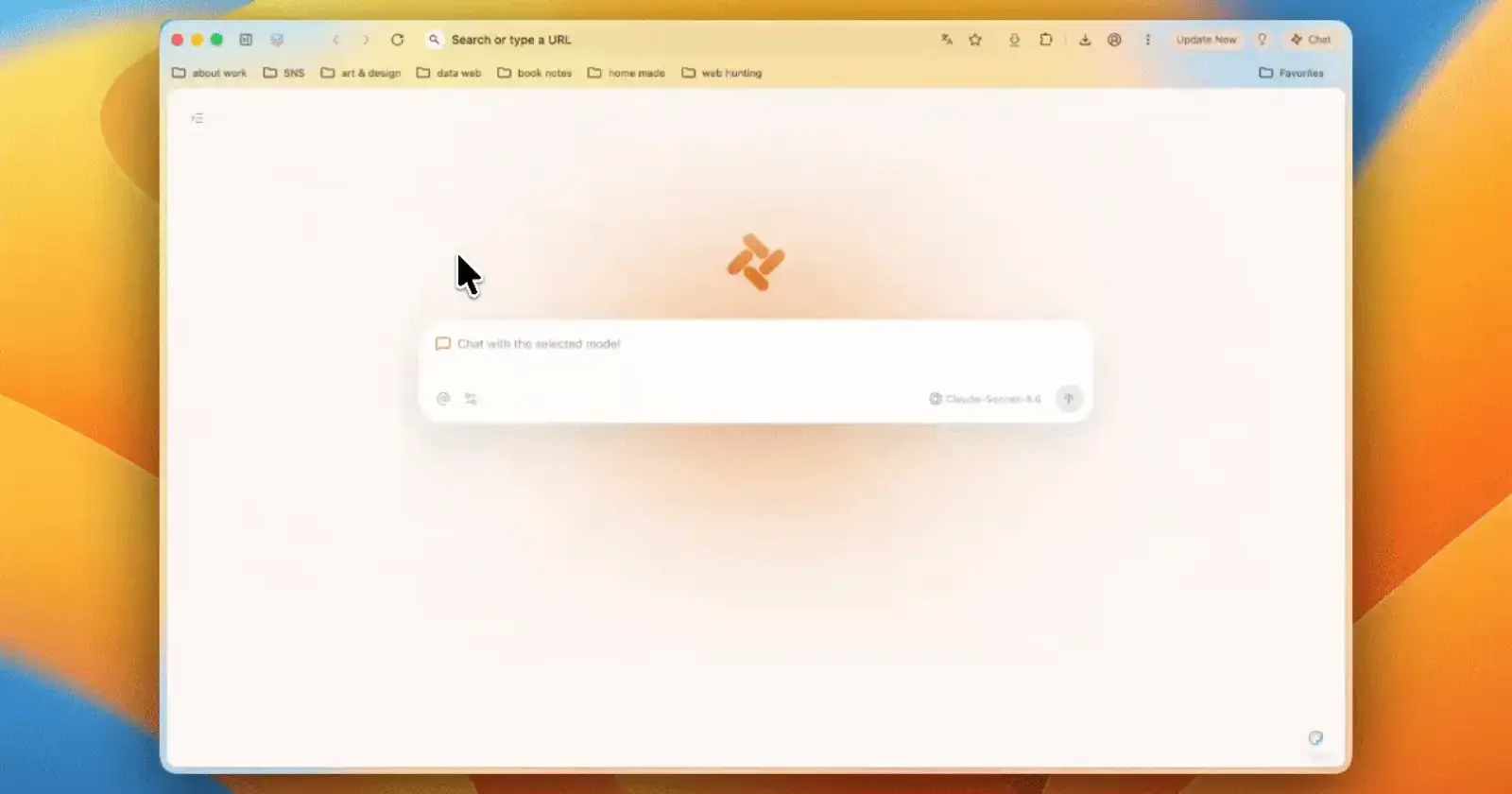
Tabbit has been shipping updates at a pretty ridiculous pace lately. A few days after opening the doors to more premium AI models for free, the browser is back with version 1.4. This update doesn’t bring any flashy new features and instead focuses on addressing some pain points users had.
Still, the first thing you’ll probably notice is support for GPT-5.6. Qwen3.7-Max has also joined the list of available models, so there’s another option sitting alongside the existing ones. Keep in mind that you can still use these models for free.
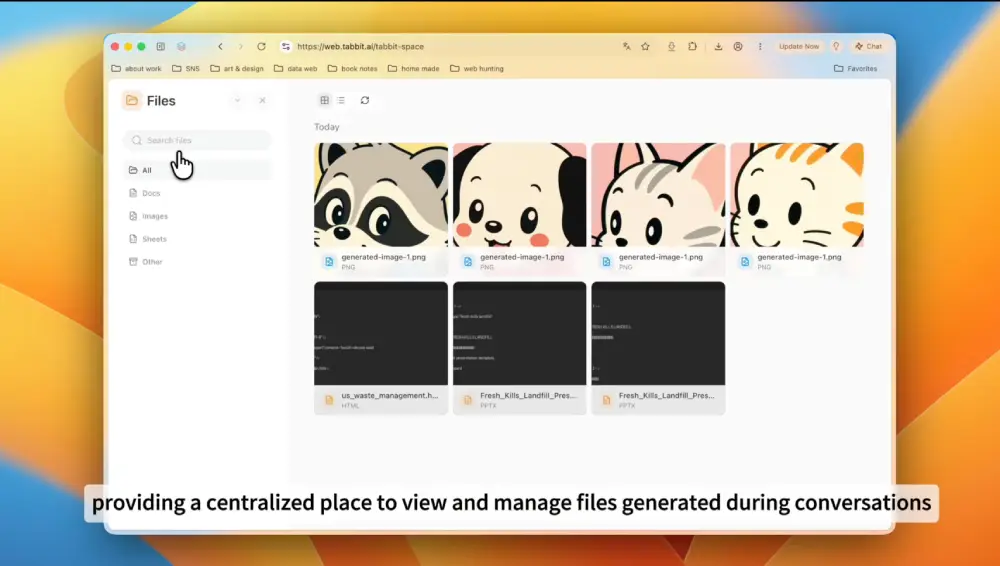
That said, I actually think the more useful addition is the new Files page.
I didn’t spend enough time with the previous version to run into this myself, but Tabbit says version 1.4 adds a Files page that collects everything the AI generates in one place. Images, PDFs, spreadsheets and other outputs now show up in a dedicated section on the sidebar instead of being tied to individual chats.
Deep Research is new as well. You can launch it from the Task Shortcuts menu without leaving the chat you’re already in. Plenty of AI products have their own version of research mode now, so it wasn’t surprising to see Tabbit add one too.
The browser itself picked up a Chromium 149 base in this release. Tabbit says that includes the biggest round of security hardening the Chromium project has shipped so far. There’s also a small usability tweak that lets you drag tabs directly into the pinned section, which feels like something that should’ve been there from the start.
What’s New in Tabbit V1.4
Files is now on the homepage, giving you one place to manage Tabbit-generated files.
Deep Research is now available from Task Shortcuts during chat.
Powered by the latest GPT-5.6. Try it now. pic.twitter.com/BL5bwL6vNJ
— Tabbit (@TabbitBrowser) July 12, 2026
That said, with Chromium 150 already out, it’s hard to ignore the fact that Tabbit’s competition, which is the new Aside browser, had already shipped a release based on v150 last week itself. And with AI browsers being prone to security issues, it’s best to be on the latest releases as soon as possible.
Apart from this, there are some other small quality of life improvements. For example, you can finally display and customize your avatar in the profile area, and they even tweaked the interactive desktop pet feature with a cleaner right-click menu.

On the navigation side, tabs can now be dragged directly into a pinned area to save space.
I still want to spend more time with the update before saying whether it feels faster than the build I tried before. The browser could be a little sluggish in places when I used it, and that’s harder to fix than adding another AI model.
Still, Tabbit’s team isn’t slowing down on the updates. I’m looking forward to seeing what they have in store for us next.


Dwayne Cubbins
2806 Posts
I cover fast-moving stories across apps, online platforms, and everyday tech — phones, wearables, consoles, and whatever else people are fighting with this week. Bugs, rollouts, scams, policy enforcement, and the occasional internet-culture rabbit hole are all fair game. My goal is simple — make confusing tech news readable. When I'm not working, I'm working out or chilling with my dog. Got a tip? You can find me on X @dcubbins.