





You asked, now it's here: Opera One for iOS now syncs both ways!
— Opera (@opera) July 9, 2026
You can now sync Opera tabs, bookmarks and passwords between desktop and iPhone, and vice versa.
Plus: media controls in tabs, multimodal AI prompts, and file uploads directly from Iphone. pic.twitter.com/xGUaXc5IUW
Opera One for iOS now supports two-way sync for tabs, bookmarks, and passwords. Basically, data will automatically move in both directions between Opera desktop and iPhone.
Opera announced the update on its official X account; the post noted that users had asked for the feature.
The announcement also confirms that it works by signing in with the same Opera account on both platforms. After that, tabs, bookmarks, and passwords will sync automatically.
Until the latest release, sync on iOS was primarily one-way. The data flowed mainly from desktop to mobile. Earlier updates had specific import options, but there was no true bi-directional support. The new update makes syncing faster in both directions and adds clearer status information in account settings.
Additionally, it also brings media control for background tabs. Users can mute or unmute audio from the search bar. The update lets you upload files and images to AI search queries as well.
For anyone who switches between desktop and iPhone frequently in the day, the change removes the friction associated with one-sided syncing. Since open tabs, saved passwords, and bookmarks are now consistent, no further manual steps or workarounds are required.
These features have been introduced in version 6.6.2 of Opera on iOS. It’s already live, and you can look up “Opera” on the App Store and just hit Update. The update also fixes several bugs, new language support was added, and more. You can view the entire changelog below.
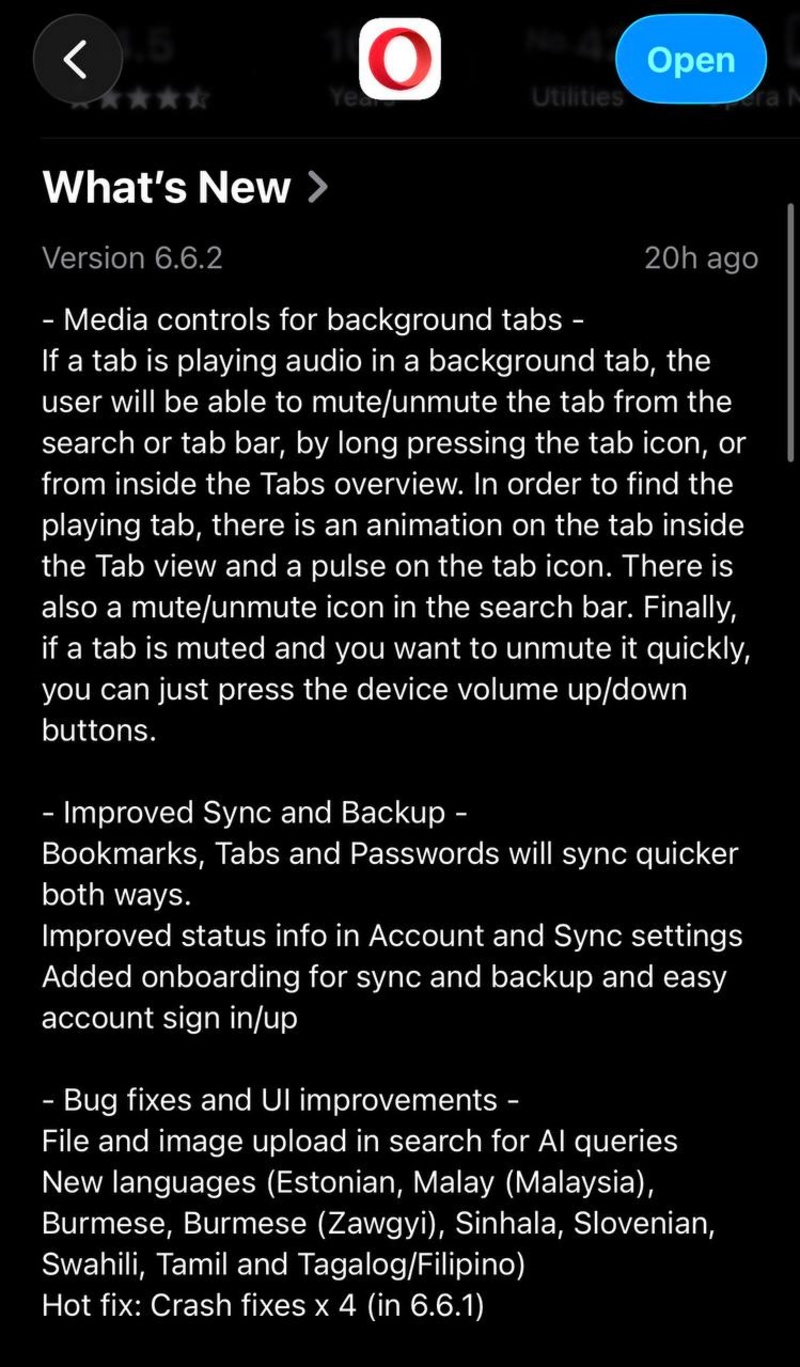
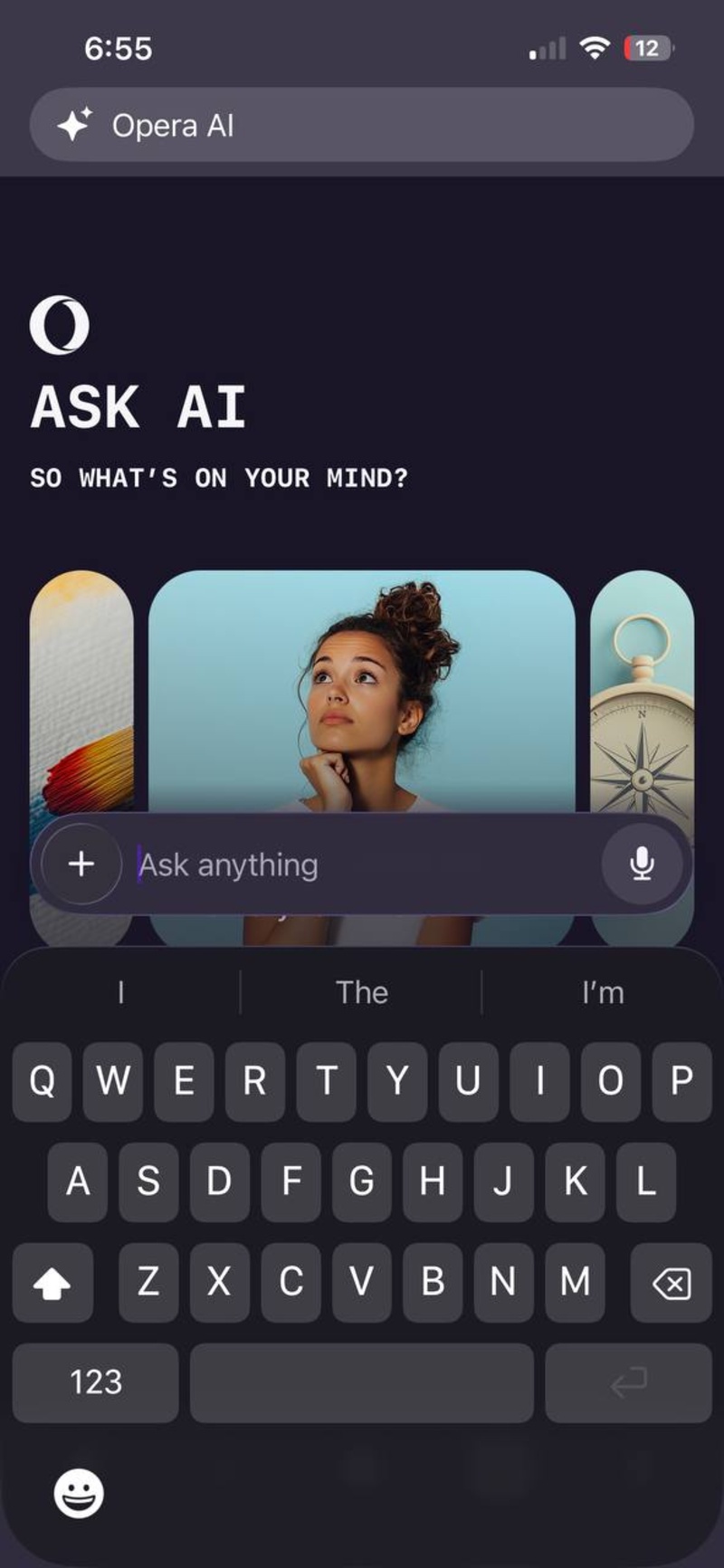
I’ve checked for the AI feature update, and sure enough, Opera AI now supports file and image uploads to the search queries.
In other Opera news, some security issues with GX modes have recently surfaced. We covered that here.

We stand out from the tech-media crowd because we break news stories; we mainly bring you stuff that you won’t find anywhere in the mainstream tech media. Our stories have been picked up by some of the world’s most popular websites and media outlets—more info is available here.

Sudhanshu K
354 Posts
I have been a consumer technology enthusiast for over 5 years. Thanks to my experience in software beta testing and product reviews, I've understood and learnt a lot about what bugs and issues bother people, and I spend time trying to simplify their solutions. I cover smartphones, software, social media, apps, AI, and most consumer tech gadgets. Actively pursuing a Computer Science bachelor’s degree. I'm mostly active on Twitter/X (@TechWhirlUlt), drop a DM or tag me if you want to share info or connect!
Next article View Article
Chrome's latest demo shows a brilliant way to use its built-in AI Mode
Google posted a Chrome advertisement demo that explains how the built-in AI mode can be useful. The specific example used was pottery, but you can also use it for...
Jul 12, 2026 1 Min Read