
The Dia browser has just received v1.39.2, and it brings a new feature called “Reports.” A Report is a well-designed document based on various topics, with graphical information as well.
On Dia Weekly, you can find further details about the update. While the chat option is still available for quick questions, Reports are a more digestible way of presenting the same information.
Dia has also explained some use cases for this feature. For example, a one-to-one conversation with someone from your team (or a superior at work) may require a well-presented summary document.
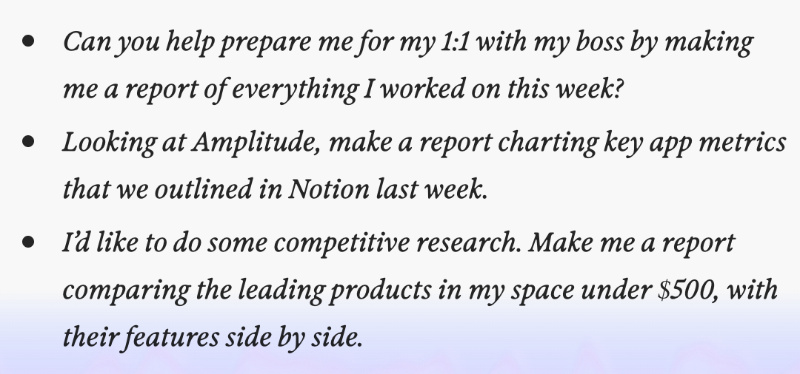
It can create a Report out of key app metrics outlined previously on tools such as Notion. It can also make a report that’s helpful for competitive business research. The exact prompts are in the image below, but you can ask Dia any other similar questions and get Reports from it.
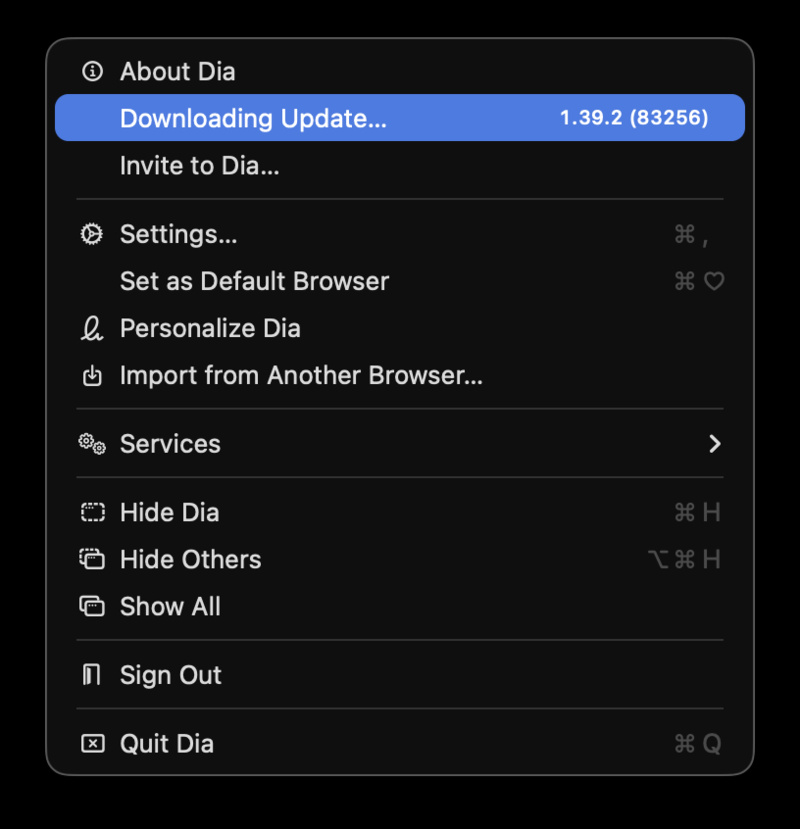
I’ve checked for this update myself, and sure enough, v1.39.2 has started downloading immediately after opening the browser.
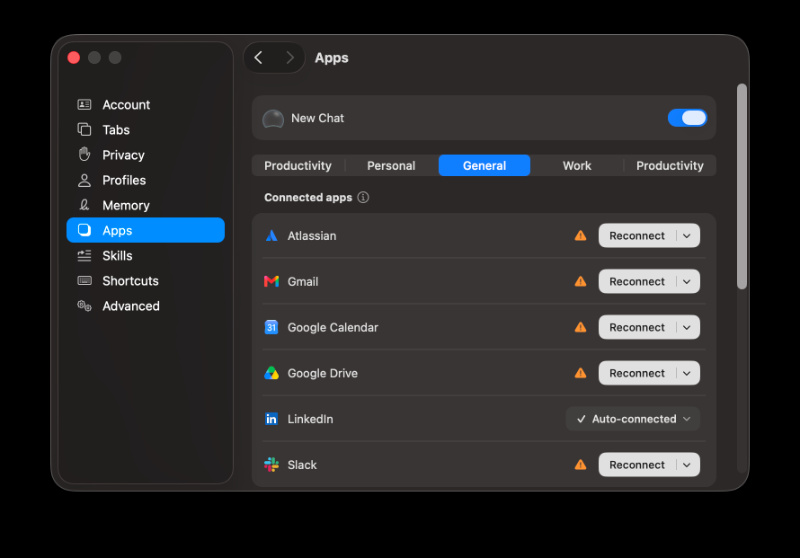
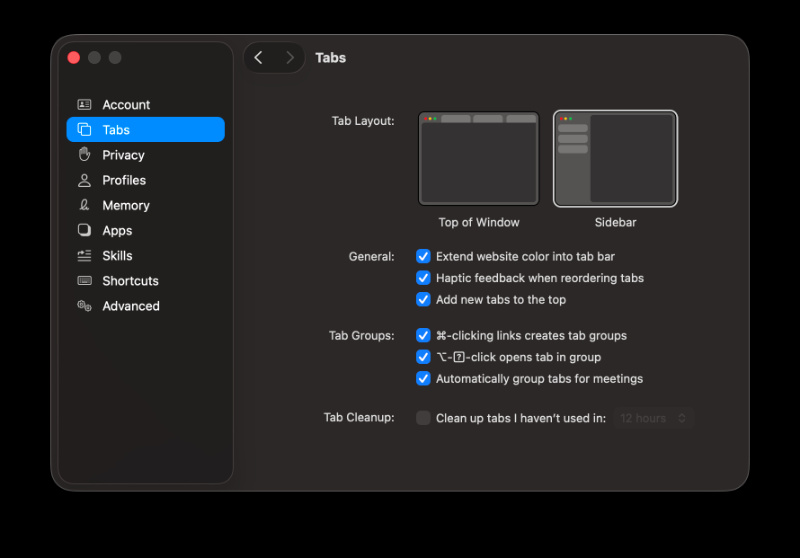
To turn on the Reports feature, you’ll need to head to Settings -> Apps, and then turn on New Chat from there.
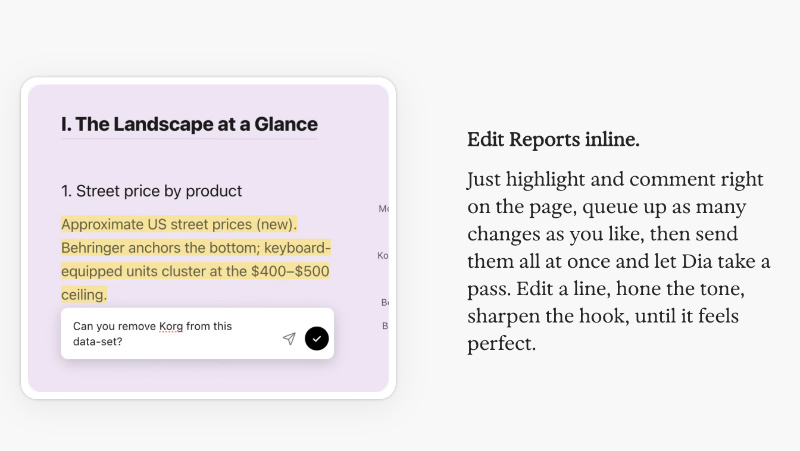
The article from Dia continues to explain how Reports do most of the work, but the finishing touches are still on the user’s end. You can edit Reports inline, so you can highlight certain areas, comment, improve the tone, and make other changes.
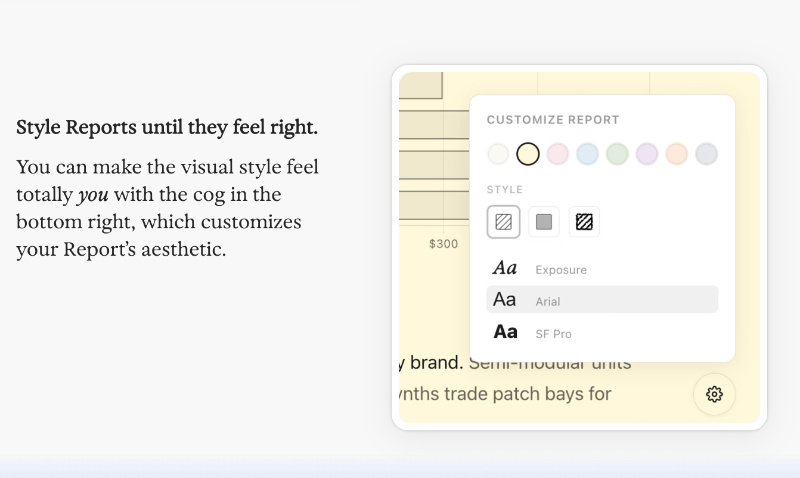
You can also pick a specific style, including the fonts and color scheme. Also, all your reports are in one place, in the Files menu.
“Reports” was the major feature that was added, but this update also brings some bug fixes:
- When you sync Bookmarks between synced devices, they won’t shuffle themselves.
- Dia also shows “thinking” in the conversation now, which you can expand to view.
- The sidebar navigation has improved, and you can now move between pages more easily.
Alongside these changes, version 1.39.1 also added a new design for the Settings menu. It resembles the macOS style now.
While the Reports feature looks interesting, it’s still weird how we don’t have Spaces yet. It has been pushed to July (as we reported previously), but it hasn’t yet made it to Dia. The browser still has not added the “Little Arc” windows feature either, and these are long overdue.


Sudhanshu K
328 Posts
I have been a consumer technology enthusiast for over 5 years. Thanks to my experience in software beta testing and product reviews, I've understood and learnt a lot about what bugs and issues bother people, and I spend time trying to simplify their solutions. I cover smartphones, software, social media, apps, AI, and most consumer tech gadgets. Actively pursuing a Computer Science bachelor’s degree. I'm mostly active on Twitter/X (@TechWhirlUlt), drop a DM or tag me if you want to share info or connect!
Next article View Article