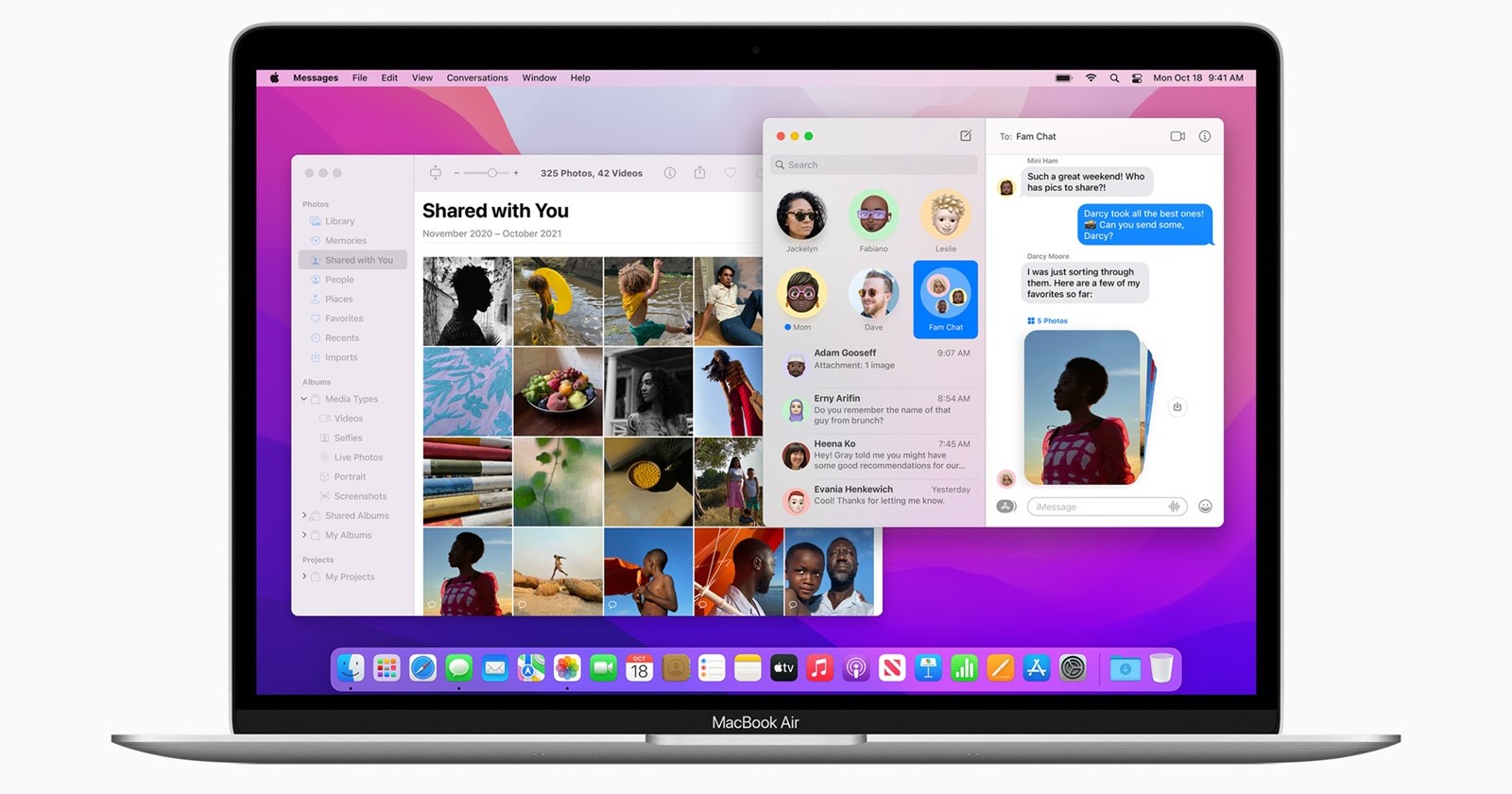
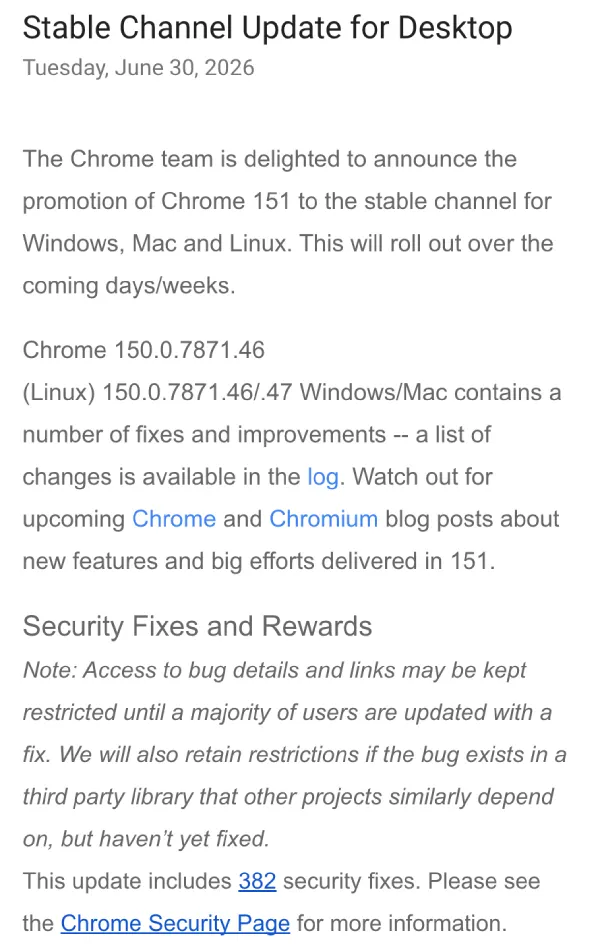
When Google announced the rollout of Chrome 151 to the stable channel this week, it wasn’t just another routine browser update. For Mac users still running macOS 12 Monterey, it marks the moment Google’s earlier promise becomes reality: Chrome 150, which is currently rolling out with 382 security fixes, is now the last version they’ll ever receive.
The company confirmed back in January that Chrome 150 would be the final release supporting Monterey, with Chrome 151 becoming the first version to require macOS 13 Ventura or later. Now that Chrome 151 is beginning its stable rollout, that transition is officially underway.
Chrome 150 is the final stop for macOS Monterey
Earlier this year, Google announced:
“Chrome 150 is the last version of Chrome that will support macOS 12 (Monterey). Chrome 151… is the first version of Chrome that requires macOS 13 Ventura or later.”
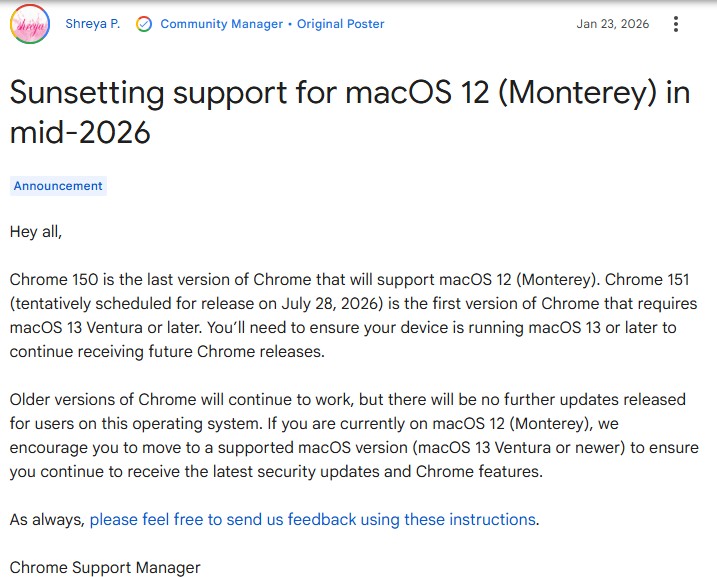
That means Macs running Monterey will remain on Chrome 150 while devices running Ventura and newer continue receiving Chrome updates. Although Chrome 151 is now being promoted to the stable channel, Monterey users won’t be receiving it.
Chrome won’t suddenly stop working on Monterey devices
There’s some good news. Google isn’t disabling Chrome on Monterey. If you’re already running Chrome 150, your browser will continue to launch, browse websites, sync bookmarks, and access your Google account just as before. What’s changing is the update cycle.
Chrome 150 becomes the browser’s final destination on Monterey. From this point forward, users on macOS 12 will no longer receive new Chrome features, security patches, performance improvements, bug fixes, or future browser releases.
So while Chrome itself continues functioning, it effectively enters long-term retirement.
Why Google is ending Chrome support on macOS Monterey
Google periodically raises Chrome’s minimum operating system requirements as older versions of macOS reach the end of their practical support lifecycle. Doing so allows the browser to take advantage of newer operating system APIs, security technologies, and platform improvements without maintaining compatibility with increasingly outdated software.
Beginning with Chrome 151, that minimum requirement is now macOS 13 Ventura. That also includes newer releases such as Sonoma, Sequoia, and future supported versions of macOS.
If your Mac supports Ventura or a newer version, upgrading macOS is the simplest way to continue receiving Chrome updates. If your hardware can’t move beyond Monterey, Chrome 150 will remain usable, but it will no longer receive new features or future security patches. That’s not an immediate reason to panic (unsupported browsers don’t suddenly stop working), but it does mean your browser will gradually fall behind as the web and Chrome itself continue evolving.
From here on, Macs running Ventura and newer move forward with Chrome 151 and future releases, while Monterey users remain on Chrome 150, the last chapter in their Chrome update story.


Hillary Keverenge
2723 Posts
Tech has been my playground for over a decade. While the Android journey began early, it truly took flight with the revolutionary Lollipop update. Since then, it's been a parade of Android devices (with a sprinkle of iOS), culminating in a mostly happy marriage with Google's smart home ecosystem. Expect insightful articles and explorations of the ever-evolving world of Android and Google products coupled with occasional rants on the Nest smart home ecosystem.
Next article View Article