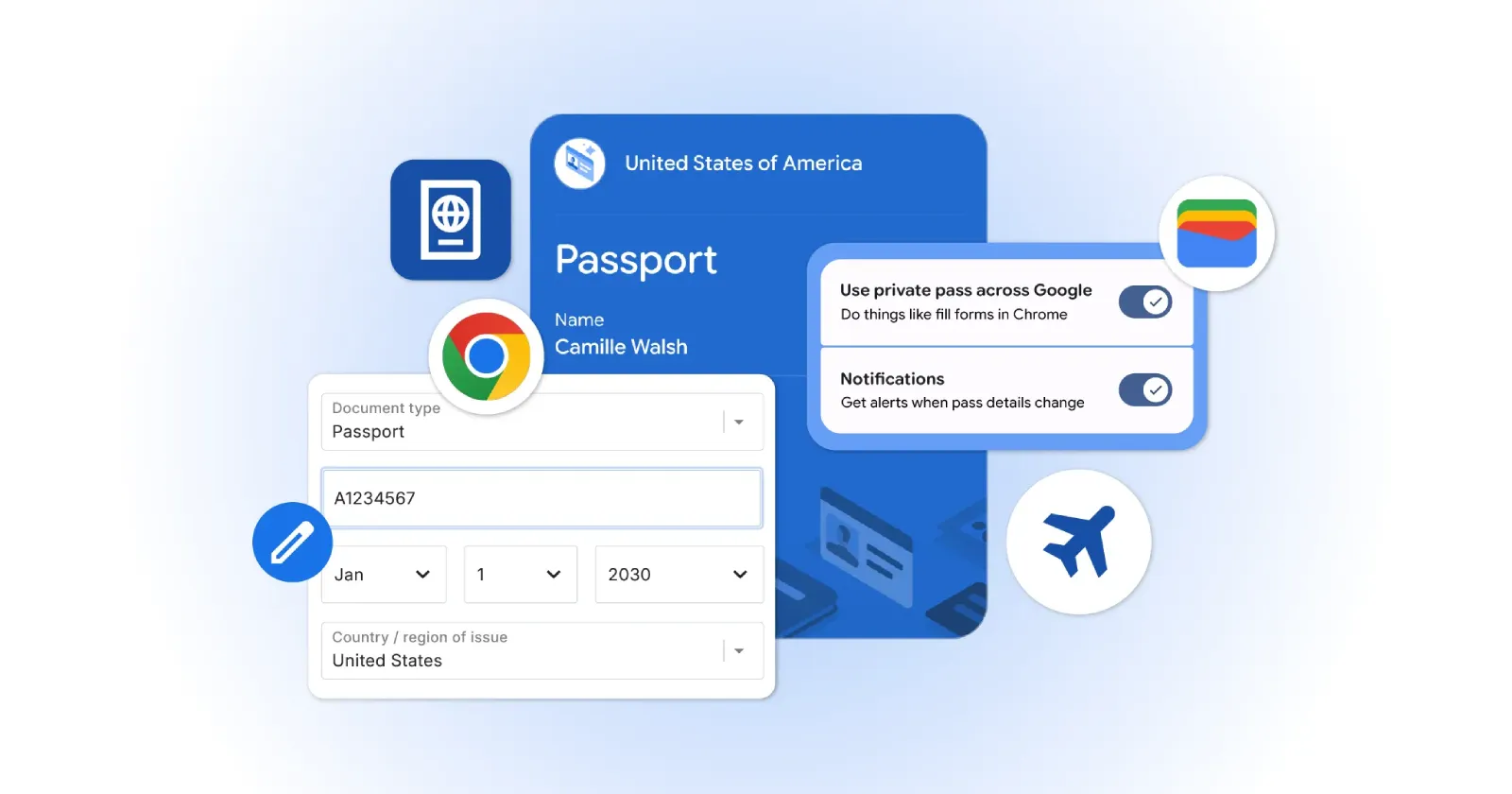
The browser can now pull your passport number, driver’s license, or Known Traveler Number straight out of Google Wallet and drop it into online forms with a single tap. It works on both Android and iOS today, and it’s a small but practical improvement that frequent travelers will actually find helpful.
Anyone who’s tried to book a domestic flight on their phone knows the drill. You’re tapping out the same long ID string for the third time, fighting autocorrect on a tiny keyboard, and praying the page doesn’t refresh and wipe everything. Add a couple of family members on senior fares and you’re suddenly managing multiple documents under one booking. This new integration skips most of that typing.
Security hasn’t been ignored. Chrome won’t just shove your data into a form. Every time it pulls something from Wallet, you have to confirm with Face ID, fingerprint, or your PIN. That step keeps someone who picks up your unlocked phone from quietly booking a trip on your account. The data stays encrypted in transit too.
Google had already added autofill for basic flight info and license plates. Pulling in official IDs from Wallet is the next logical step. You don’t even need to preload every document ahead of time. The first time you type a passport or license number into a site, Chrome asks if you want to save it for next time.
Updating or removing the saved info is straightforward. You can manage everything in Google Wallet settings or Chrome’s autofill section. Government IDs have their own separate controls, so you can unlink a passport without touching your saved addresses or payment methods.
iPhone users will notice a difference here. Safari already handles contacts decently, but it’s been more cautious with official IDs. For people who regularly deal with airline and government sites on mobile, Chrome’s approach is suddenly the more convenient option — especially if you don’t want to pay for a password manager just to get decent autofill.
Google is rolling this out globally right now to make the final checkout button on your next flight booking significantly less painful. The company hasn’t mentioned any Chrome version, but we’d recommend updating to the latest version to get the best experience.


Dwayne Cubbins
3101 Posts
I cover fast-moving stories across apps, online platforms, and everyday tech — phones, wearables, consoles, and whatever else people are fighting with this week. Bugs, rollouts, scams, policy enforcement, and the occasional internet-culture rabbit hole are all fair game. My goal is simple — make confusing tech news readable. When I'm not working, I'm working out or chilling with my dog. Got a tip? You can find me on X @dcubbins.
Next article View Article