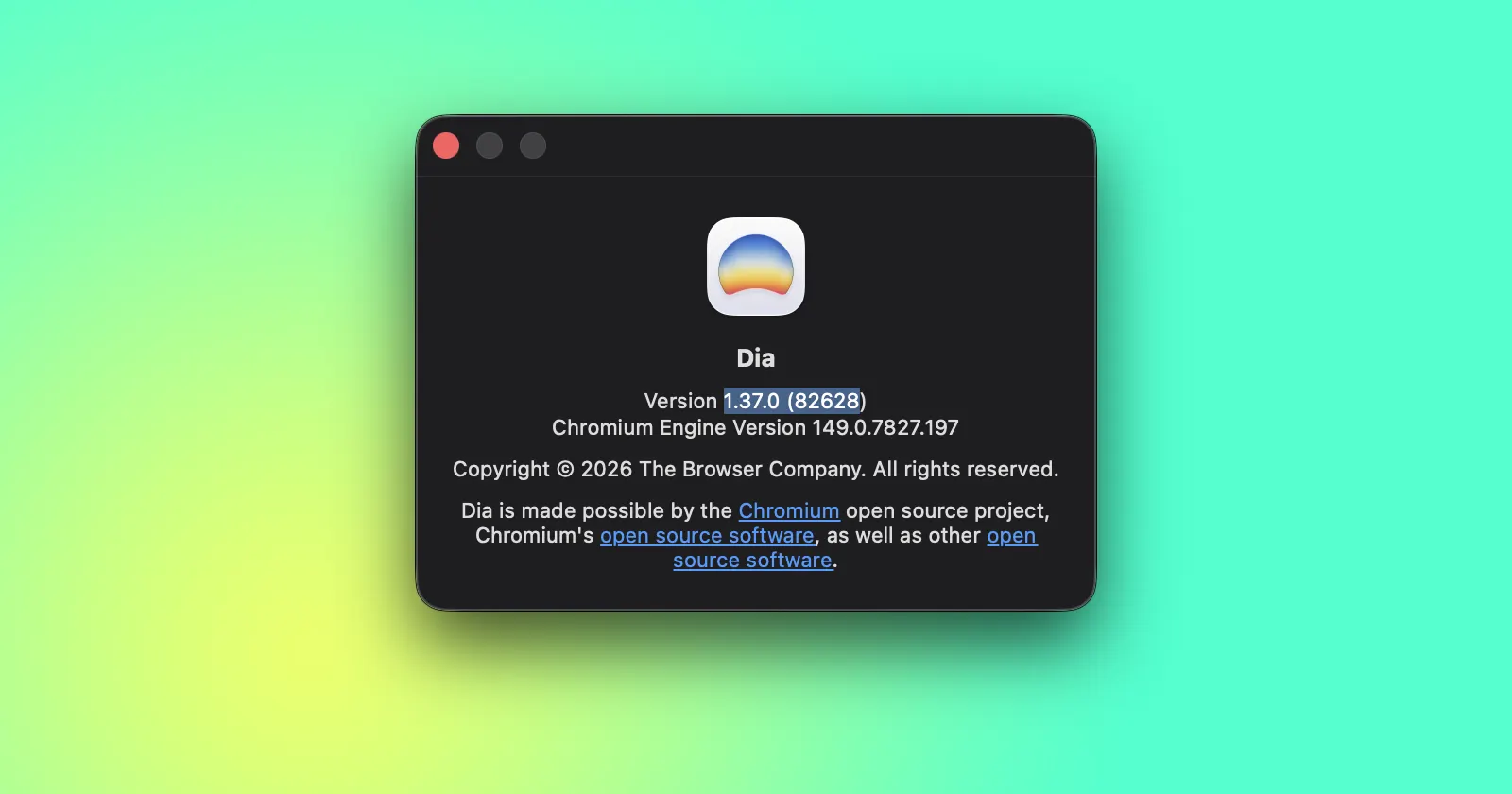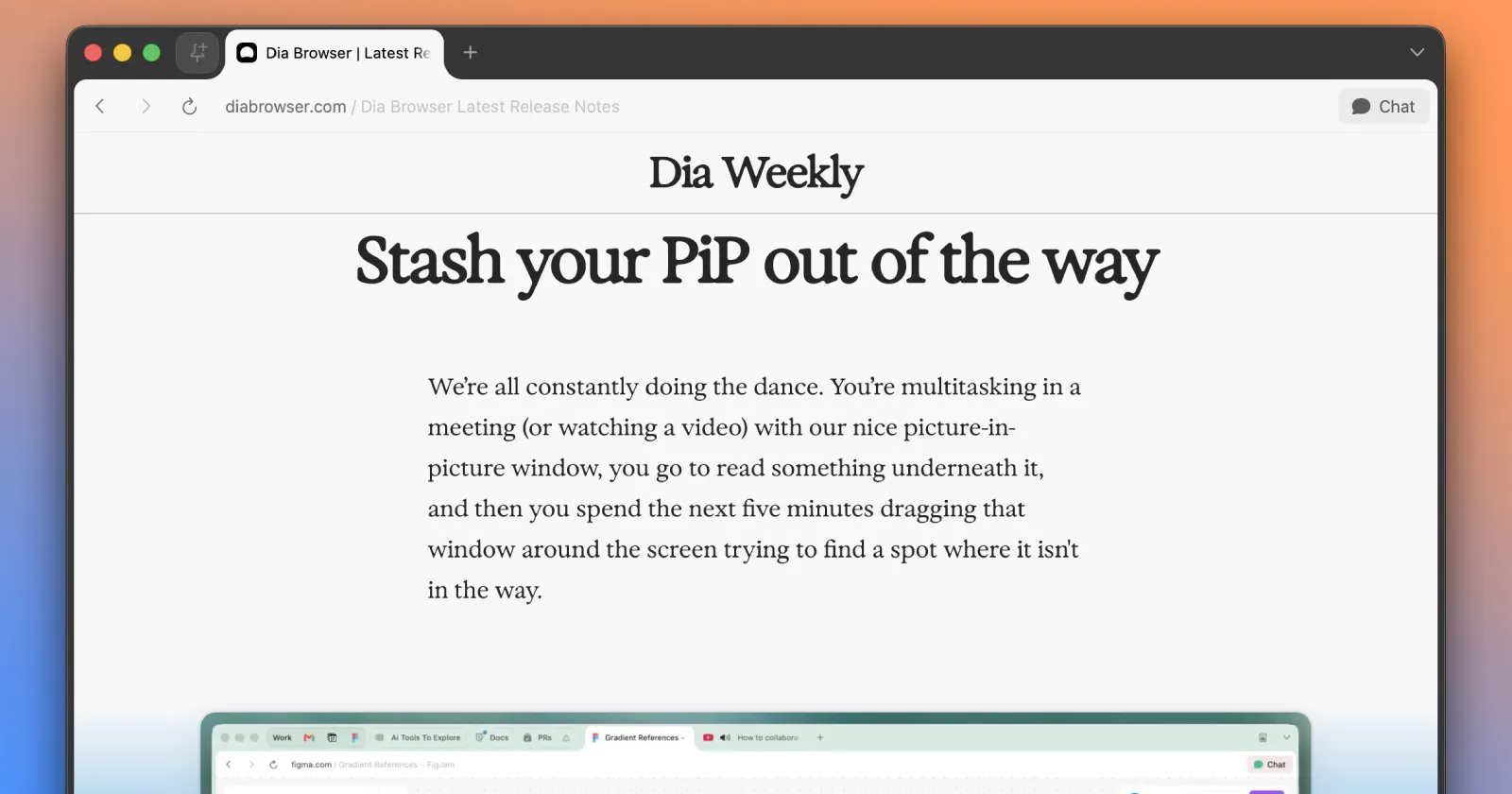
The Browser Company released a new update for Dia a few days ago as version 1.36.0. And with it, they’ve finally solved an annoying issue with using Picture-in-Picture (PiP) mode in the browser. Up until now, managing a floating video window meant constantly dragging it out of the way of your actual work.
The developers acknowledged this exact frustration in their release notes. They noted the problem in a statement, saying, “We’re all constantly doing the dance. You’re multitasking in a meeting (or watching a video) with our nice picture-in-picture window, you go to read something underneath it, and then you spend the next five minutes dragging that window around the screen trying to find a spot where it isn’t in the way.”
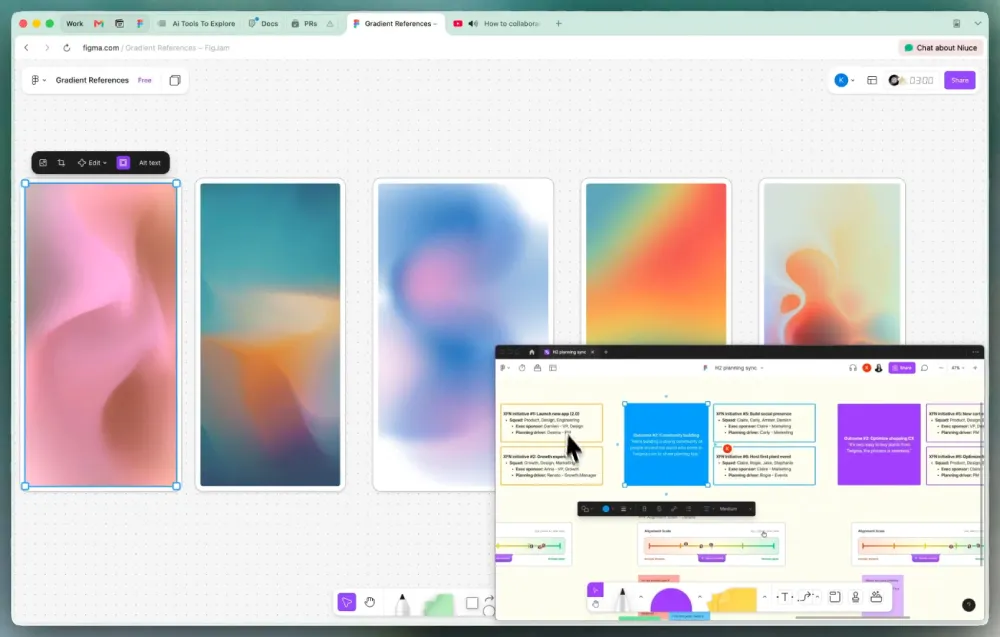
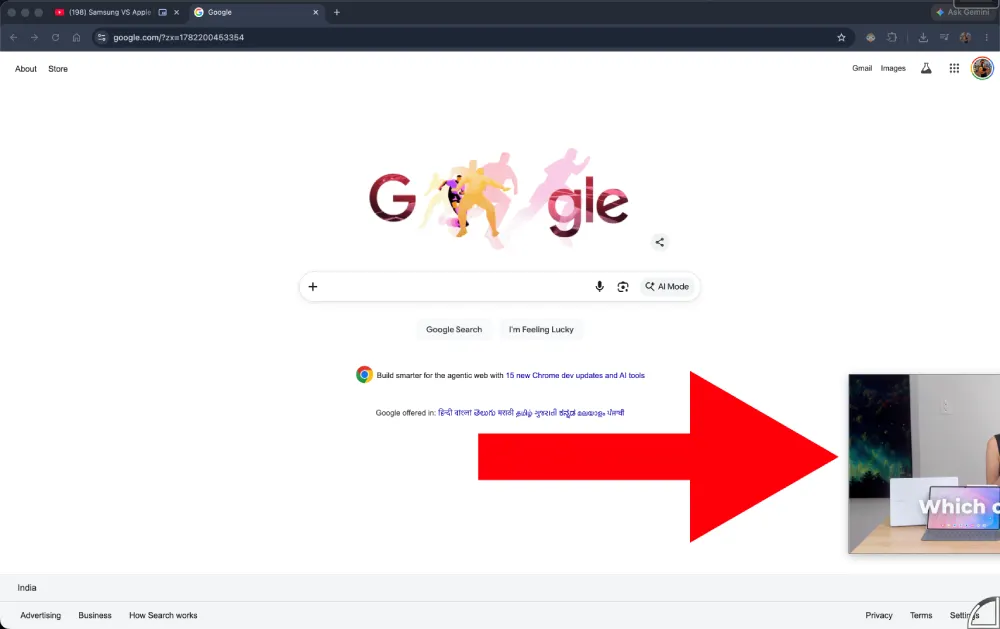
The fix comes in the form of a new feature called stashing. Users can now click and drag their floating video or meeting window directly to the edge of the screen to hide it. So the video keeps playing outside your view, and you can focus on whatever you are working on. Then, in case you need to control playback, it’s just a click away.
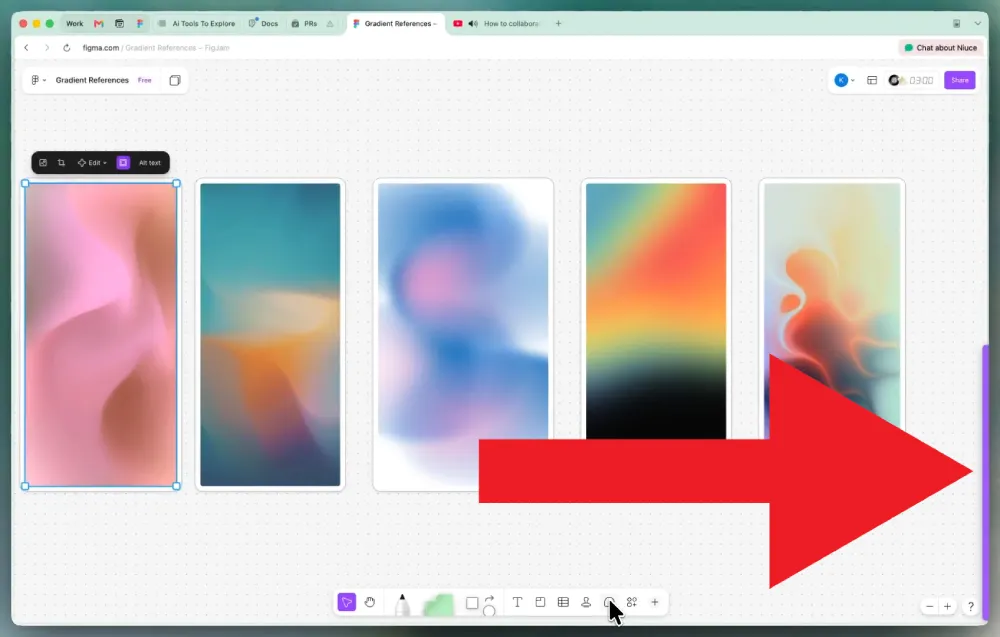
As a former Dia user, this stashing update is a neat fix, but I have to admit that Google Chrome still handles this specific function slightly better.
In Chrome, users can drag a PiP window entirely outside the main screen area without any aggressive snapping behavior. You can place the window exactly wherever you want it to sit. The catch here is that in Dia, the stashing feature snaps the window so far out of the frame that you can barely see it. The intention is clearly to free up maximum space, but the freeform placement offered by Chrome feels more intuitive overall.
Beyond the PiP changes, version 1.36.0 brings a few other tools aimed at reducing digital clutter. The browser now includes a quick keyboard shortcut to hide the entire tab bar. Pressing Command-S instantly clears the interface so you can focus entirely on the current page, and tapping the same shortcut brings the tab bar right back.
The update also attempts to make heavy research sessions easier to manage. You can now use Command-click to highlight multiple open tabs at once and group them together. Once a group is formed, hitting a quick keyboard shortcut will automatically open any new tabs directly inside that specific group.
Online meetings are getting a dedicated organizational tool as well. When you join a call from a calendar link, Dia automatically generates a specific tab group just for that event. Any related documents or agenda links you click during the meeting will drop straight into that designated group.
The browser is also making it easier for new users to bring their existing data over from Google Chrome. Dia now officially imports bookmarks directly from Chrome account files. This means managed and enterprise Google users can finally bring all their saved links along automatically when switching browsers.
A few under-the-hood fixes round out the latest release. The developers repaired a frustrating bug where tab groups would unexpectedly delete themselves for users with sync enabled. Closing tabs has also been optimized to run much faster and prevent the browser from lagging.


Dwayne Cubbins
3073 Posts
I cover fast-moving stories across apps, online platforms, and everyday tech — phones, wearables, consoles, and whatever else people are fighting with this week. Bugs, rollouts, scams, policy enforcement, and the occasional internet-culture rabbit hole are all fair game. My goal is simple — make confusing tech news readable. When I'm not working, I'm working out or chilling with my dog. Got a tip? You can find me on X @dcubbins.
Next article View Article