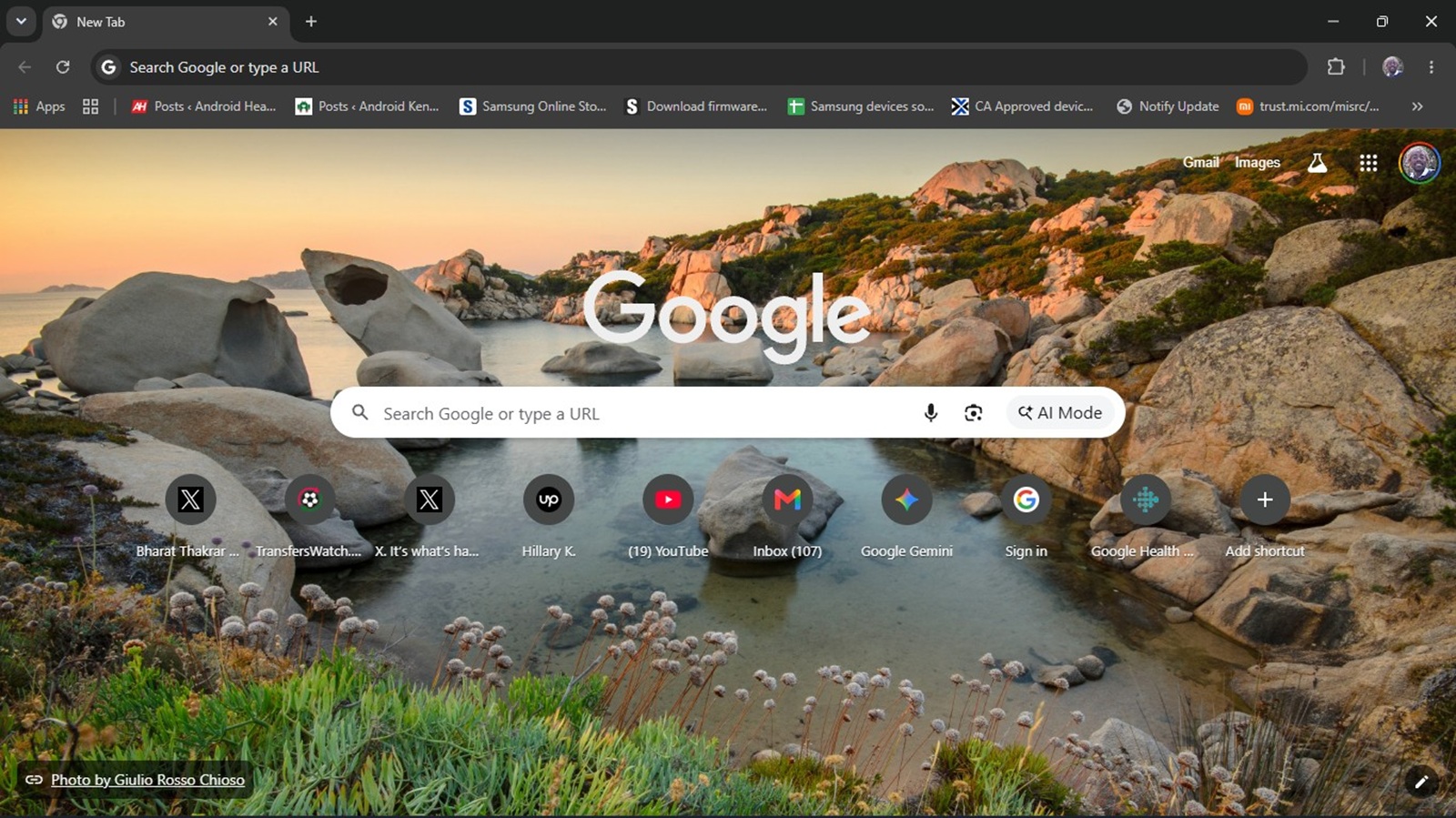
Google is constantly experimenting with new features and UI tweaks across its suite of products. Just earlier this month, we highlighted Chrome’s tests on the floating Everywhere Omnibox that brings AI search directly to your desktop. Now, it appears the Google Chrome New Tab Page (NTP) is the subject of yet another UI experiment, and not everyone is a fan.
Over the past few days, some Google Chrome users have reported a sudden, jarring shift on their New Tab Page. The grid of website shortcuts, which traditionally sits snugly below the central Google search bar, has been pushed significantly lower.
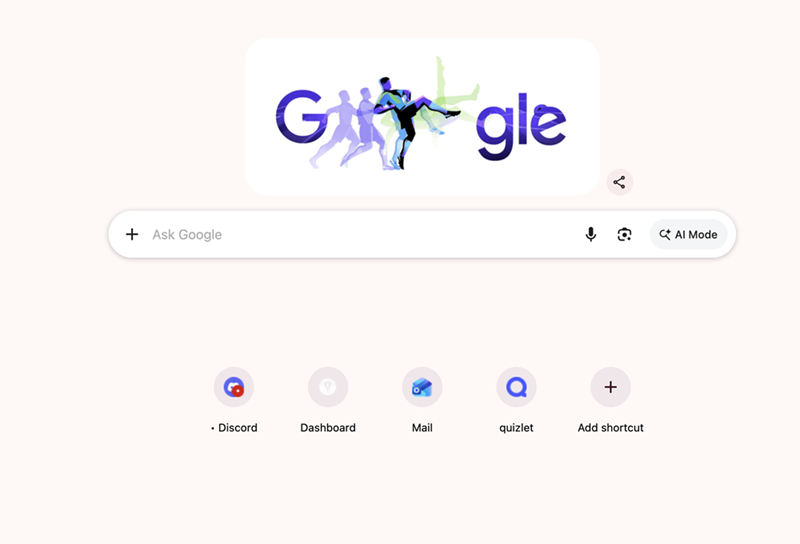
This shift creates a massive, awkward block of whitespace right in the middle of the screen. While this UI tweak doesn’t actually break any browser functionality, it’s undeniably an eyesore for those accustomed to the classic, compact layout.
If your Google Chrome still looks completely normal, you aren’t alone. This appears to be a limited server-side A/B test. Despite checking across Chrome Stable, Beta, and Canary builds, we couldn’t replicate the lowered shortcuts on our end.
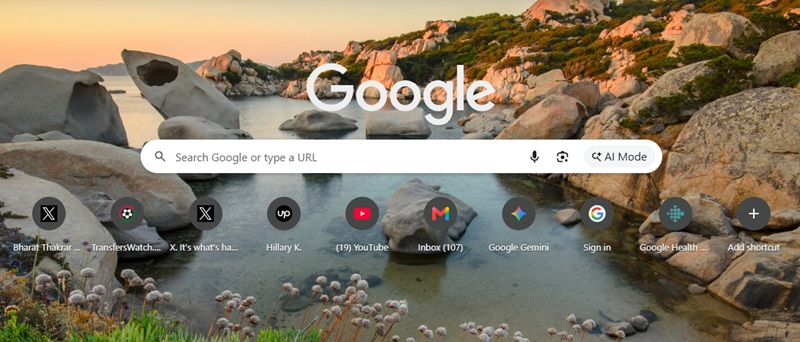
Here’s how mine looks as of this writing:
Fortunately, if you have been swept up in this visual test and are stuck with the unusually gappy layout, there is a quick workaround. The culprit appears to be a specific Chrome flag. Here is how to fix it:
- Type
chrome://flagsinto your Chrome address bar and hit Enter. - In the search box at the top, type ntp.
- Scroll down to find the flag named NTP ComposeBox.
- Click the drop-down menu next to it and change it to Disabled.
- Click the “Relaunch” button at the bottom right to restart Chrome.
Interestingly, while the “NTP ComposeBox” flag is present on my end, enabling or disabling it didn’t change anything about my New Tab Page layout in Google Chrome. This further confirms that Google is selectively rolling out this UI change. However, for those actively affected by the lowered shortcuts, disabling this flag has proven successful in reverting the layout back to normal.


Hillary Keverenge
2723 Posts
Tech has been my playground for over a decade. While the Android journey began early, it truly took flight with the revolutionary Lollipop update. Since then, it's been a parade of Android devices (with a sprinkle of iOS), culminating in a mostly happy marriage with Google's smart home ecosystem. Expect insightful articles and explorations of the ever-evolving world of Android and Google products coupled with occasional rants on the Nest smart home ecosystem.
Next article View Article