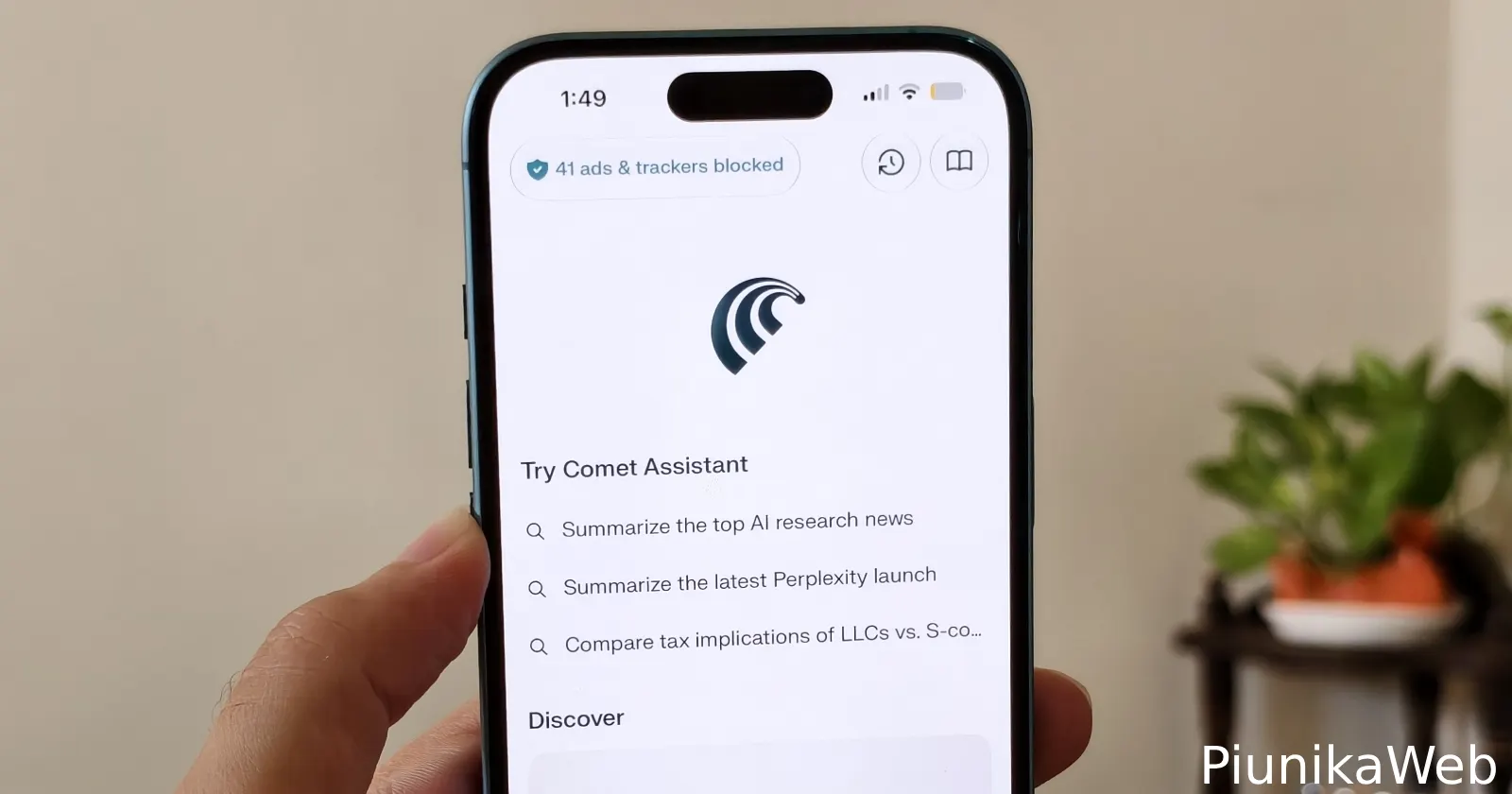
Perplexity just pushed a new iOS update for its Comet browser that overhauls how you manage site permissions and quick actions. It looks like you don’t have to dig through three layers of settings to stop a website from tracking you or using your microphone anymore. The developers moved the privacy controls and ad-blocking toggles right to the front of the interface.
I installed the latest update on my iPhone as well to see what the team cooked up with this release.
You can now tap a site settings icon directly on the page you are viewing to reveal a drop-down menu with instant toggles for ad-blocking, camera access, and microphone permissions. It suggests the team is finally figuring out how mobile browsers should handle privacy. You can instantly toggle the ad-blocker on a specific page if you see a sketchy ad, or you can revoke camera access the second a video call finishes.

I found the quick toggle to show or remove ads on sites useful. As someone who earns a living through ads, by way of writing here, I always try to support other websites I often visit by enabling ads. Meanwhile, I toggle off ads on sites that spam them all over their pages. So this new Comet feature makes it easier to do that.
The other major piece of this update is the customizable action menu. Comet lets you reorder your quick actions based on what you actually use. You can drag the AI webpage summarizer right to the top of your list and push things like bookmarks or history further down.
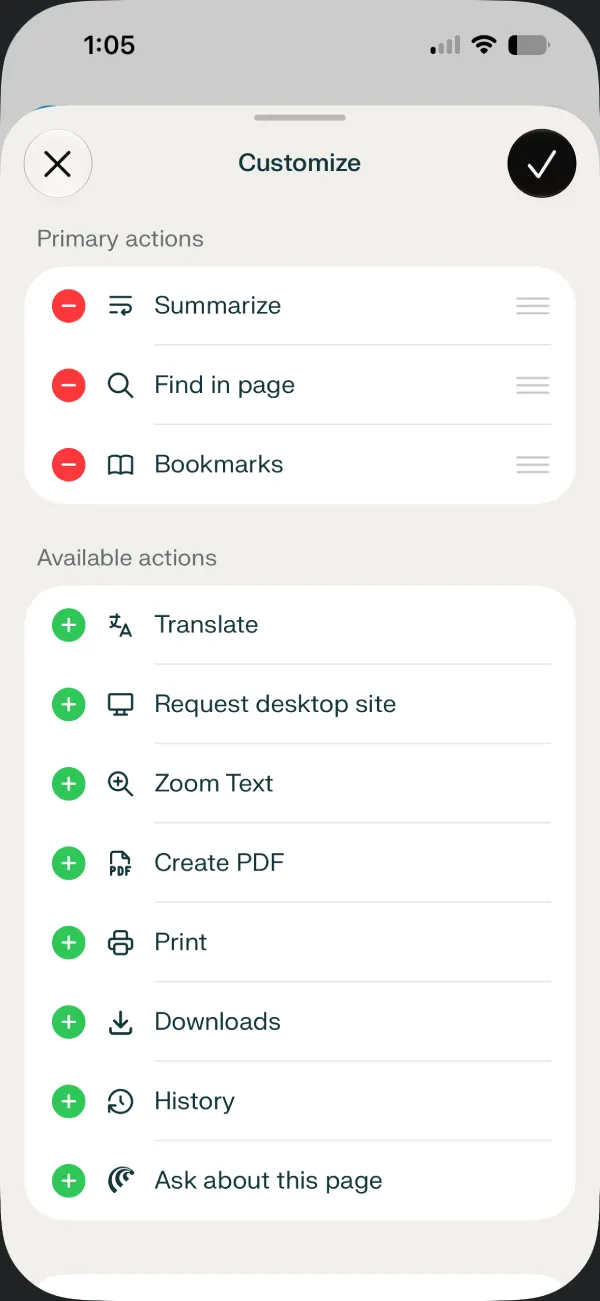
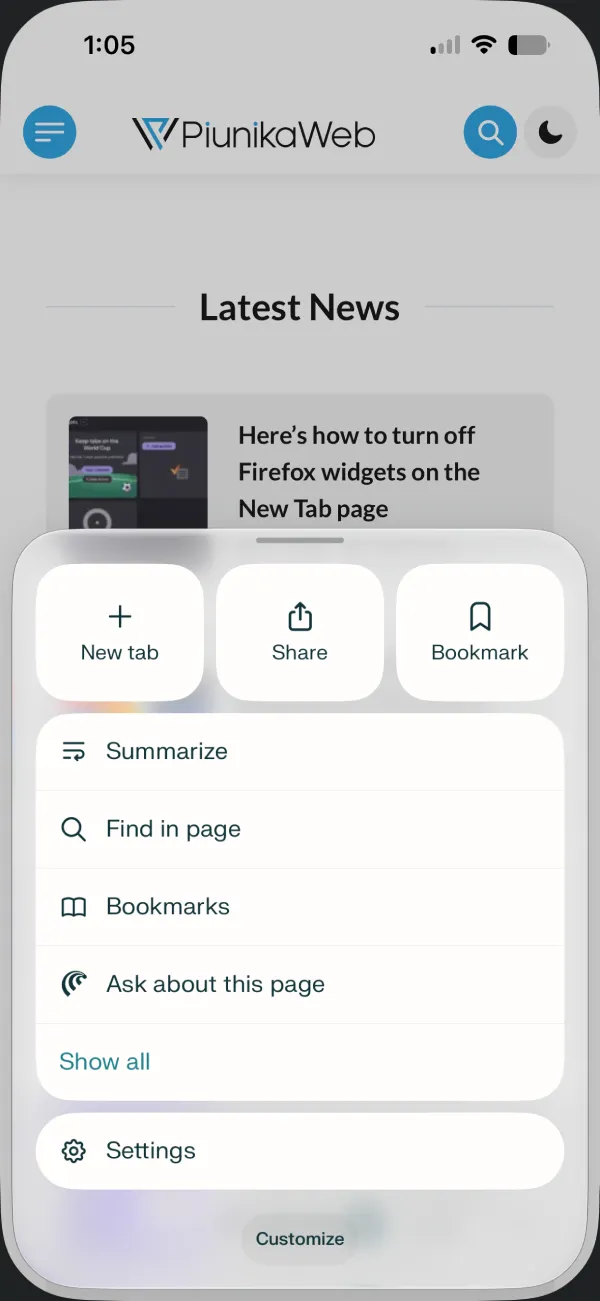
This customization makes sense for people who rely heavily on Comet’s AI tools to process long articles. Moving the summarize button to the primary spot saves a lot of unnecessary tapping. It seems users who prefer keeping their bookmarks handy can just arrange the menu to prioritize saving links instead. You simply build the layout that fits your specific workflow.
Perplexity announced the changes in a short update post on X.
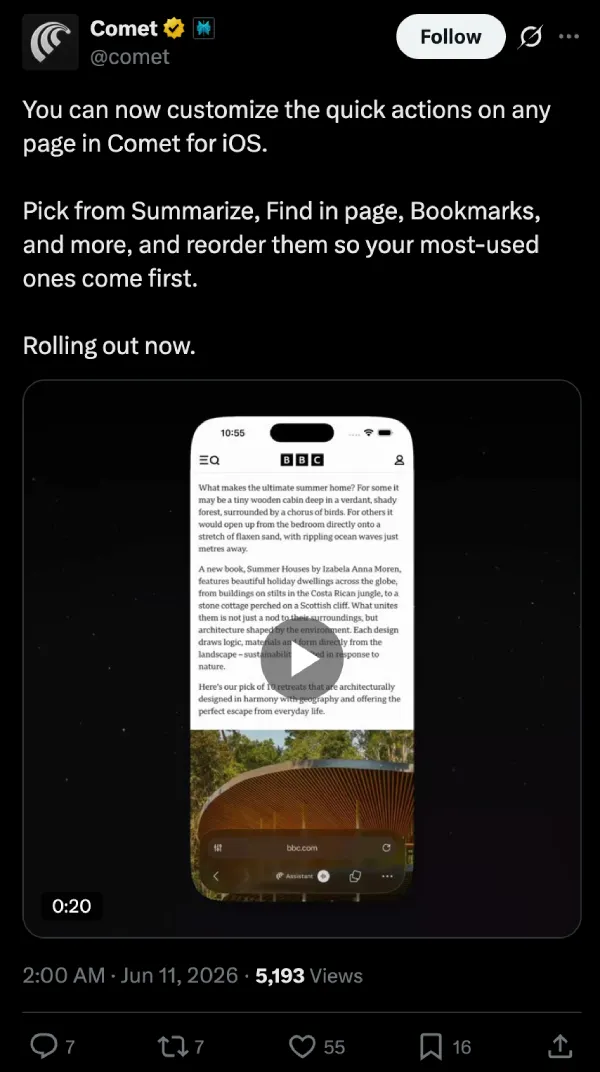
This makes perfect sense when you look at how crowded mobile browsers get as they add more features. Stuffing every new AI tool into a static menu eventually ruins the user experience. Giving people the ability to rearrange the furniture appears to solve that problem entirely.


Dwayne Cubbins
3084 Posts
I cover fast-moving stories across apps, online platforms, and everyday tech — phones, wearables, consoles, and whatever else people are fighting with this week. Bugs, rollouts, scams, policy enforcement, and the occasional internet-culture rabbit hole are all fair game. My goal is simple — make confusing tech news readable. When I'm not working, I'm working out or chilling with my dog. Got a tip? You can find me on X @dcubbins.
Next article View Article