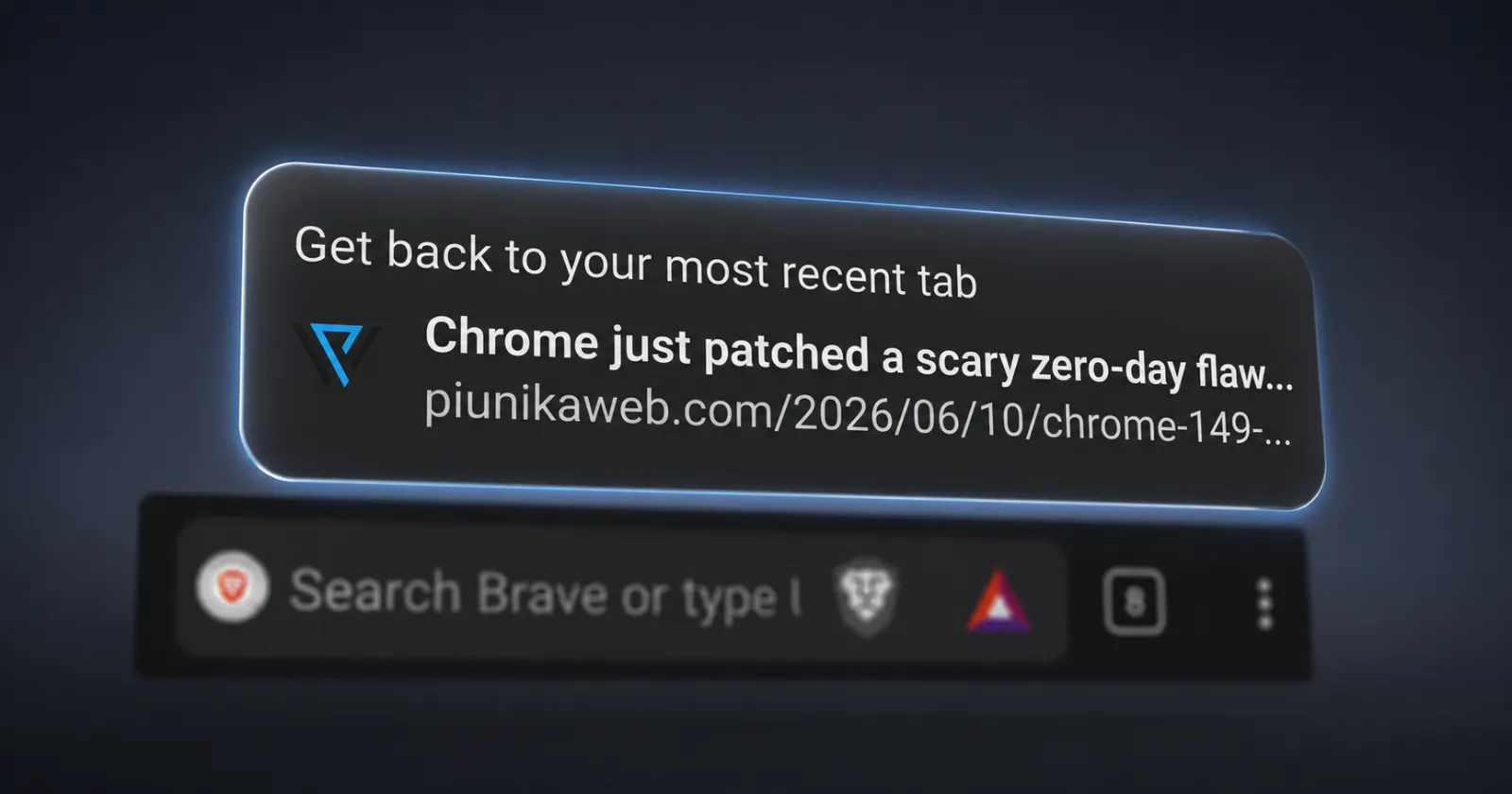
Brave on Android has developed a mildly annoying habit. Open the browser after a while, and instead of landing on your last tab, you get dumped on the New Tab page with a pop-up at the bottom asking you to “Get back to your most recent tab” or “Return to your most recently used tab.” It works, but it’s an extra tap every single time.
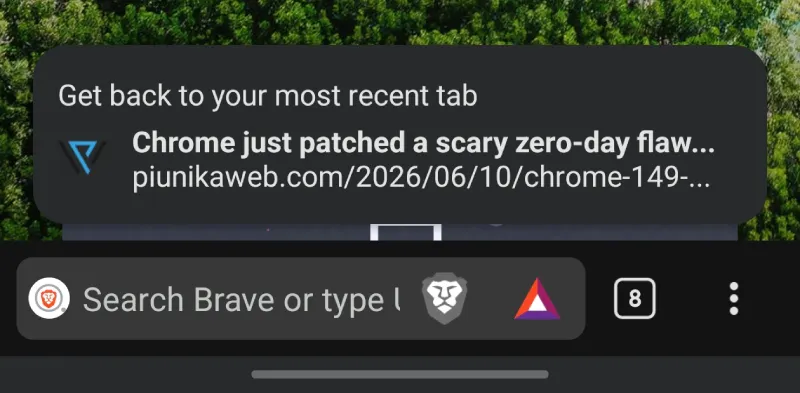
I noticed this on my own phone recently and went looking to see if others were running into it too. Turns out plenty of people are frustrated, based on what I found online.
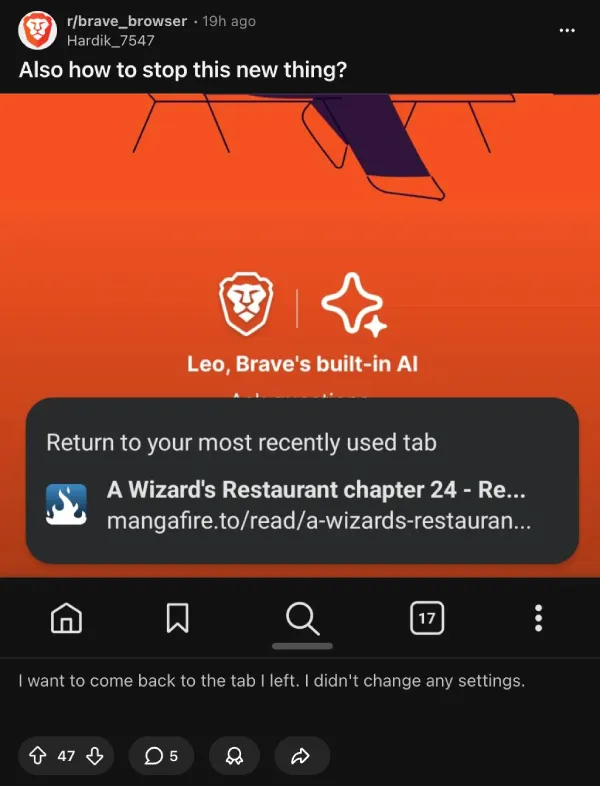
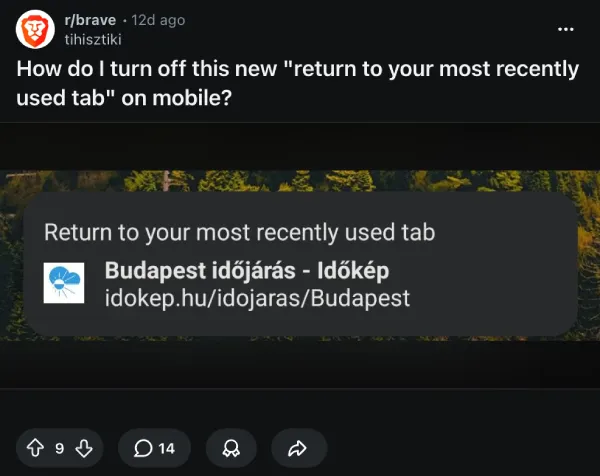
So I went digging through Brave’s settings to see if there was a toggle somewhere that could fix it.
There is.
Go to Settings, then tap New Tab Page. Under the Opening Screen section, you’ll see three options. “New tab after 1 hour of inactivity” was selected on my device, which means Brave forces the New Tab page whenever you reopen the app after an hour of not using it. That’s what triggers the pop-up instead of just dropping you back where you left off. Switching it to “Last open tab” fixes it immediately.
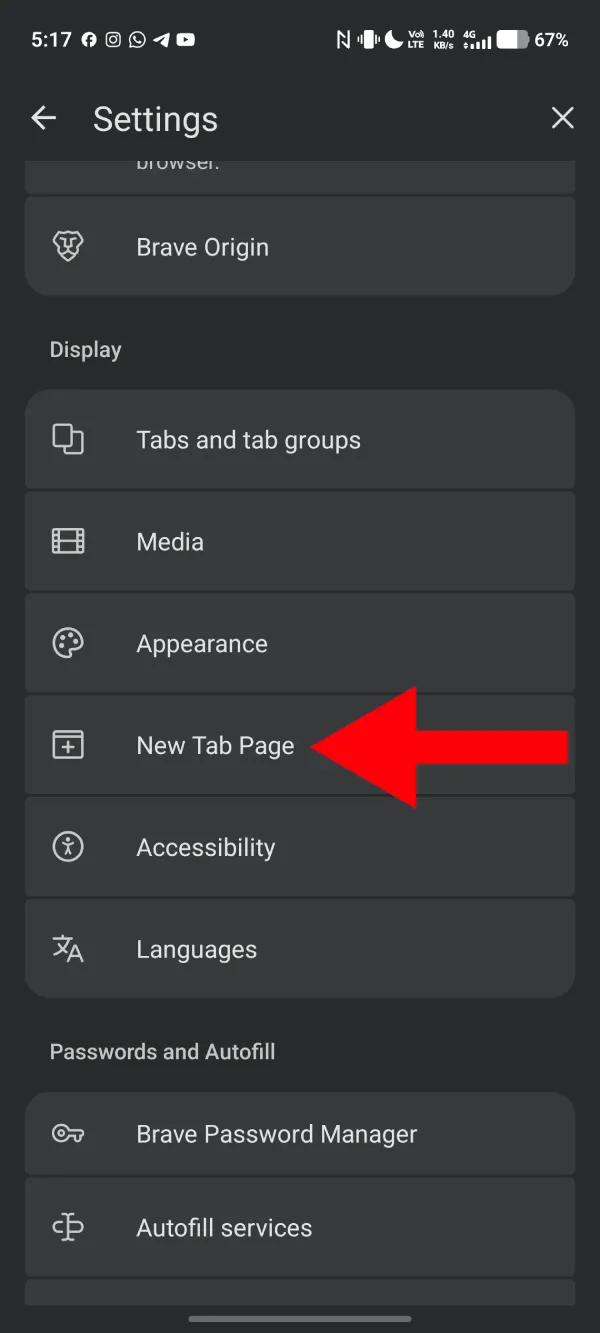
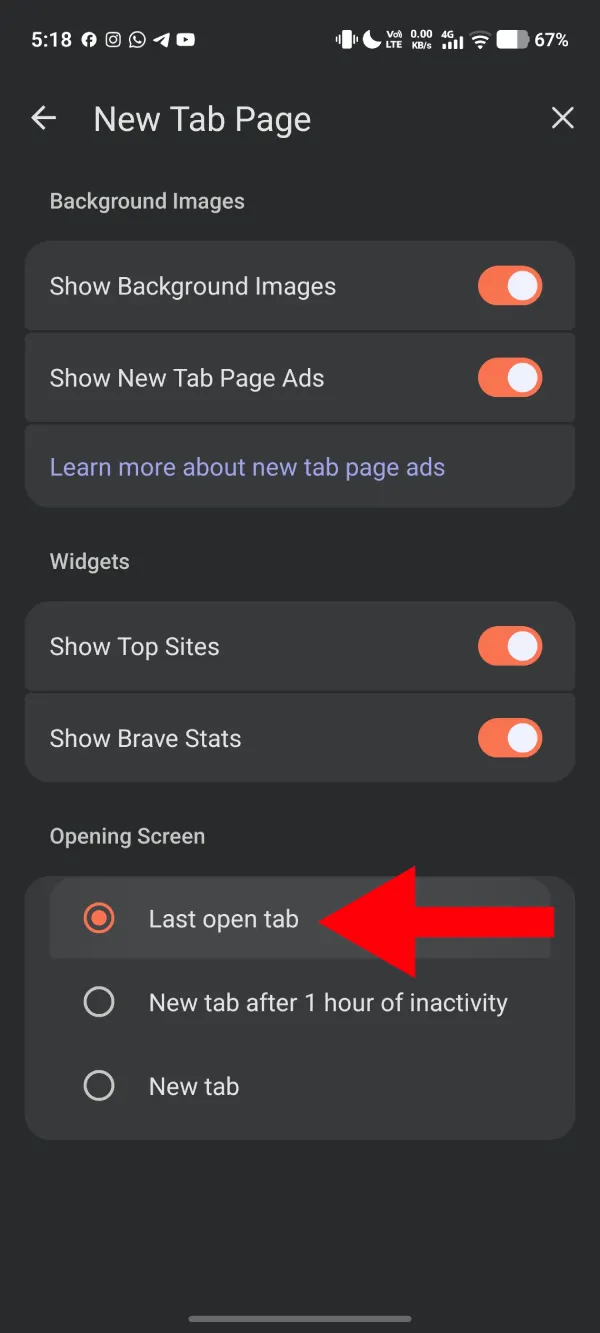
It looks like an update somewhere along the way flipped that setting on without asking. Whether that was intentional or just a side effect of something else changing, I can’t say. But it’s a reasonable guess that a lot of users didn’t knowingly turn it on themselves.
The fix has been confirmed by other users on Reddit too, so it’s not just something that worked on my end. If you’re seeing the same behavior, the steps are the same regardless of which Android device you’re on.
It’s worth mentioning that the New Tab page pop-up itself isn’t broken or buggy. It does get you back to your last tab. It’s just an unnecessary step if your preference is to pick up exactly where you left off without any prompts. The “Last open tab” setting restores the behavior most users would be accustomed to.


Dwayne Cubbins
3093 Posts
I cover fast-moving stories across apps, online platforms, and everyday tech — phones, wearables, consoles, and whatever else people are fighting with this week. Bugs, rollouts, scams, policy enforcement, and the occasional internet-culture rabbit hole are all fair game. My goal is simple — make confusing tech news readable. When I'm not working, I'm working out or chilling with my dog. Got a tip? You can find me on X @dcubbins.
Next article View Article