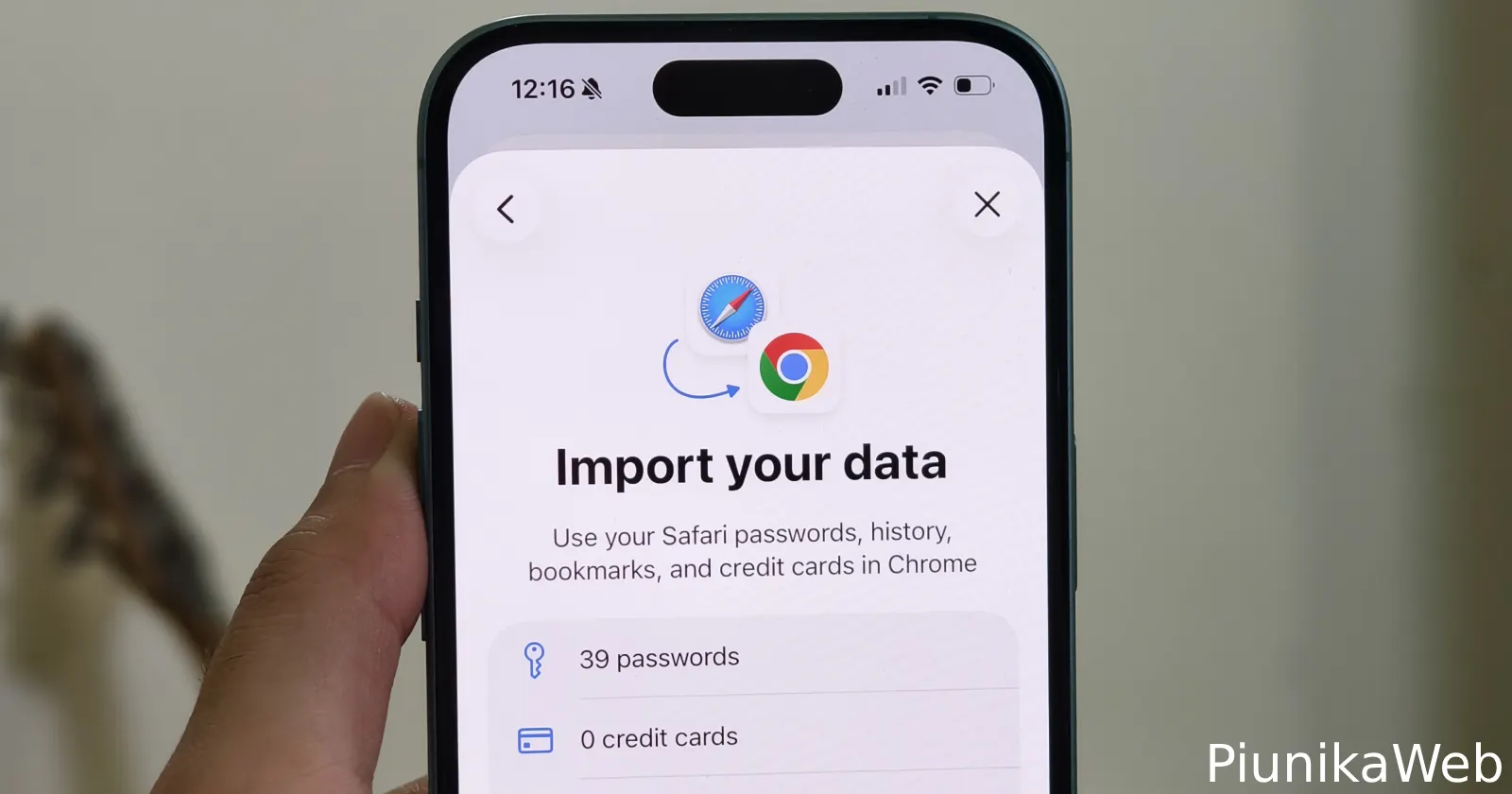
Chrome on iOS now lets you import data from Safari, and yes, it finally works without weird workarounds.
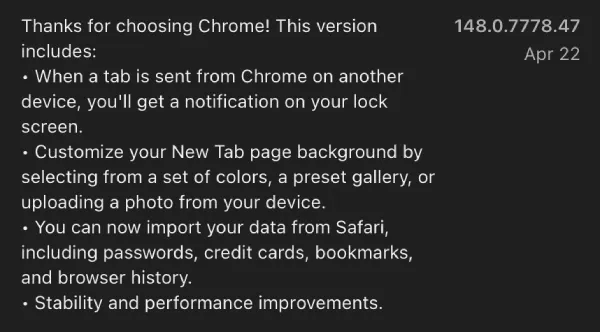
According to the app’s version history log on the App Store, Chrome picked up the ability to import Safari data back in April with version 148.0.778.47.
If you’ve ever tried switching browsers on iOS, you know how messy it gets. Bookmarks stay behind. Passwords don’t move. Most people just give up halfway.
That’s what Google intended to address with this new option.
The new Safari import tool shows up inside Chrome settings. Tap into it, and you’ll see a prompt asking if you want to bring your data over. It’s pretty straightforward. Chrome asks for a Safari export file, then pulls in things like bookmarks, history, saved passwords, and even payment info.
We actually saw this feature in testing earlier this year. It quietly appeared in experimental builds, and a few users spotted it in the wild. But now it’s there for everyone to use.
Here’s how it works in practice. You don’t directly connect Safari to Chrome. Apple doesn’t allow that. So Chrome uses an export-import method instead.
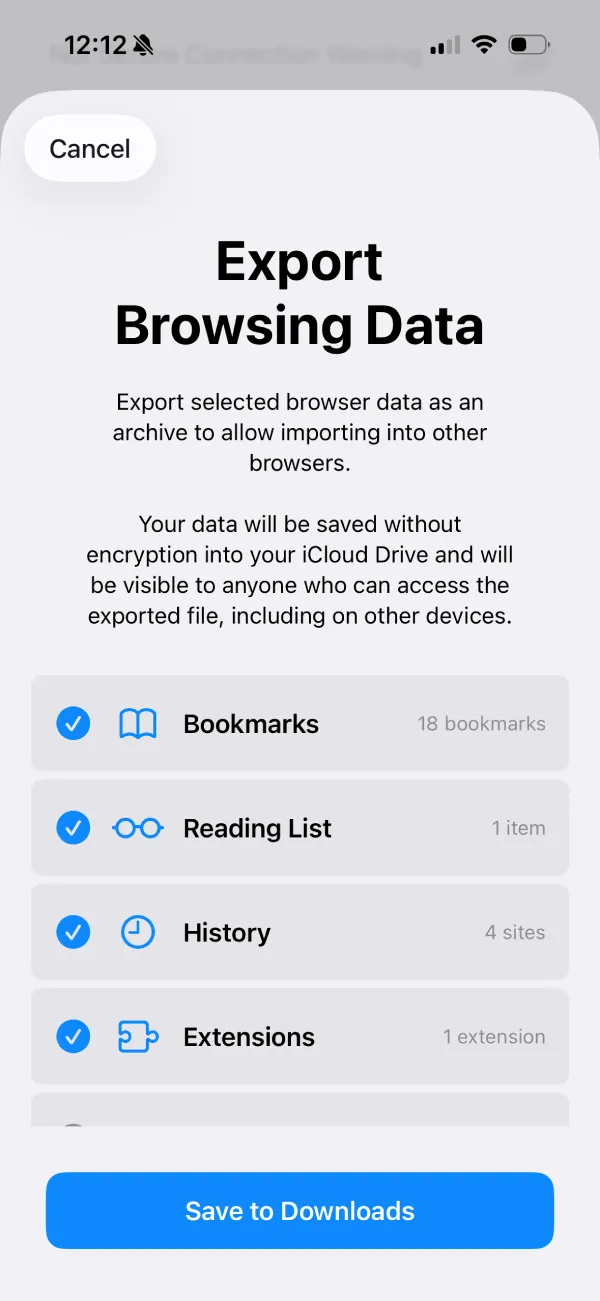
First, you need to export your Safari data.
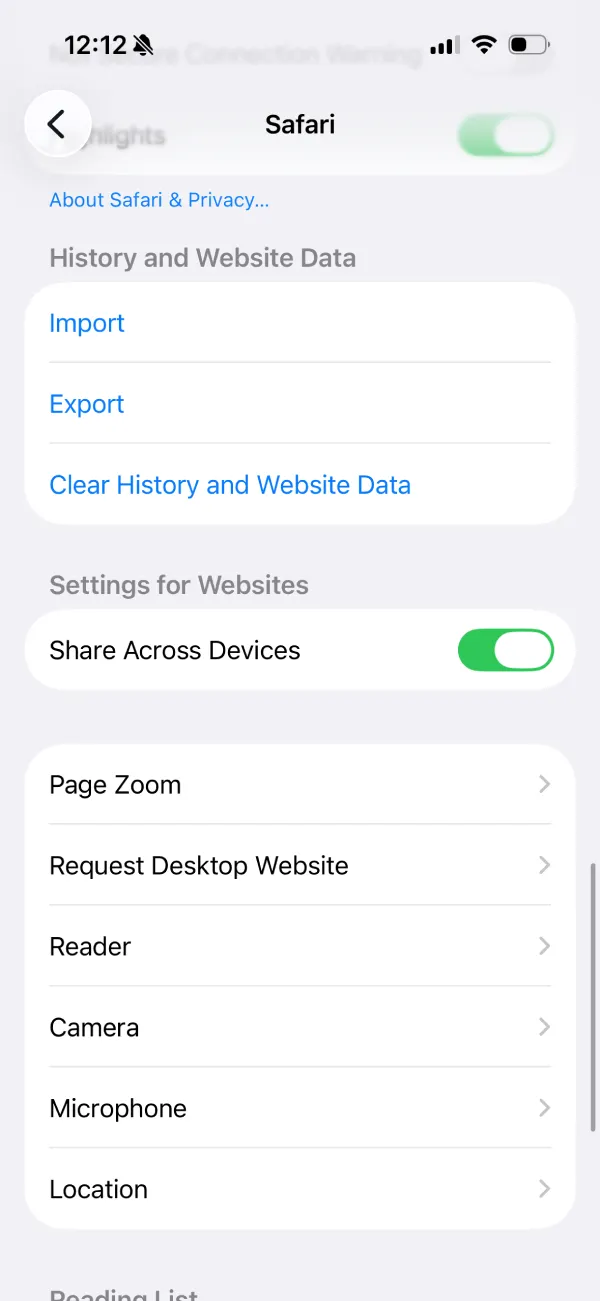
Head to iOS Settings, scroll down to Safari, and look for the import/export section under “History and Website Data.” Tap Export and choose what you want to include. Safari bundles everything into a ZIP file and saves it to your Files app.
Open Chrome settings, tap “Safari import,” then hit the option to select your file. Pick the ZIP file you just exported. Chrome reads it and starts pulling everything in.
It only takes a few seconds.
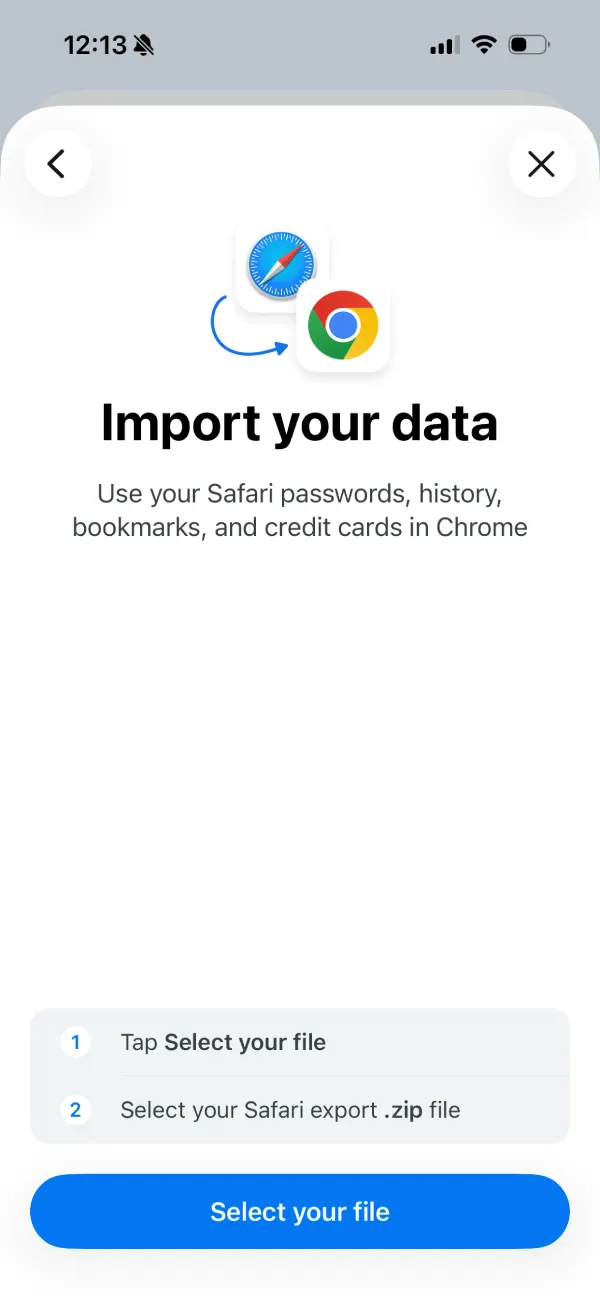
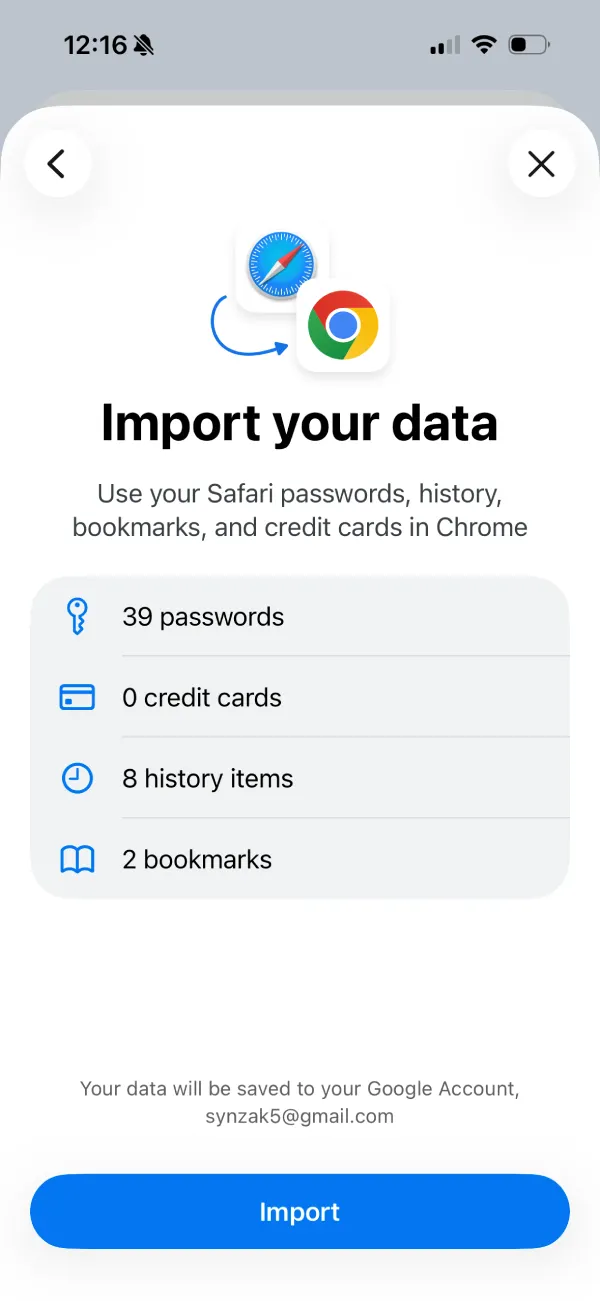
After that, you’ll see a summary screen showing what got imported. In my case, it picked up passwords, a handful of bookmarks, and browsing history. Credit cards show up too, if you include them.
Just a heads up though. The imported data gets saved to your Google Account. So once it’s in Chrome, it can sync across devices.
Previously, it was a headache to get your Safari data on Chrome on the mobile app. So this could be a key feature for Safari users considering moving to Chrome on their iPhones.
This new tool doesn’t make it seamless, but it’s close enough.
Also worth pointing out. Safari warns that the exported file isn’t encrypted. Anyone with access to that ZIP file can see the data. So you probably don’t want to leave it sitting around in your Downloads folder.


Dwayne Cubbins
3060 Posts
I cover fast-moving stories across apps, online platforms, and everyday tech — phones, wearables, consoles, and whatever else people are fighting with this week. Bugs, rollouts, scams, policy enforcement, and the occasional internet-culture rabbit hole are all fair game. My goal is simple — make confusing tech news readable. When I'm not working, I'm working out or chilling with my dog. Got a tip? You can find me on X @dcubbins.
Next article View Article