Chrome 149 includes a fix for an annoying number input bug that could quietly change values while you scrolled a page, but a Firefox developer says the issue still isn’t completely gone. Jake Archibald, who works on Firefox, posted on X that the patch is in Chrome 149 and is rolling out this week, yet the bug can still show up on pages that use a special kind of scroll handler on a parent element.
If you haven’t run into this yet, then let me explain what’s going on first.
On some recent versions of Chrome, scrolling the mouse wheel over a focused number box could move the page and also change the value in that box at the same time. So you think you’re just scrolling through a form, but somewhere above, a quantity, a price, or some other setting has been nudged up or down without you noticing.
Watch out! Chrome has a huge bug with <input type=”number”> which causes values to change unexpectedly.
It’s fixed in Chrome 150, but that won’t land until the end of June. pic.twitter.com/4oToSlj4R9
— Jake Archibald (@jaffathecake) May 27, 2026
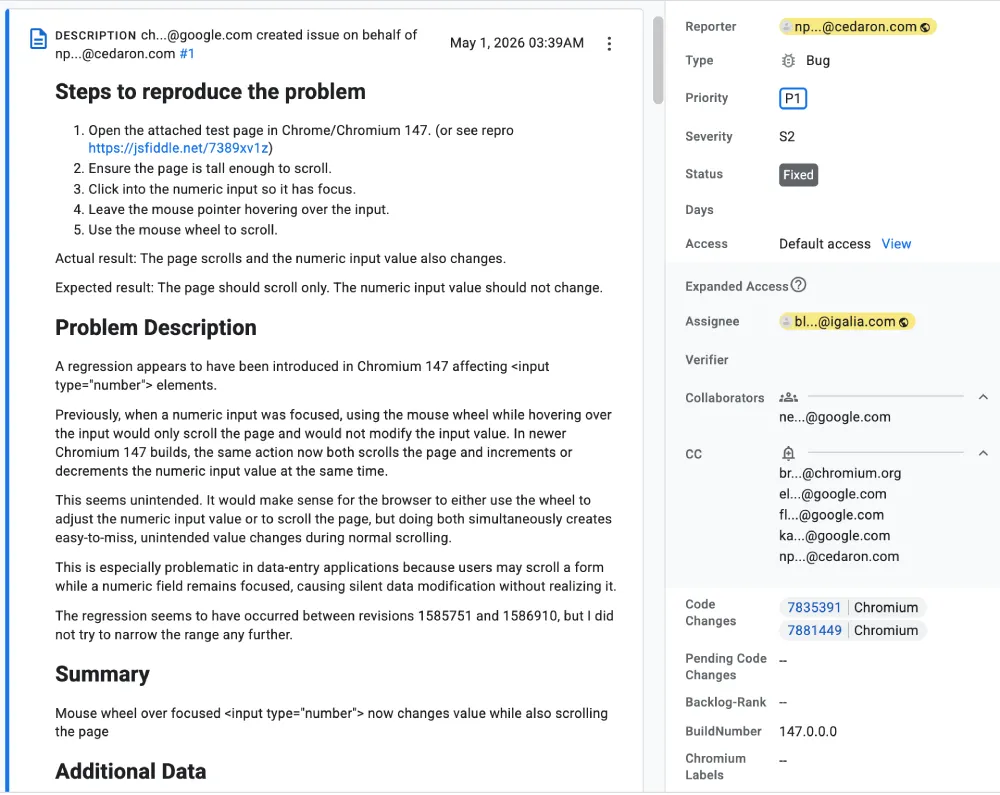
The regression showed up around Chrome 147, according to the Chromium issue tracker entry. It highlights the issue where the page scroll and value change both happen when you use the wheel over a focused number field. The bug drew enough complaints that it was marked as fixed and then checked again in both Chrome 149 test builds and in Chrome 150.
Chrome 149 is now rolling out on the stable channel for desktop. We’ve already highlighted what else is new with the build in an earlier post.
That said, Archibald’s post is a bit more nuanced than just saying it’s fixed. He’s happy the main issue has been patched and credited the developer Bramus for getting the change merged into Chrome 149. However, he did add a warning that the bug is still present if a site listens for scroll events on a parent element in a way that lets the browser keep scrolling freely.
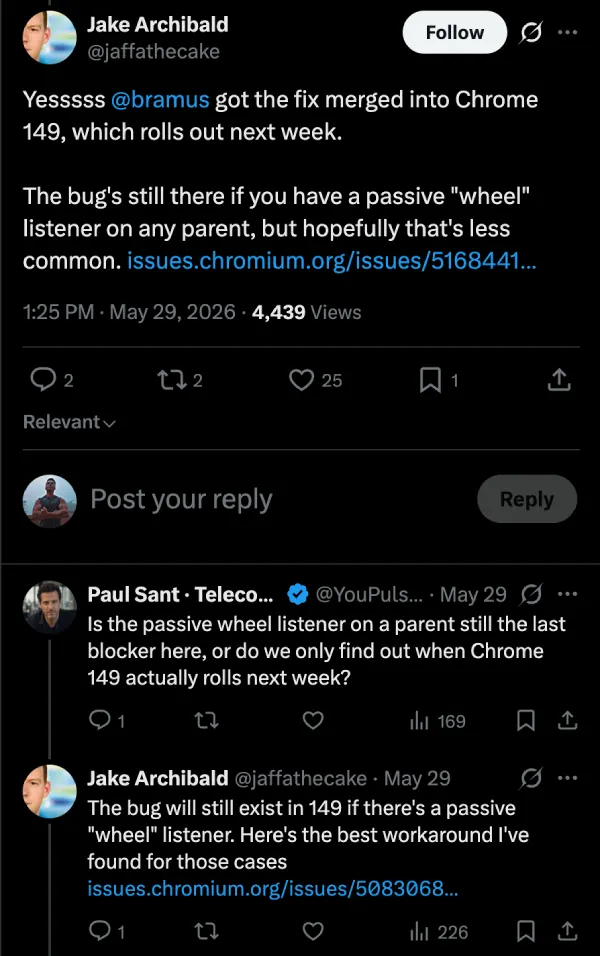
So you aren’t really in the clear if you build or rely on complex web apps. Those kinds of apps often attach scroll listeners to big container elements and then place lots of inputs inside them. If you do that and you use number inputs, you might still see unexpected value changes even after you update to Chrome 149.
It’s likely that a future update will quietly patch this last scroll-related corner case as well.


Dwayne Cubbins
3126 Posts
I cover fast-moving stories across apps, online platforms, and everyday tech — phones, wearables, consoles, and whatever else people are fighting with this week. Bugs, rollouts, scams, policy enforcement, and the occasional internet-culture rabbit hole are all fair game. My goal is simple — make confusing tech news readable. When I'm not working, I'm working out or chilling with my dog. Got a tip? You can find me on X @dcubbins.
Next article View Article