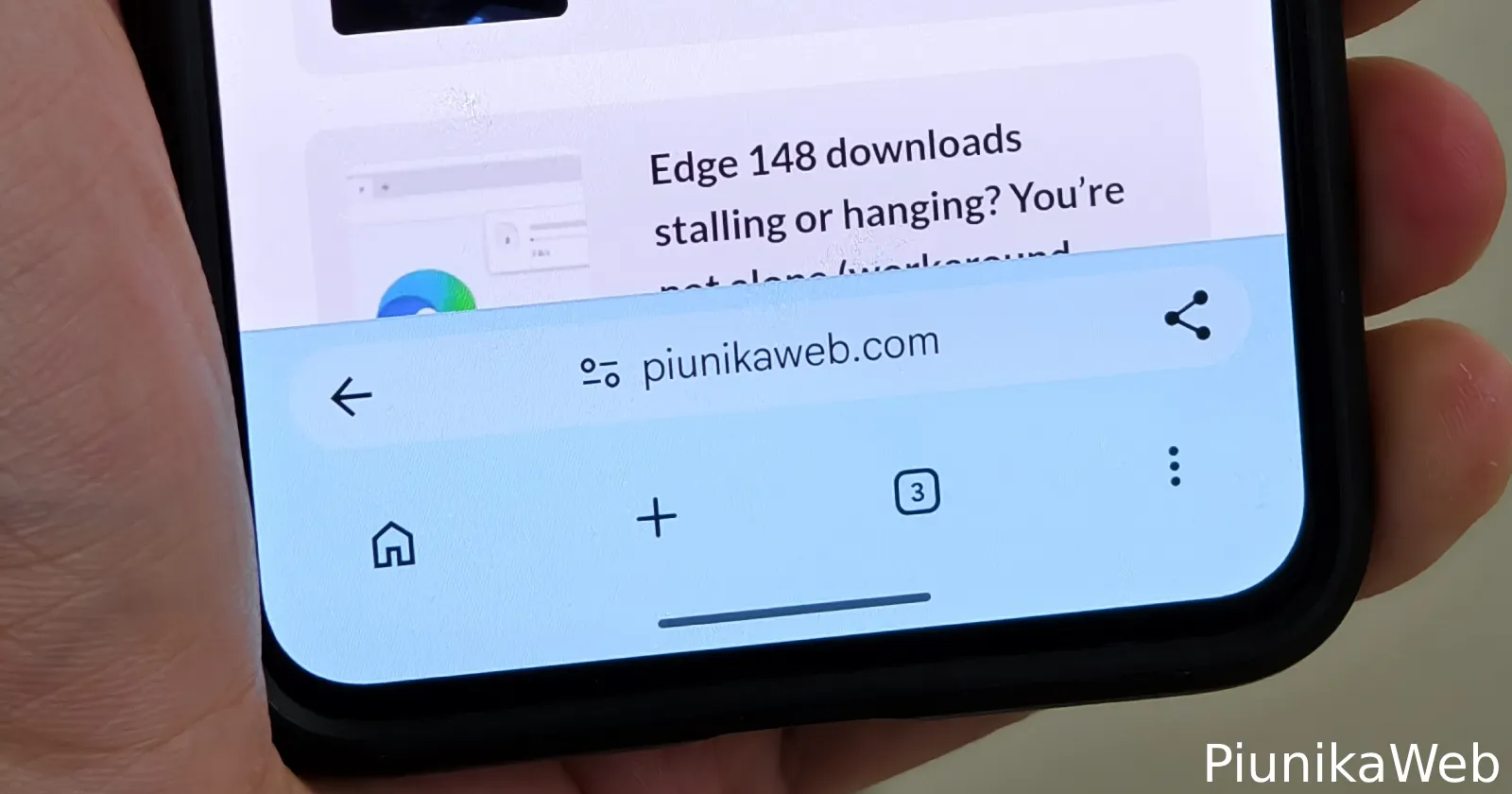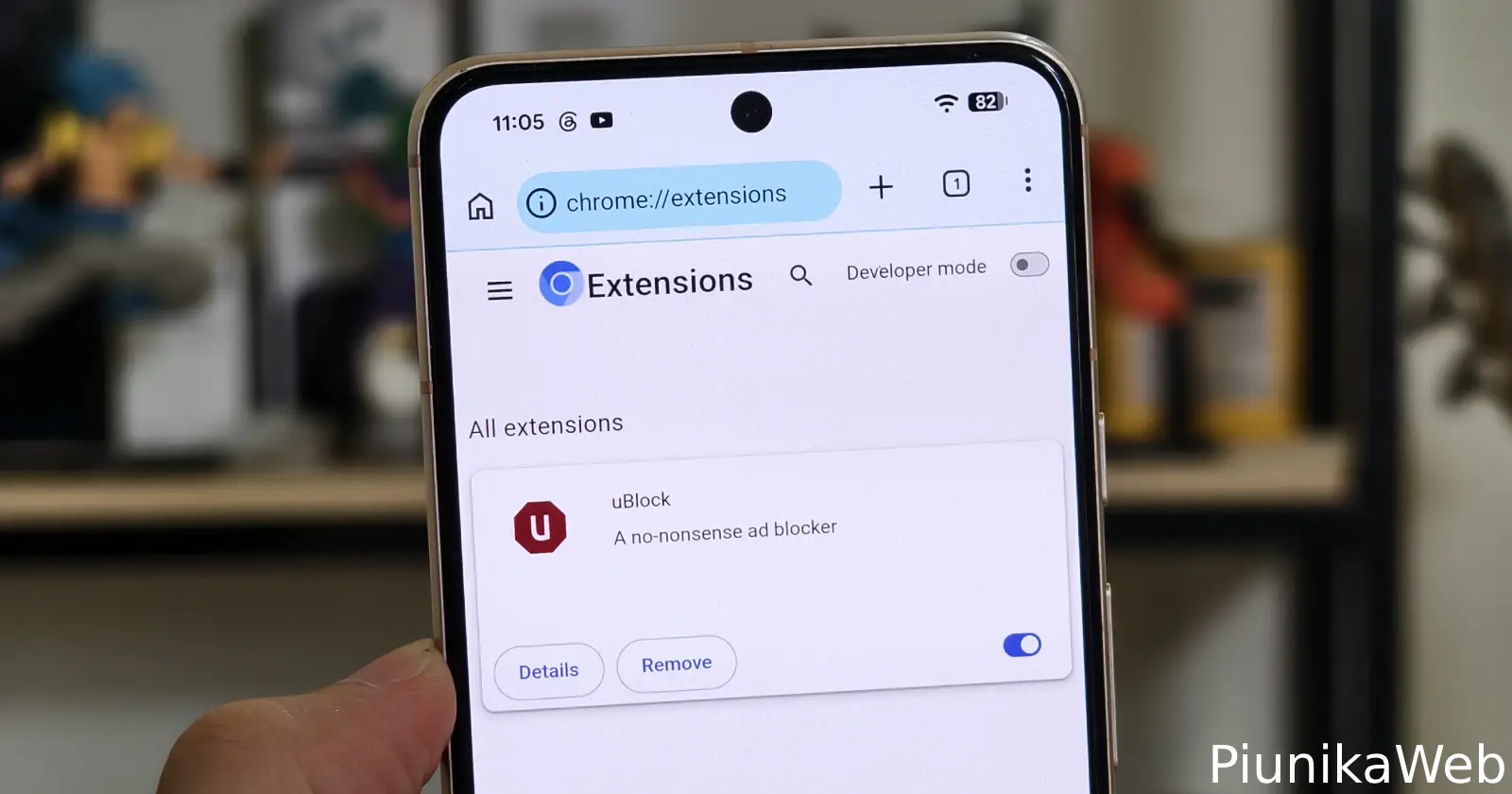
An independent developer has released a major update to the Chromium fork Helium for Android, bringing full Manifest V2 extension support and a native developer tools frontend to mobile devices.
Version 149.0.7827.48 allows users to install desktop extensions directly from the Chrome Web Store and interact with them via pinned toolbar popups.
Mainstream Android browsers do not allow this. Google strips extension support from mobile Chrome to protect its search and ad revenue. Independent projects have to manually patch the functionality back in.
Power users on Android have historically relied on Kiwi Browser for mobile extensions. Development on Kiwi has slowed significantly and most likely has been abandoned. In a Reddit thread on r/browsers, users are framing Helium as Kiwi’s direct successor.
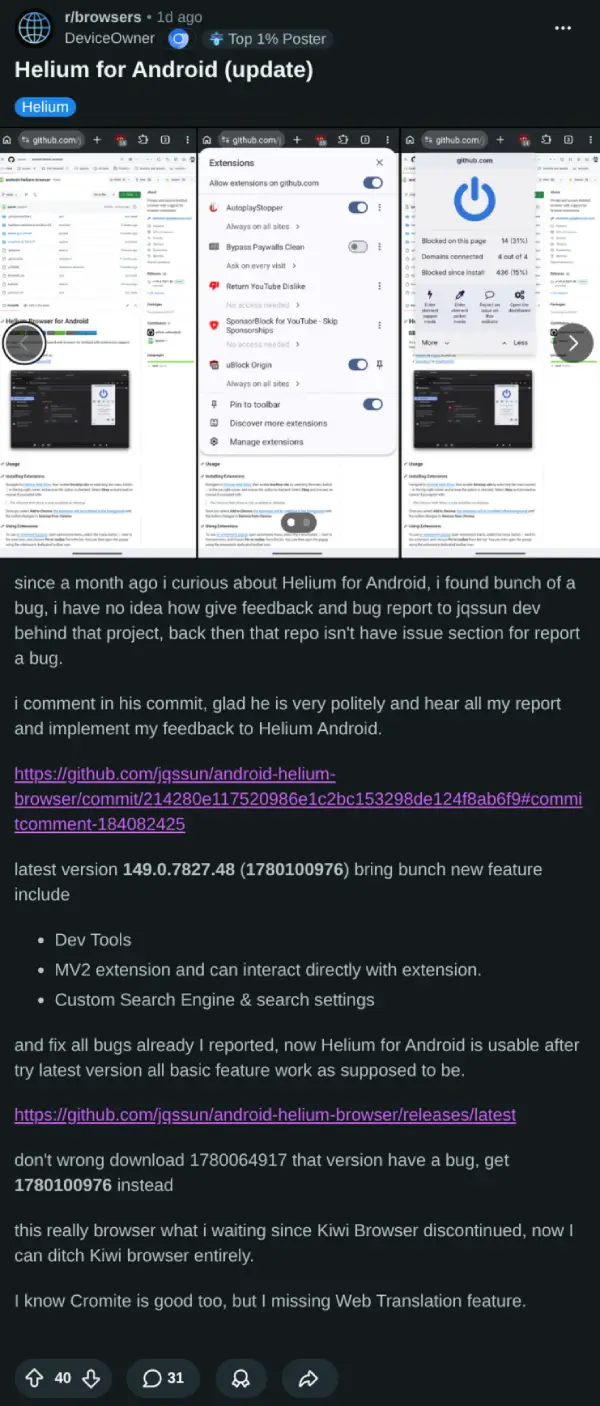
The development cycle for Helium is aggressive. Developer jqssun pushed the v149 update less than two days after users reported bugs on GitHub.
A GitHub tester named prasetyodedy reported that earlier builds prevented users from unpinning extensions and interacting directly with them. Another bug caused the built-in web translator to get stuck in a loading loop.
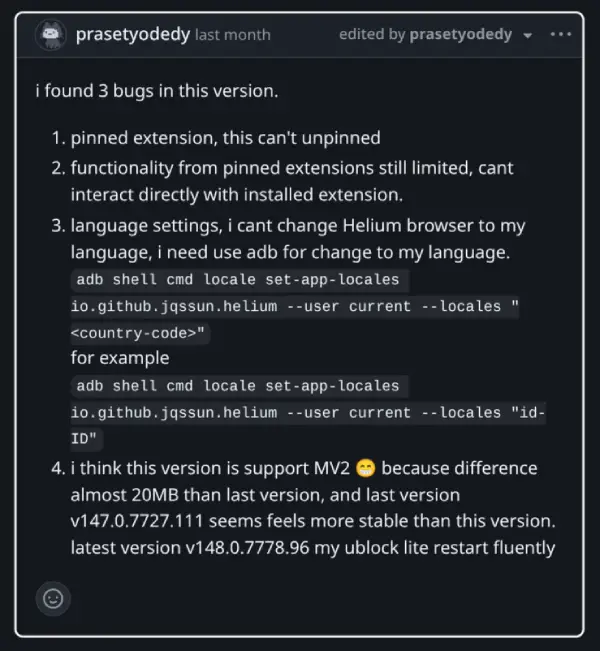
These bugs have now been addressed by the developer with the latest release.
Another useful addition is the ability for users to add their own search engine providers, instead of relying on the hardcoded list, which has DuckDuckGo selected by default.
Installing extensions requires a workaround. Users must enable “Desktop site” mode when visiting the Chrome Web Store to bypass Google’s block on mobile devices. The extensions then install in the background. I tried this out, and sure enough, it worked.
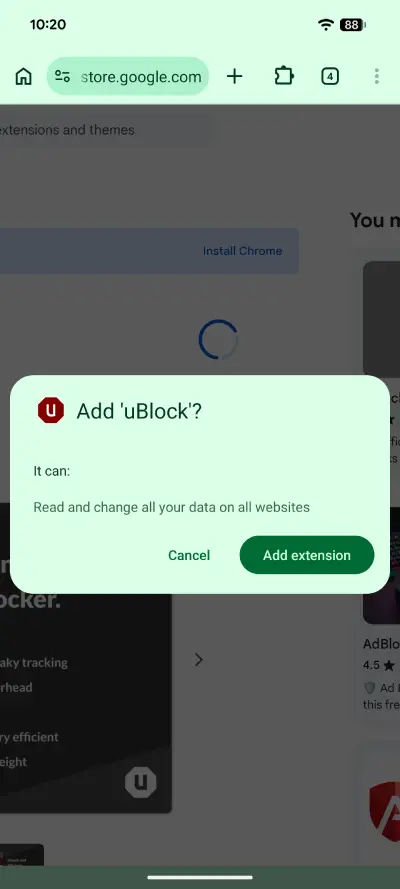
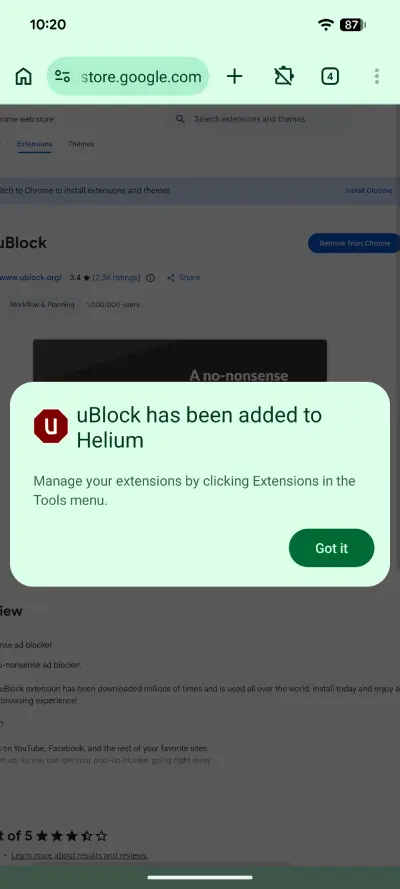
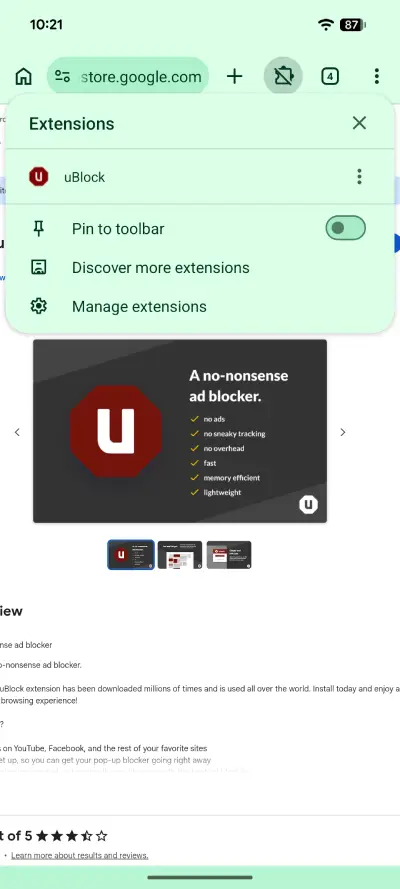
The latest build is available on the project’s GitHub repository.
Users testing the new release pointed out a minor bug in build 1780064917. Downloading the newer 1780100976 build resolves the issue.


Dwayne Cubbins
3055 Posts
I cover fast-moving stories across apps, online platforms, and everyday tech — phones, wearables, consoles, and whatever else people are fighting with this week. Bugs, rollouts, scams, policy enforcement, and the occasional internet-culture rabbit hole are all fair game. My goal is simple — make confusing tech news readable. When I'm not working, I'm working out or chilling with my dog. Got a tip? You can find me on X @dcubbins.
Next article View Article