Microsoft broke large file downloads in the latest stable release of Edge. Users upgrading to version 148.0.3967.83 are watching their local drives pin at 100% active time while the browser UI completely freezes during multi-gigabyte transfers. And the system thrashing persists even if you drop into the command line to forcefully kill the msedge.exe process tree.
The culprit is a stealth drop of parallel downloading, flipped on by default under the hood. Edge PM Eric Lawrence confirmed the mechanics over on his text/plain blog, explaining that the browser now splits giant files into three concurrent streams.
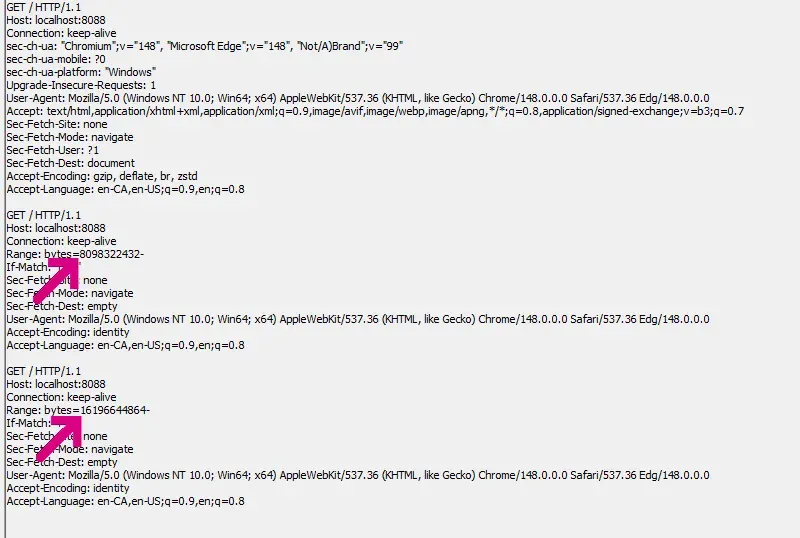
But there is a nasty catch. To handle those simultaneous parallel writes, Windows has to pre-allocate the entire destination as a sparse file. So if you initiate a 24GB download, Edge hammers your local disk trying to block out that physical space all at once. The UI wasn’t built with a holding state for this behavior. It just sits there looking entirely busted.
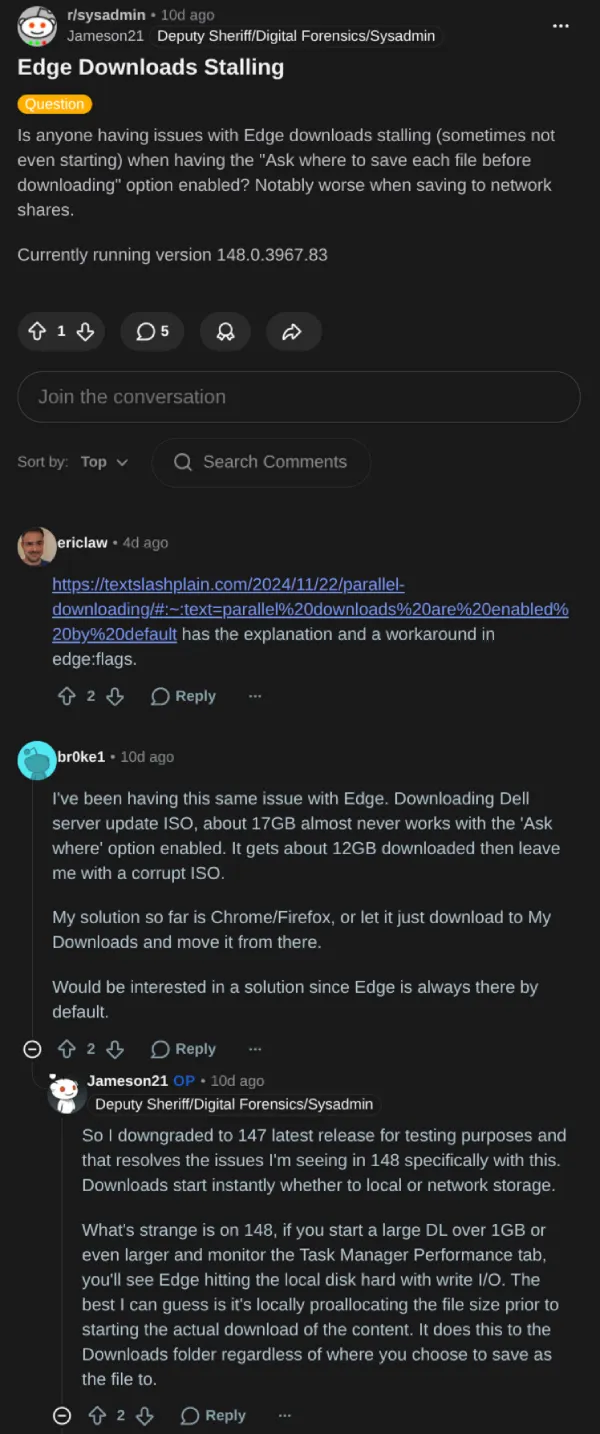
Network shares are seemingly getting wrecked the hardest.
Over on the r/sysadmin subreddit, IT admins are dealing with a wave of hung downloads and massive, corrupt .crdownload temp files. One user documented the regression triggering reliably whenever the “Ask where to save” prompt points to an SMB share. Rolling fleet clients back to version 147.0.3912.98 reportedly stops the issue.
That said, even normal users are reporting lockups with large files, like 15GB or so, that sometimes require a hard hardware reset to escape.
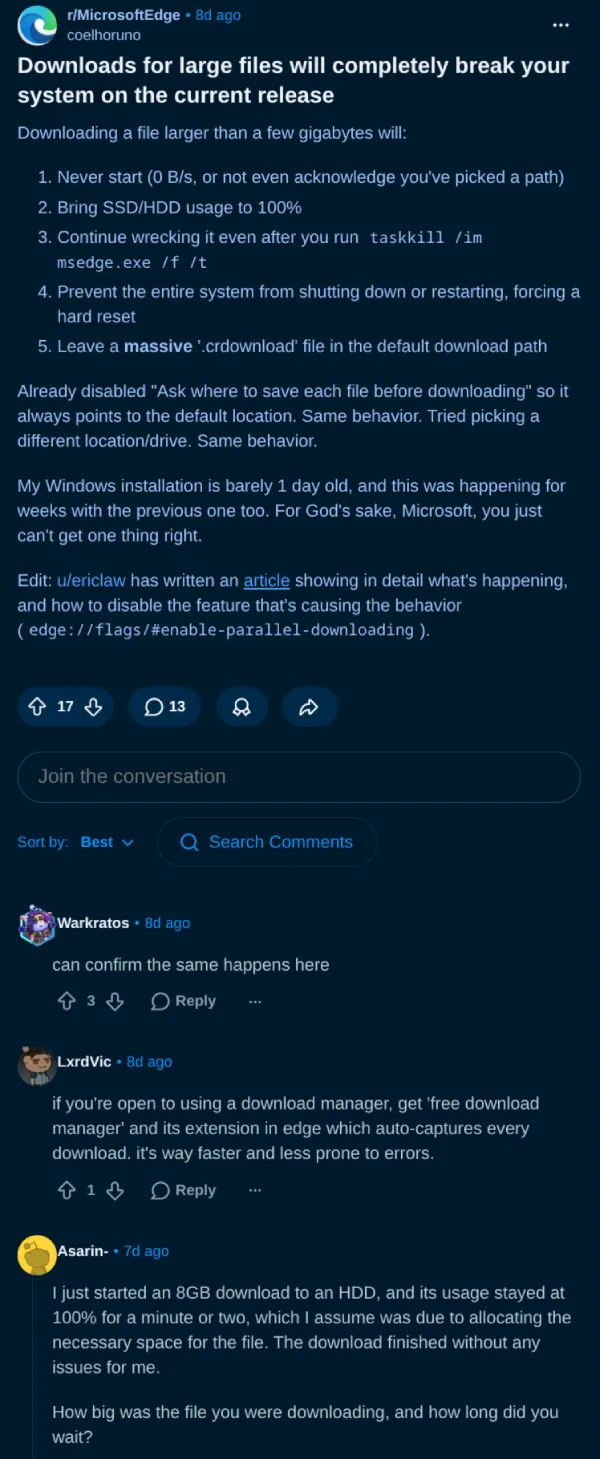
Luckily, there’s some good news. You don’t have to roll back your installation to kill the feature. Paste edge://flags/#enable-parallel-downloading into your address bar and switch the toggle to disabled.
This should fix the issue for good.
Featured image generated with AI


Dwayne Cubbins
3071 Posts
I cover fast-moving stories across apps, online platforms, and everyday tech — phones, wearables, consoles, and whatever else people are fighting with this week. Bugs, rollouts, scams, policy enforcement, and the occasional internet-culture rabbit hole are all fair game. My goal is simple — make confusing tech news readable. When I'm not working, I'm working out or chilling with my dog. Got a tip? You can find me on X @dcubbins.
Next article View Article