Google just pushed Chrome version 149 to both the Stable and Beta channels for Android users. A fraction of the user base is receiving the stable build today, but the wider release on the Google Play Store will happen over the next few days.
This release lands immediately after the wave of security and memory safety patches we covered yesterday, which were rolling out to desktop and mobile users.
The official repository log for this Android build shows developers actively tearing down and modifying the unreleased “Indigo” AI image replacement tool.
Tech sleuth @Leopeva64 on X highlighted this unreleased AI image replacement tool a couple of months ago. They pointed out menu options to regenerate, replace, and delete images on a webpage.
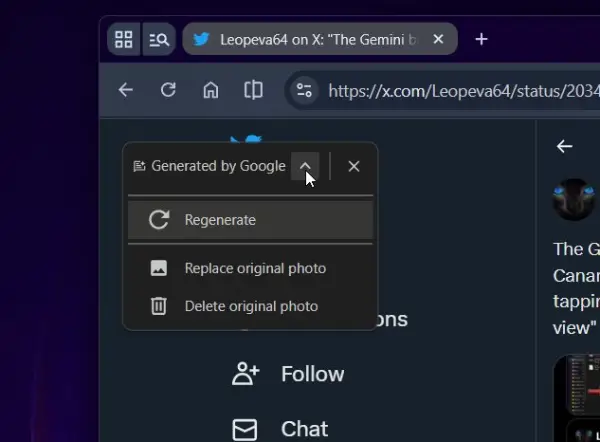
Google just pushed code to hide the regenerate and replace buttons completely. The developers left a note stating that the on-click functionality simply isn’t implemented yet.
The ‘delete original photo’ control is the only piece actively wired up to the API.
They are pulling back on the prominent AI branding for this specific utility. The classic sparkle icon has been stripped from the Indigo toolbar. It now only displays a text label reading “Generated by Google.”
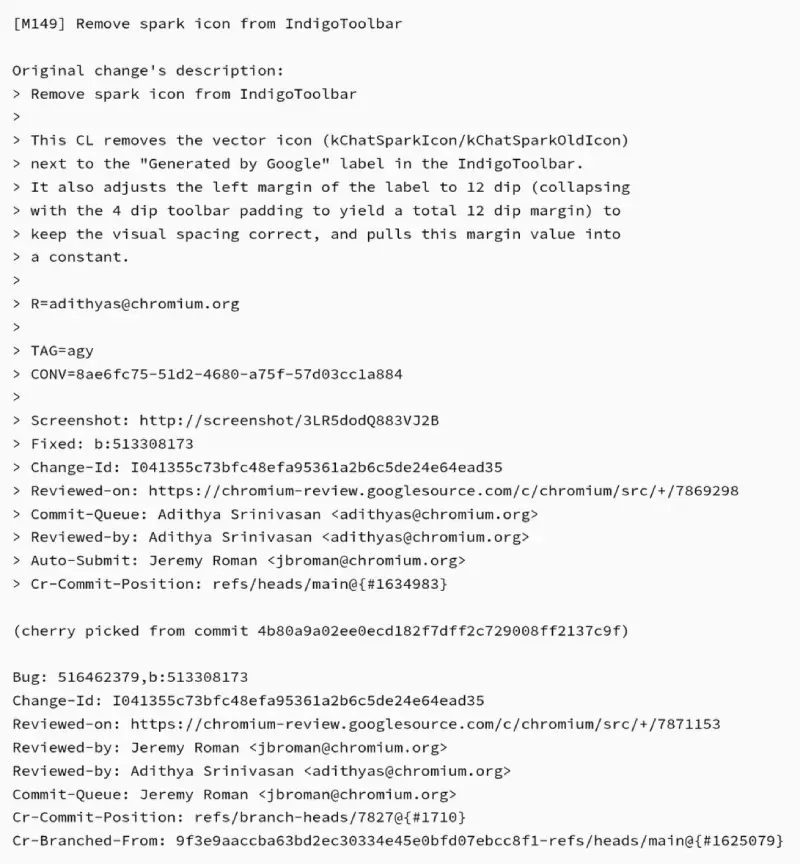
The UI sequencing changed as well. Chrome will intentionally delay rendering the Indigo toolbar until the backend server successfully generates the replacement image. If the generation drops or fails on the server side, the empty toolbar never appears.
Developers are making active layout adjustments to a dedicated onboarding dialog for Indigo. They bumped the maximum height to 960 pixels and hid the close button to reserve space for content.
Outside of the AI features, a frustrating typing bug is gone. One code change restarts the input connection the moment the address bar receives focus. That solves an issue where the Android keyboard would fail to send text to the URL bar.
TalkBack users have a necessary adjustment in this build. Chrome will stop firing hover events for web nodes that are invisible or heavily blocked by other UI elements, like the Google Translate popup.
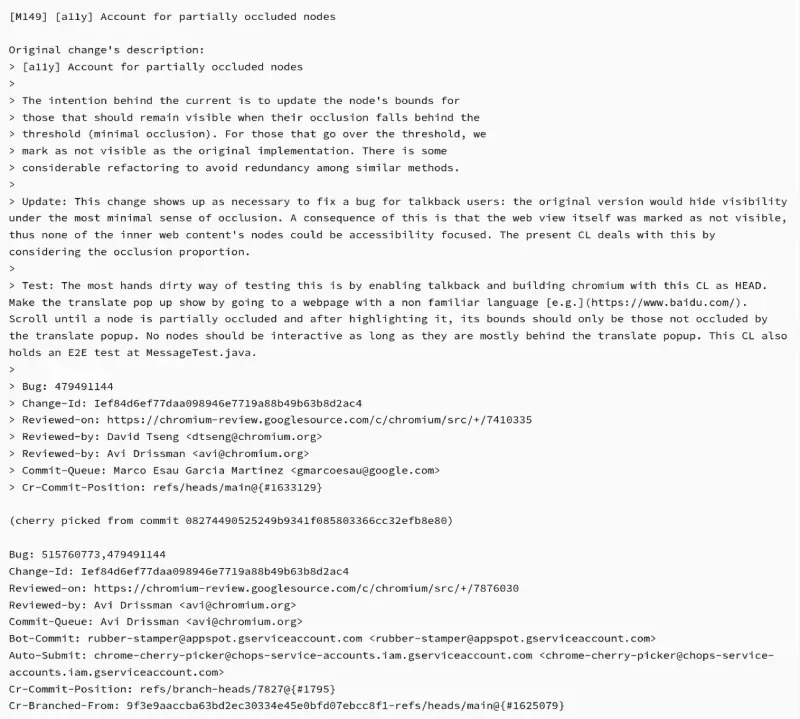
The original implementation hid visibility under the most minimal sense of occlusion. That broke focus for the entire web page.
Web app launches now require stricter validation. The browser verifies the MAC of a Webapp icon before loading it. Malicious apps occasionally try to pass an arbitrary icon to decode in the browser process. If the MAC is invalid, the launch aborts entirely.


Dwayne Cubbins
3097 Posts
I cover fast-moving stories across apps, online platforms, and everyday tech — phones, wearables, consoles, and whatever else people are fighting with this week. Bugs, rollouts, scams, policy enforcement, and the occasional internet-culture rabbit hole are all fair game. My goal is simple — make confusing tech news readable. When I'm not working, I'm working out or chilling with my dog. Got a tip? You can find me on X @dcubbins.
Next article View Article