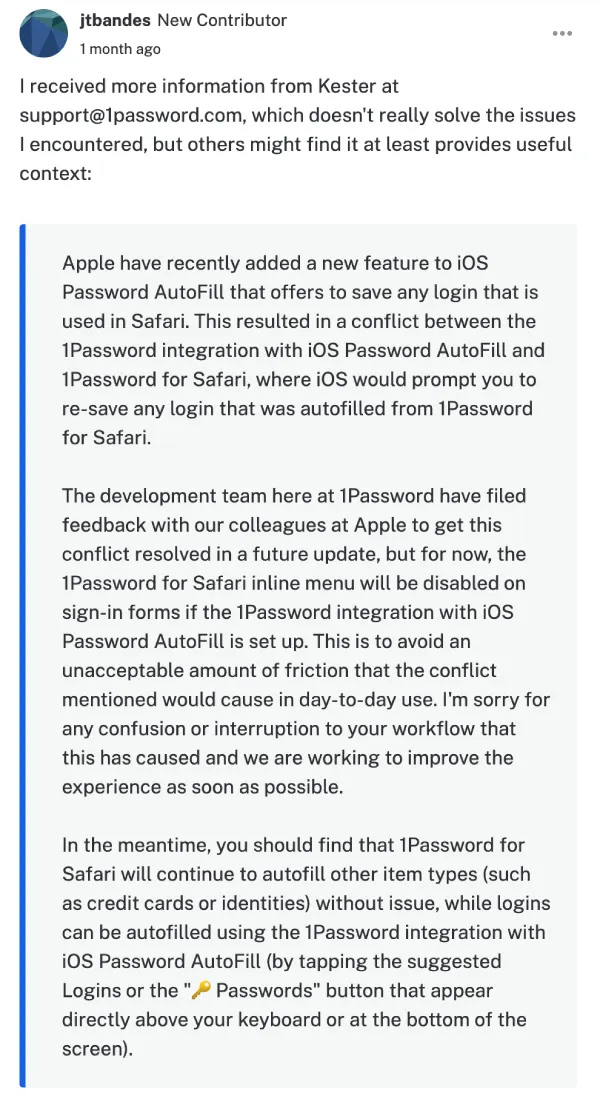
1Password’s Safari inline autofill menu has been deliberately disabled on iOS sign-in forms, and users who’ve spent weeks troubleshooting their settings didn’t know that until they went digging in support threads.
The cause is a conflict with a new Apple feature in iOS Password AutoFill. When a user fills a login through the 1Password Safari extension, iOS now interprets that as a new credential and prompts to save it again, creating a loop. 1Password’s response was to pull the inline menu off login forms entirely rather than ship that experience to everyone. Credit cards and identities still autofill through the extension. Passwords don’t.
The workaround they point to is the system AutoFill keyboard row, or tapping the key icon above the keyboard to open the 1Password picker. Several users in the community thread have counted it out: what used to be one tap is now four or five. For users managing multiple accounts across subdomains, the system picker also doesn’t respect 1Password’s per-host autofill settings, so the suggestions it surfaces are often wrong.
One user posted that their 70-something parents, who rely on the extension, had effectively been knocked off a workflow with no warning. Another said they created a forum account specifically to complain.
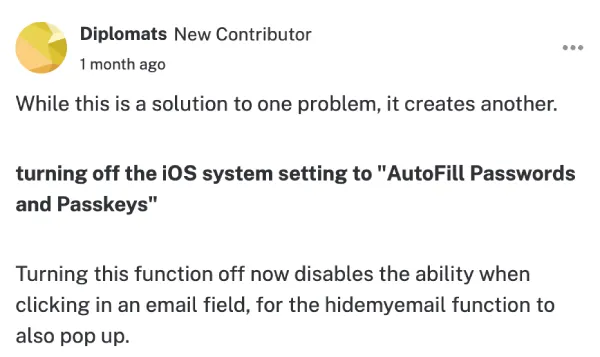
The other fix, turning off iOS AutoFill entirely, restores the Safari extension behavior. But that breaks 1Password in every non-Safari app, since those apps depend on the system AutoFill to surface third-party password managers. And at least one user found it also kills the Hide My Email option in email fields.
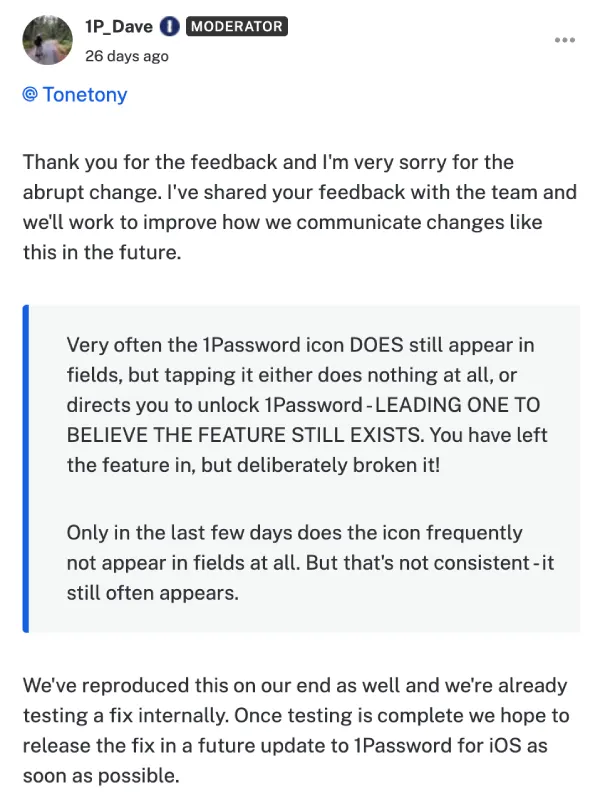
There’s a bug on top of the intentional change, too. Reports in a recent Reddit thread and the community forum describe the 1Password icon still appearing in form fields but doing nothing when tapped, or prompting an unlock that goes nowhere. 1Password staff confirmed they’ve reproduced it and are testing a fix.
Some users noticed the behavior may have already been reversed in recent TestFlight builds. The release notes don’t say so explicitly, but the extension reportedly behaves like it used to in beta. Whether that makes it to a production release isn’t confirmed.
1Password filed feedback with Apple, asking them to resolve the underlying conflict. Until that happens, or until 1Password finds a way around it, the inline menu on login forms stays off by default if you have iOS AutoFill enabled, which most users do.


Dwayne Cubbins
3036 Posts
I cover fast-moving stories across apps, online platforms, and everyday tech — phones, wearables, consoles, and whatever else people are fighting with this week. Bugs, rollouts, scams, policy enforcement, and the occasional internet-culture rabbit hole are all fair game. My goal is simple — make confusing tech news readable. When I'm not working, I'm working out or chilling with my dog. Got a tip? You can find me on X @dcubbins.
Next article View Article