A viral post has been doing the rounds on X over the past few hours after a user claimed it freed several gigabytes in minutes. Sounds too good to be true, right? Well, it is, somewhat. Let me explain.
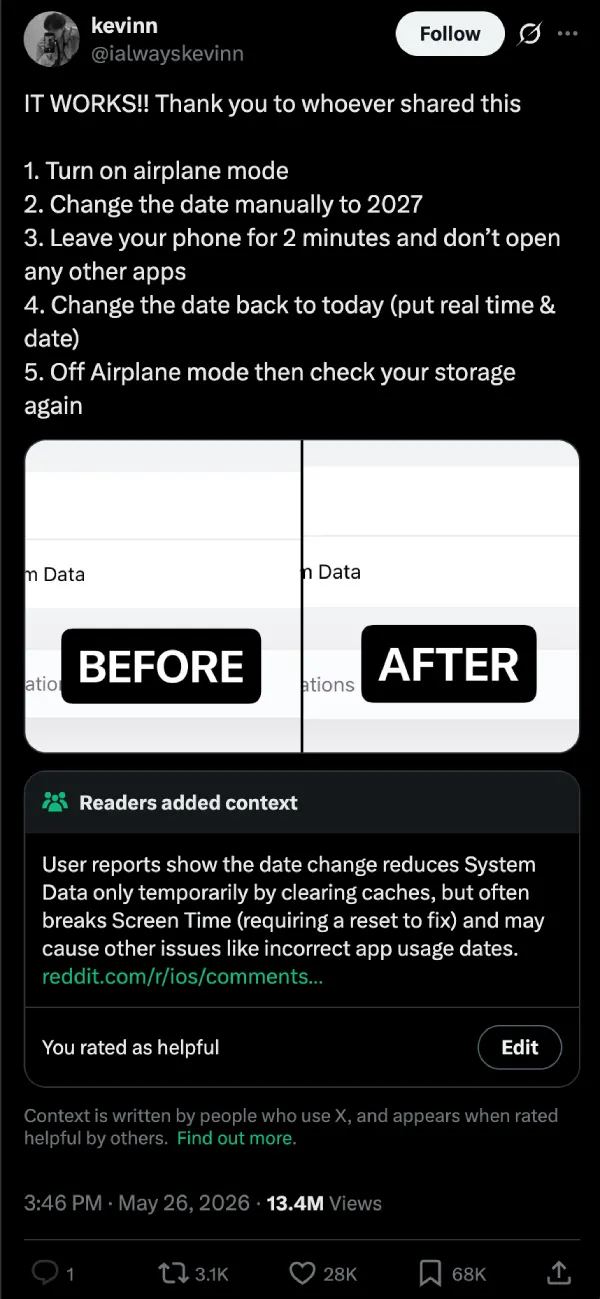
The post in question, from an account called @ialwayskevinn, highlighted the exact steps and included before-and-after screenshots of the storage menu. Turn Airplane Mode on, manually change the date to 2027, leave the phone alone for roughly two minutes without opening any apps, switch the date back to the correct one, and turn Airplane Mode off again. Then check Settings > General > iPhone Storage.
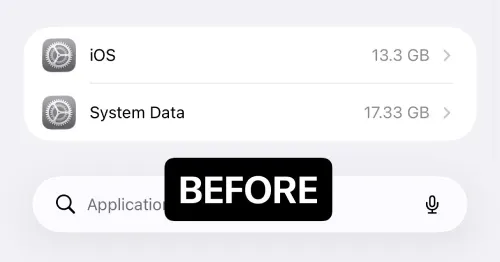
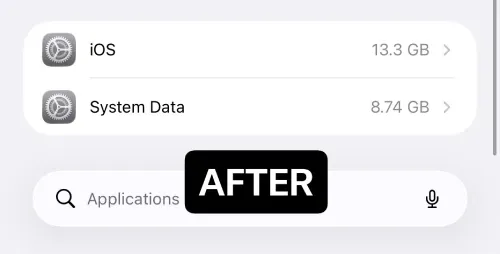
A lot of people who followed those instructions reported quick wins. System Data, the category that often balloons without any obvious way to trim it, dropped by several gigabytes in multiple cases. One person saw it fall from over 17 GB down to around 9 GB. Another reclaimed close to 17 GB in a single try.
The explanation that has been circulating makes sense once you hear it. By pushing the date far forward while the phone is offline, iOS treats a bunch of older cache files, logs, and temporary data as expired. The system then purges them more aggressively than it normally would during routine background maintenance.
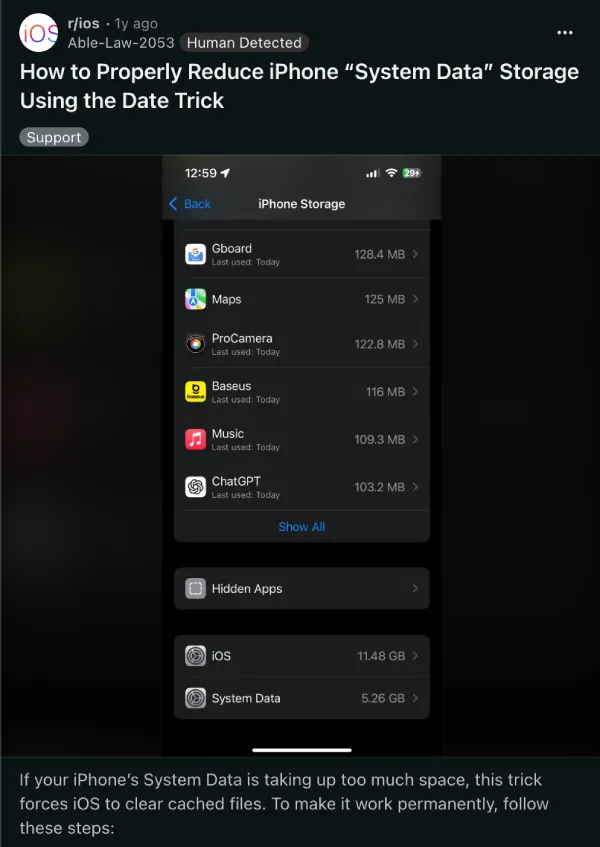
That said, this is not a trick by any means. We’ve seen this surface a year ago on Reddit too. The OP there also shared the detailed steps, but once you dive into the comments, you’ll understand how flawed the trick actually is.
In fact, the viral post now has a community note which points out that the storage reduction tends to be temporary. It also flags that Screen Time tracking frequently gets scrambled in the process, with incorrect app usage dates and, in some cases, the feature itself stops working properly until users reset it or restore from a backup.
Some people said the extra space they gained disappeared again after a restart or within a few hours. A smaller number reported their used storage actually went up after attempting the steps. Others tried it multiple times and saw little to no meaningful change.
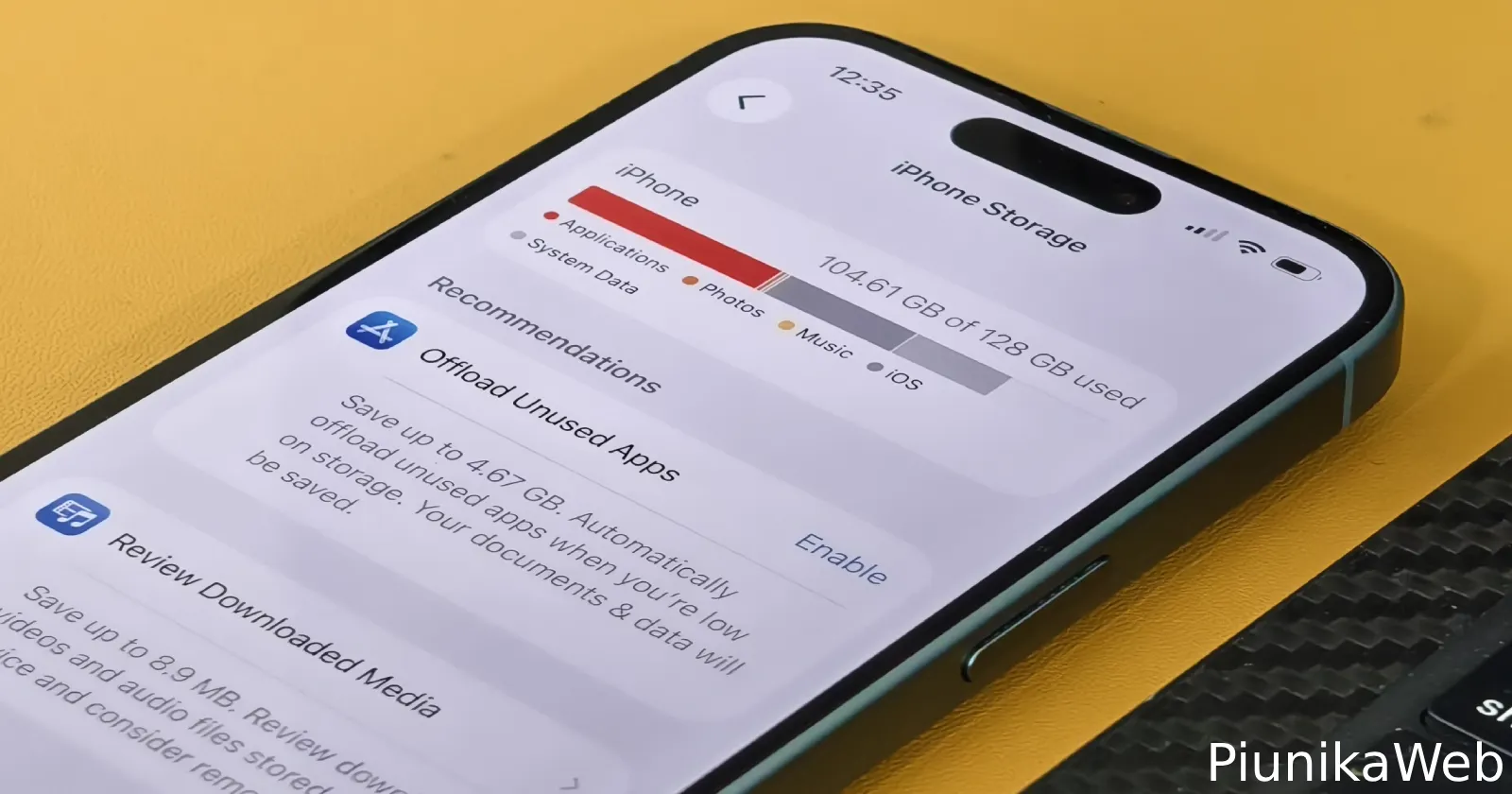
Apple has never suggested anything like this. The company’s own tools in the iPhone Storage menu, such as offloading apps you rarely use or clearing Safari website data directly, still handle the immediate pressure without touching the system data the phone actually depends on for normal operation. Most of the time, those options will have better results without forcing a rebuild of usage tracking or optimization caches afterward.
So while this might seem like a nifty trick to clear on storage space on your iPhone that always seems to be hitting the ceiling, I won’t recommend it, nor will I use it to free up space on my measly 128 GB iPhone.


Dwayne Cubbins
3064 Posts
I cover fast-moving stories across apps, online platforms, and everyday tech — phones, wearables, consoles, and whatever else people are fighting with this week. Bugs, rollouts, scams, policy enforcement, and the occasional internet-culture rabbit hole are all fair game. My goal is simple — make confusing tech news readable. When I'm not working, I'm working out or chilling with my dog. Got a tip? You can find me on X @dcubbins.
Next article View Article