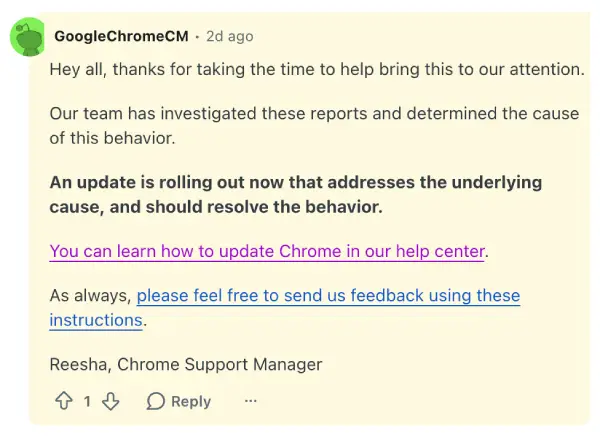
Update 19/06/26 – 11:06 am (IST): Google Chrome’s community manager on Reddit confirmed that a fix for the bug is rolling out. They didn’t share any version details, so we’d suggest you just grab the latest stable version of Chrome and try it out.
Original article published on May 27, 2026, follows:
Google is officially investigating a high-priority Chrome bug that is completely locking Android tablet users out of the browser.
The problem seems to have started impacting users over the last few days, affecting people running the stable Chrome version 148.0.7778.178. And after reading through various reports, it looks like it’s impacting users with Android tablets.
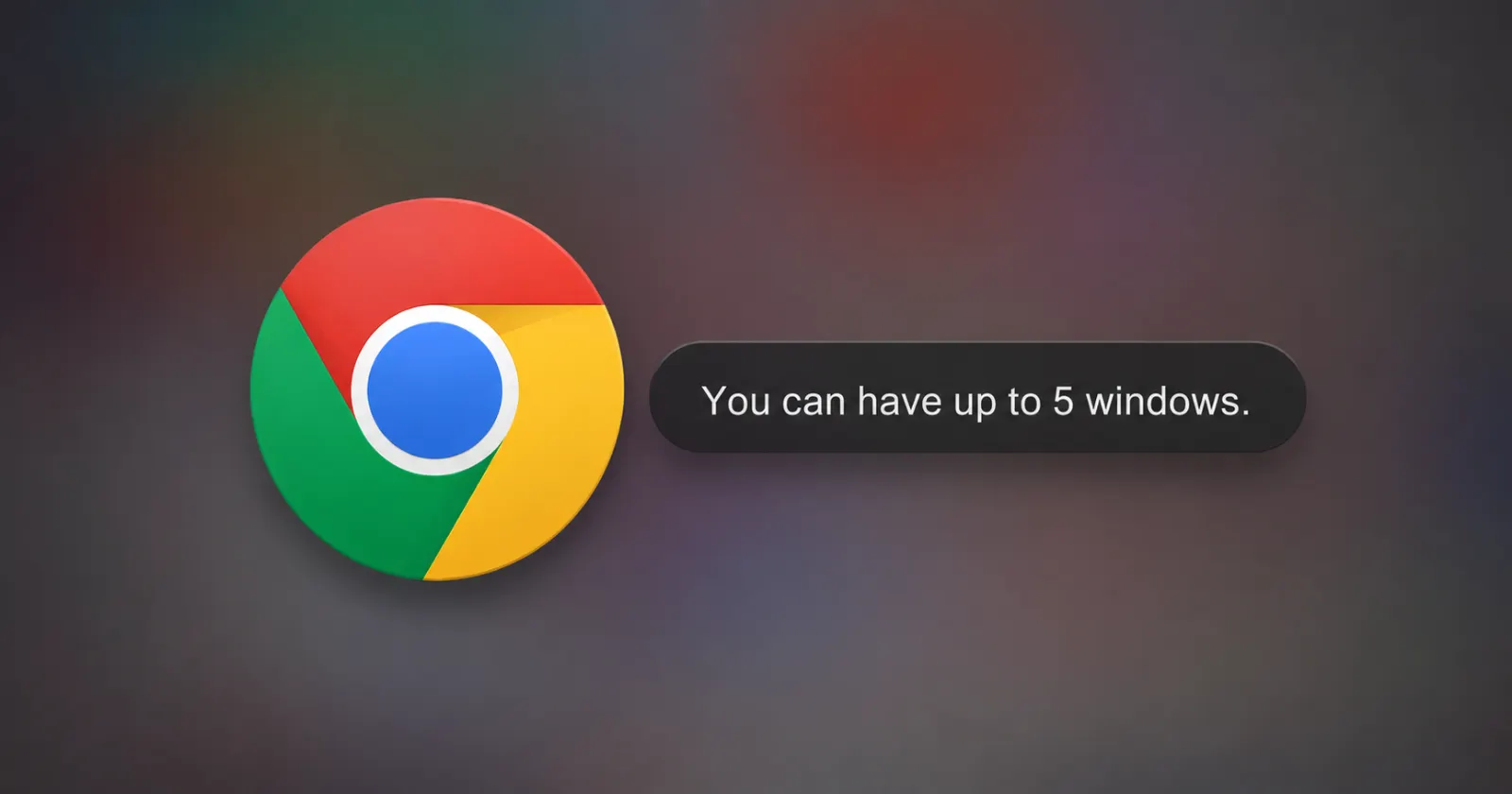
When users try to open the app, it flashes a quick notification saying “You can have up to 5 windows” and then closes instantly. It happens even if someone has zero other apps running in the background.
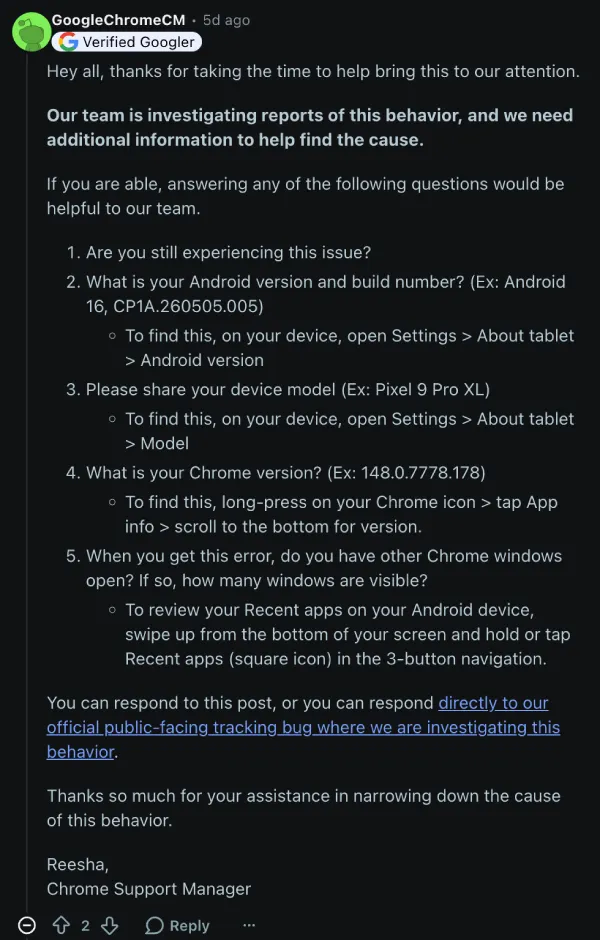
On Reddit, a verified Chrome Support Manager posted a public plea for data. They asked affected users to share their specific Android build numbers, device models, and exact window counts to help the engineering team pin down the cause.
According to the official Chromium Issue Tracker, Google engineers have flagged this as a P1 bug, meaning it is treated as a top-priority problem.
In one Reddit thread, the poster mentioned trying everything from clearing the app’s cache to force-stopping it, but the browser still refuses to load.
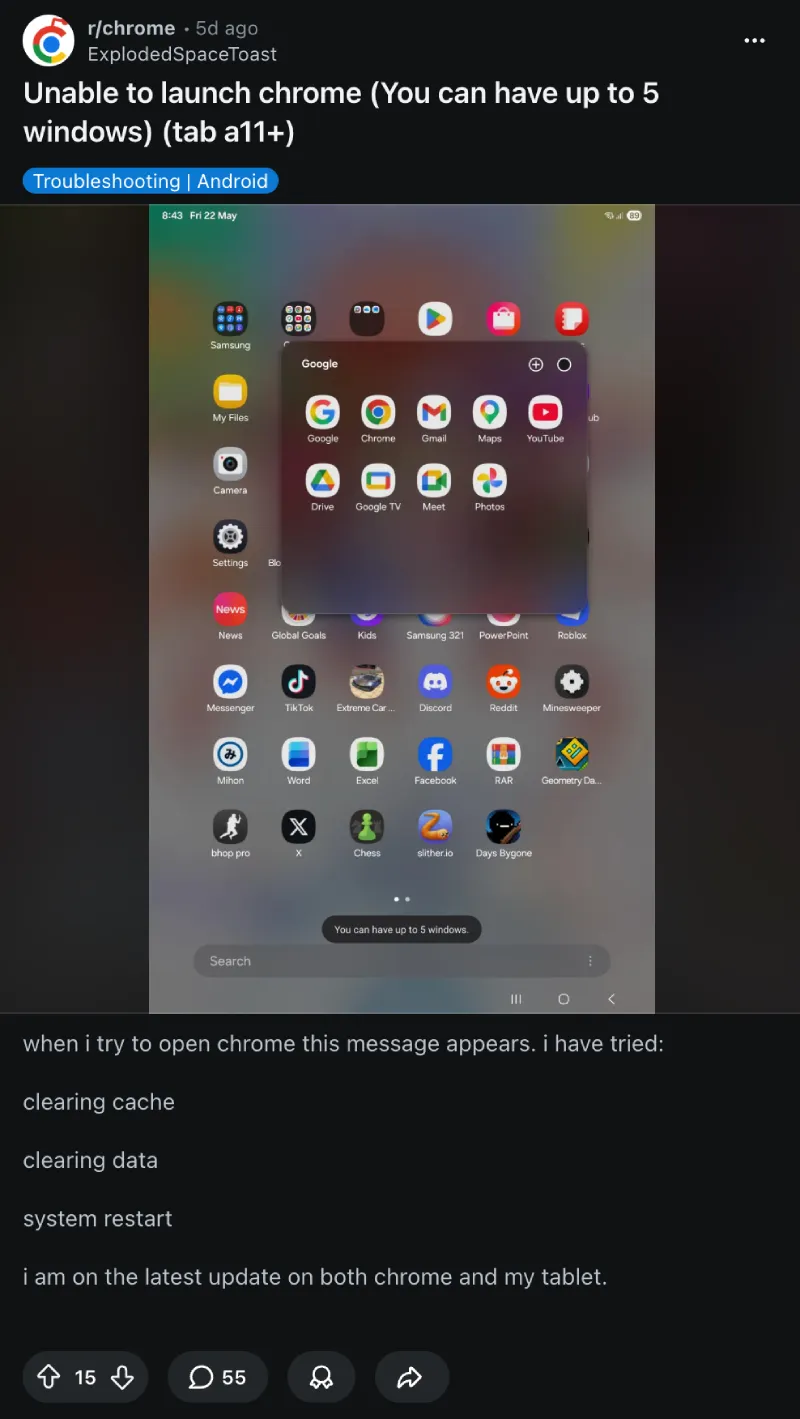
The bug is heavily impacting Samsung devices. Owners of the Galaxy Tab S9 FE, Tab S6 Lite, and Tab A11+ are reporting the crash frequently. A few Lenovo and Xiaomi tablet users have chimed in on another Reddit thread with the exact same error message.
Based on developer notes, it seems like the glitch comes down to how Chrome handles multiple windows.
The browser recently picked up a feature that opens incognito tabs as standalone desktop-like windows on tablets. On devices with lower memory, Chrome seems to lose track of these windows after they are closed. The app basically assumes it has hit its maximum window capacity and shuts down before the user can even see their home screen.
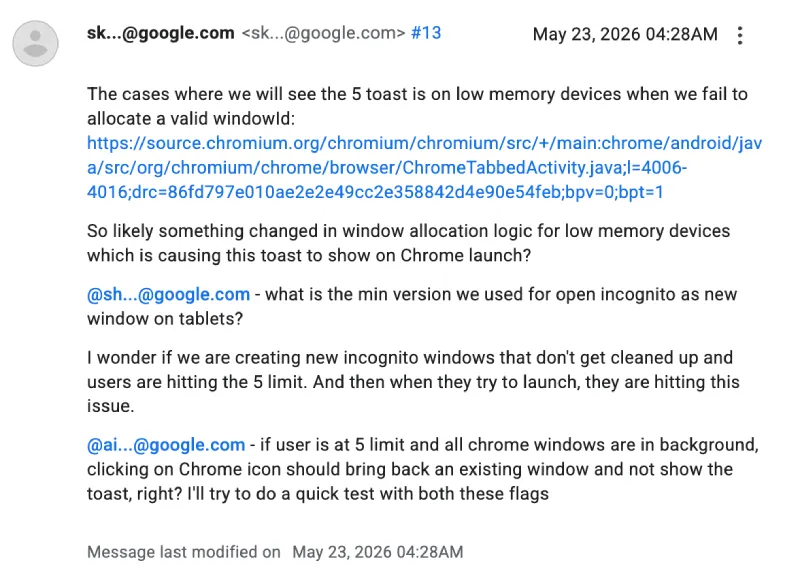
Google is currently reviewing code changes to disable that desktop-style incognito setup on tablets with lower RAM thresholds.
If you are locked out right now, there is a temporary fix. Multiple users on the forums note that going into the Google Play Store and uninstalling Chrome updates to restore the factory version gets the browser working again. You might lose your unsynced local tabs, but it beats being locked out entirely while waiting for an official patch.
Featured image generated with AI


Dwayne Cubbins
3150 Posts
I cover fast-moving stories across apps, online platforms, and everyday tech — phones, wearables, consoles, and whatever else people are fighting with this week. Bugs, rollouts, scams, policy enforcement, and the occasional internet-culture rabbit hole are all fair game. My goal is simple — make confusing tech news readable. When I'm not working, I'm working out or chilling with my dog. Got a tip? You can find me on X @dcubbins.
Next article View Article