![Some Instagram users report links not opening in app, redirects to home screen instead [U: It's back]](https://piunikaweb.com/wp-content/uploads/2026/02/Featured-Image-Instagram-Logo-Links-Broken.png "Some Instagram users report links not opening in app, redirects to home screen instead [U: It's back]")
Update 21/05/26 – 09:37 am (IST): The bug is back again. Many users have taken to Reddit and X to complain that shared links are not opening properly. Rather than opening up the Reel or post, it just directs users to the home feed. Once again, this is only happening on Android smartphones, irrespective of the brand.
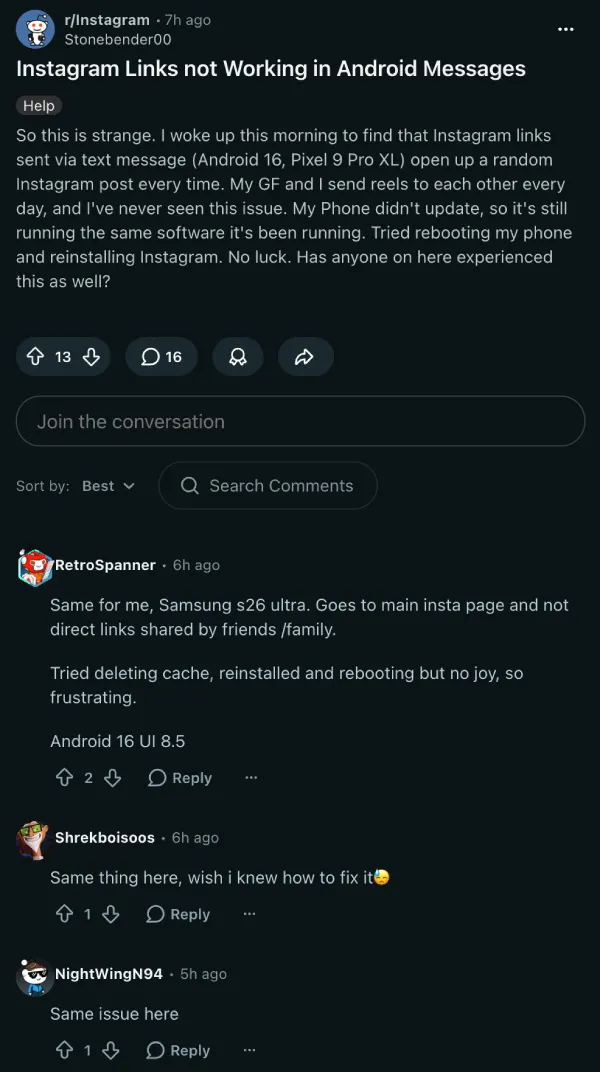
We were also able to reproduce the bug on our devices following the Instagram version 430.0.0.53.80 update. The bug wasn’t present on the previous build.
So until Instagram rolls out a patch for the issue, you could try downloading and sideloading an older Instagram version and turning off auto-updates on the Play Store for the app.
Original article published on February 19, 2026, follows:
There’s a new bug on Instagram, where the links do not open properly in the app. Instead of loading the reels, posts, or profiles, it directly takes users to the main feed. This completely breaks shared links, and it has been happening on both iOS and Android.
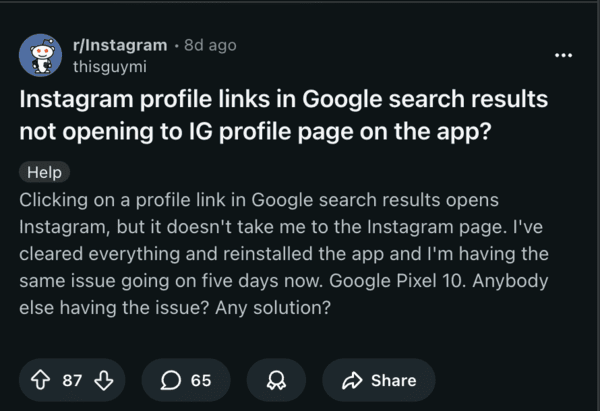
Reports show that the issue persists across links from WhatsApp, Google Search, and even Telegram in my personal experience. The link generated from Instagram is valid, but the app ignores the deep link and opens the home page instead. The problem began around two weeks ago, and it’s happening without users changing any settings in the Instagram app. It’s certainly not a user error.
The bug isn’t brand-specific. Users report the same bug across Samsung flagships, Xiaomi flagships, and even budget phones.
This problem is consistent across all types of links as well. It’s not just reels and profile links; links for stories are broken as well. I can personally confirm that reinstalling the app or signing in after signing out does not fix the problem.
It’s worth noting that the links still function as intended on the Instagram website, clearly pointing to an app issue. Deep linking is the process of using a hyperlink to send users directly to a specific page within an app, instead of just the homepage. Many apps rely on deeplinks, and this seems to be a deeplink failure on Instagram’s end.
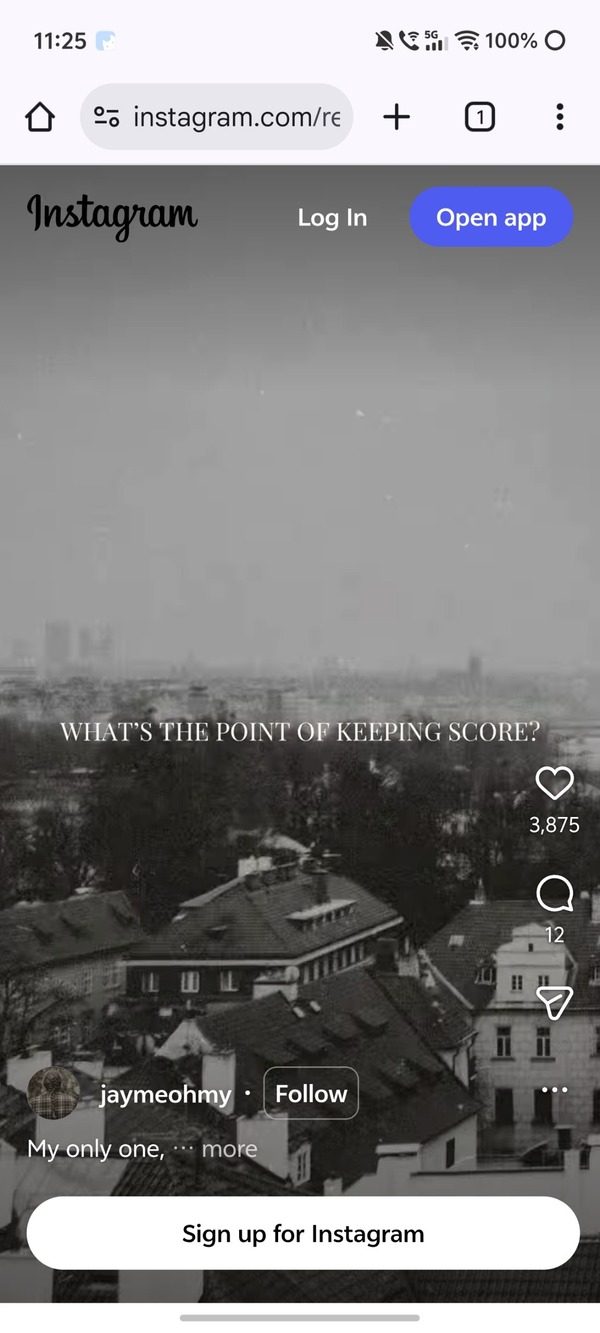
There are a few people who claim the bug appeared after an update to the app, and that it was fixed with a new version of the app. However, it has certainly not been solved universally. There are a few workarounds you can try. Clearing the cache and app data temporarily fixed it for me on Android. People have tried switching WiFi Networks as well, but that does not seem to help. The problem allegedly persists on Facebook, too.
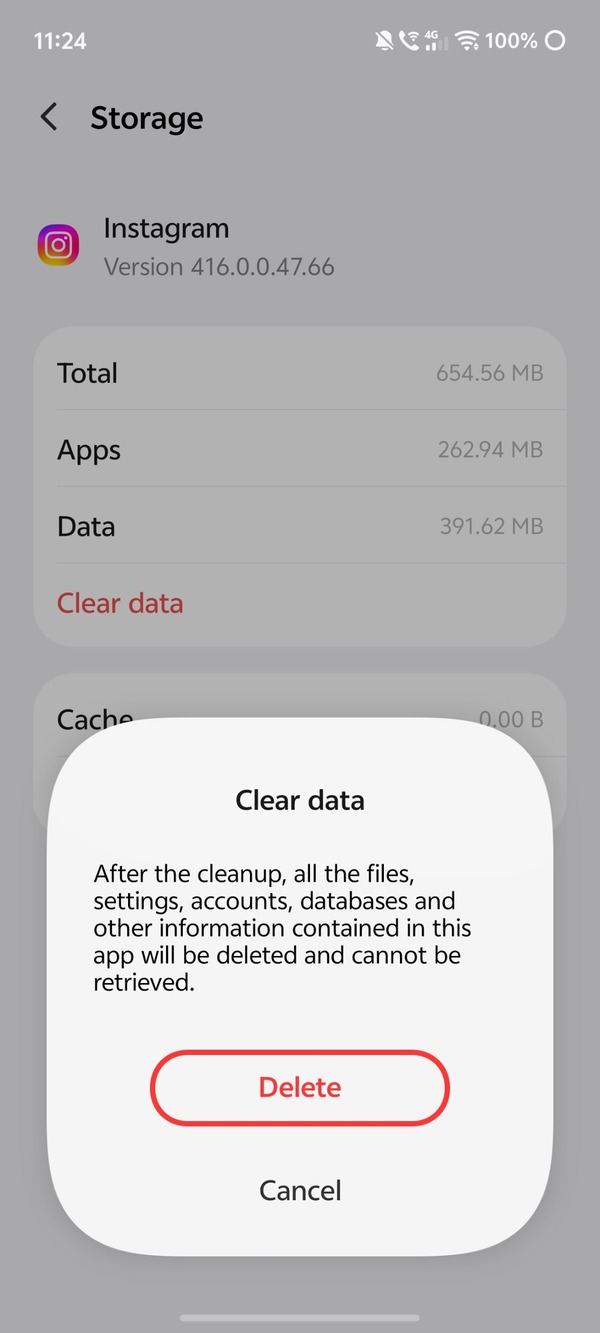
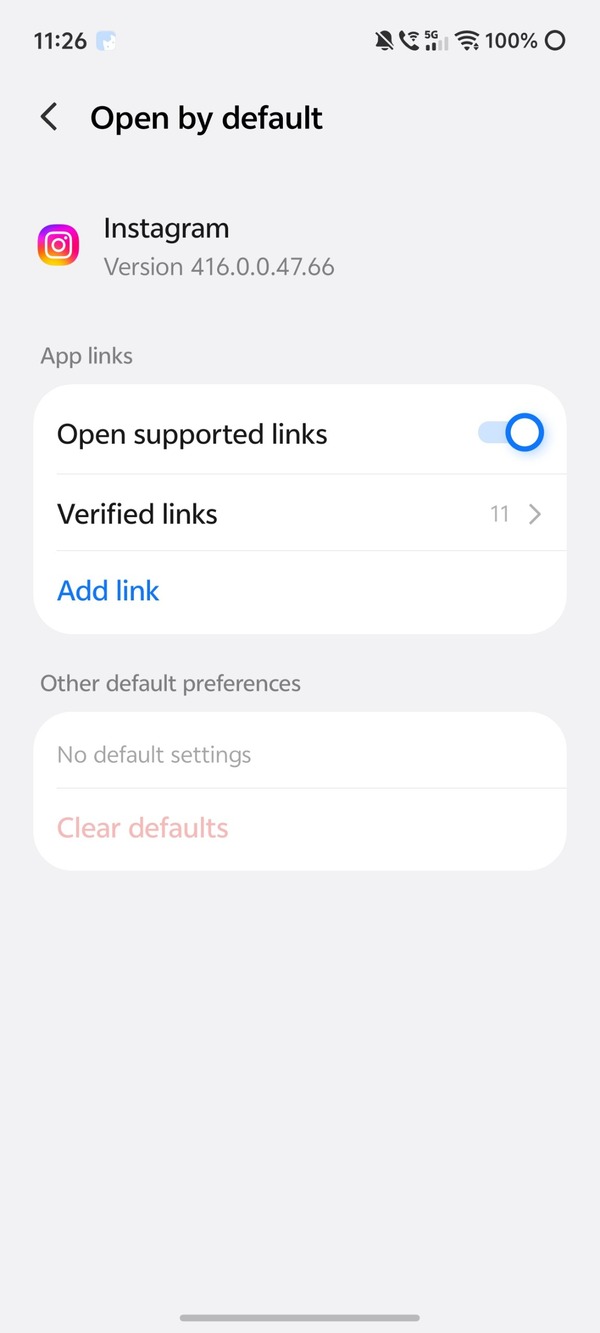
You can also try opening the link directly in a browser such as Chrome instead. Another option is to disable “Open supported links” from system settings, which may or may not always work.
Until Instagram rolls out a fix for everyone, either from the server side or through a new app version, we’re stuck manually pasting the links into a web browser or searching up usernames manually. Unfortunately, issues with Instagram crashing seem to be common recently, which we’ve covered here.


Dwayne Cubbins
3064 Posts
I cover fast-moving stories across apps, online platforms, and everyday tech — phones, wearables, consoles, and whatever else people are fighting with this week. Bugs, rollouts, scams, policy enforcement, and the occasional internet-culture rabbit hole are all fair game. My goal is simple — make confusing tech news readable. When I'm not working, I'm working out or chilling with my dog. Got a tip? You can find me on X @dcubbins.
Next article View Article