





![Google’s Antigravity 2.0 update strips out the code editor, forcing developers to download a separate IDE [U]](https://piunikaweb.com/wp-content/uploads/2026/05/antigravity-2.0-featured.webp "Google’s Antigravity 2.0 update strips out the code editor, forcing developers to download a separate IDE [U]")
it still has the IDE, the experience is getting updated to make this more clear!
— Logan Kilpatrick (@OfficialLoganK) May 21, 2026
Update 22/05/26 – 03:30 pm (IST): Google AI staffer, Logan Kilpatrick, commented under a post on X highlighting the missing IDE experience in Antigravity 2.0 by stating that, “it still has the IDE, the experience is getting updated to make this more clear!”
The comment did confuse many users because it sounded like Kilpatrick claimed that Antigravity 2.0 comes with the IDE interface built in, which isn’t true. As mentioned in our original report, you have to download the IDE separately.
That said, at least it seems like Google is working to make things clearer, though, it’s still up for debate for what exactly this means. We’ll have to wait and see.
Original article published on May 20, 2026, follows:
Following the Google I/O 2026 event, Google pushed a massive automatic update to its AI coding platform Antigravity, completely gutting the built-in code editor and leaving developers with nothing but a prompt chat box.
This massive change immediately disrupted active production workflows as users ran into missing terminals, broken sidebars, and wiped configurations.
One frustrated developer on Reddit called it a classic example of product management overreach, noting that active projects were suddenly rendered unusable. Google’s move looks aggressive, essentially forcing a brand-new layout that feels entirely half-baked for day-to-day programming.
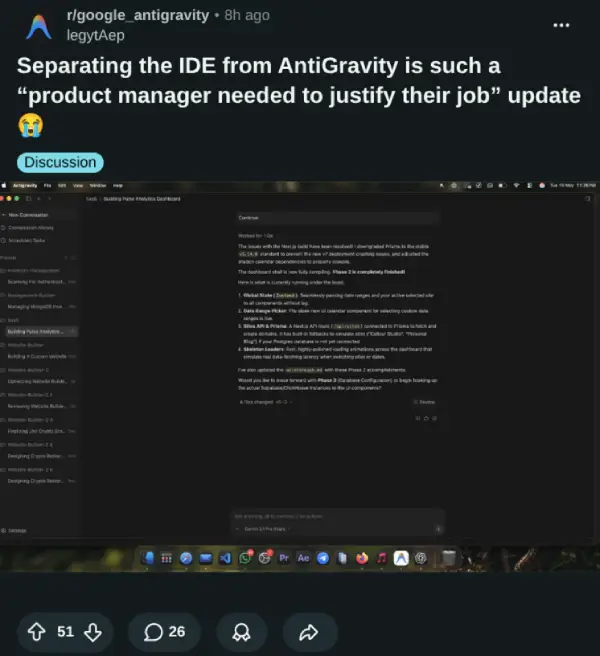
Instead of a unified environment, users are stuck in an “Agent View” loop. As the OP of another highly upvoted Reddit thread mentioned, the software feels like a glorified chat wrapper now. Essential features like source control, local terminals, and remote SSH or WSL2 support are entirely gone from the default version.
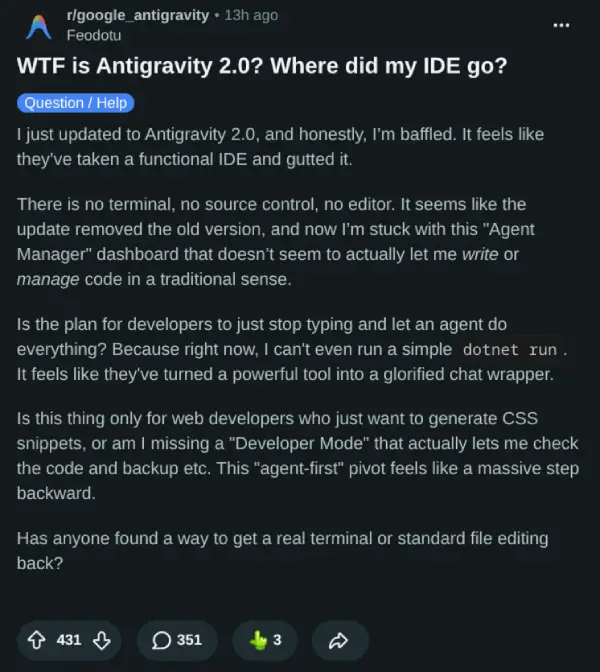
Basically, Google now expects developers to download a separate IDE tool entirely. If you try to run both versions simultaneously, namespace conflicts cause the system to default straight back to the 2.0 agent dashboard.
Worse yet, the new IDE split appears to have broken Remote-WSL connections entirely, with developers noting 404 server errors on the Google CDN. You can check out more of these workspace errors on the Google AI Developers Forum and on additional community reports here and here.
How to fix your broken environment
If the automatic rollout broke your setup, you can reclaim your editor. A commenter on Reddit shared that completely uninstalling Antigravity 2.0 first, killing lingering processes via Task Manager, and then installing only the standalone Antigravity IDE version from the official download page breaks the broken launch loop.
That said, the blank slate encountered after a clean install has a clear technical explanation. As highlighted by Nandur Studio on X, Google quietly split the app into two entirely separate directories inside AppData. Your old data lives in \Roaming\Antigravity, while the new app installer only reads \Roaming\Antigravity IDE.
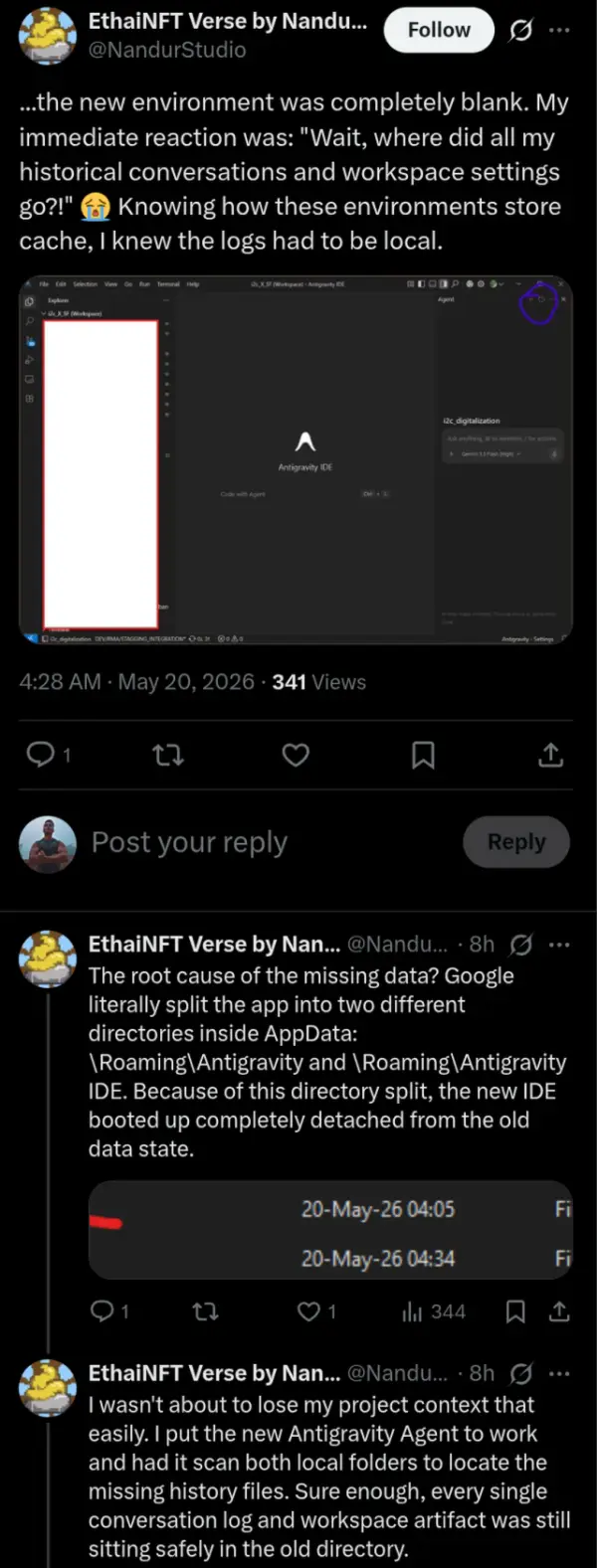
To bridge the gap and restore your wiped configurations, snippets, and chat histories, you will need to manually copy the contents of the old folder and overwrite everything inside the new Antigravity IDE structure. Moving these local files directory-to-directory pulls your previous project context back from the dead, at least for now.
While the Windows directory swap resolves missing project files, macOS users are facing their own broken authentication loops after installing the standalone IDE. To clear the persistent sign-in errors, Mac users need to wipe their application cache via the Terminal. Running rm -rf ~/Library/Application\ Support/Antigravity/Session\ Storage followed by rm -rf ~/Library/Application\ Support/Antigravity/Local\ Storage clears the corrupted state and allows the new IDE to authenticate properly.
For those who want the old experience back entirely, a guide on the developer forum outlines steps to roll back to version 1.23.2. Once installed, you will need to go to Editor Settings, search for auto-updates, and toggle them off to prevent the software from overwriting your project data again.

We stand out from the tech-media crowd because we break news stories; we mainly bring you stuff that you won’t find anywhere in the mainstream tech media. Our stories have been picked up by some of the world’s most popular websites and media outlets—more info is available here.

Dwayne Cubbins
3058 Posts
I cover fast-moving stories across apps, online platforms, and everyday tech — phones, wearables, consoles, and whatever else people are fighting with this week. Bugs, rollouts, scams, policy enforcement, and the occasional internet-culture rabbit hole are all fair game. My goal is simple — make confusing tech news readable. When I'm not working, I'm working out or chilling with my dog. Got a tip? You can find me on X @dcubbins.
Next article View Article
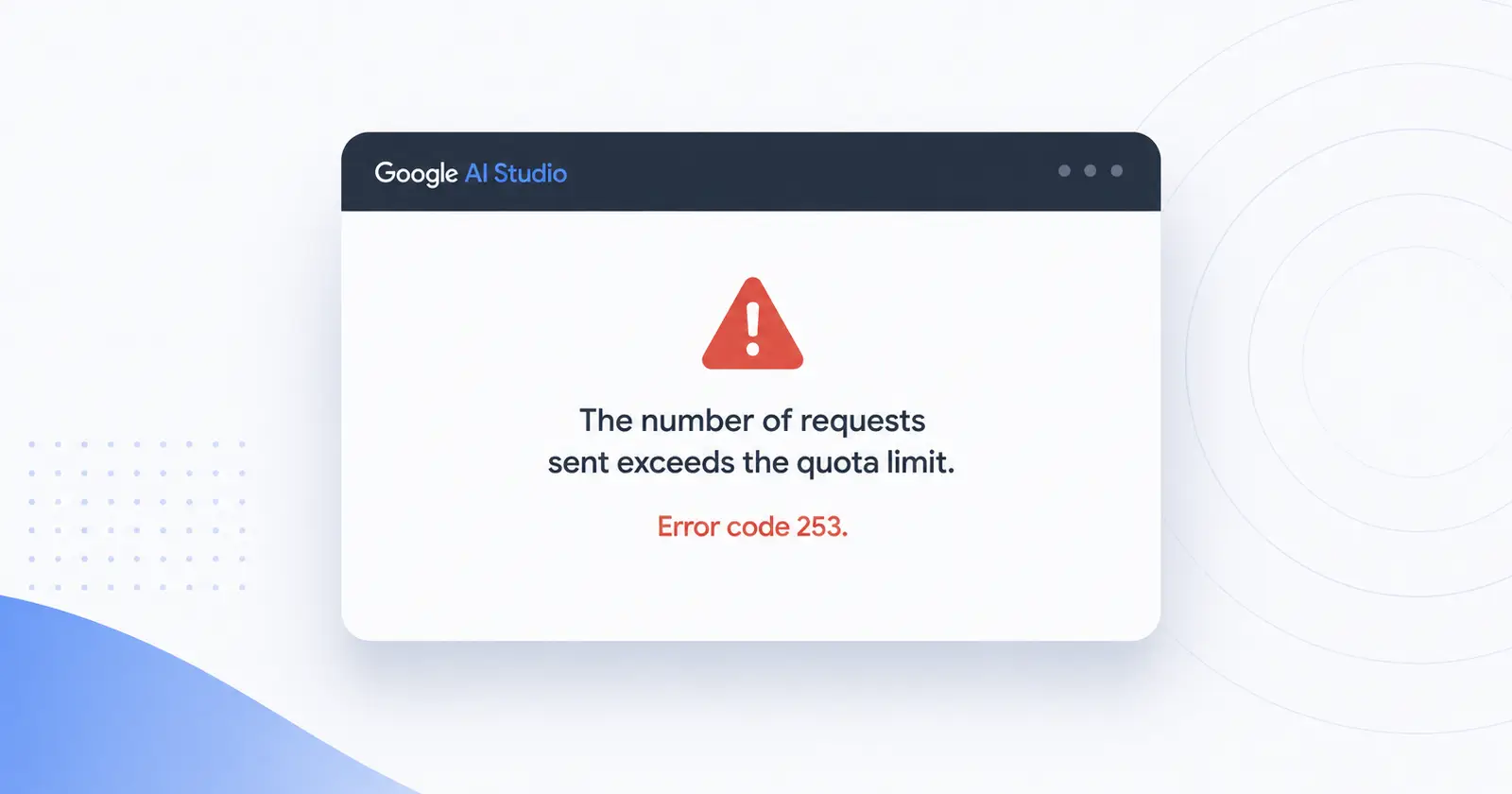
Widespread 'Error 253' quota bug is breaking Google Flow and AI Studio workspaces
It looks like a backend bug is currently knocking Google Flow and AI Studio users out of their developer workspaces. The issue seems to have started bubbling up over the...
May 20, 2026 1 Min Read