![Google aware of widespread Gmail flickering glitch on Android tablets and foldables [U: Fixed]](https://piunikaweb.com/wp-content/uploads/2026/05/gmail-logo-glitch-featured.webp "Google aware of widespread Gmail flickering glitch on Android tablets and foldables [U: Fixed]")
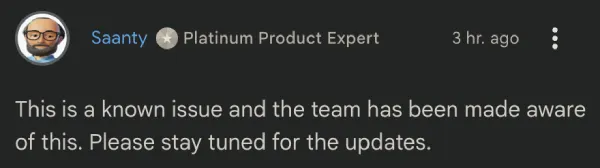
Update 25/05/26 – 11:17 am (IST): The issue appears to have been fixed, as pointed out by a product expert on Google’s support forums. A user also confirmed the fix in response.
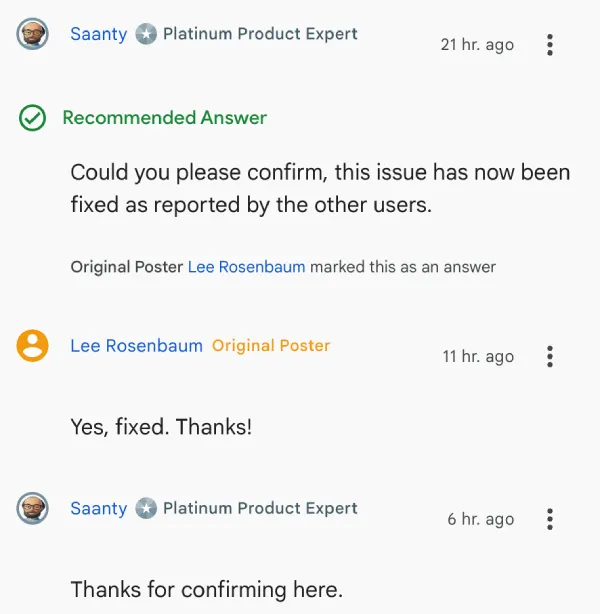
At the moment, it’s unclear whether it requires an Android System WebView update or if the issue was fixed with a server-side tweak.
Original article published on May 18, 2026, follows:
It looks like some Gmail users have been dealing with a royally botched app experience on their Android tablets and foldables. Users are opening their inboxes only to be met with severe screen flickering, disappearing text, and completely blank white screens.
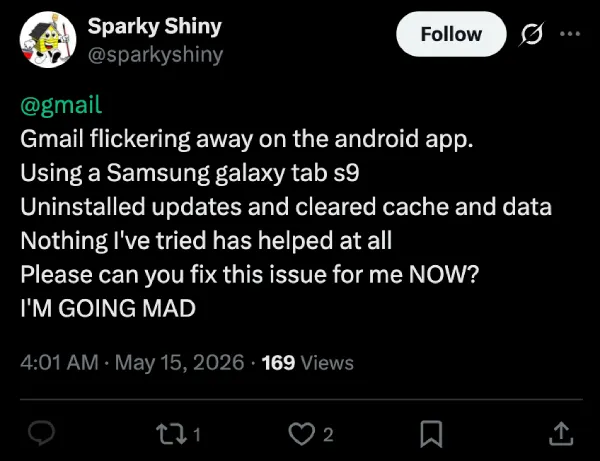
The issue seems to heavily impact Samsung devices, including the Galaxy Tab S9, Tab A11+, and the Galaxy Z Fold series. As expected, people are frustrated. One user on X, pleaded with Google to fix the issue, noting that nothing they tried helped and it was driving them mad.
Another user posting about the issue on X pointed out that their inner folding screen on the Z Fold 3 has been glitching for days. Over on the Google support forums, the OP of one thread titled “Flickering emails” noted that forcing the app to stop and clearing the cache did absolutely nothing.
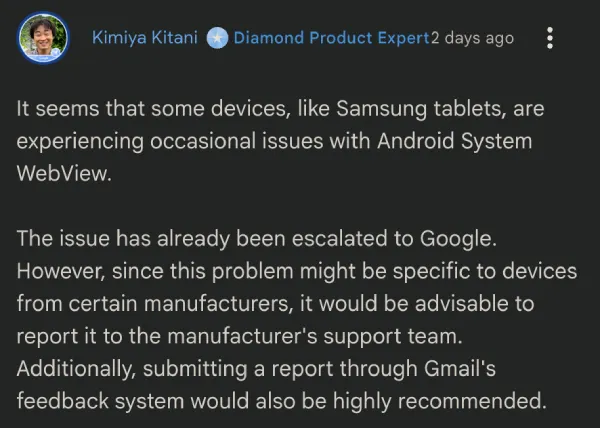
According to product experts in the community, the issue was escalated to Google, and they’re currently aware of it. Still, there’s no mention of when users can expect a fix.
Meanwhile, the complaints are still piling up. Many reports indicate the problem kicks in specifically when scrolling down a page.
The root cause appears to be tied to Android System WebView, the core system component that allows apps to display web content. A recent update likely broke something behind the scenes. Until Google pushes an official patch, users have a couple of messy but functional workarounds to try out.
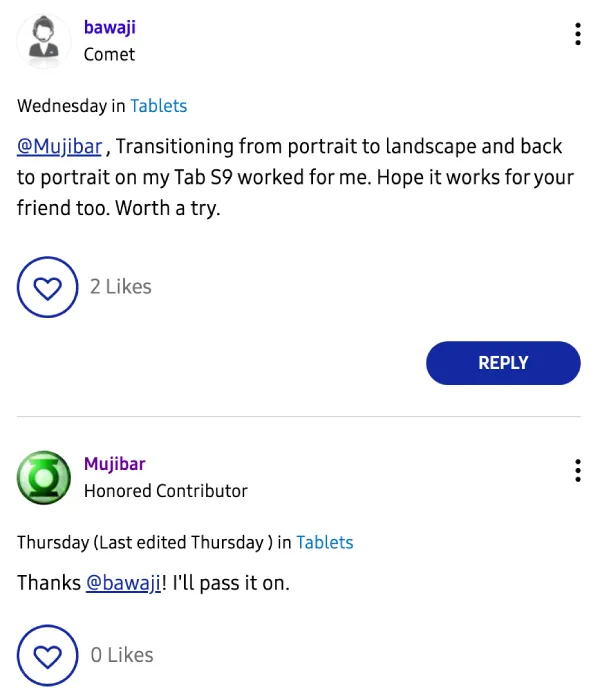
The easiest trick is a simple physical rotation. With the email open, flip your tablet from portrait to landscape mode and then back again. It sounds silly but it temporarily stops the flickering for those who tried it.
If that fails, you can dive into your device settings. Find the Android System WebView app and clear its cache and storage. Uninstalling its recent updates also works for now. Just remember your phone will probably break Gmail again if it auto-updates the WebView app overnight, so you might want to turn that off temporarily.
We’ll keep an eye out for any further developments and will update the article accordingly.
Featured image generated with AI


Dwayne Cubbins
3067 Posts
I cover fast-moving stories across apps, online platforms, and everyday tech — phones, wearables, consoles, and whatever else people are fighting with this week. Bugs, rollouts, scams, policy enforcement, and the occasional internet-culture rabbit hole are all fair game. My goal is simple — make confusing tech news readable. When I'm not working, I'm working out or chilling with my dog. Got a tip? You can find me on X @dcubbins.
Next article View Article