
A lot of users are facing a “Registration timed out” error on WhatsApp after using the Move to iOS app. After transferring the WhatsApp data, people are getting stuck in a loop of verification screens.
Usually, it’s supposed to let you in once you have typed your verification code and phone number. However, due to a new bug, WhatsApp asks you for a second code instead. As soon as you request this second code, the app throws the “Registration timed out” pop-up.
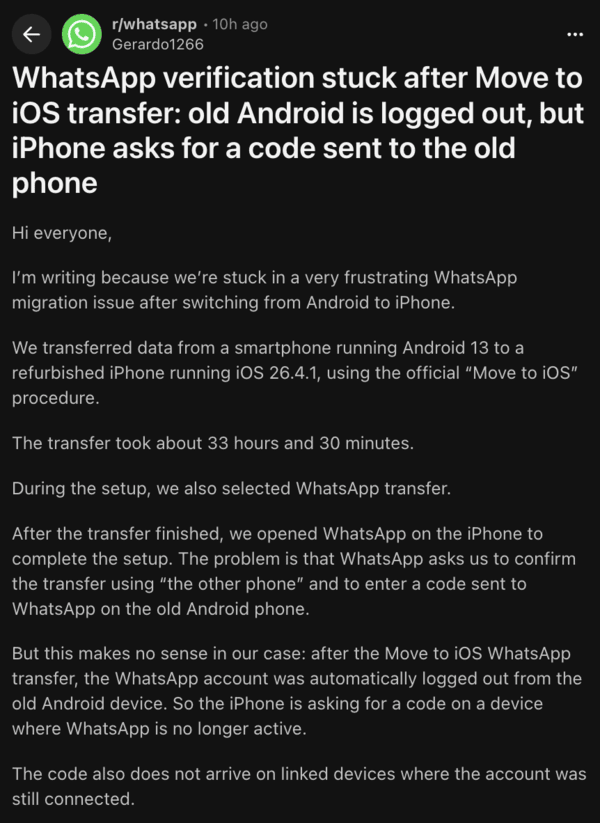
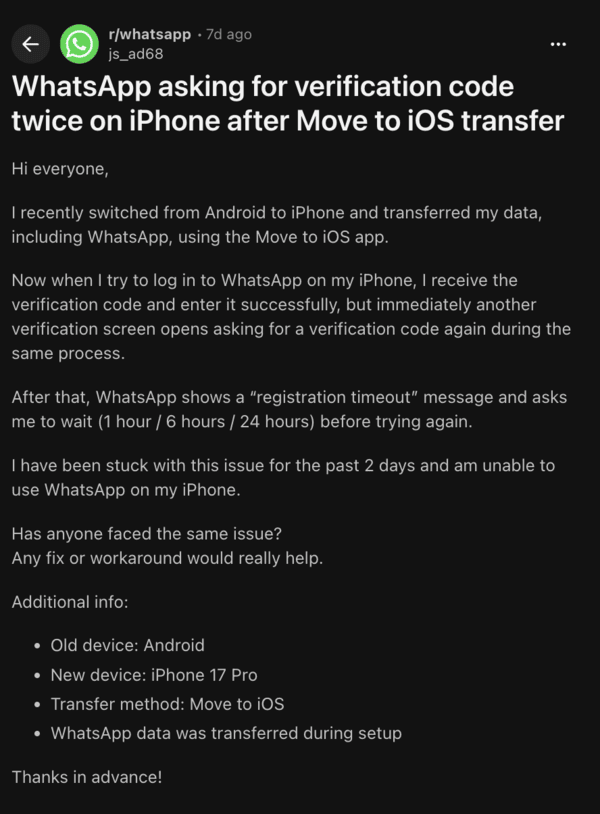
The app goes on to ask users to register again, which is highly inconvenient. The previous device where WhatsApp was logged in before also reportedly gets signed out, leaving some users with no access to WhatsApp.
Users have tried again after waiting multiple hours, only to get the same loop of errors. Reinstalling the app, switching networks, restart, etc does nothing. The exact reasons for this issue are unclear, but it’s probably a bug from Meta’s end, on the server-side.
You can try waiting for a few days (up to 48h) before trying again. If that doesn’t work, the alternative is the Passkey method. If you’re still logged in to your Android phone:
Disclaimer: This method doesn’t back up your chats, but you will regain access to WhatsApp.
- Go to WhatsApp Settings, and tap on Accounts.
- Under the Passkey section, create a new Passkey.
- On the iPhone, start the sign-in process and choose the Passkey option.
- Turn on Bluetooth and Wi-Fi on both devices.
- Scan the QR code with the Android QR scanner, and approve the sign-in.
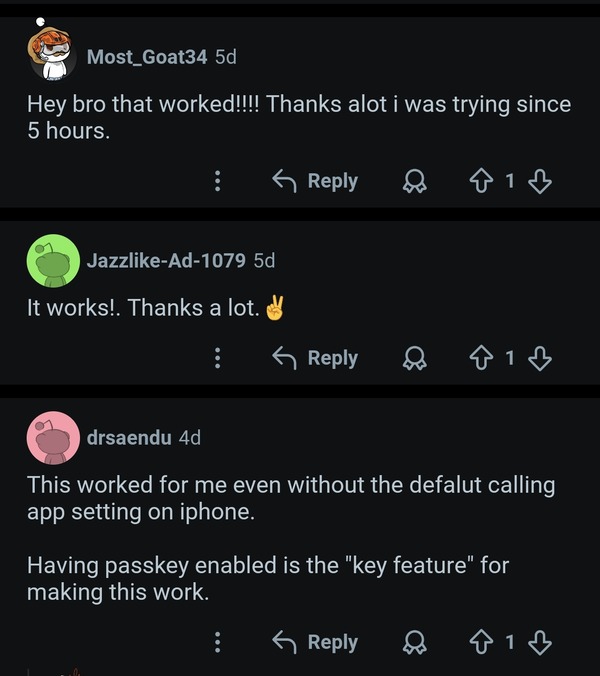
The aforementioned workaround seems to have worked for multiple users, as you can see in the following screenshot.
If your Android device is logged out, you’re out of luck with this method. You’ll need to wipe the entire iPhone and run Move to iOS only during the initial setup. Select WhatsApp in the transfer list, and then open WhatsApp. Import the chats directly from here.
WhatsApp hasn’t acknowledged this bug or provided an official statement at the time of writing, but we’ll keep this post updated in case of any further developments.
If none of these solutions resolves the issue, you need to contact WhatsApp support.


Sudhanshu K
321 Posts
I have been a consumer technology enthusiast for over 5 years. Thanks to my experience in software beta testing and product reviews, I've understood and learnt a lot about what bugs and issues bother people, and I spend time trying to simplify their solutions. I cover smartphones, software, social media, apps, AI, and most consumer tech gadgets. Actively pursuing a Computer Science bachelor’s degree. I'm mostly active on Twitter/X (@TechWhirlUlt), drop a DM or tag me if you want to share info or connect!
Next article View Article