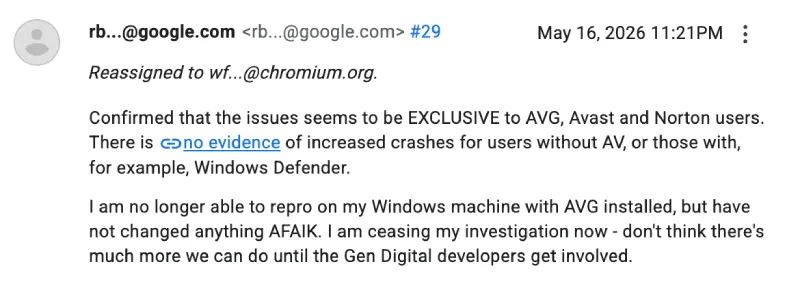
Update 19/05/26 – 12:01 pm (IST): There is fresh movement on the Chromium bug report, as a Google engineer has now noted that the issue is already marked as a release blocker and sits in a Fixed or Verified state, but the tracker still lacks a proper full build number in the “Verified In” field.
Based on that note, it appears the fix has likely already landed internally, and the remaining step is to attach the exact Chrome version where the patch is verified, which could mean a public rollout is getting closer.
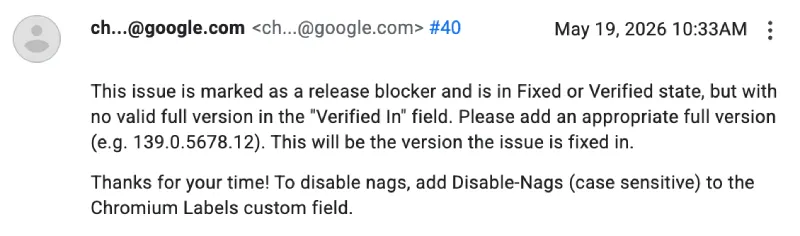
Update 18/05/26 – 10:13 am (IST): Recent developments on the Chromium issue tracker and Reddit point to third-party antivirus programs as the primary culprit. Specifically, the crashes are strongly correlated with software using the Gen Digital engine, which includes Avast, AVG, and Norton, as noted by a Chromium maintainer.
If you are affected, switching to the Chrome Beta channel or an alternative browser like Edge bypasses the problem completely. While uninstalling the problematic antivirus and reverting to Windows Defender has resolved the crashes for many, a few users report mixed results, making a temporary browser switch your safest bet until an official patch rolls out.
Original article published on May 15, 2026, follows:
Google Chrome users are getting slammed with constant crashing errors right after installing the latest Windows update.
The issue seems to have popped up after Microsoft dropped the May 12 update in particular. People are flocking to Google’s support forums, Reddit, and X to complain that simply scrolling a page or clicking a video completely kills the browser.
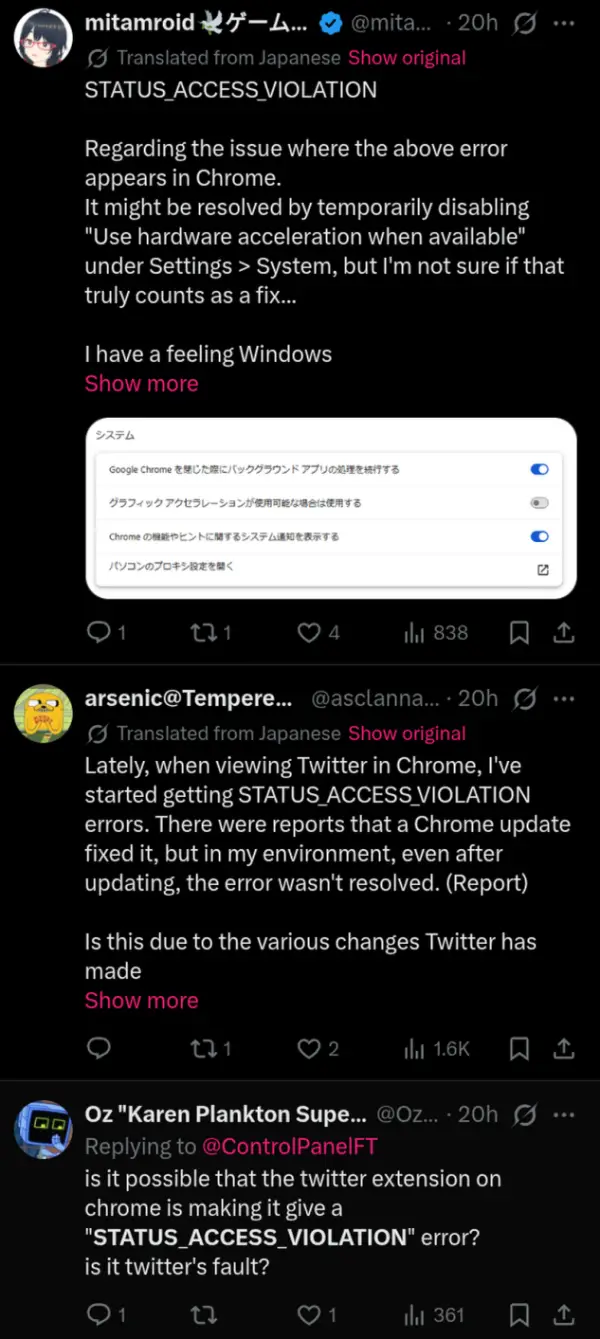
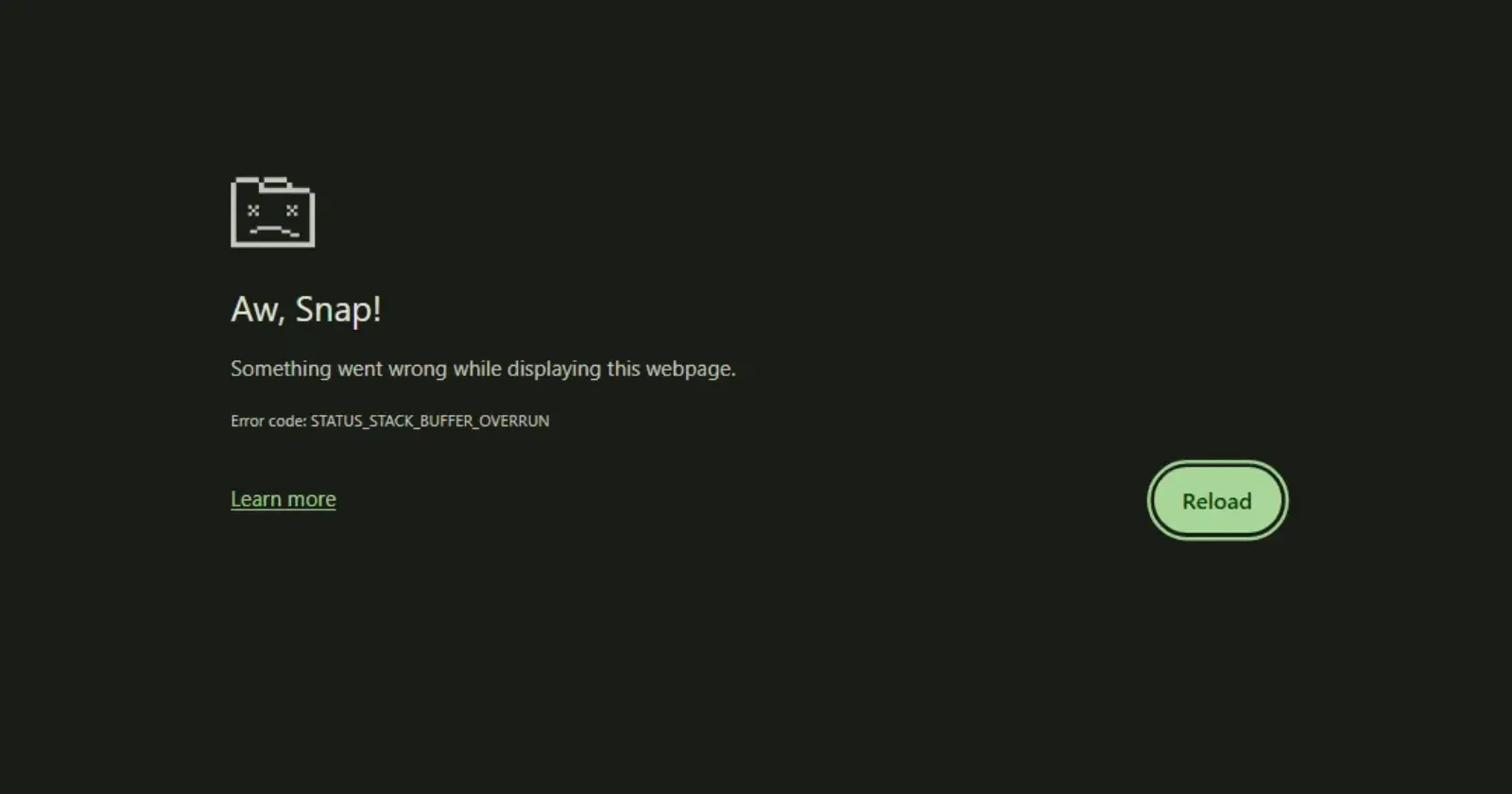
Reports indicate that users see a gray “Aw, Snap!” screen. The specific error codes popping up are STATUS_ACCESS_VIOLATION, STATUS_BREAKPOINT, and STATUS_STACK_BUFFER_OVERRUN. A user on Reddit shared a screenshot of the same, check it out below.
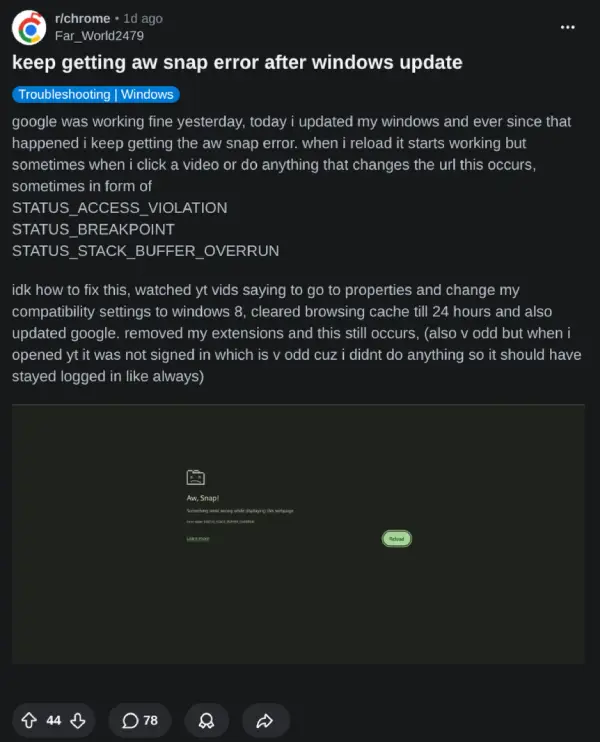
It is not a hardware problem. Users with expensive gaming rigs are hitting the same wall, so do not assume your PC memory is dying.
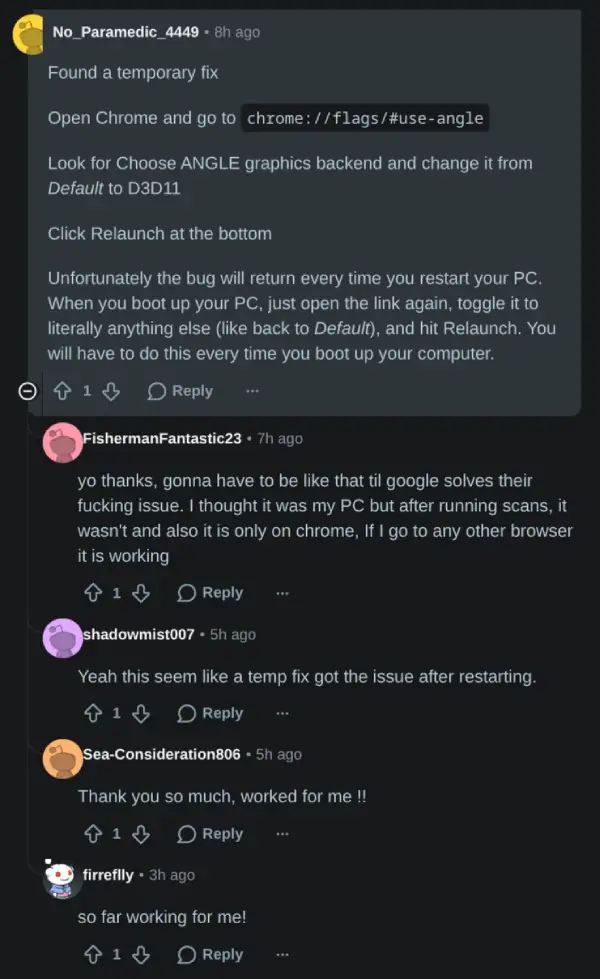
Luckily, it seems like there’s a temporary workaround that gets things working for now. A Redditor shared the steps in the comments of one thread, where the few users who tried it confirmed that it worked.
So to get started, open a new Chrome tab and paste chrome://flags/#use-angle into the address bar.
Look for the setting called “Choose ANGLE graphics backend.” Change the dropdown from Default to D3D11 or D3D9. When done, then hit the relaunch button at the bottom of the screen.
If you want a quicker alternative, typing chrome:restart directly into the address bar temporarily stops the bleeding until you fully close the browser.
Chrome appears to be working just fine on our Linux and Mac devices during tests. So it likely is a bug on Windows to blame.
We’ll keep an eye out for any further developments and will update the article accordingly.


Dwayne Cubbins
3064 Posts
I cover fast-moving stories across apps, online platforms, and everyday tech — phones, wearables, consoles, and whatever else people are fighting with this week. Bugs, rollouts, scams, policy enforcement, and the occasional internet-culture rabbit hole are all fair game. My goal is simple — make confusing tech news readable. When I'm not working, I'm working out or chilling with my dog. Got a tip? You can find me on X @dcubbins.
Next article View Article