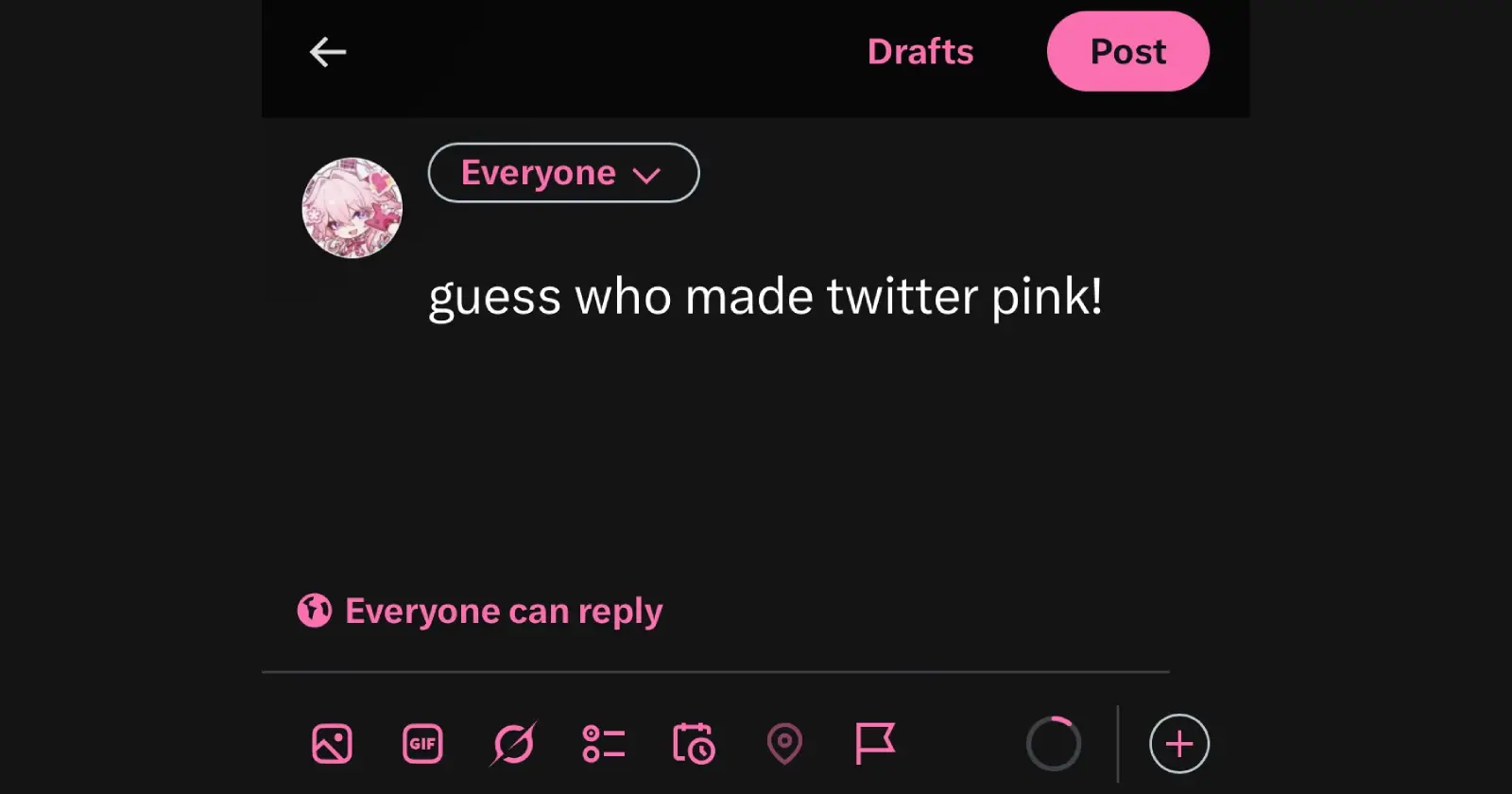
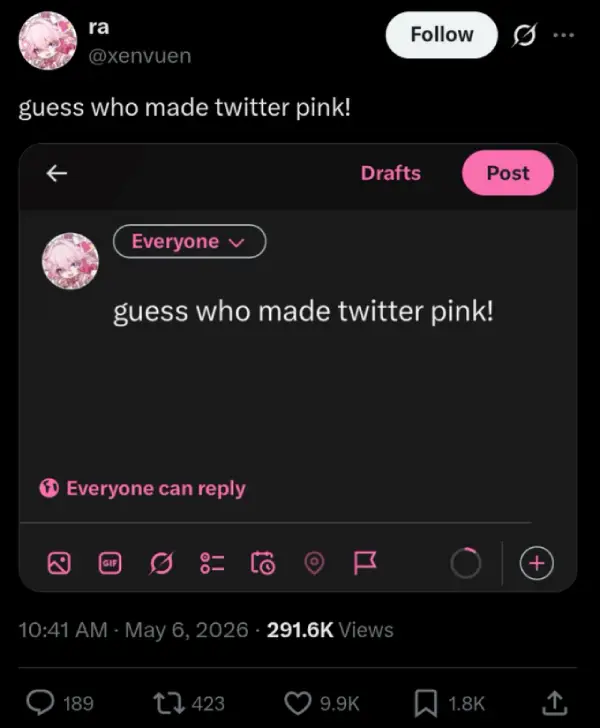
X users are currently going viral for turning their timelines pink. A post by user @xenvuen showing off a custom pink interface racked up over 260,000 views in just a few hours.
Thousands of people immediately wanted to know how to ditch the default blue. It turns out this is not actually a new feature at all. This is a legacy Twitter accessibility setting that quietly survived the transition to X. But there is a major catch.
You can technically change accent colors on the X mobile app. But you will not find the specific, highly sought-after pink shade (#fb70b0) currently dominating timelines.
That exact color is locked strictly to the desktop web browser’s accessibility menu. App users hunting for that precise viral aesthetic are out of luck for now. If you are on a computer, getting the look is pretty straightforward.
Open X in your browser and log in. Look at the left sidebar and click “More” to expand your options. Hit “Settings and privacy” and navigate to the “Accessibility, display, and languages” tab.
Click on “Display.” Right under the background settings, you will see a “Color” section. Select the “pink” option.
Now, to get the viral lighter pink color, you have to head back to the “Accessibility, display and languages” tab and click on the “Accessibility” setting. Here, check the “Increase color contrast” option.
Voila! Now you’ve got yourself a cool pink-themed X experience. That said, you should know what you are actually getting here. This native setting only changes your accent colors. Your notification badges, post buttons, links, and hashtags will change color, but your main timeline background stays black or white (depending on your setting).
It is a minor visual refresh, but it works instantly. Give it a shot and drop a comment below to let us know if this worked.


Dwayne Cubbins
3101 Posts
I cover fast-moving stories across apps, online platforms, and everyday tech — phones, wearables, consoles, and whatever else people are fighting with this week. Bugs, rollouts, scams, policy enforcement, and the occasional internet-culture rabbit hole are all fair game. My goal is simple — make confusing tech news readable. When I'm not working, I'm working out or chilling with my dog. Got a tip? You can find me on X @dcubbins.
Next article View Article