YouTube recently rolled out a new AI feature for Shorts, and a lot of creators are scrambling to figure out how to disable it.
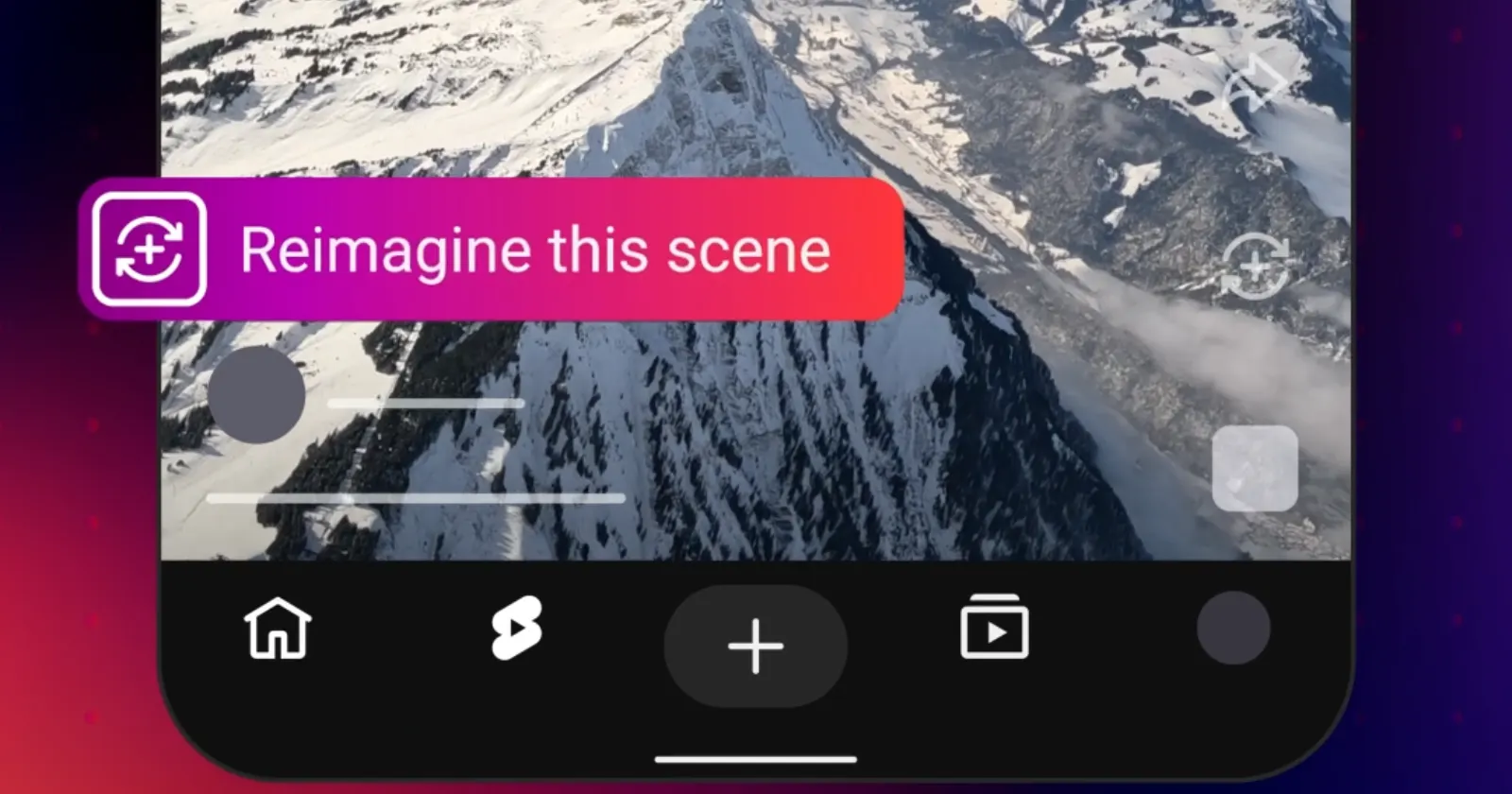
The tool is called Reimagine. It lets viewers take a single frame from any eligible Short and use Google’s Veo AI to generate an entirely new eight-second clip. Viewers can insert themselves or random objects into the video using text prompts or uploaded photos.
Google pitched this as a fun way to put a new spin on remixing. Creators see it differently. Many are outright hostile to the idea, viewing it as an engine for generating AI slop out of their hard work.
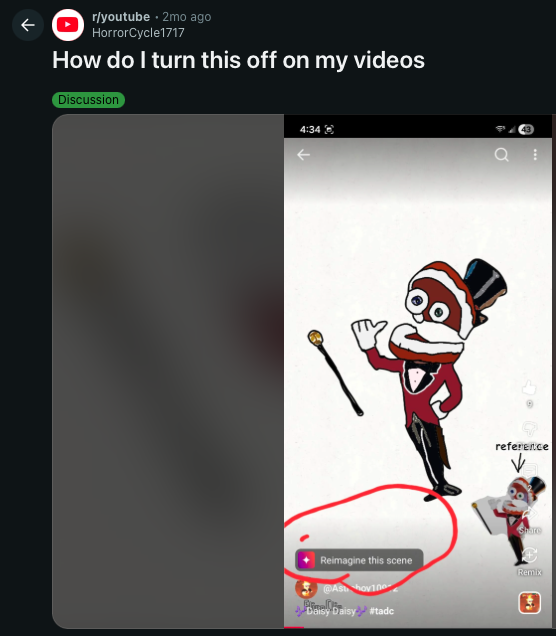
A quick look at the YouTube subreddit shows that neither users nor creators are big fans of this. Users are angry that YouTube is applying generative AI to their videos by default. One creator simply asked how to turn it off, calling the forced feature unacceptable.
Finding the opt-out button is a chore. The setting is completely hidden if you are trying to find it on your phone. You cannot disable this feature from the regular YouTube mobile app. It is restricted entirely to desktop, and worse, there is no global off switch. You have to lock down your existing catalog and then manually flag every new upload.
To protect your existing Shorts, log in to YouTube Studio on a computer. Go to the Shorts tab, select your videos, and click Edit.
From there, navigate to the Shorts remixing option. Choose “allow only audio remixing.” You then have to confirm the change by clicking Update videos and acknowledging the platform’s warning prompt. That ensures your older content cannot be used for the new AI features.
For future uploads, the process is a manual slog. You have to apply these settings every single time you publish a new Short.
When uploading, click “Show more” to access your advanced settings. Locate the Shorts remixing section and again, select “allow only audio remixing.” That will prevent others from manipulating your new video visually moving forward.
A creator named MiniTheMaker put out a quick tutorial showing these exact steps because the platform isn’t exactly advertising the opt-out button. You can watch it below for a visual guide:
Google wants Reimagine to drive engagement. Every altered Short links back to the original, which the company claims will expand a creator’s reach to new audiences.
But that isn’t really exciting for artists and video producers who do not want AI-generated weirdness attached to their brand.
For now, creators who prefer to stay out of the experiment just have to keep jumping through desktop menus to keep their content untouched.


Dwayne Cubbins
3057 Posts
I cover fast-moving stories across apps, online platforms, and everyday tech — phones, wearables, consoles, and whatever else people are fighting with this week. Bugs, rollouts, scams, policy enforcement, and the occasional internet-culture rabbit hole are all fair game. My goal is simple — make confusing tech news readable. When I'm not working, I'm working out or chilling with my dog. Got a tip? You can find me on X @dcubbins.
Next article View Article