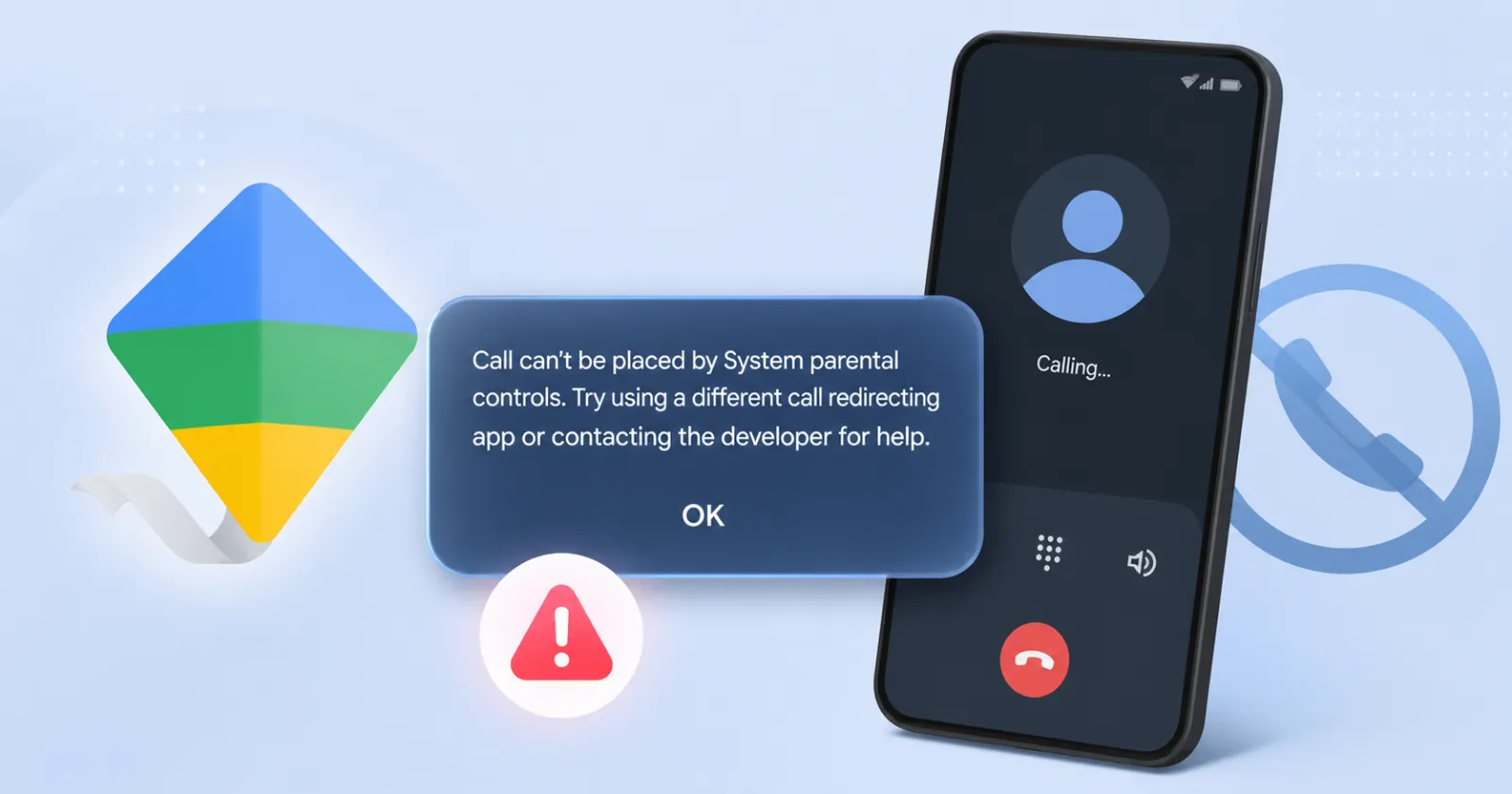
A bug in Google Family Link is currently preventing children from making outgoing phone calls on their supervised devices. The issue started popping up over the last few days, locking down outgoing communication on Android smartphones and standalone smartwatches. When a child tries to dial an approved contact, the call drops immediately.
Instead of connecting, the device displays a frustrating prompt. It reads, “Calls can’t be placed by System parental controls. Try using a different call redirecting app or contacting the developer for help.”
Parents are understandably panicked. The bug effectively breaks a core safety feature, leaving kids unable to easily call home.
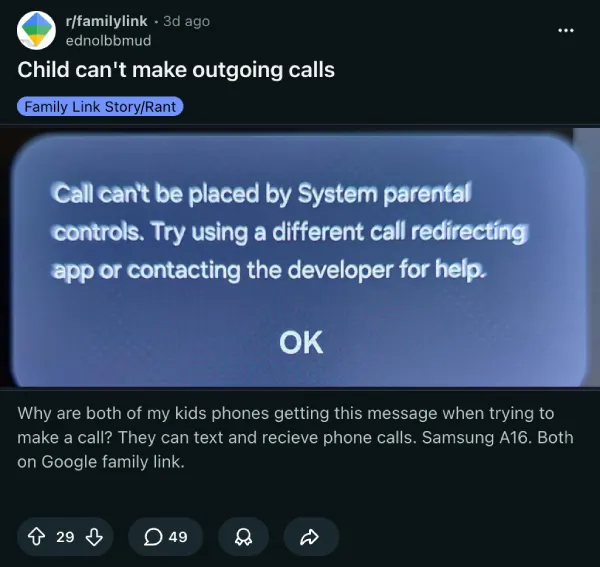
The OP of a highly active Reddit thread noted that both of their kids’ phones, which are Samsung Galaxy A16s, are getting the error. They can still text and receive calls just fine.
Another post on the Google Support forums has hundreds of parents reporting the exact same problem.
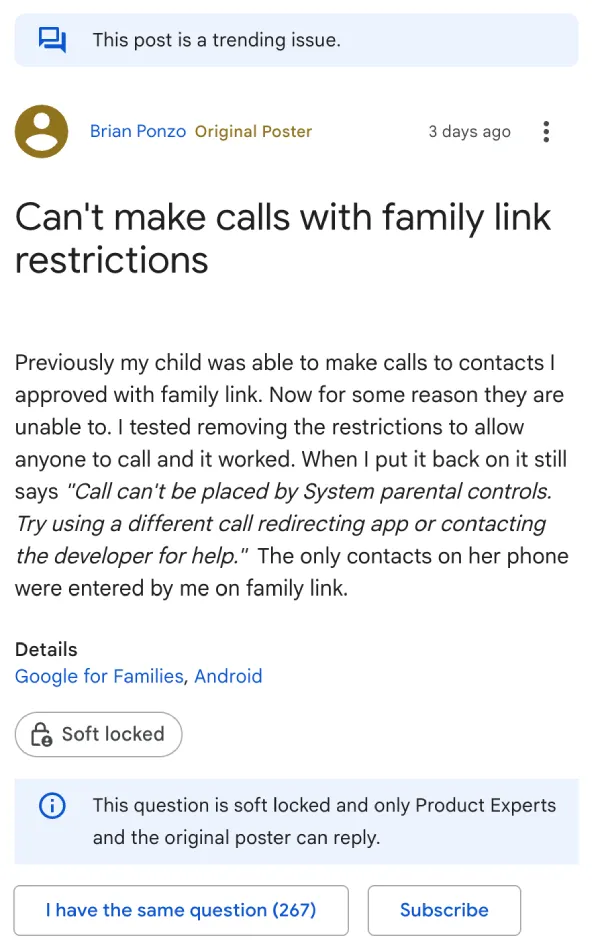
“It’s very important he is able to call for emergencies and I’m a bit worried,” one commenter said. Another user pointed out the obvious fear of kids not being able to dial 911 if they get into trouble.
One parent said they tried giving special permissions to the Family Link app and downloading the default Google Phone dialer, but nothing worked. It is incredibly frustrating to hand a child a smartphone that essentially functions as a two-way pager.
The culprit is starting to look like a recent, silent update. Users have traced the issue back to a new version of Google’s “System Parental Controls” app that rolled out around April 28.
For now, the available workarounds are pretty bad. To get outgoing calls working again reliably, parents have to completely disable the “approved contacts only” restriction and open the device up to anyone.
If that doesn’t cut it for your situation, then the only other options are to delete the parental controls app entirely or stop supervision on the child’s account.
Another user found a temporary solution by diving deep into the Android settings to toggle the device admin controls off and back on, but results are mixed.
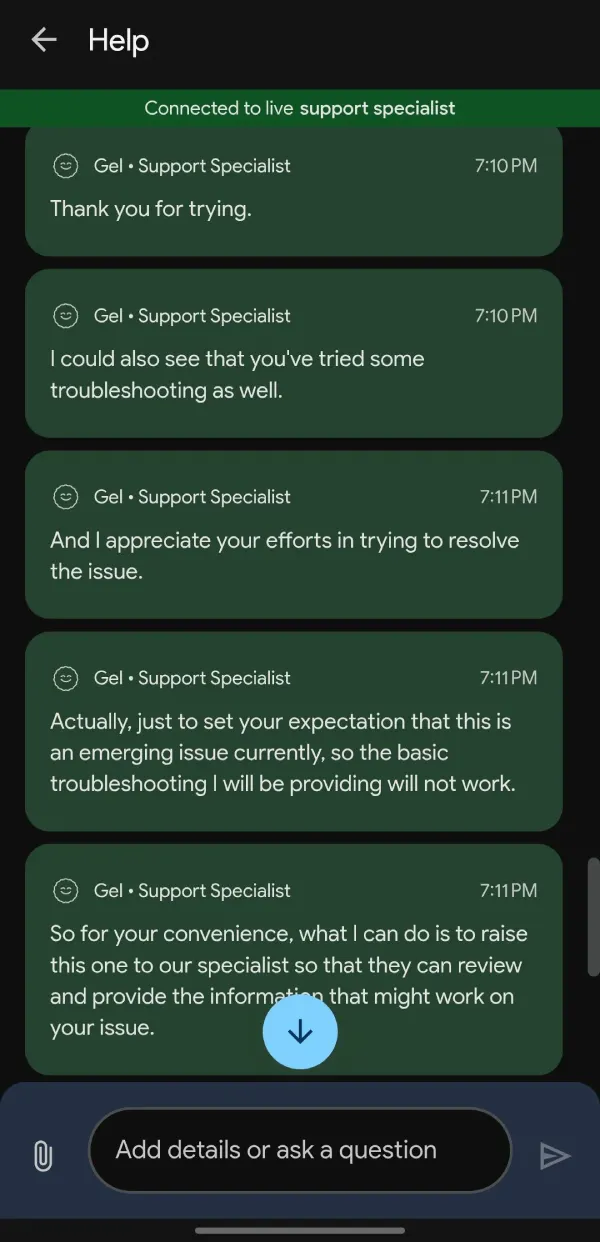
That said, it seems that Google might already be aware of the situation. At least one commenter who reached out to the company’s support was informed that its an emerging issue. The screenshot of the chat is below for reference:
However, since chat support is usually outsourced, we’d still take this information with a grain of salt.
Featured image generated with AI


Dwayne Cubbins
3093 Posts
I cover fast-moving stories across apps, online platforms, and everyday tech — phones, wearables, consoles, and whatever else people are fighting with this week. Bugs, rollouts, scams, policy enforcement, and the occasional internet-culture rabbit hole are all fair game. My goal is simple — make confusing tech news readable. When I'm not working, I'm working out or chilling with my dog. Got a tip? You can find me on X @dcubbins.
Next article View Article