





I am noticing my youtube videos and even my system lagging while i am using brave
byu/Mohit_0401 inbrave_browser
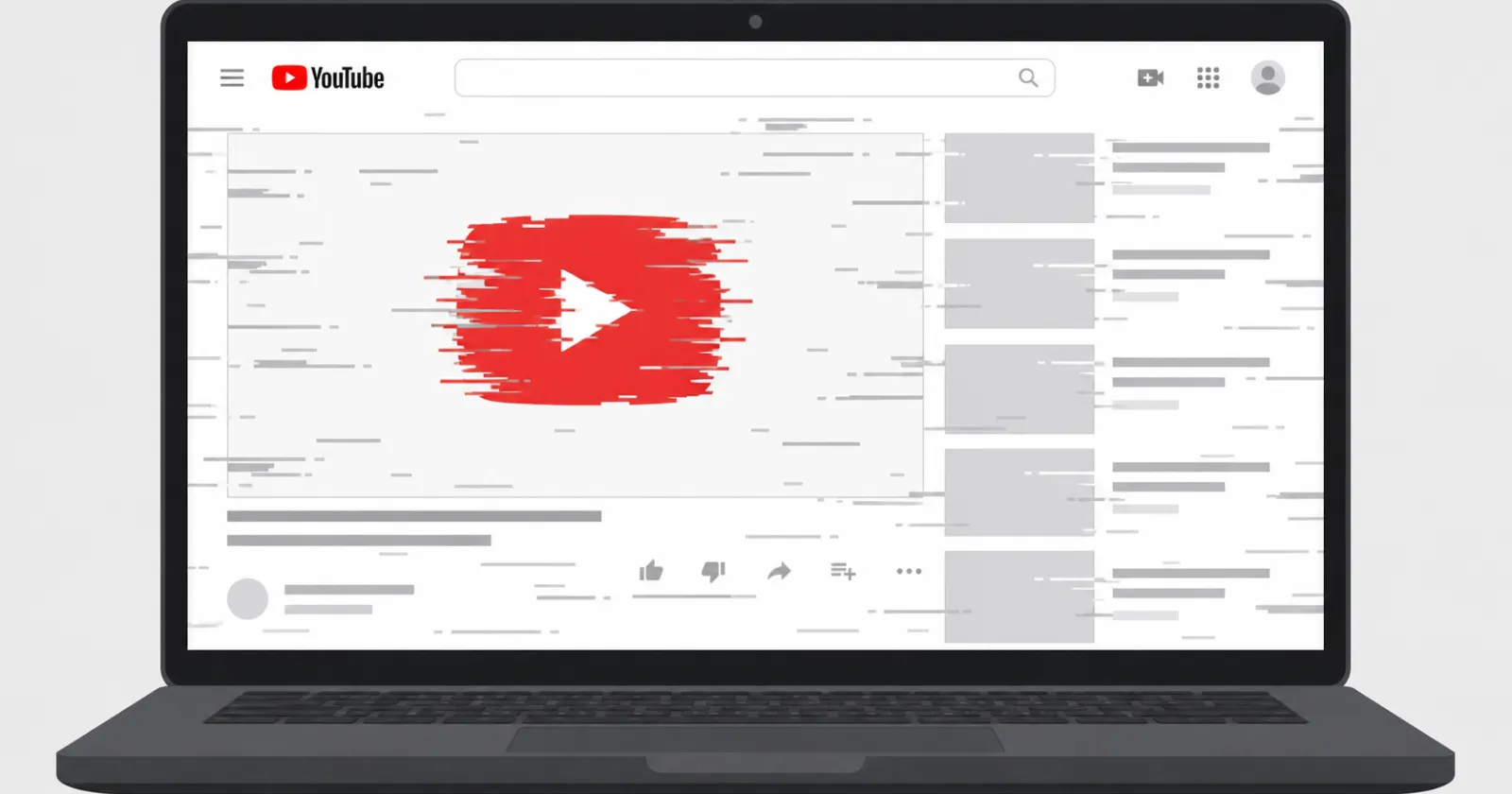
If your browser has been completely locking up while watching YouTube lately, your computer is probably fine. A tiny piece of code on YouTube’s website is currently dragging browsers down into an endless loop, maxing out memory and causing severe stuttering.
Some users report a single video tab quietly eating up over 7 gigabytes of RAM. Complaints about the lag and stutter have been popping up online for the past few days, with users reporting the issues on various browsers.
From what I was able to deduce from a recent Mozilla Bugzilla report, the root cause is actually a bug in the flexible menu right under the video player. That is the area holding the like, dislike, and share buttons.
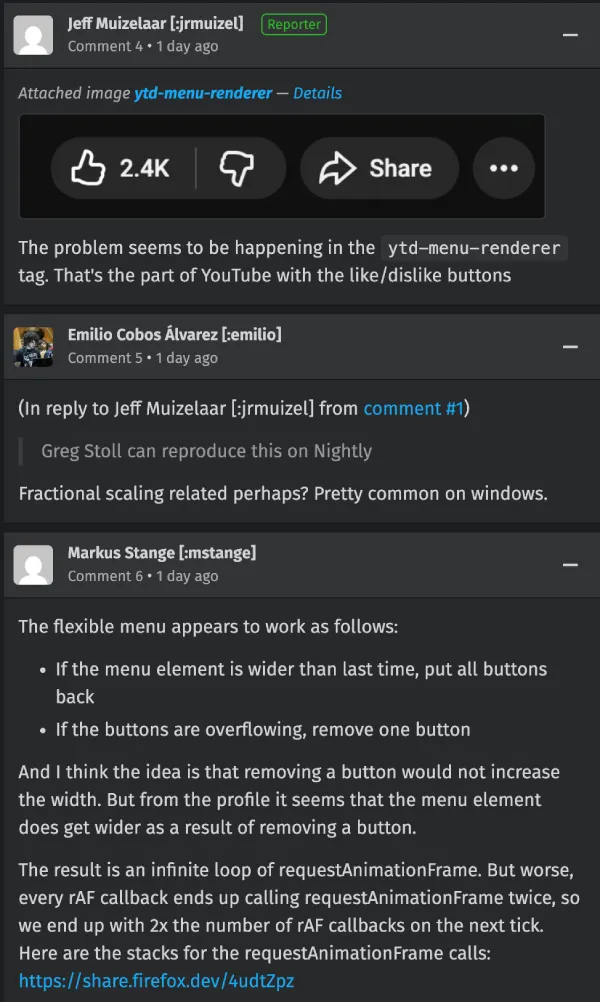
According to the developers investigating the issue, YouTube’s code tries to calculate if all those buttons will fit on your screen. If they do not fit, it hides one. But hiding the button changes the width of the container. That tricks the code into thinking there is room again, so it puts the button back.
That immediately causes the buttons to overflow again. The cycle repeats. So this basically forces the browser to recalculate the page layout endlessly and extremely fast. It starts devouring processing power until the tab essentially freezes.
People have been noticing the fallout all week. One user even shared a screenshot of their maxed-out processor cores on Reddit. Mozilla’s team also dropped a couple of comments in the thread to highlight that they’re working on it.
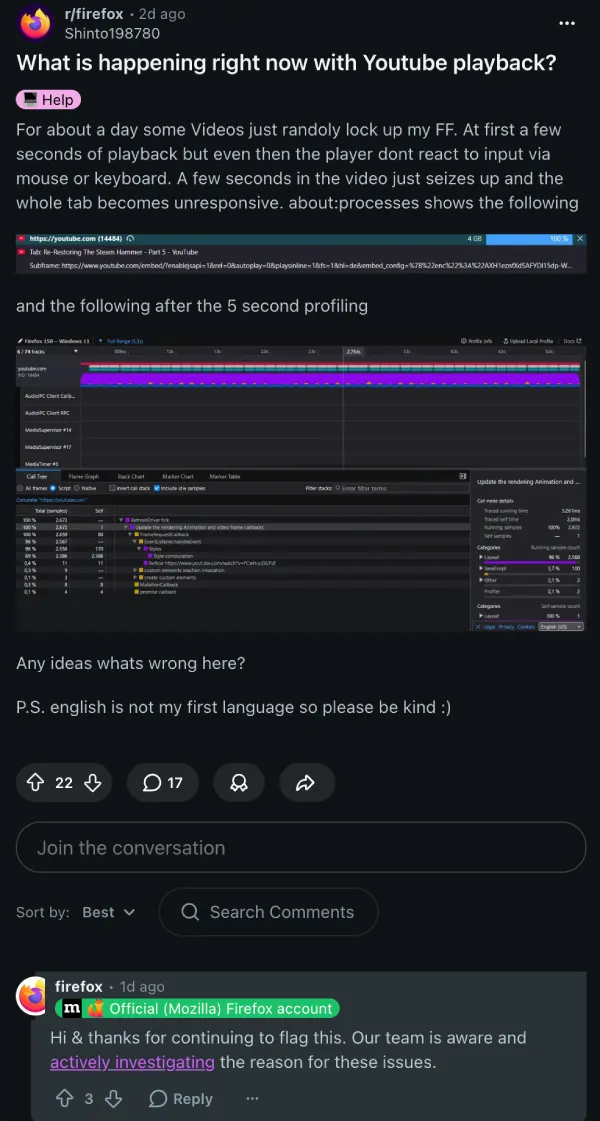
It is easy to blame a bad software update. Many people did exactly that. Some users assumed a recent Firefox update was causing the stuttering. Another group complained about massive lagging and freezing just after patching their browser.
But the bug is not isolated to Mozilla’s software. People using Brave are reporting the exact same frustrating system slowdowns. One OP even shared a video for proof. Check it out below:
Other Brave users note their videos are randomly lagging out too. People using Microsoft Edge are seeing it happen as well, as detailed in a separate complaint about terrible YouTube performance.
Mozilla engineers are actively looking into the glitch. For now, there is no quick setting you can toggle to make it stop.

We stand out from the tech-media crowd because we break news stories; we mainly bring you stuff that you won’t find anywhere in the mainstream tech media. Our stories have been picked up by some of the world’s most popular websites and media outlets—more info is available here.

Dwayne Cubbins
3114 Posts
I cover fast-moving stories across apps, online platforms, and everyday tech — phones, wearables, consoles, and whatever else people are fighting with this week. Bugs, rollouts, scams, policy enforcement, and the occasional internet-culture rabbit hole are all fair game. My goal is simple — make confusing tech news readable. When I'm not working, I'm working out or chilling with my dog. Got a tip? You can find me on X @dcubbins.
Next article View Article
Android 17 QPR1 Beta 3 breaks Microsoft Teams and Outlook for Pixel users [U: Fix]
Update (May 21, 2026): A fix for the issue is currently live with the Intune beta app. Multiple users have confirmed that installing version 5.0.6983.0, currently...
May 20, 2026 2 Min Read