Update 04/05/26 – 10:54 pm (IST): A post on Reddit in r/NevernessToEverness explains why the driver may be causing conflicts.
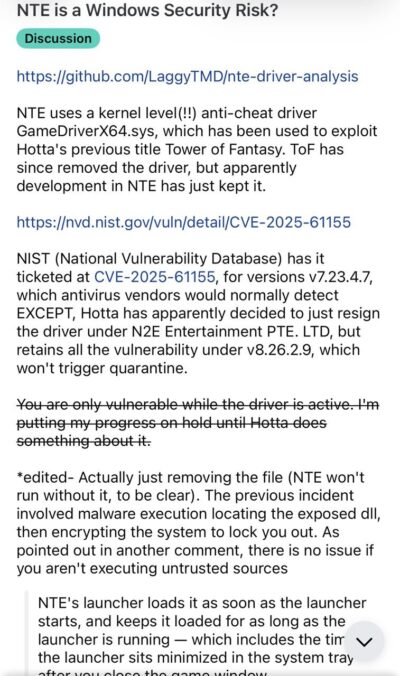
GameDriverX64.sys (v8.26.2.9) is a kernel-mode driver. It has an access control flaw, which can cause some specific kernel vulnerabilities. It can be weaponized by ransomware, providing a backdoor once affected. This post on GitHub goes into further detail about the driver’s issues.
In simpler terms, a program installed by NTE has a known security flaw. The program runs whenever the launcher is open. Furthermore, the game Tower of Fantasy used the same flawed program, but later removed it after complaints. Many in the community find it concerning that Hotta left this in NTE.
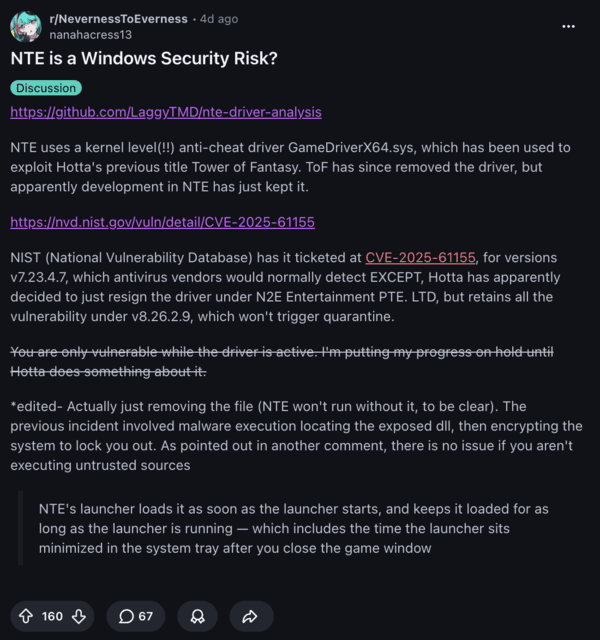
Additionally, a comment on Reddit claims that you’re only affected if there’s already something malicious in your system. Either way, it’s an unnecessary risk and oversight for such a major game launch.
A lot of users are considering uninstalling the game and calling for NTE’s developers to fix this as a priority. At the time of writing, NTE didn’t issue a statement on this.
While initial coverage reported that Roblox detecting “malware” on NTE was a false positive, the driver’s potential vulnerabilities explain the reason for that classification.
Original article published on April 30, 2026, follows:
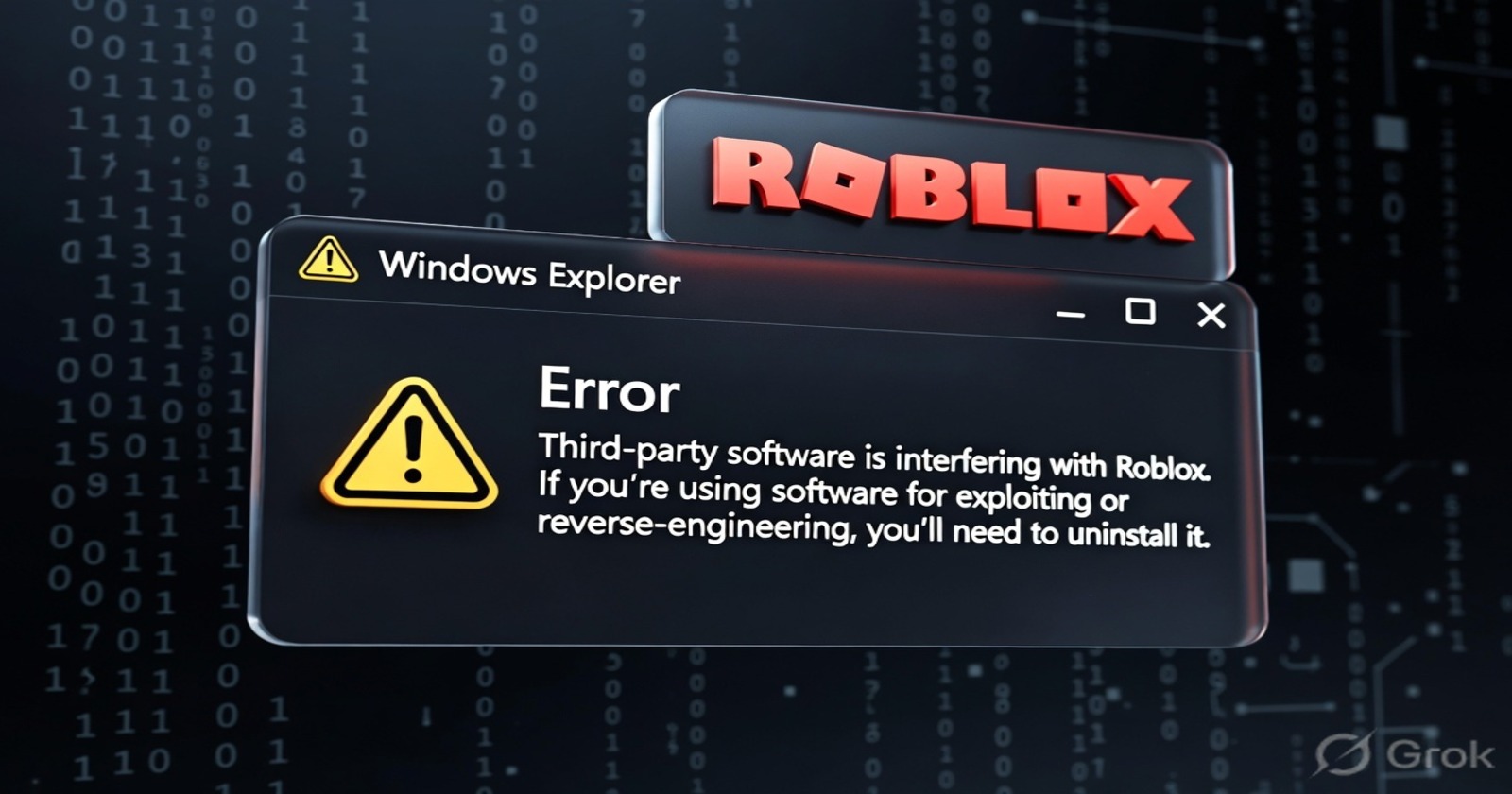
Gamers who play both NTE (Neverness to Everness) and Roblox are reporting that NTE interferes with Roblox. It doesn’t let you launch the game and displays an error message.
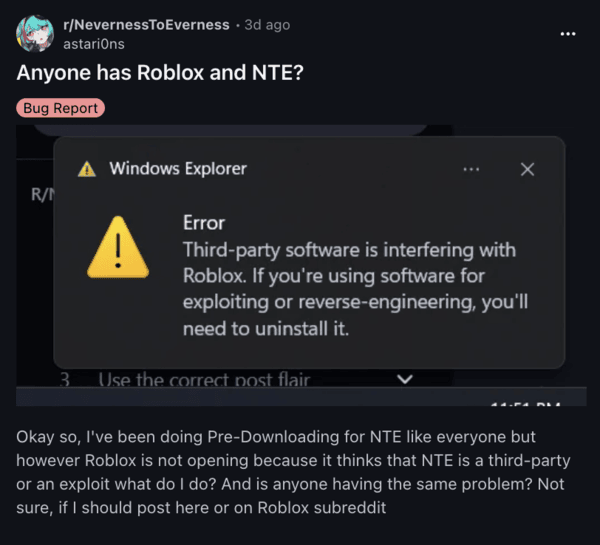
The message reads “Third-party software is interfering with Roblox…”, preventing players from launching the game entirely. If both games are launched at the same time, Roblox closes on its own and displays that same error box.
Those who are pre-downloading NTE are also affected, since Roblox isn’t allowing both to be open at the same time.
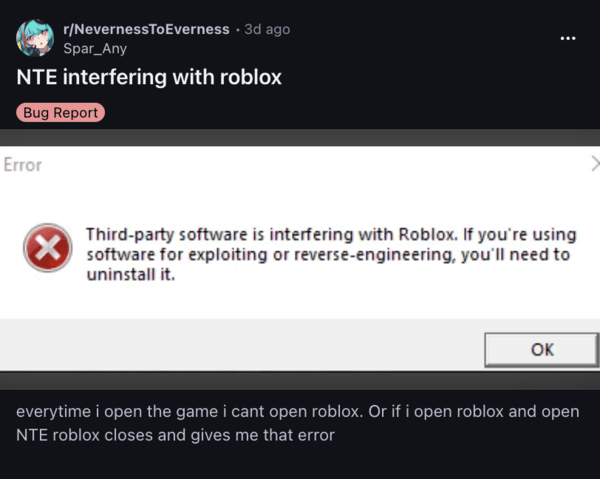
Comments on Reddit speculate that NTE’s background anti-cheat driver is triggering Roblox’s own security measures. Roblox is incorrectly flagging NTE as “exploiting” or “reverse engineering” software, resulting in a false-positive.
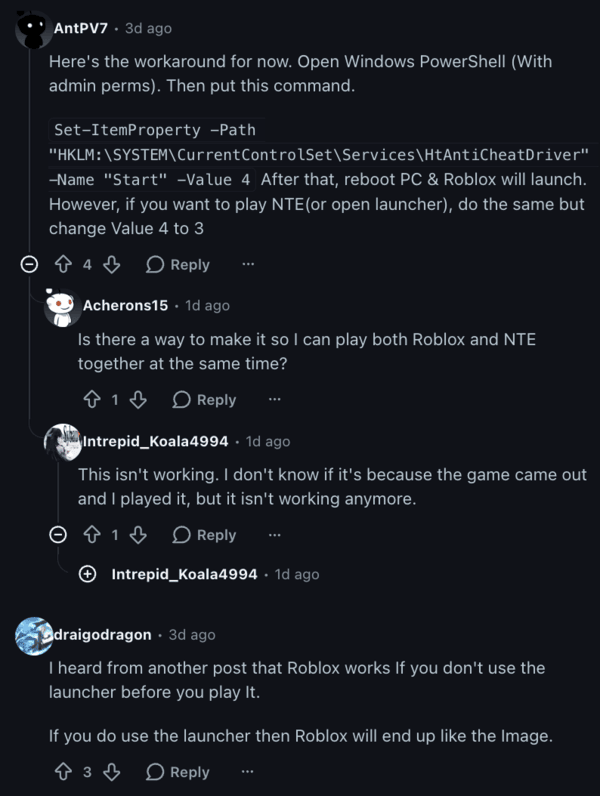
Thankfully, a lot of people have suggested workarounds. Here’s a list of the most effective ones:
- Use Windows PowerShell: Run PowerShell as an administrator, and enter the following command:Set-ItemProperty -Path “HKLM:\SYSTEM\CurrentControlSet\Services\HtAntiCheatDriver” -Name “Start” -Value 4
Once you’ve entered this, you’ll need to reboot your PC. Launch Roblox after that, and it should work normally. If you want to play NTE instead, repeat the above PowerShell command but change the “Value” to 3 instead of 4. Unfortunately, there’s presently no way to play both games at the same time for now. - Restart your PC: The anti-cheat software causing the issue only starts up when NTE is opened. Since restarting closes all background applications, you can directly open Roblox now.
- Reinstall Roblox and uninstall NTE: If both of the steps above don’t work, you’ll need to uninstall NTE entirely and then reinstall Roblox.
This is not a user error, and it’s a problem with Roblox potentially incorrectly flagging NTE, so they’ll need to address it from their end. I wasn’t able to find an official acknowledgement from Roblox at the time of writing, but I’m hoping for a silent fix in the coming few days or weeks.
Roblox has been going hard on security these past few weeks, and they’ve also introduced Enhanced Protection with 2FA or Passkeys for creators. You can read about that here.
Disclaimer: The Featured Image was generated with AI.


Dwayne Cubbins
3116 Posts
I cover fast-moving stories across apps, online platforms, and everyday tech — phones, wearables, consoles, and whatever else people are fighting with this week. Bugs, rollouts, scams, policy enforcement, and the occasional internet-culture rabbit hole are all fair game. My goal is simple — make confusing tech news readable. When I'm not working, I'm working out or chilling with my dog. Got a tip? You can find me on X @dcubbins.
Next article View Article