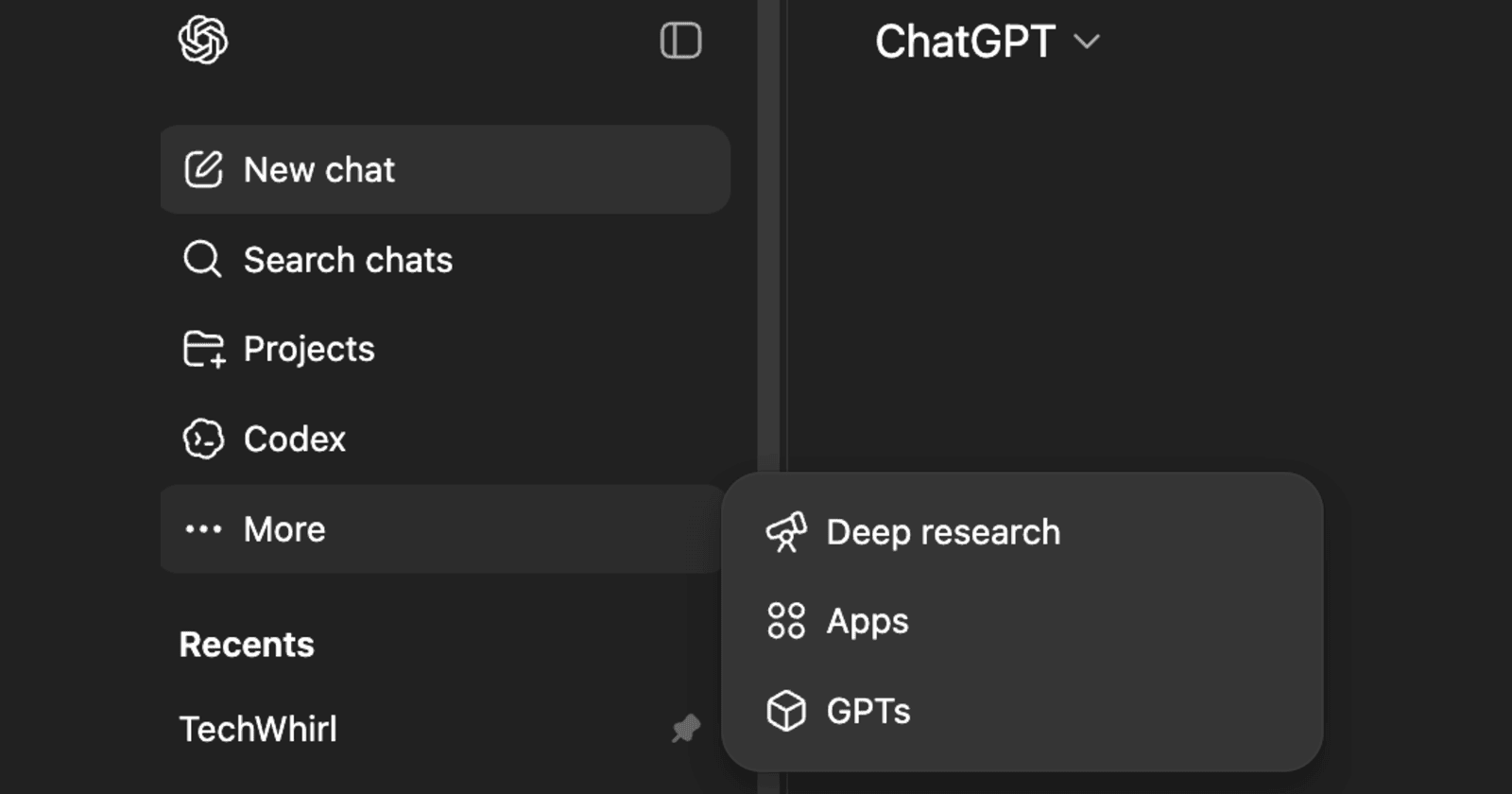
OpenAI has removed the ‘Images’ shortcut from ChatGPT’s left sidebar. The feature has been moved to a new ‘Library’ section, which is currently not available in all countries.
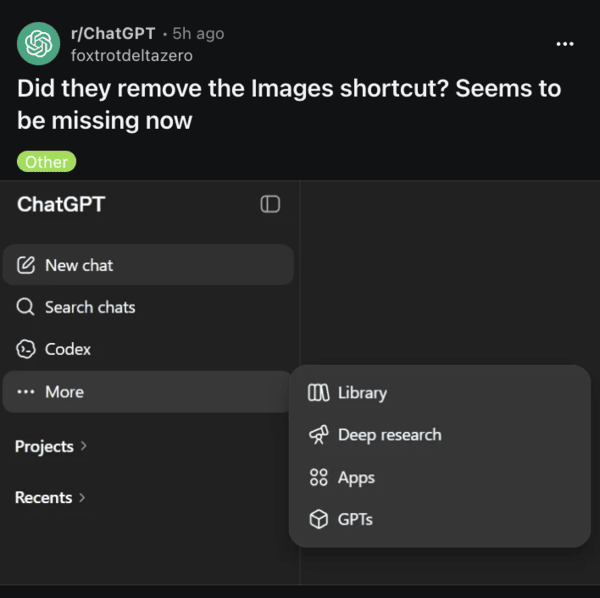
This removal is exclusive to the website, since the mobile app still retains the Image section for now. Apart from reports on Reddit, I’ve also checked for this myself on the ChatGPT website, and sure enough, the Images option was not available in the sidebar.
A lot of people on Reddit are frustrated with OpenAI for this, since the company obviously knows that people generate and save a lot of images. The Library section isn’t the same, since it is just a general-purpose file storage and management system for ChatGPT.
The previous shortcut showed the entire history of generated images, and it also allowed you to regenerate, edit, or manage them.
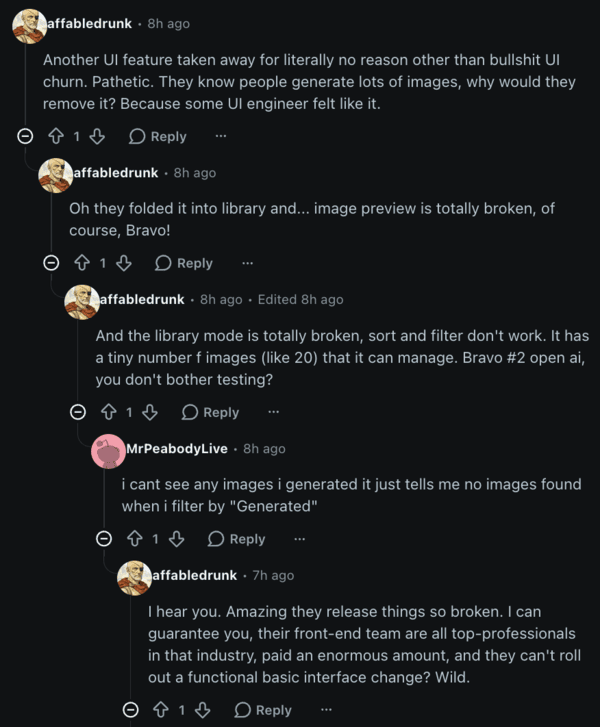
The new ‘Library’ feature is also reportedly buggy, as image previews are currently broken, and the sorting functions are malfunctioning.
If you really want the shortcut for images back, there are fortunately some workarounds apart from using the mobile app. The best one is to directly access the ChatGPT Images tab through this link.
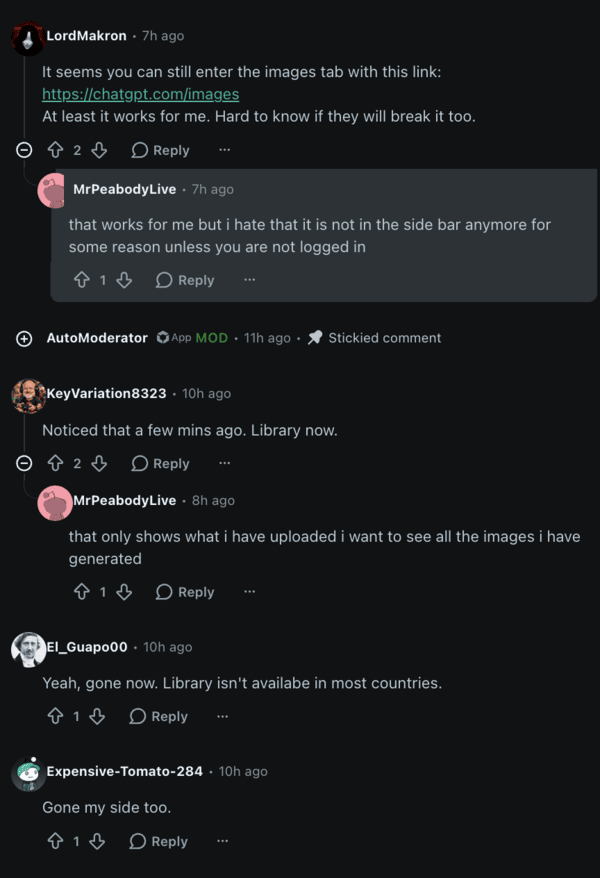
While the shortcut was removed, the direct link to the page still works at the moment, and I’m hoping they don’t disable it. This shows all the images that you’ve generated in a neat layout, and everything works normally. You can add the direct link to bookmarks for faster access.
A few people report that if you’re not logged into ChatGPT and browse it in Incognito, the Images shortcut reappears. However, this is pretty much useless since it won’t show any of your previously generated images, because you’re not logged in.
Basic workarounds such as clearing browser cache, logging out and logging back in, etc., do not seem to help. A few people say that it’s available in the “Plus” bar, but I was unable to find it.
It’s not just the Images tab they’ve removed; they’ve also buried the model picker, and users have to go through 4 clicks before getting to their custom GPT.
The new redesign is just an oversimplification, and usability seems to have taken a backseat. If there’s sufficient backlash, there’s a chance that OpenAI may reverse this change, but that’s not very likely.


Dwayne Cubbins
3060 Posts
I cover fast-moving stories across apps, online platforms, and everyday tech — phones, wearables, consoles, and whatever else people are fighting with this week. Bugs, rollouts, scams, policy enforcement, and the occasional internet-culture rabbit hole are all fair game. My goal is simple — make confusing tech news readable. When I'm not working, I'm working out or chilling with my dog. Got a tip? You can find me on X @dcubbins.
Next article View Article