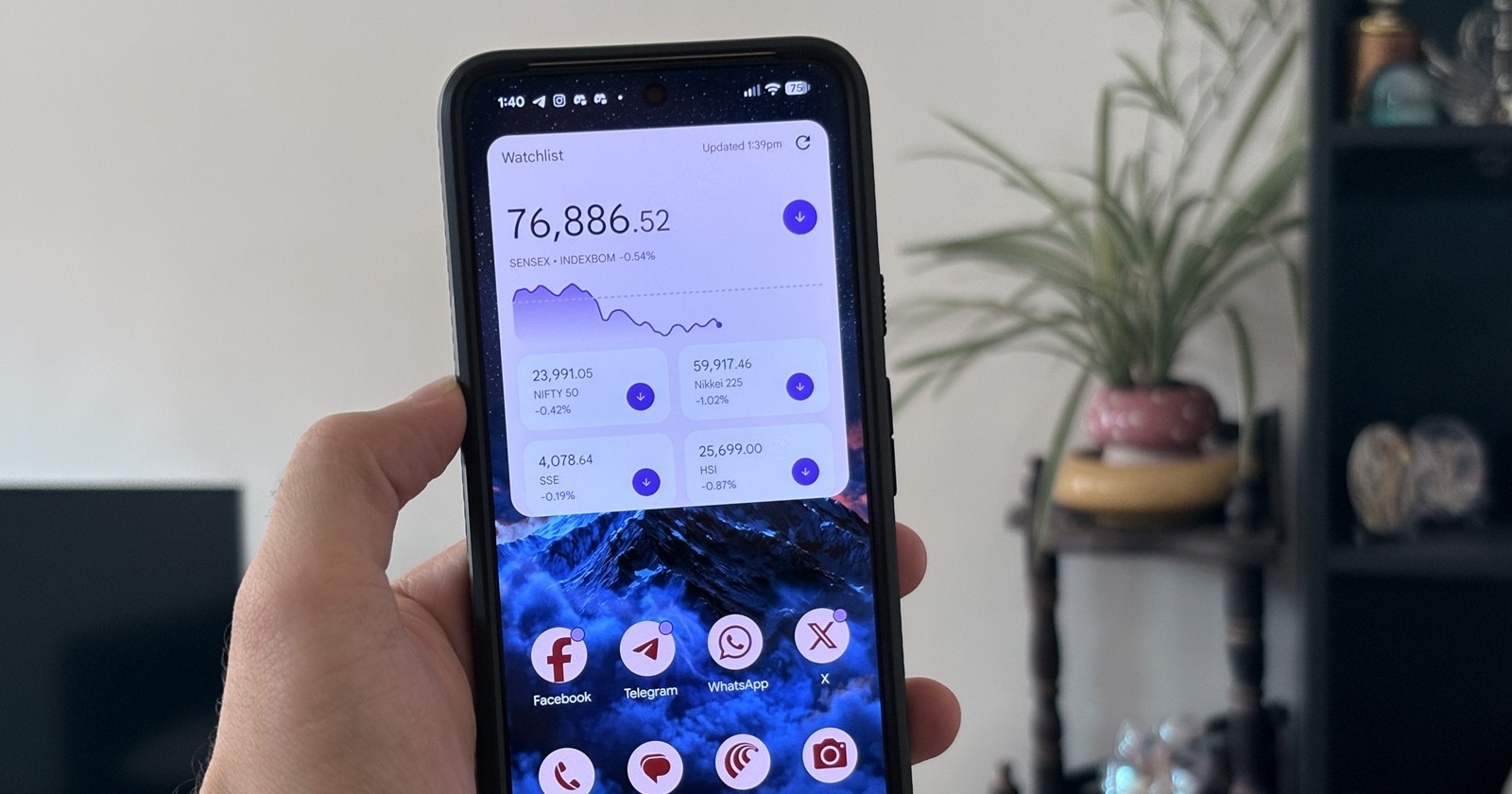
Some Android users are running into a frustrating Google Finance widget issue where their Watchlist no longer appears correctly on the home screen. And for once, this is not just the usual “clear cache and pray to the Android gods” situation. A Diamond Product Expert in Google’s Android Community has now described it as a known issue.
The problem appears to have started for several users around mid-April. Users say the Google Finance widget either stopped updating, got stuck on old market data, or began showing the message “Unable to display investments.” Interestingly, the Watchlist itself still appears intact when users open the widget settings or the Google Finance page, but the widget refuses to surface that data properly.
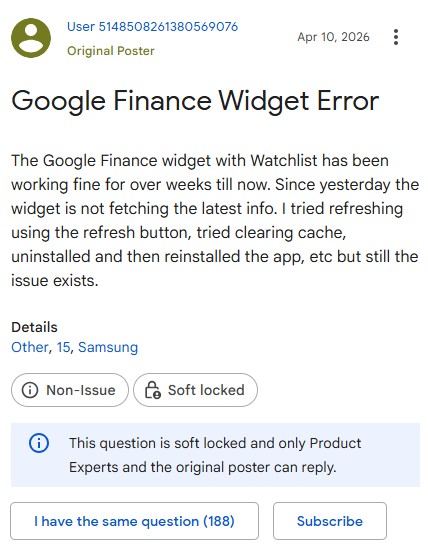
There also seem to be two slightly different versions of the same broken experience. Some users say the widget no longer updates and eventually shows the “Unable to display investments” error. Others say the widget still loads, but instead of showing their personal Watchlist, it displays generic top-level tickers. In both cases, opening the actual Google Finance experience still shows the Watchlist, which points to the widget itself being the broken part. Several users have already tried the usual troubleshooting steps, including clearing cache, deleting app data, reinstalling the Google app, rebooting, removing and re-adding the widget, logging out and back in, and even resetting launcher storage. None of these appears to offer a reliable fix. One Pixel user warned others not to go too far with troubleshooting after clearing Pixel Launcher storage, resetting their home screen layout, and forcing them to reselect app permissions, only for the widget to remain broken. The only current recommendation from the Product Expert is to report the issue through the “Send Feedback” option in the Google Finance app or Google app, and also engage Google through the Play Store listing. The Expert added that more reports may help push the issue toward a fix. For now, affected users may want to avoid aggressive troubleshooting, especially resetting launcher storage, since the issue does not appear to be caused by local phone settings. The better temporary option is to open Google Finance directly to view the Watchlist while waiting for Google to address the widget behavior. A few users say the widget briefly started working again before breaking once more, so this may be a server-side or update-related bug that is still fluctuating. We’ll keep an eye out for any official fix or acknowledgement from Google.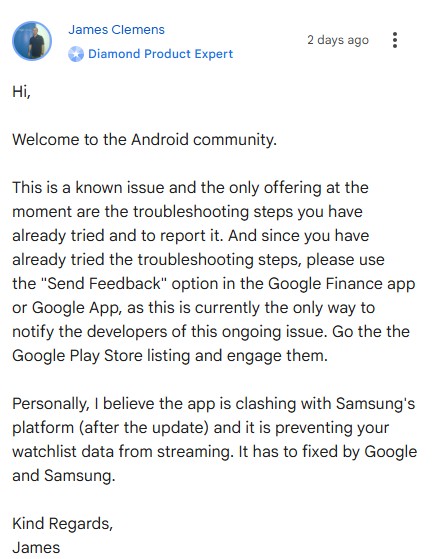


Hillary Keverenge
2723 Posts
Tech has been my playground for over a decade. While the Android journey began early, it truly took flight with the revolutionary Lollipop update. Since then, it's been a parade of Android devices (with a sprinkle of iOS), culminating in a mostly happy marriage with Google's smart home ecosystem. Expect insightful articles and explorations of the ever-evolving world of Android and Google products coupled with occasional rants on the Nest smart home ecosystem.
Next article View Article