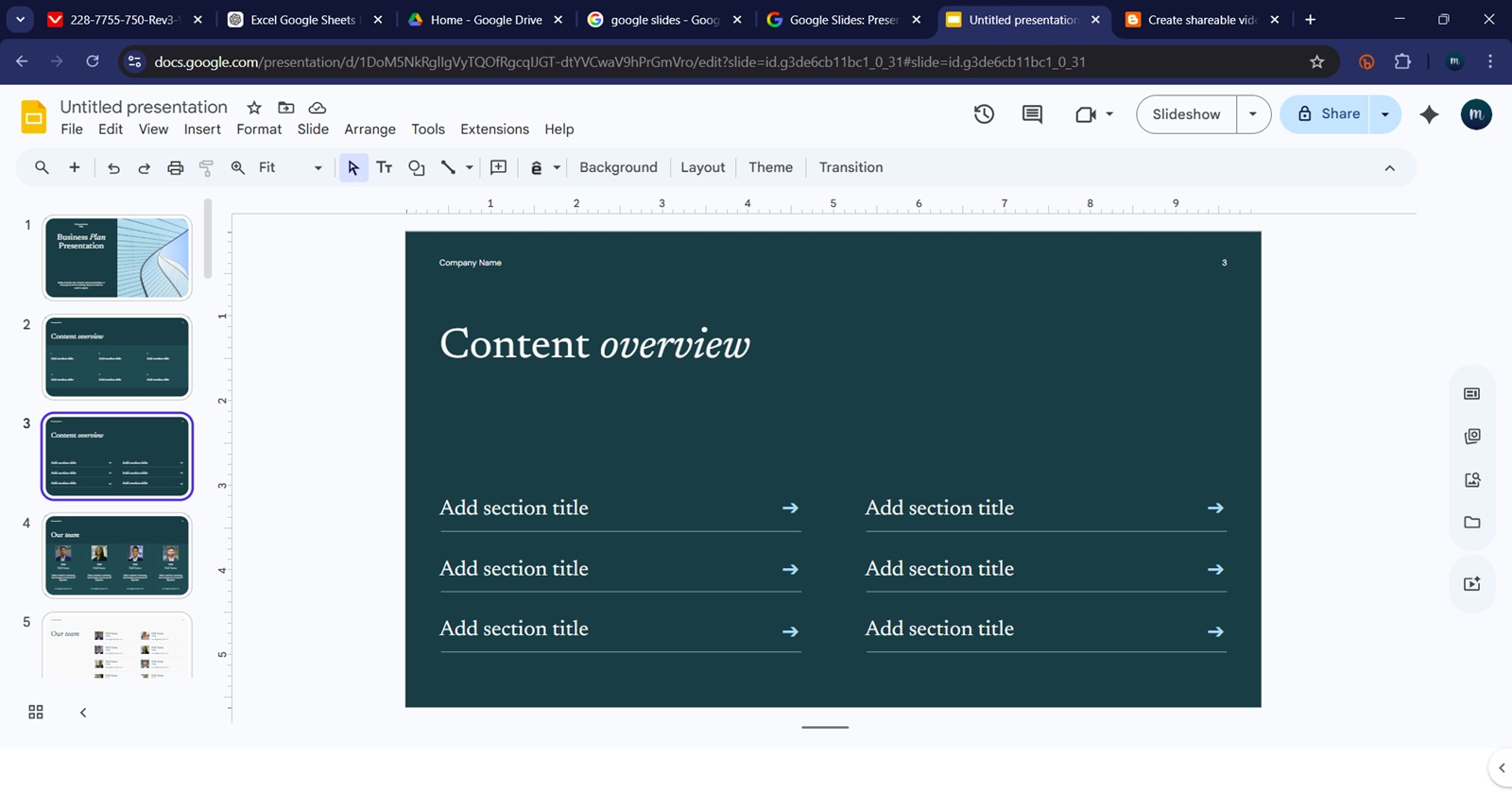
Google Slides users dealing with a strange white bar at the bottom of the editing screen may not have to endure it much longer. A Google Product Expert says the fix is now expected to roll out within the next two weeks, following several days of complaints from affected users.
The issue appears as a large blank white area at the bottom of the Slides editor, usually below the speaker notes area. In some cases, it takes up enough space to interfere with slide previews and make editing harder, especially on smaller laptop screens. Screenshots shared by affected users show the blank strip stretching across the width of the browser window, leaving the actual workspace feeling unnecessarily cramped.
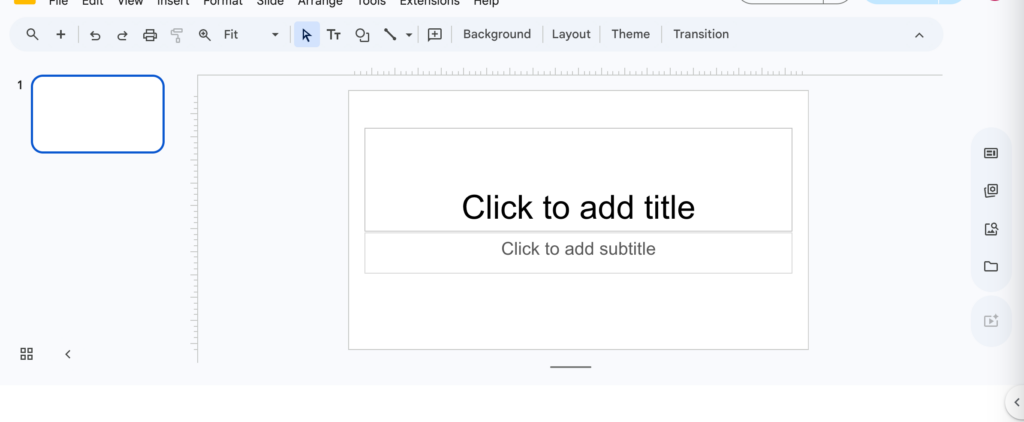
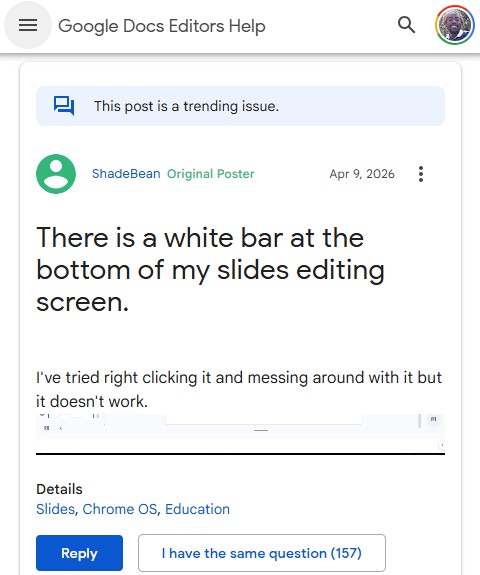
Reports first surfaced in the Google Slides Help Community earlier this month, with one user saying they suddenly noticed a white bar at the bottom of the editing screen and could not remove it.
At first, there was some confusion over whether the bar was connected to the side panel toggle, since a small arrow appears around the same area. But users quickly pushed back, noting that the blank area remained in different view modes and could block parts of the Slides interface. One user said it appeared in both filmstrip and grid view, while another noted that dragging the nearby line only opened speaker notes further instead of removing the blank space.
The bug does not seem limited to one setup. Reports mention Windows 10, Windows 11, ChromeOS, and macOS, with affected users seeing the issue across Chrome, Edge, Firefox, Safari, Arc, and Vivaldi. Some say it happens on personal Google accounts, while others are seeing it on school or education accounts. A few also noted that Slides looks normal briefly when the file first loads, only for the white bar to appear moments later.
Google Product Experts asked users to share account type, operating system, browser, extensions, and Slides add-ons to help narrow down the cause. The issue was later escalated, and on April 18, a Product Expert said they had been informed that Google’s engineering team had resolved the problem and that a fix would roll out soon.
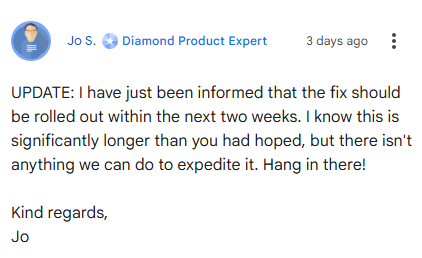
However, the rollout is taking longer than some users expected. In a newer update, the same Product Expert said the fix should now be rolled out “within the next two weeks,” adding that there is no way to speed up the process.
For now, there does not appear to be a reliable manual workaround beyond using modes where the bar does not interfere as much. Full-screen presentation mode avoids the issue, but that is not exactly helpful when the whole point is editing a presentation. Users affected by the bug will need to wait for Google’s server-side fix to reach their accounts.


Hillary Keverenge
2723 Posts
Tech has been my playground for over a decade. While the Android journey began early, it truly took flight with the revolutionary Lollipop update. Since then, it's been a parade of Android devices (with a sprinkle of iOS), culminating in a mostly happy marriage with Google's smart home ecosystem. Expect insightful articles and explorations of the ever-evolving world of Android and Google products coupled with occasional rants on the Nest smart home ecosystem.
Next article View Article