For the past few weeks, the Pixel 10 Pro has been pulled into yet another display conversation, this time over three tiny flashing dots that some users can spot just below the selfie camera. They are easy to miss, only show up in certain conditions, and seem most noticeable on the lock screen, during calls, or when the phone is waking or unlocking.
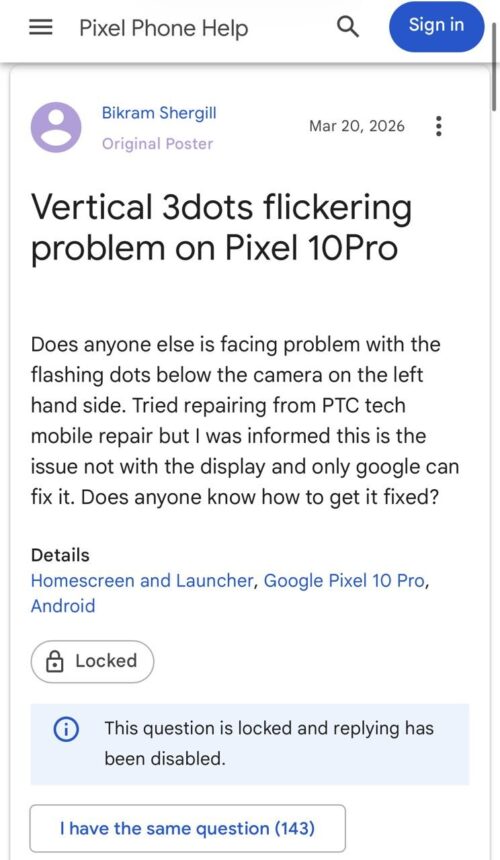
The marks show up mostly on the lock screen and home screen, with some users linking the behavior to recent software updates. However, our deep dive found that particular behavior less like a new Pixel 10 panel defect and more like a long-running Pixel quirk tied to the proximity and ambient light sensor area.
Once I started digging through older reports, this stopped looking like a fresh Pixel 10-only problem. Similar community reports exist for the Pixel 8 Pro, Pixel 8, Pixel 8a, Pixel 7, and Pixel 7 Pro, and older Reddit and forum posts pull in mentions from other models as well. That matters because it suggests this is not some new failure unique to Google’s latest flagship. It looks more like a recurring behavior that keeps resurfacing whenever new owners notice it for the first time, panic a little, and then go hunting for answers that Google never clearly put in one place.
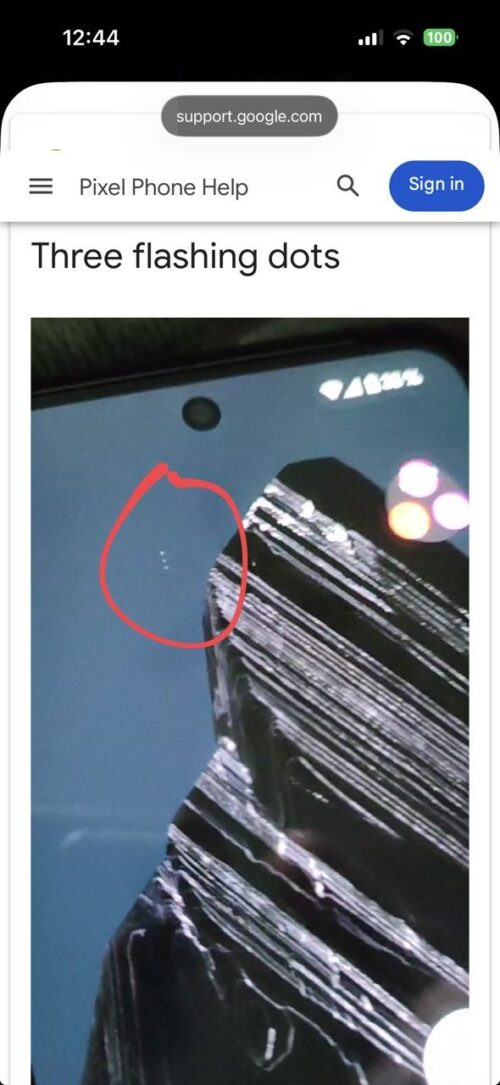
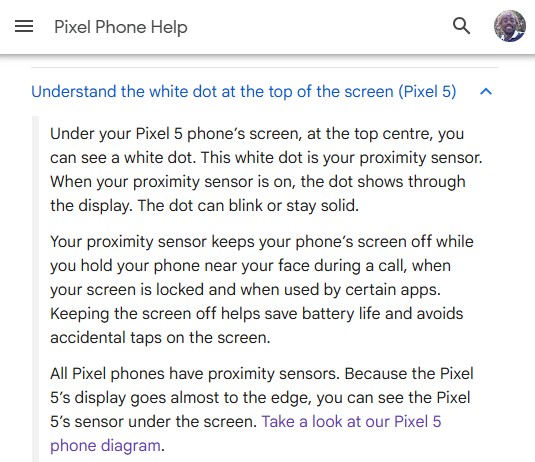
Google has actually already told us the basic story, just not in a way that helps current Pixel owners. In its official support documentation, Google explains that the visible white dot on the Pixel 5 is the phone’s proximity sensor, which can blink or stay solid, and that all Pixel phones have proximity sensors. The company also says the sensor is active while your phone is near your face during calls, when the screen is locked, and when certain apps use it. Read that today, and it is hard not to see the overlap with what Pixel 7, 8, 9, and 10 users have been describing, except they are sometimes seeing not one visible point, but three.
That overlap gets stronger when you compare the complaints with Google’s own hardware documentation. Google’s Pixel hardware diagram page shows that the proximity and ambient light sensor location varies by model. On some phones, it sits to the right of the top speaker, on others to the right of the front-facing camera, and on older devices, it is simply described as being on the front by the cameras.
That matches the user reports surprisingly well. Some people say the dots appear below the selfie camera, while others say they are offset to the side. The position changing from one Pixel to another is exactly what you would expect if the visible artifact is tied to the sensor hardware rather than a random panel flaw.
I also went through the repair trail, because teardown and replacement guides often reveal what glossy support pages do not. iFixit’s Pixel repair ecosystem lists proximity and ambient light sensors on Pixel device pages, while repair answers and screen-replacement references point to a display cutout or viewport for the proximity sensor on models like the Pixel 8 and Pixel 8 Pro. Google’s official repair manuals hosted through iFixit also include proximity sensor troubleshooting, which is another clue that this area is a known point of interaction between the display assembly and the sensor system.
There is also a software angle here that should not be ignored. Some users say they only started noticing the behavior after a new software update on both Android 16 and Android 17 Beta, while others insist it is simply the proximity and brightness sensor doing its job. Google’s own support steps for screen behavior issues tell users to install updates, test in safe mode, remove screen protectors or cases, and disable Screen attention if the display behaves oddly during calls or while the phone is near the face.
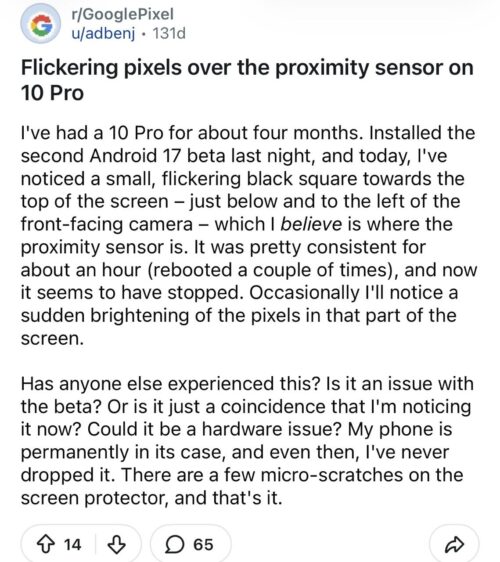
None of that proves the three-dot issue is software-caused, but it does suggest at least some cases may involve how the phone is managing or exposing the sensor behavior rather than a straightforward hardware defect. A reboot temporarily helping in some reports would fit that theory better than it fits a permanently failing OLED panel.
The more awkward part, at least for the cleaner “Google QC” narrative, is that Pixel may not even be alone in making under-display sensor behavior faintly visible. Samsung’s own support documents say its latest Galaxy phones place the proximity sensor under the display and explicitly note that the sensor may emit a blinking light that appears faintly at the top of the screen, adding that this is not a display or performance issue.
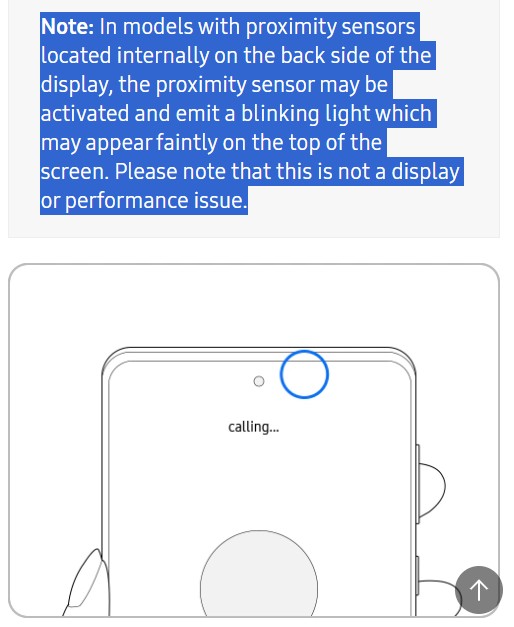
So the existence of a visible sensor artifact is not uniquely a Pixel problem. The difference is less about whether the hardware exists and more about how visible it becomes and how clearly companies explain what users are seeing.
That is where Google deserves criticism. The company already has a support page acknowledging a visible sensor dot on the Pixel 5, but it has never really expanded that explanation into a modern, broader note for newer Pixels. And that leaves a vacuum every single year. Pixel owners see tiny blinking dots near the camera area, search for answers, find scattered forum replies, and then assume their display is failing.
Some cases may still turn out to be genuine bugs, especially when the issue appears suddenly after an update or behaves inconsistently. But Google has more than enough evidence by now to publish a straightforward explanation that visible dots or flickers in this area can be tied to the proximity and ambient light sensor system on multiple Pixel models.
That is why I think Google needs to stop treating this like scattered user confusion and update its support documentation properly. The old Pixel 5 white-dot explanation is useful, but it is no longer enough. What Pixel owners are seeing on the Pixel 7, Pixel 8, Pixel 9, and now Pixel 10 should be acknowledged directly: yes, these dots are tied to the proximity and ambient light sensor area; yes, they may appear in some conditions; and no, users should not have to spend half an hour on Reddit wondering whether their OLED is dying.


Hillary Keverenge
2723 Posts
Tech has been my playground for over a decade. While the Android journey began early, it truly took flight with the revolutionary Lollipop update. Since then, it's been a parade of Android devices (with a sprinkle of iOS), culminating in a mostly happy marriage with Google's smart home ecosystem. Expect insightful articles and explorations of the ever-evolving world of Android and Google products coupled with occasional rants on the Nest smart home ecosystem.
Next article View Article