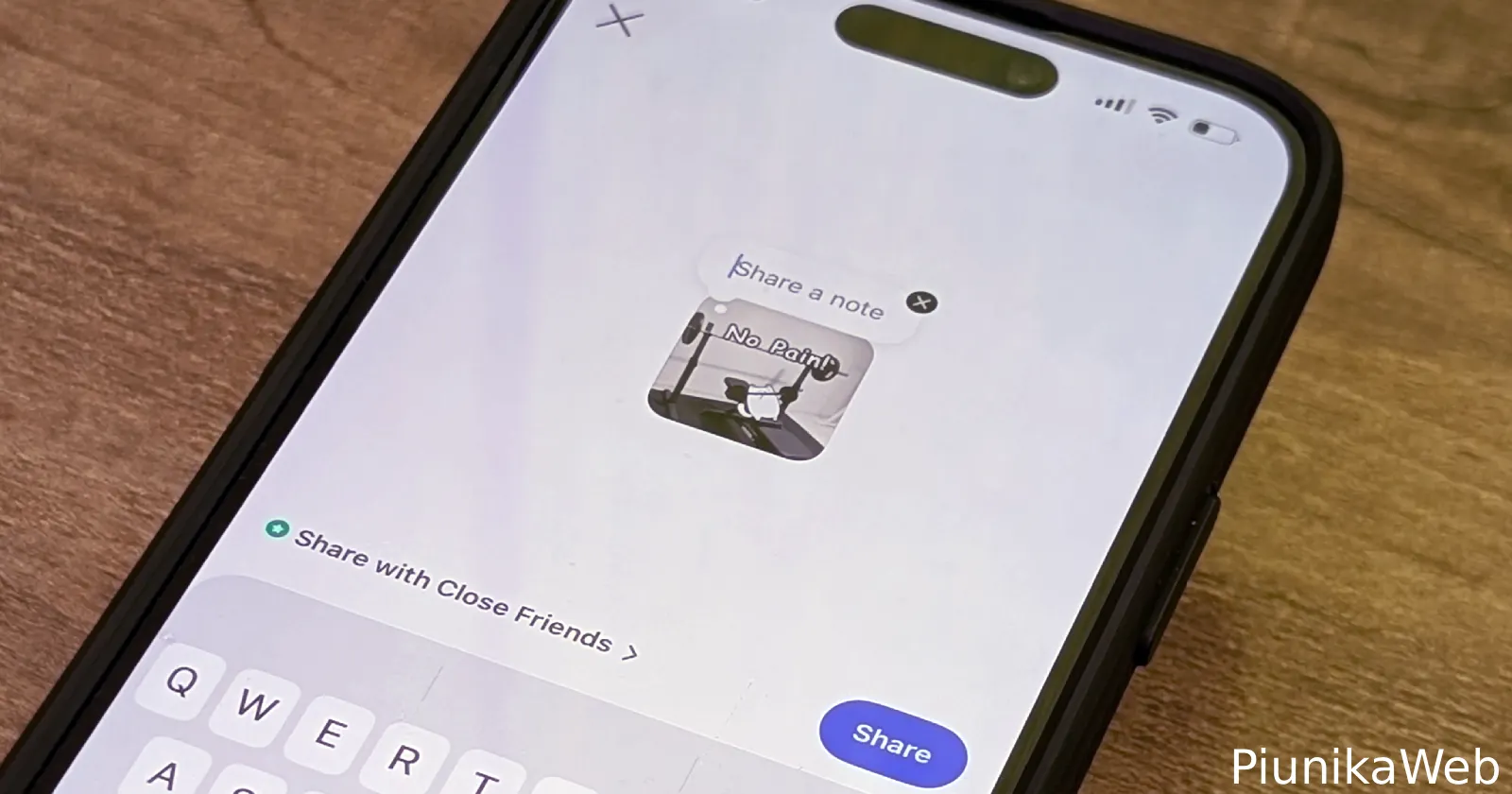
Instagram just made its Notes feature a lot more fun by letting users add GIFs. And from what I’m seeing, the feature is rolling out pretty widely right now.
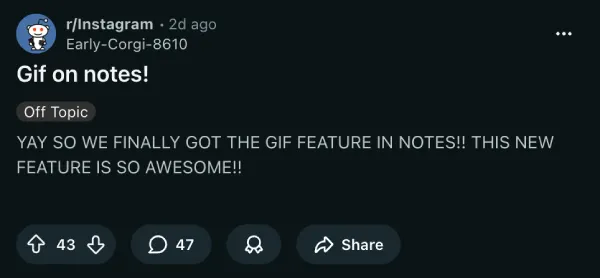
I caught this yesterday when someone I follow posted a GIF to their Note instead of the usual line or two of text. First time I’d seen a GIF in that spot, which made me curious. A quick scroll through X and Reddit confirms it’s not just one account. Other users are spotting it too.
Notes have been around since late 2022. They give you a spot to drop a short message or song clip that sits at the top of your mutual followers’ DM inboxes. The update vanishes after 24 hours, and you can limit it to Close Friends if you want. It always felt like a low-key way to share a vibe without firing off a full Story or Reel.
Now, Instagram has added GIF support. This makes expressing yourself a lot easier and fun. A well-chosen animation can say more than words alone, whether you’re reacting to the weekend, your mood, or just something random.
Adding your own GIF is straightforward once the option shows up. Open the Instagram app and tap the DM icon at the bottom. At the top of the screen, tap “Your note” or your profile picture area. A composer screen pops up with a row of icons below the text field.
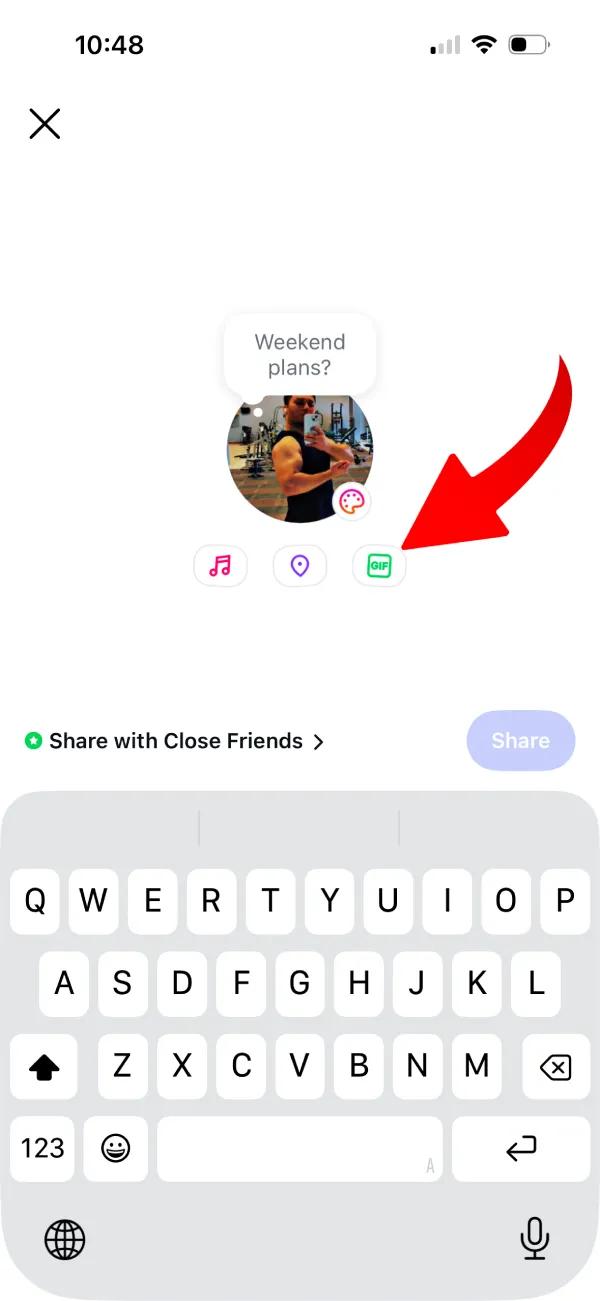
Look for the bright green GIF button sitting alongside the music and location options. Tap it to open the GIPHY search. Scroll through trending picks or type in keywords to find the perfect loop. Pick one, add any text you like or leave it blank, then hit share.
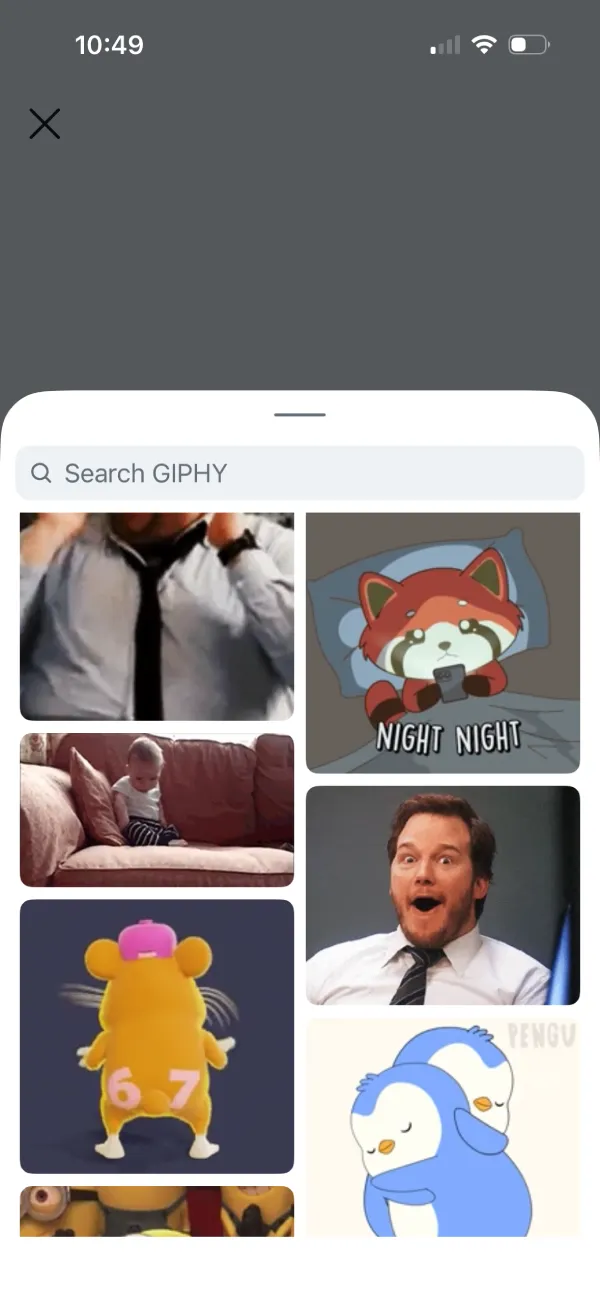
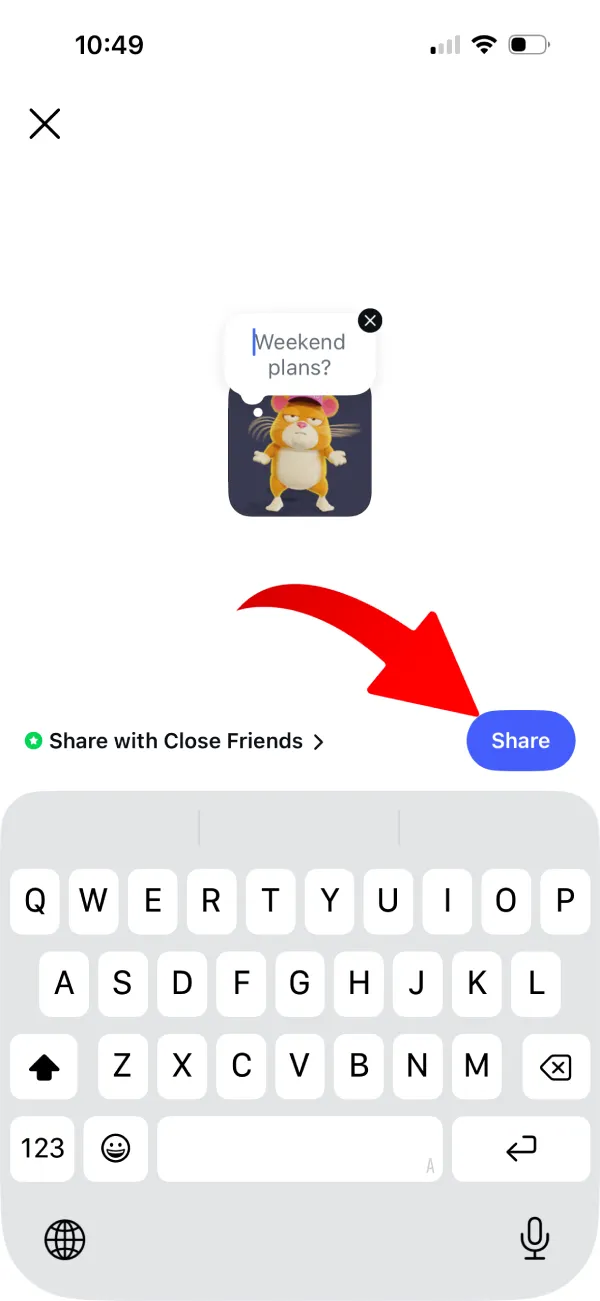
Your Note goes live right away with the GIF attached.
Not seeing the GIF button? Start by updating Instagram to the latest version. The rollout seems to be server-side, meaning the option could appear on your account regardless of which app version you’re on. That said, having the latest update installed is always a safe first step.
It is a small but welcome change. Notes have been one of the quieter spots on Instagram for a while now, even with the updates they’ve received. GIF support gives people a more visual, low-effort way to actually use the feature, and it could make Notes a lot more interesting to interact with going forward.
But this isn’t the only new feature Instagram added. A few days ago, the platform also rolled out the ability to edit comments. You can read all about that here.


Dwayne Cubbins
3132 Posts
I cover fast-moving stories across apps, online platforms, and everyday tech — phones, wearables, consoles, and whatever else people are fighting with this week. Bugs, rollouts, scams, policy enforcement, and the occasional internet-culture rabbit hole are all fair game. My goal is simple — make confusing tech news readable. When I'm not working, I'm working out or chilling with my dog. Got a tip? You can find me on X @dcubbins.
Next article View Article