![Can you turn off auto translate on X? Here’s what we found [Updated]](https://piunikaweb.com/wp-content/uploads/2026/04/Featured-Image-Grok-Translate.png "Can you turn off auto translate on X? Here’s what we found [Updated]")
Update 08/04/26 – 03:39 pm (IST): After announcing the global release of Grok’s auto-translate for posts, X seems to have added the option to turn off it off too. The only caveat is that automatic translations can only be disabled for individual languages. There’s no option to turn it off completely.
Now, getting to the how-to. To turn it off, you can tap the ‘Gear’ icon beside the ‘Show original’ or ‘Show translation’ text in translated posts. From there, toggle off the ‘Automatically translate (language)’ option. Here are screenshots for reference:


Original article published on April 1, 2026, follows:
Recently, X rolled out auto-translation powered by Grok, which automatically converts posts in foreign languages to English for many users. A lot of people find it intrusive, and dislike the feature because there are inaccuracies with idioms or context.
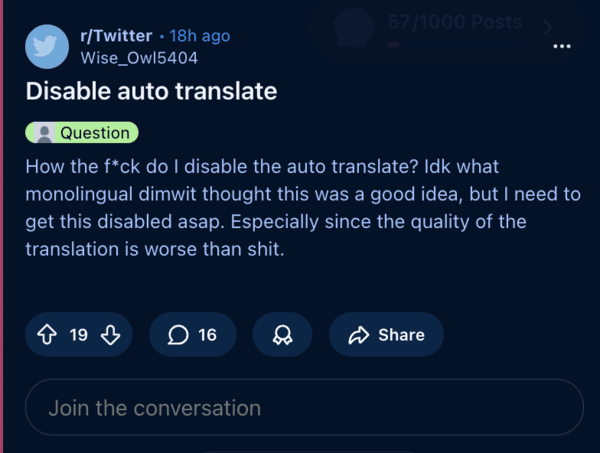
As a result, people are posting about wanting an option to disable auto-translate. Another comment claims that posts and reposts aren’t automatically translated, and it’s always optional for those.
Unfortunately, it doesn’t look like there’s a “Master Toggle” where you can entirely turn off translations in the whole app. There are some workarounds that focus on language settings or manually turning them off on posts. You cannot completely disable translation.
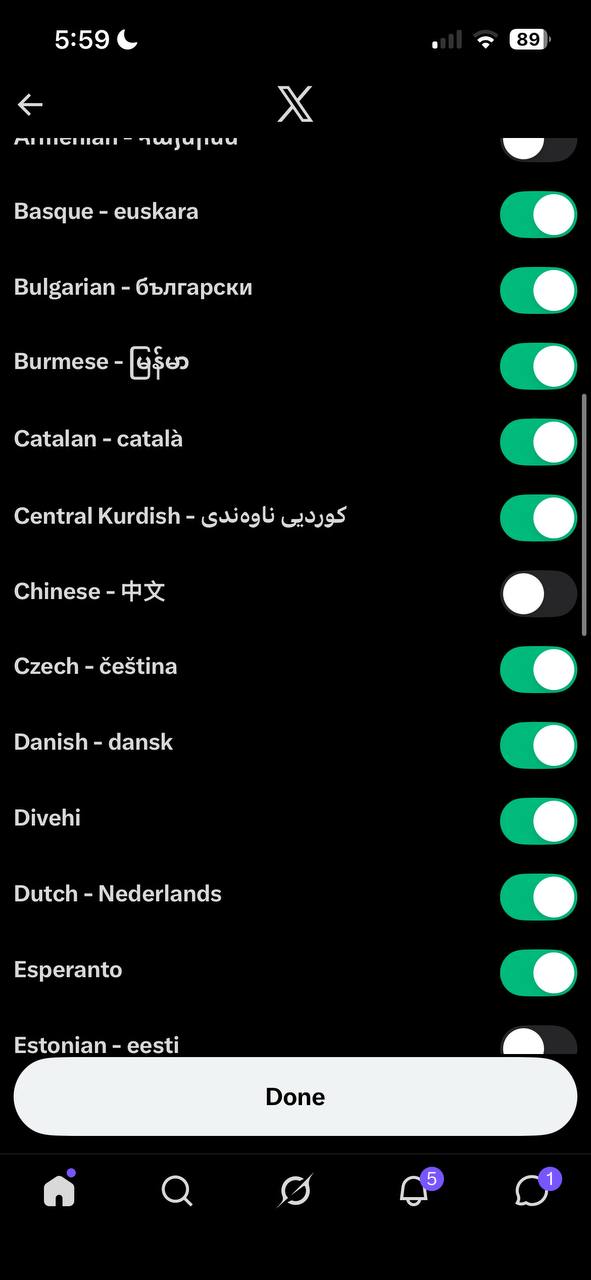
One user suggests going into language settings, where it gives you the option to select the languages you know. From there, check all of the languages that you don’t want auto-translated. I cannot confirm if this works, since the effect will probably take place eventually. This will give X the signal that you know multiple languages, and will probably reduce aggressive auto-translation. These are the exact steps to find the setting:
- Open the X app, and tap on your profile picture.
- Navigate to Settings and privacy.
- Go to the Accessibility, display, and languages option.
- Tap on Languages.
- From “Additional Languages” or “Languages you may know,” add as many as you want.
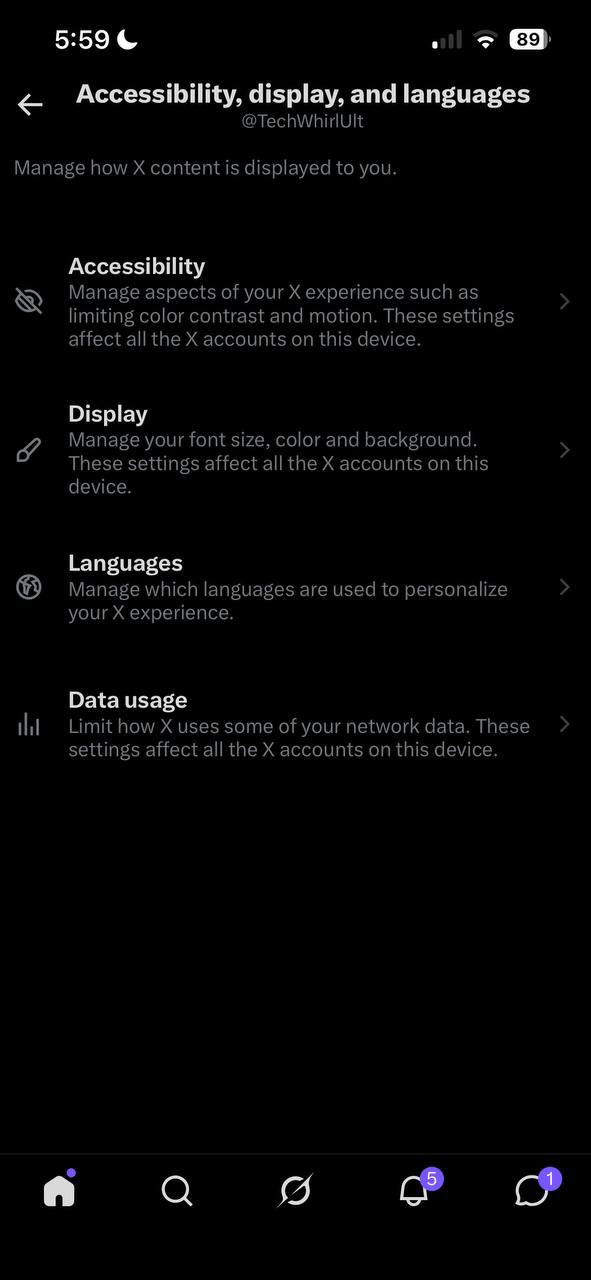

For the changes to take effect, you may have to refresh the timeline, or restart the app. It may not happen immedatiely.
If this doesn’t help, you always have per-post control. Whenever an automatic translation happens, you have to tap the translated header, or three-dot menu. From there, you’ll find the option to show original text. You can specifically tap on “Never translate language,” which will disable all translations for the specific language you’ve selected. You also have the option to hide the translation.

YouTube has also been under fire for auto-translating shorts and videos, which many people didn’t want. I’m hoping X doesn’t fall down the same path and provides users with the choice to turn it off down the line.


Dwayne Cubbins
3055 Posts
I cover fast-moving stories across apps, online platforms, and everyday tech — phones, wearables, consoles, and whatever else people are fighting with this week. Bugs, rollouts, scams, policy enforcement, and the occasional internet-culture rabbit hole are all fair game. My goal is simple — make confusing tech news readable. When I'm not working, I'm working out or chilling with my dog. Got a tip? You can find me on X @dcubbins.
Next article View Article