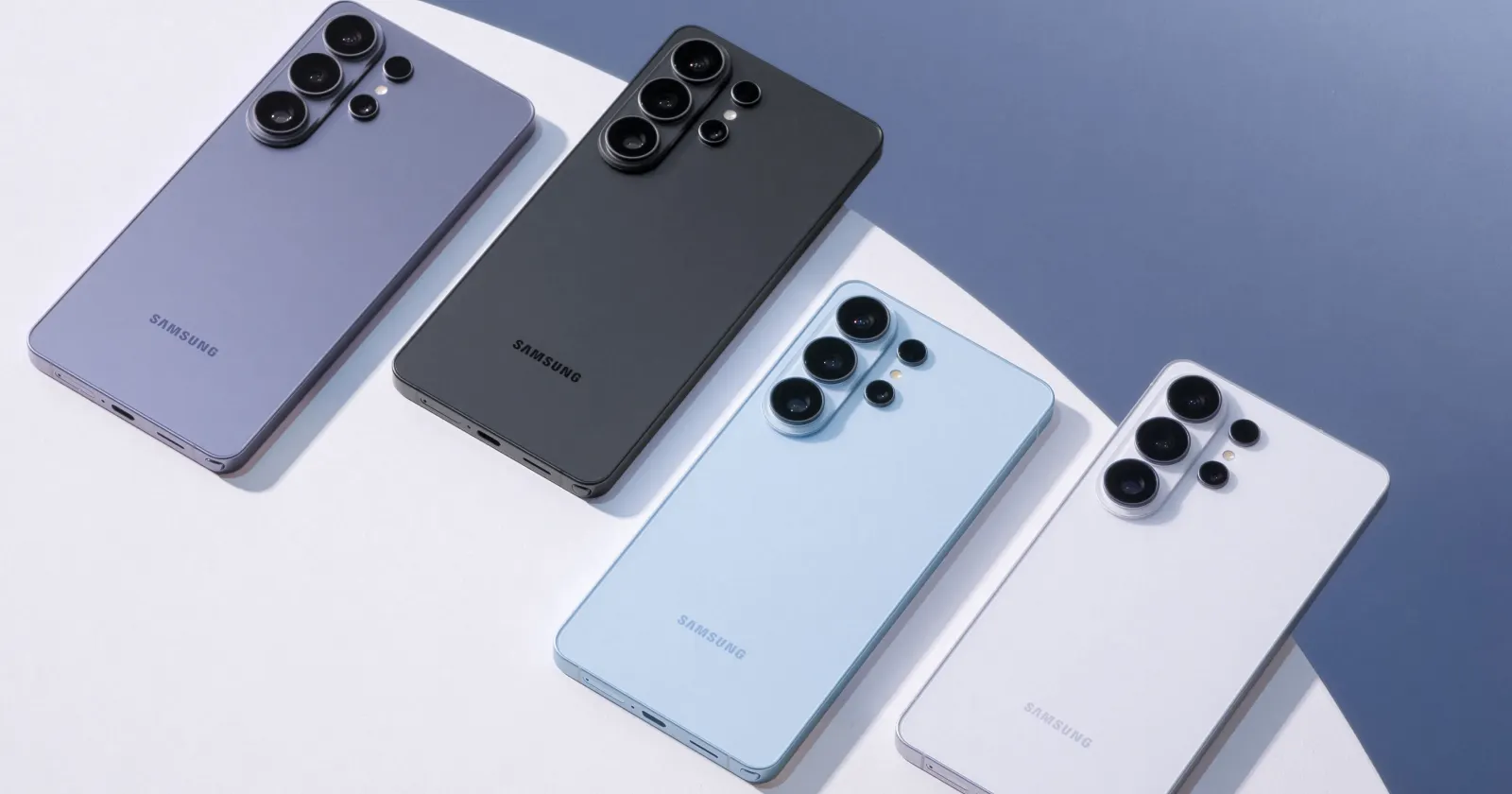
Samsung’s March 2026 security update is apparently locking out custom fonts on Galaxy devices, and the company’s own security bulletin hints at the reason why this might be happening.
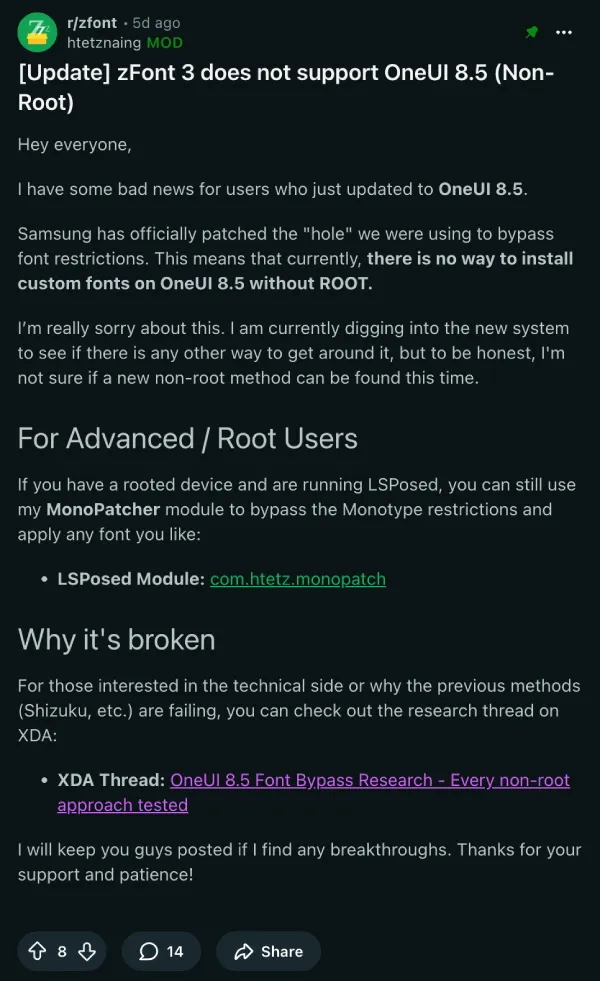
Buried in the SMR Mar-2026 Release 1 advisory is CVE-2026-20989, listed under “Moderate” severity. It says: “Improper verification of cryptographic signature in Font Settings prior to SMR Mar-2026 Release 1 allows physical attackers to use custom font. The patch adds proper verification.” The “physical attackers” bit here is notable.
Reports about this started piling up on r/oneui pretty quickly after the update. Custom fonts were resetting, or worse, getting stuck in a state where users couldn’t reapply them after switching. A Galaxy S24 FE user said, “I found out after installing the update and oh my lord.”
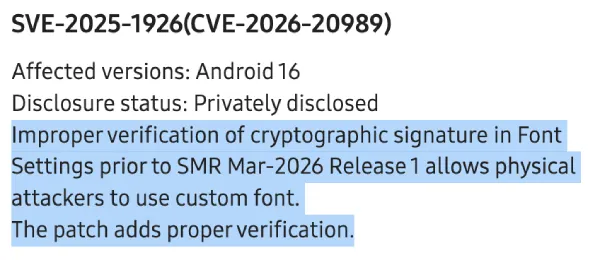
The zFont 3 team has since confirmed that their app does not support One UI 8.5 without root.
From what the XDA community was able to piece together, Samsung added a new certificate validation gate in One UI 8.5 that checks the SHA-256 hash of a font APK’s signing certificate against two hardcoded values. Only APKs signed by Monotype, Samsung’s contracted font vendor, or Samsung’s own platform key pass. One member who reverse-engineered SecSettings described it as a server-less check with no network call and no revocation list, just two hardcoded hashes baked into the app. They tested 18 different bypass approaches, but all were blocked.
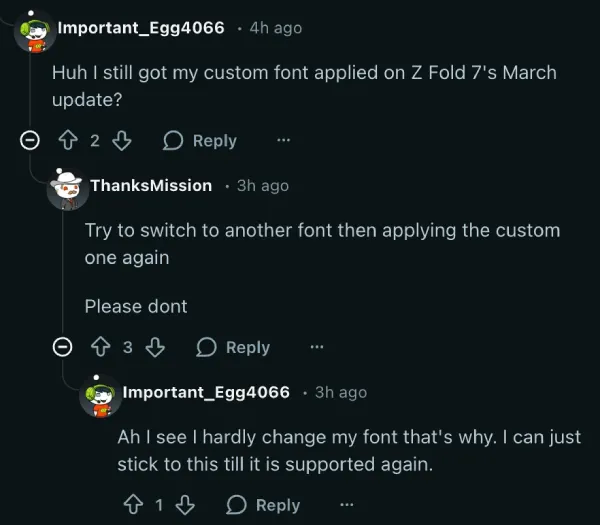
A few users reported their existing custom font surviving the update, which is technically possible if they never change it afterward. Switching fonts means it’s gone for good. One Galaxy Z Fold 7 user said theirs was still working, only to be warned by another who said, “Try to switch to another font then applying the custom one again. Please don’t.”
One thing to note here is that fonts purchased through the Galaxy Store should still work fine. Samsung’s validation system targets unofficial third-party font packages specifically, not paid fonts that users bought legitimately.
Smart Switch restore was floated as a potential workaround, but community testing came up empty. Samsung Cloud restore was confirmed blocked as well.
For now, if you’re on a Galaxy device with a custom font you care about, then you might want to hold off on the update, or at minimum, don’t touch your font settings after installing it.


Dwayne Cubbins
3064 Posts
I cover fast-moving stories across apps, online platforms, and everyday tech — phones, wearables, consoles, and whatever else people are fighting with this week. Bugs, rollouts, scams, policy enforcement, and the occasional internet-culture rabbit hole are all fair game. My goal is simple — make confusing tech news readable. When I'm not working, I'm working out or chilling with my dog. Got a tip? You can find me on X @dcubbins.
Next article View Article