Google is testing some changes to the Google Photos Editor, and it brings back the key controls to the main view. The company is also introducing a Wi-Fi Sync feature, where the Wi-Fi information is automatically shared to all devices under the same Google Account.
There are several features and improvements to Gemini, including Personal Intelligence going free in the US, a new Discover tab for Gemini, some improvements to editing with Nano Banana, and more. Read on for more information.
Google Photos is getting some functional improvements
Google is testing some functional, quality-of-life changes to Google Photos. Last year, the company made some controversial changes to the Photos app, which moved things around.
Important features such as Crop, Adjust, and Filters got tucked under different menus, and there was a heavier focus on AI features such as “Help Me Edit.” The goal might’ve been a cleaner look with AI at the forefront, but many people disliked this change. It heavily slowed people down.
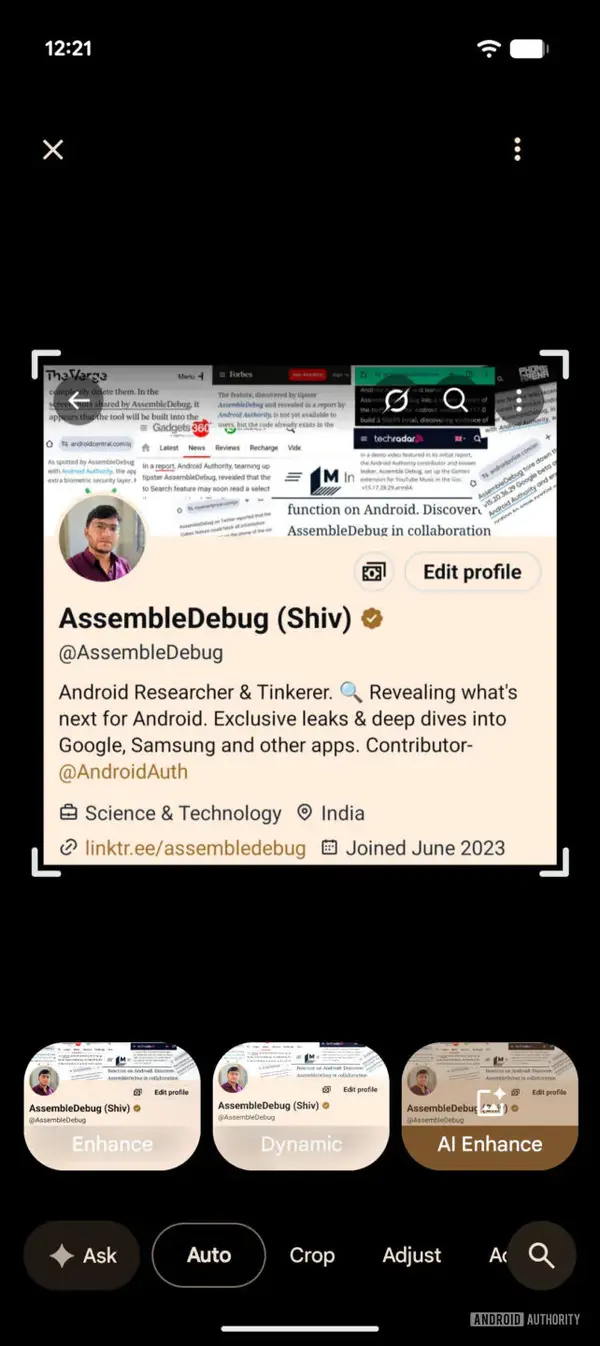
Google might fix this by bringing the core editing options back, as reported by Android Authority. Crop, Adjust, Filters, etc., might move back to the bottom in a simple carousel, and may not be hidden anymore. A less pushy “Ask” button might replace the “Help Me Edit” button, which still uses Gemini.
Next to memories, a new “Explore” tab was also spotted, which works like an AI-curated TikTok feed that’s based on your photos. However, this seems to be limited to a few testers. Google also added a floating pill-shaped navigation bar at the bottom for iOS recently, and Android is likely getting it soon.
It’s worth noting that Google didn’t officially announce or confirm that these features are being released, but we do know they’re actively being tested for a few users. Information about a widespread rollout remains presently unavailable.
Google to introduce new Wi-Fi Sync feature
For now, Android does not sync Wi-Fi information in real time. It’s not a problem when switching phones, since the information is sent to your new account. However, if you log in to a new Wi-Fi connection on one device and then pick up another device, you still have to re-enter the password, even if they’re logged into the same Google account.
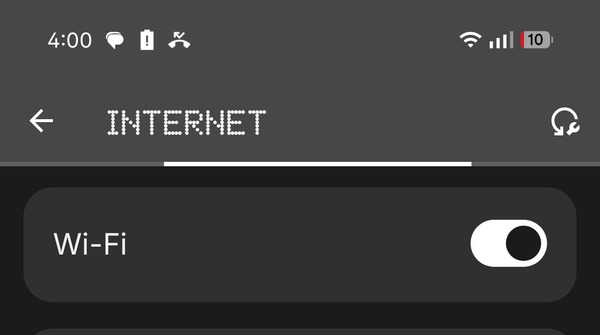
A new Google Play Services update (v26.10) has a new “Wi-Fi Sync” feature, as reported by Android Police. If this pans out as planned, the Wi-Fi information will automatically be shared with all devices under the same Google Account. This is highly convenient and saves users some time. Bear in mind that the Wi-Fi Sync feature was only mentioned in the Google Play Services update notes, but it may take some time to arrive on your phone. It’s currently unclear whether it’ll roll out to all Android phones or if it’s Pixel-exclusive.
Gemini expands Personal Intelligence to free users, and more
There’s a lot coming from Gemini. Importantly, the “Personal Intelligence” feature is rolling out to free users now. According to an official announcement on the Google Blog page, Personal Intelligence is starting to roll out in Google Chrome and the Gemini app in the US.
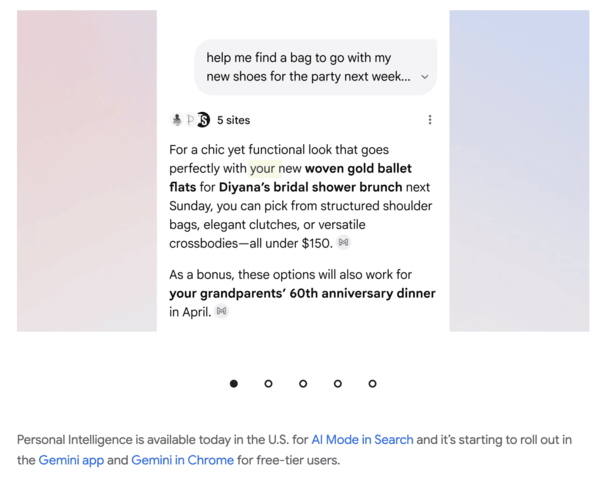
It’s a very productive feature- It can access your mail, calendar, drive, photos, as well as YouTube data, to tailor responses better. The replies you get will be far more relevant to you. Your personal information will be retrieved via text, photos, and videos, and Gemini will customize the answer. There are several examples where this can be useful, such as troubleshooting, navigation, custom travel plans, and more.
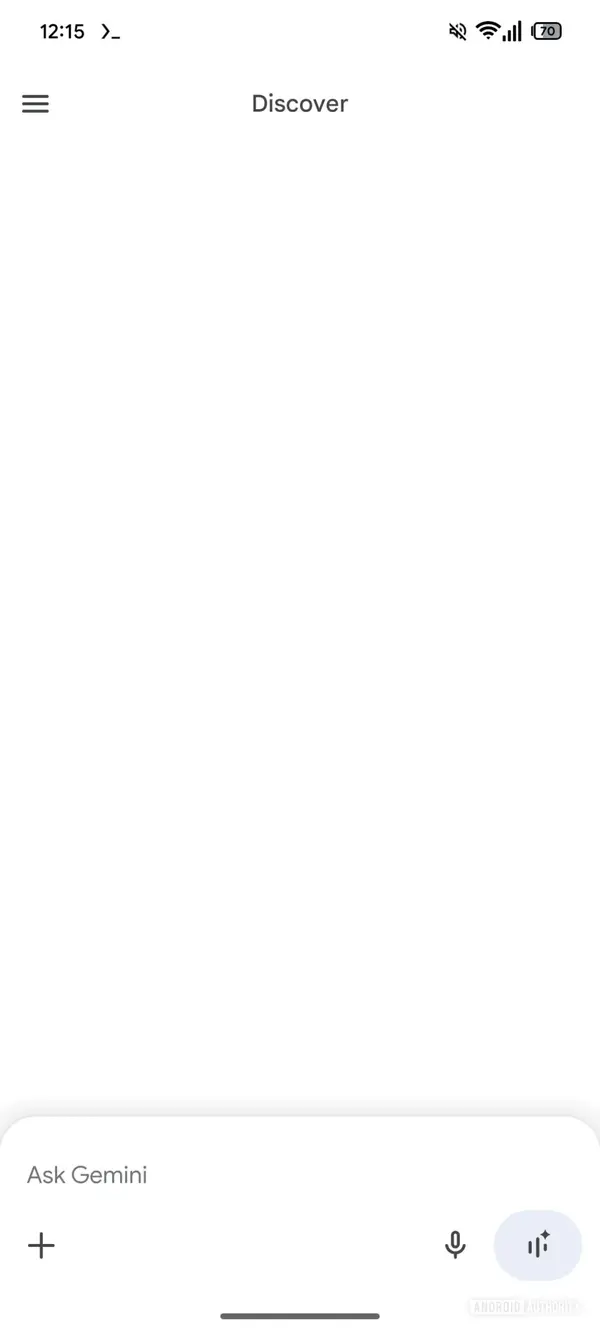
Android Authority also reports that Google is testing a new Discover tab for Gemini, and this was found in an APK teardown. They were found in version 17.10.54.sa.arm64 of the Google app, and none of these changes are live yet. There are minor UI tweaks to the sidebar, as well as a new “Discover” tab. What it does is currently unknown. The spacing and alignment of several parts of the app have changed, especially the Gemini overlay.
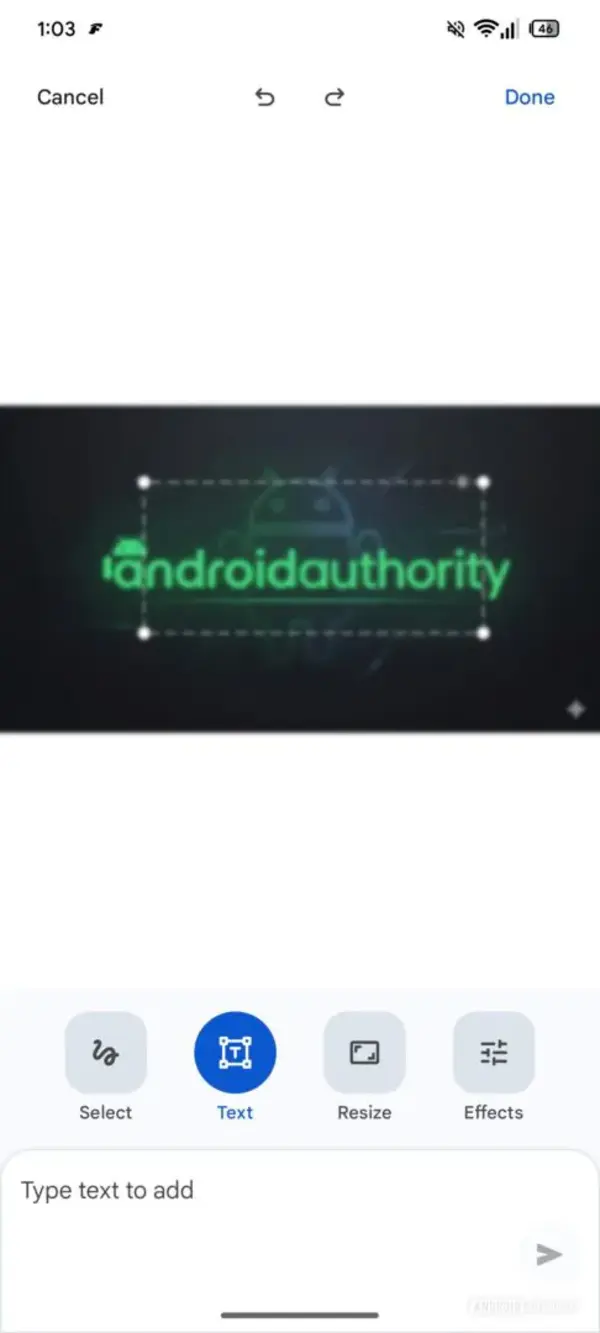
Following the successful release of Nano Banana 2, Google is working on improving editing. There’s a much better markup UI, and you can describe the information to Gemini better, as reported by Android Authority. It features a lot more new options, such as resize and effects. The text input field at the bottom persists.
Finally, Screen Automation has started rolling out to users of the Pixel 10 series. It was previously available on the Galaxy S26 series, but has now made its way to the Pixel 10 models, as reported by Android Police. To enable it, navigate to the Gemini app, go to the App Settings, tap on Screen Automation, and give it the relevant permissions. This feature helps with repetitive tasks that don’t require your attention.
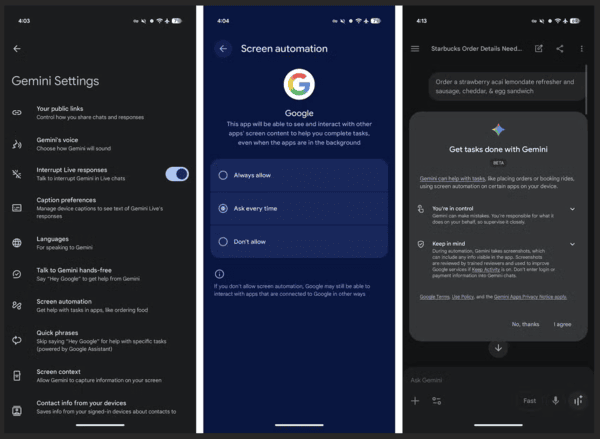
Booking rides, ordering grocery items, or ordering you a coffee, etc., are good examples of what it can do. To prevent mishaps, it stops at the final step, which you’ll have to manually confirm.


Dwayne Cubbins
3101 Posts
I cover fast-moving stories across apps, online platforms, and everyday tech — phones, wearables, consoles, and whatever else people are fighting with this week. Bugs, rollouts, scams, policy enforcement, and the occasional internet-culture rabbit hole are all fair game. My goal is simple — make confusing tech news readable. When I'm not working, I'm working out or chilling with my dog. Got a tip? You can find me on X @dcubbins.
Next article View Article