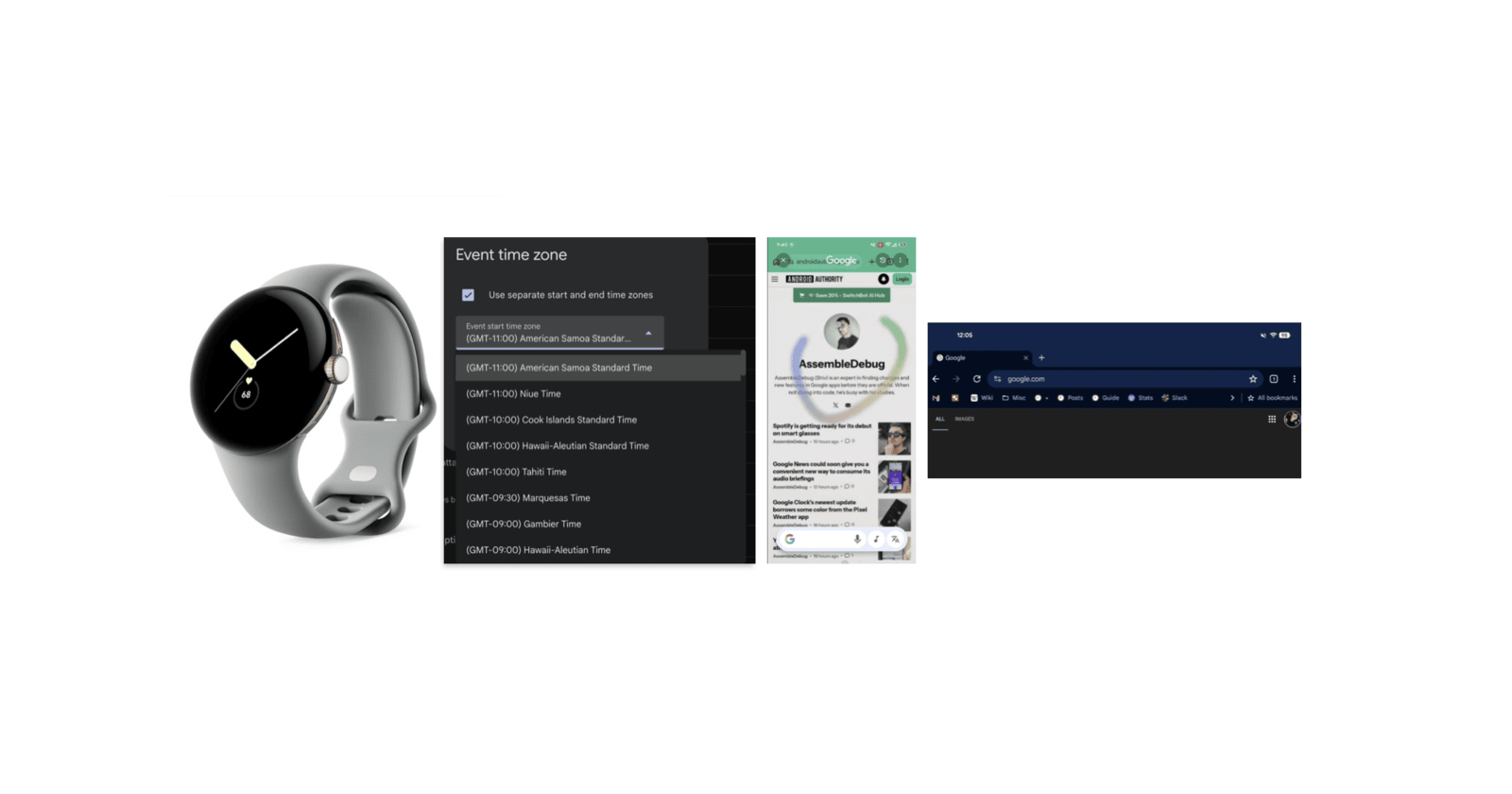
Google might refresh the Circle to Search animation, with colorful new trails. There’s a new modem update for the original Pixel Watch. Browsing with Chrome on large-screen devices got a lot easier, and there’s a fix for an annoying issue with time zones on Google Calendar. Read on to know more.
New colorful animation for Google’s Circle to Search
Google has refined and improved the animation for its Circle to Search feature over time. Android Authority reports that they might be doing it again, replacing the current design with a more colorful one. When you circle an area of the screen, the outline is white in color at the moment.
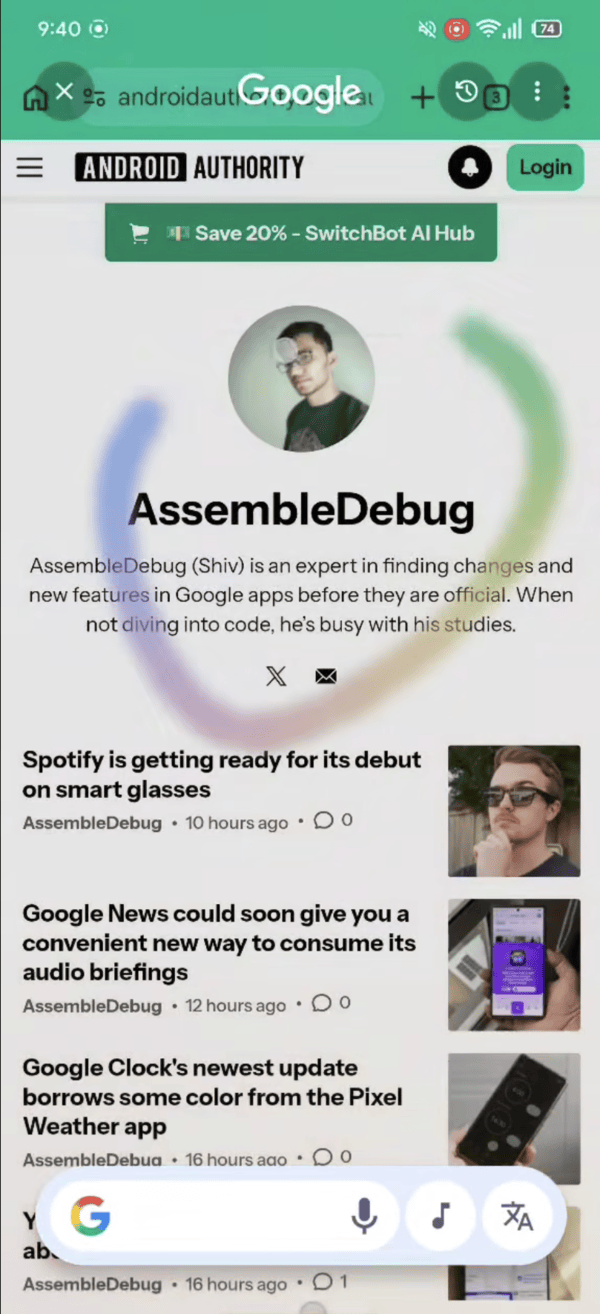
In this version that was specifically tested (v17.10.54.sa.arm64 beta of the Google app), the white outline is entirely replaced with a much more colorful one, which looks more playful. It’s unclear when Google will release this to the public, and there’s no information about a toggle to choose which color you want your outline to be. While there’s no change to the functionality, the new gradient color trails do massively improve the aesthetics.
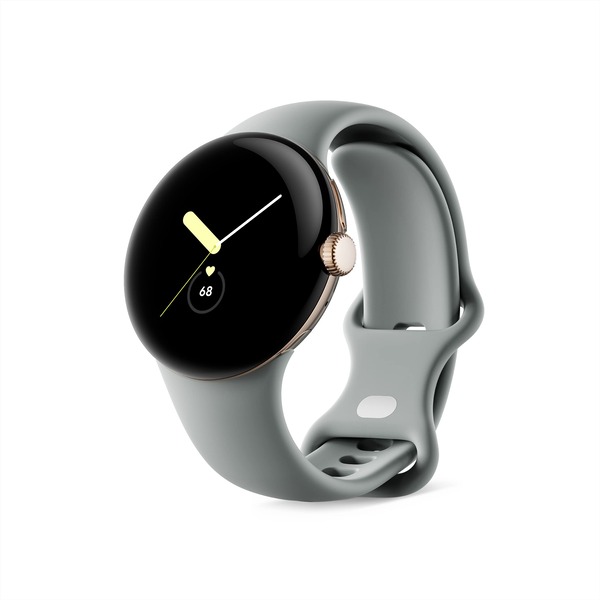
Modem update for the original Pixel Watch
The software running on the original Pixel Watch is still Android 15-based (Wear OS 5.1), but a new software update improves emergency dialing behavior, as noted by 9To5Google. It’s an update to the modem, and the watch has already received all the promised major software updates. You won’t get any versions that are Wear OS 6 and above. At the time of writing, manually installing it isn’t possible, and you have to wait until it’s available on your device.
Google Calendar to fix annoying time zone issues
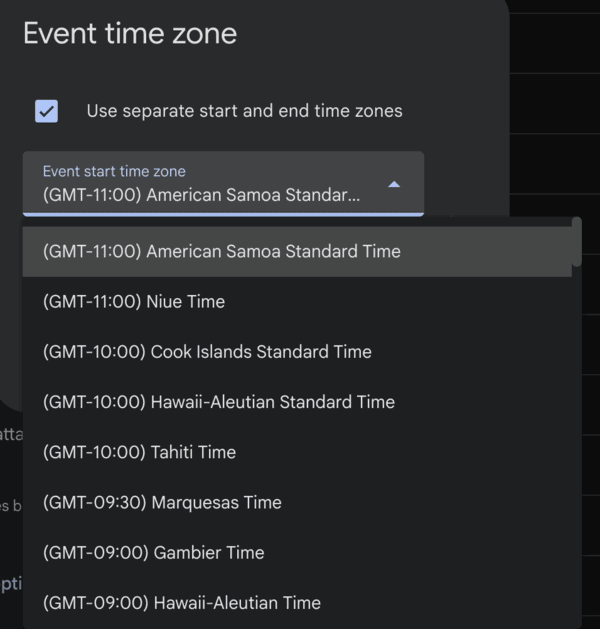
Earlier, you had to scroll through a long list of time zones in the calendar app to pick your region. While the calendar automatically switches time zones when you’re travelling, it’s quite cumbersome if you want to schedule an event at a different time zone while staying in your current time zone. Scrolling through a long list of alphabetical time zones isn’t the best experience for this.
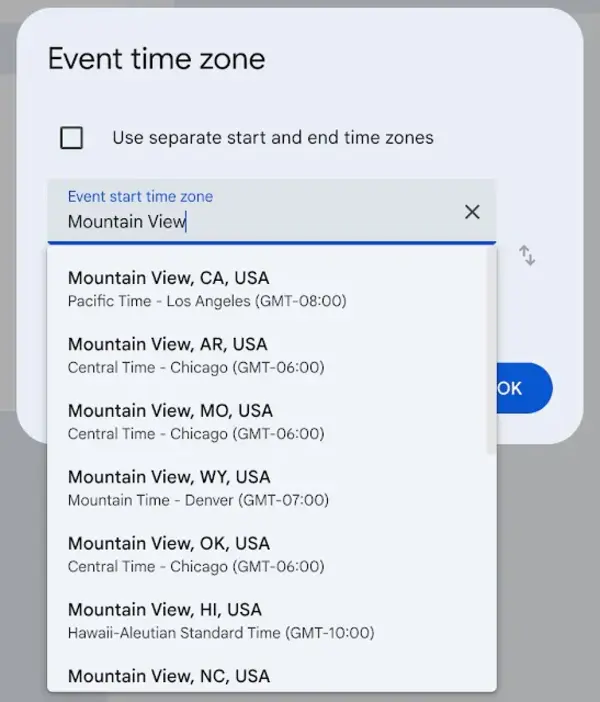
Google is making a change that’ll solve this issue. Instead of scrolling, users have to just type their time zone information in the text box. You can search by city or country, and it’ll give you instant results. This feature was first spotted by Android Authority, but it’s a phased rollout. Not everyone has received it so far. I’ve checked the web version of Google Calendar myself, and it still shows the old time zone selector.
Chrome bookmarks bar can now be added to tablets and foldables
For larger screens, having a bookmarks bar that’s always visible is very productive. Google is bringing this feature to devices such as tablets and foldables. It’s the full-fledged feature, including site names and folders. An icon indicates the bookmarks that are further to the right of the bookmarks bar (the ones that didn’t fit).
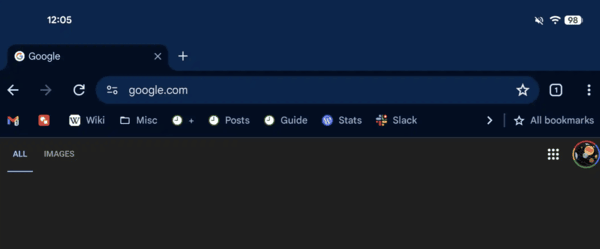
If you want to enable this bookmarks bar, you’ll have to navigate to Settings, go to Appearance, and then toggle on Show bookmarks bar. If you don’t find it on your device yet, you can try updating the app or force-stopping it. Do note that the permanent bookmarks bar is absent on small-screen devices like phones, for now.


Dwayne Cubbins
3118 Posts
I cover fast-moving stories across apps, online platforms, and everyday tech — phones, wearables, consoles, and whatever else people are fighting with this week. Bugs, rollouts, scams, policy enforcement, and the occasional internet-culture rabbit hole are all fair game. My goal is simple — make confusing tech news readable. When I'm not working, I'm working out or chilling with my dog. Got a tip? You can find me on X @dcubbins.
Next article View Article