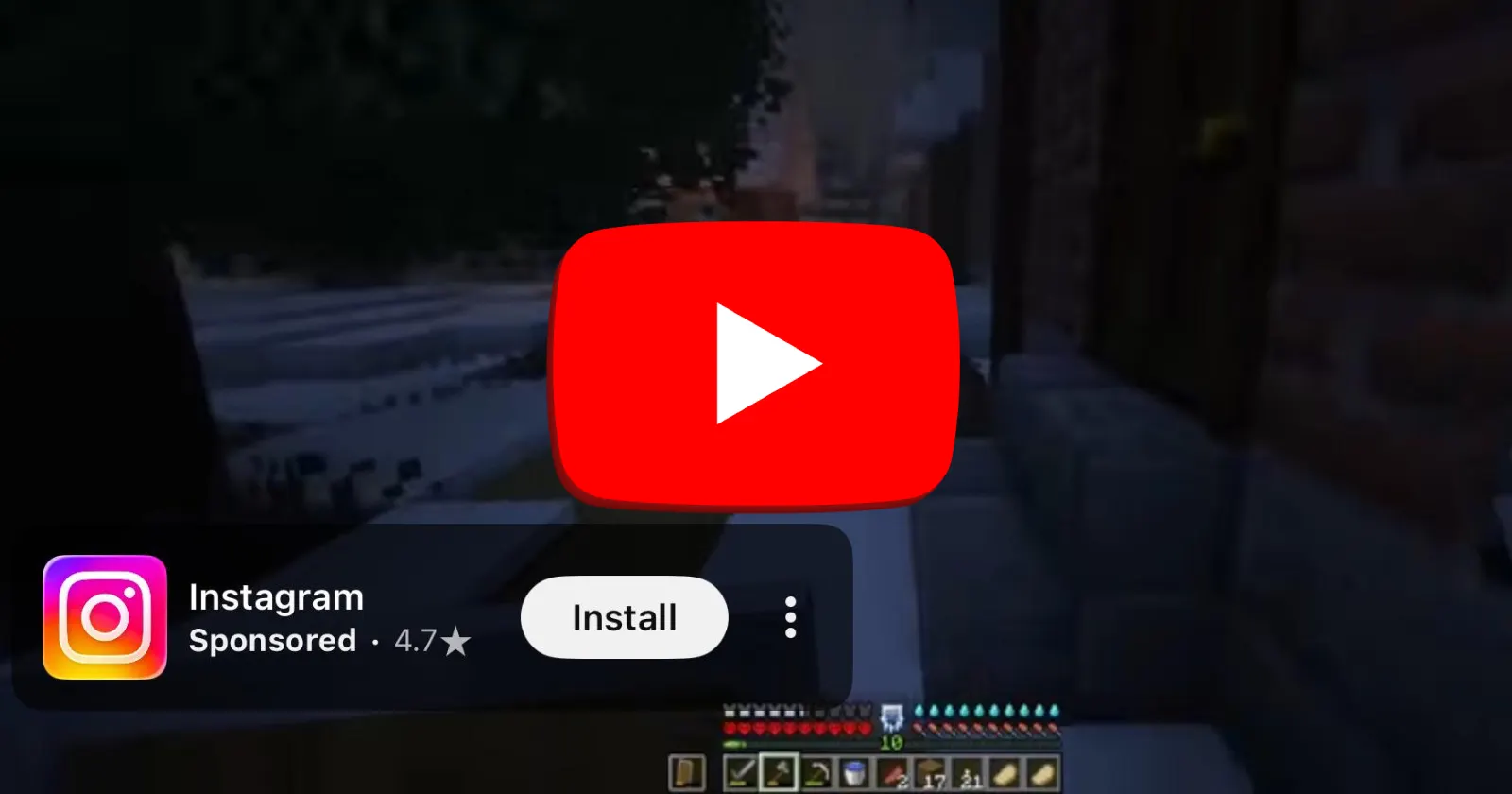
Something annoying is happening on the YouTube mobile app right now. Users on both iOS and Android are running into corner overlay ads that refuse to go away during full-screen playback, even after repeatedly tapping “Dismiss.”
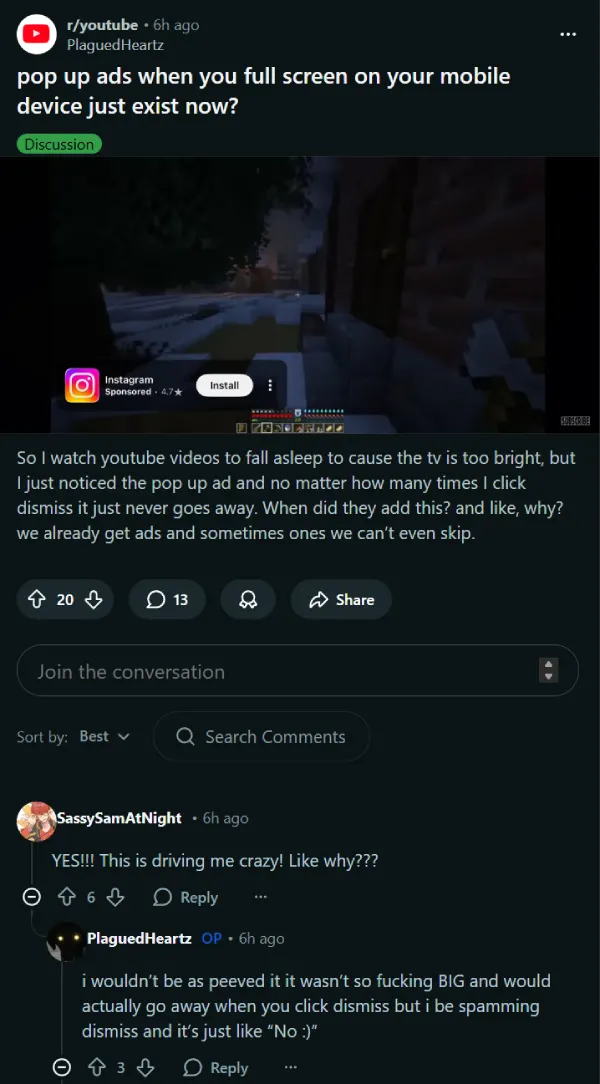
Two threads on r/youtube posted within hours of each other capture the problem pretty well. In the first thread, the original poster described watching YouTube to fall asleep and having a large pop-up ad park itself on screen with no way to close it. “I be spamming dismiss and it’s just like ‘No :)’,” they wrote.
A second thread came with a screenshot of a sponsored ad stuck in the lower-left corner during full-screen playback, with no close button that actually worked. The only way out was to exit the video entirely.
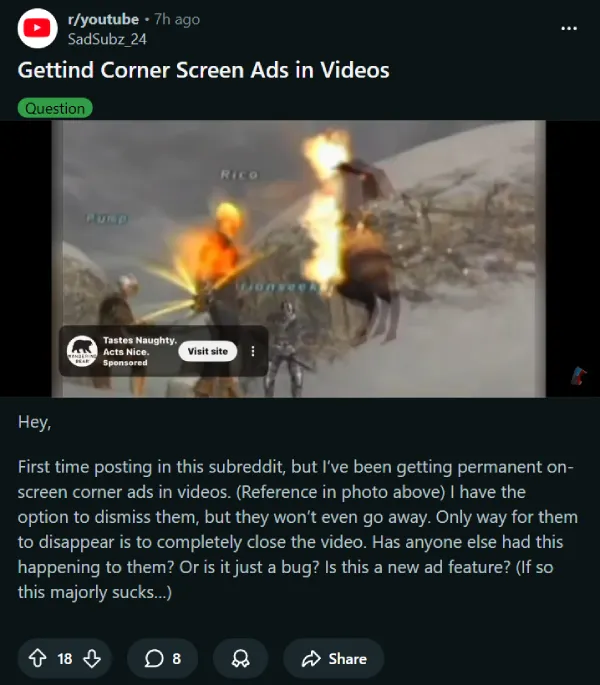
The ads appear to be overlay-style banners sitting in the corner of the screen during full-screen mode. Some users say the ad eventually vanishes on its own after about 30 seconds. Others resort to force-closing the app and reopening the same video, though the ad tends to come right back when switching to a new one. One iOS user found that opening YouTube in a mobile browser sidestepped the issue altogether. But that isn’t really an ideal workaround.
Whether this is a bug or an intentional test is not clear yet. At least one user in the second thread said updating the YouTube app from the App Store stopped the corner ads from showing up. That does point toward a bug in a recent app version. But several iOS users posted about the issue even after the update went live, so it’s unclear if the update does indeed bring a fix.
This same complaint actually goes back further than you might think. I found a Reddit thread from May 2024 that describes the bottom-left corner ad sticking on screen after an ad skip, with users saying the only fix was closing and reopening the app.
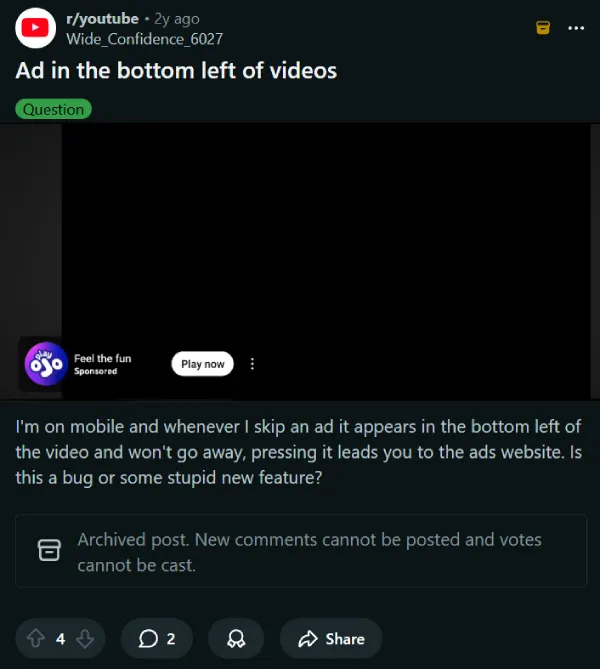
A Google Help community thread from January 2026 has the same complaints too. At this point it looks less like an intentional ad format and more like a bug that YouTube somehow manages to trigger now and then.
YouTube has not publicly addressed the current reports. For now, updating the app or switching to a mobile browser are the best workarounds available. We will update this article if more details come in or YouTube puts out a fix.


Dwayne Cubbins
3034 Posts
I cover fast-moving stories across apps, online platforms, and everyday tech — phones, wearables, consoles, and whatever else people are fighting with this week. Bugs, rollouts, scams, policy enforcement, and the occasional internet-culture rabbit hole are all fair game. My goal is simple — make confusing tech news readable. When I'm not working, I'm working out or chilling with my dog. Got a tip? You can find me on X @dcubbins.
Next article View Article