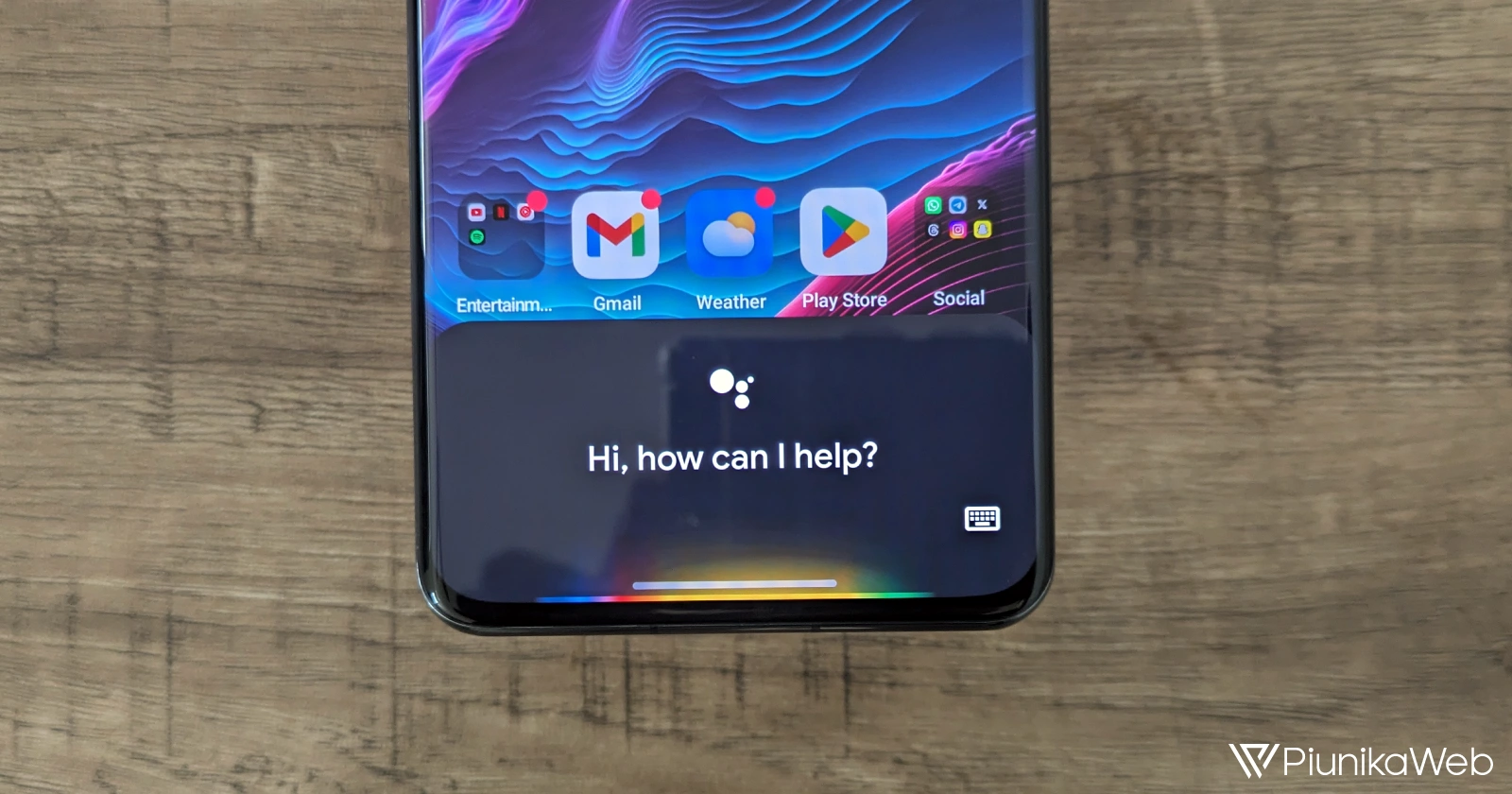
Google Assistant hotword detection appears to be broken and not working for some Google Pixel users running the latest Android 17 beta builds.
Multiple reports indicate that saying “Hey Google” no longer triggers the Assistant on Pixel devices enrolled in the Android 17 Beta program. The issue first surfaced with Beta 1 and, according to fresh user feedback, remains unresolved in Beta 2.
On our Pixel 8 running Android 17 Beta 1, the behavior is easy to reproduce. Despite Voice Match being properly configured and even retrained multiple times, the device simply refuses to respond to the hotword. There are no visible errors during setup. Everything appears normal in settings, but the Assistant does not wake when prompted.
User reports suggest the problem is not isolated to a single device. Owners of various Pixel models running Beta 1 and the newly released Beta 2 are experiencing the same behavior.
Importantly, this is not limited to the classic Assistant experience. The hotword is not working with both Google Assistant and Gemini integrations, meaning the trigger fails regardless of which assistant interface is active.
Issue Tracker confirms investigation
The bug has already made its way to the official issue tracker, where multiple entries reference the same broken hotword functionality. Google has acknowledged the reports, and the matter is currently marked as under investigation.
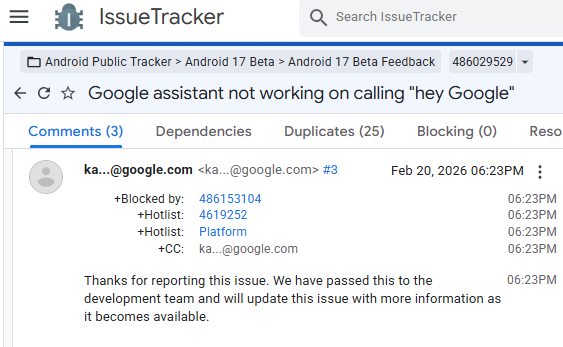
That’s at least reassuring for users who rely heavily on hands-free Assistant access for calls, reminders, smart home controls, and quick queries.
Stable builds unaffected, but there’s a workaround
The good news is that this appears to be isolated to the Android 17 beta channel. Our Pixel devices running the stable Android 16 release do not exhibit the same issue. “Hey Google” continues to function normally outside the beta builds.
As is often the case with pre-release software, quirks like this are part of the territory. Beta updates are designed to surface precisely these kinds of regressions before a wider public rollout.
Until a fix is pushed in a future beta update, affected users can still access Assistant or Gemini manually. Pressing and holding the power button reliably brings up the assistant interface.
While not as seamless as hands-free activation, it remains a functional workaround for those testing Android 17 Beta.

With Beta 2 now out and the issue still present, it will be interesting to see whether Google delivers a patch in a minor beta update or addresses it in the next scheduled release.
If you’re running Android 17 Beta on your Pixel device and Google Assistant is not working, you’re not alone, and a fix is likely on the way.


Hillary Keverenge
2723 Posts
Tech has been my playground for over a decade. While the Android journey began early, it truly took flight with the revolutionary Lollipop update. Since then, it's been a parade of Android devices (with a sprinkle of iOS), culminating in a mostly happy marriage with Google's smart home ecosystem. Expect insightful articles and explorations of the ever-evolving world of Android and Google products coupled with occasional rants on the Nest smart home ecosystem.
Next article View Article