
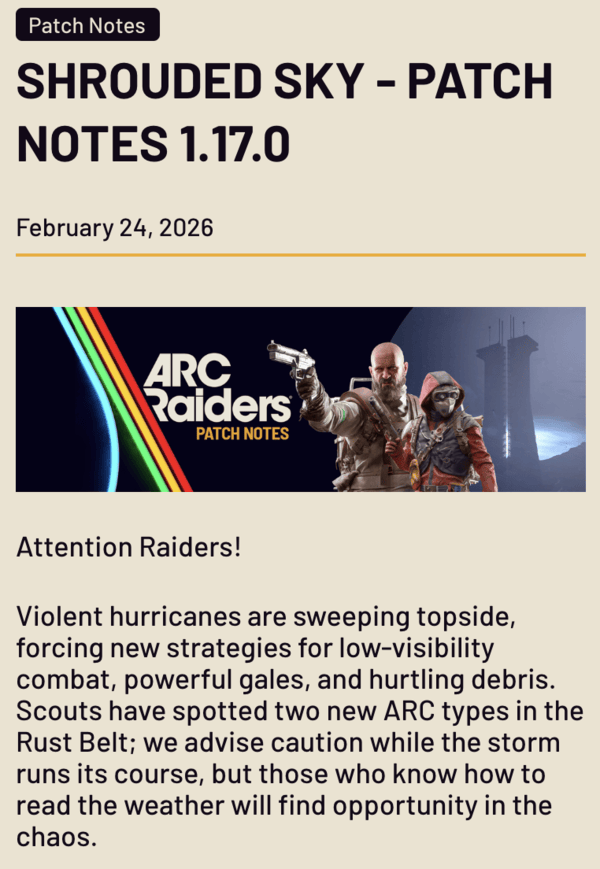
Arc Raiders has been crashing after the Shrouded Sky update, which is disrupting raids. Players report frequent errors during matches, loading screen trouble, and more. These problems began after the 1.17.0 update on February 24, 2026. While the developers have addressed a few issues since then, others still persist.
The new Shrouded Sky update added a new Hurricane mode, with winds, debris, and straining systems. The root cause is likely outdated GPU drivers, which causes DirectX 11 launch crashes. Overlays from Discord or AMD Anti-Lag conflict with Unreal Engine 5, leading to a crash. High CPU usage and a strained system only contribute to the extra load.
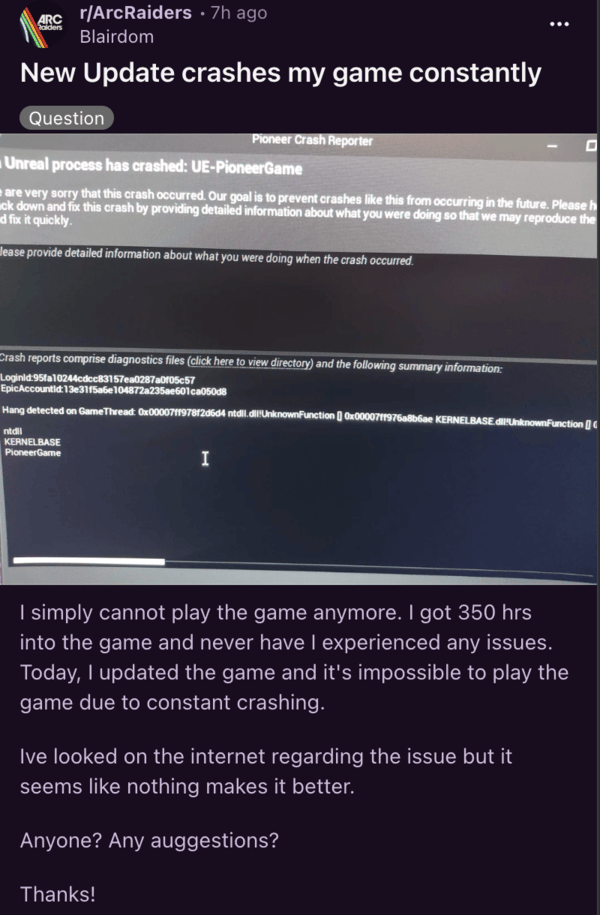
A few people are simply unable to get into the game without the servers crashing. Players report problems with Snitch Scanners. An error message saying ‘Unreal process has crashed’ shows up.
This isn’t the first time we’ve seen problems like this. A few updates in the past triggered similar issues, like freezing in Stella Montis raids. Several times, launch-day servers crashed under heavy player load.
People have tried restarting the system, updating the video drivers, disabling virtualization, running directly from Steam, and a lot more, to no avail. It’s a bug on their side, and if all basic workarounds don’t fix the issue, we’ll have to wait for the developers to solve it.
Performance tweaks and new features do cause some bugs as well. Players are recommended to verify the game files. If you’re on Steam, you can right-click on Arc Raiders, select Properties, hit Installed Files, and then verify integrity. It’s also recommended to update GPU Drivers via NVIDIA GeForce or AMD software. If the problems still persist, you can try to disable overlays on Discord and Steam.
Others suggest switching to DirectX 12 if you have the option, since it can handle the game much better. Disabling NVIDIA DLSS (Deep Learning Super Sampling) seems to work for some people.
So give these potential workarounds a shot and let us know if any helped. Meanwhile, we’ll keep an eye out for any further developments and will update the article accordingly.


Dwayne Cubbins
3150 Posts
I cover fast-moving stories across apps, online platforms, and everyday tech — phones, wearables, consoles, and whatever else people are fighting with this week. Bugs, rollouts, scams, policy enforcement, and the occasional internet-culture rabbit hole are all fair game. My goal is simple — make confusing tech news readable. When I'm not working, I'm working out or chilling with my dog. Got a tip? You can find me on X @dcubbins.
Next article View Article