You go to grab a quick screenshot on Duolingo, Reddit, or YouTube, and your phone flashes a little banner saying the app detected it. It looks like a warning, so it’s easy to assume the app is about to block screenshots, report you, or do something shady.
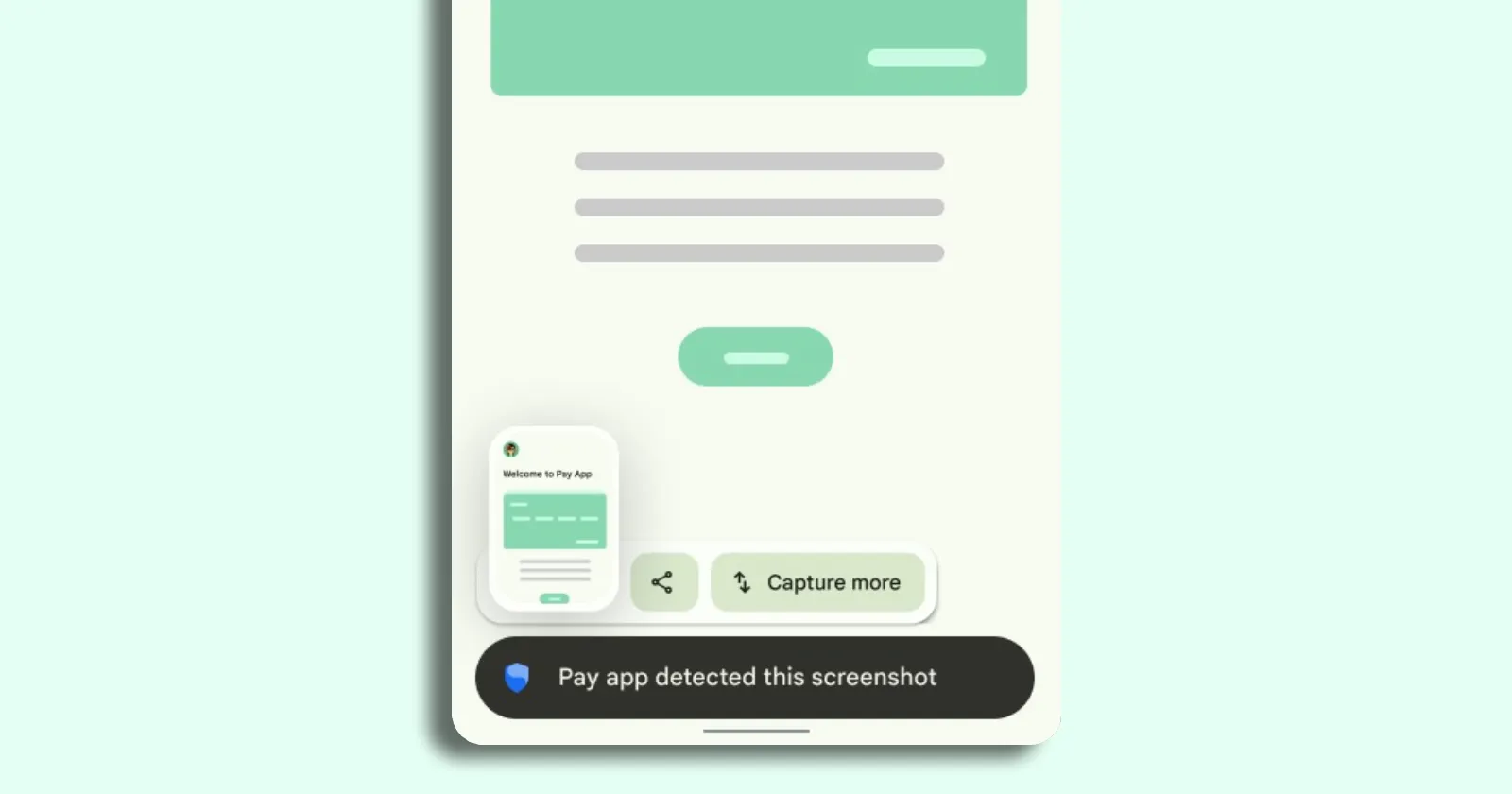
In most cases, what you’re seeing is Android doing exactly what it was designed to do on newer versions. Android 14 introduced a standardized, privacy-preserving screenshot detection feature that lets an app get a callback when you take a screenshot while that app’s screen is visible, and Android also notifies you that the app noticed it.
Here’s an example of how this notice appears on a Pixel phone:
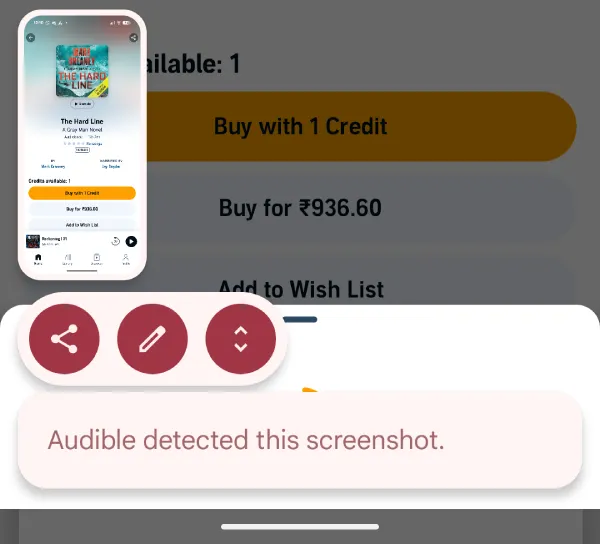
This works through a new install-time permission called android.permission.DETECT_SCREEN_CAPTURE and an API apps can register per Activity (so the app can listen only on certain screens).
Android’s own documentation also notes the detection is limited to the usual hardware button screenshot action, and it won’t trigger for things like ADB commands or instrumentation test captures. In other words, it’s not an “always watching your storage” trick, it’s an OS-level event the app can subscribe to.
That also explains why the same style of message is popping up across unrelated apps. Late last year, we covered the YouTube version of this, where users started seeing the “YouTube detected this screenshot” notice on Android.
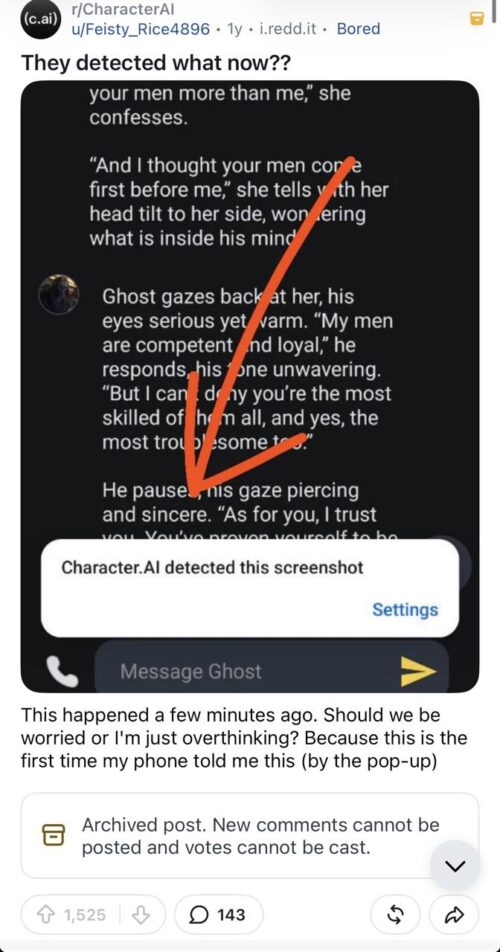
There have also been posts about this from users using Character AI, ChatGPT, Amazon, and plenty of other apps.
Duolingo users are now running into it too, and the panic is basically the same: “are screenshots about to be blocked?” In that r/duolingo thread, a Duolingo staffer says it’s a privacy feature on your device, claims Duolingo isn’t trying to block screenshots, and frames the detection as a way to make sharing easier.
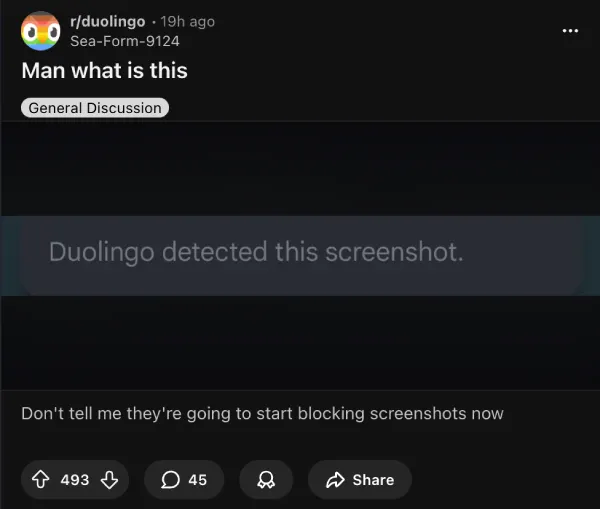
The key privacy point: this API is about the event (a screenshot happened), not the pixels inside your screenshot. One Reddit privacy discussion also talks about how there isn’t a simple toggle to deny it because the permission is granted at install time, and it only notifies the app that a screenshot was taken, not what the screenshot contains.
Also, don’t mix this up with apps that fully block screenshots (black screens, missing captures), which is a separate mechanism Android has supported for a long time. If all you’re seeing is the detected-this-screenshot toast or banner, your screenshot usually still saves normally, even if the pop-up is annoying.


Dwayne Cubbins
3060 Posts
I cover fast-moving stories across apps, online platforms, and everyday tech — phones, wearables, consoles, and whatever else people are fighting with this week. Bugs, rollouts, scams, policy enforcement, and the occasional internet-culture rabbit hole are all fair game. My goal is simple — make confusing tech news readable. When I'm not working, I'm working out or chilling with my dog. Got a tip? You can find me on X @dcubbins.
Next article View Article