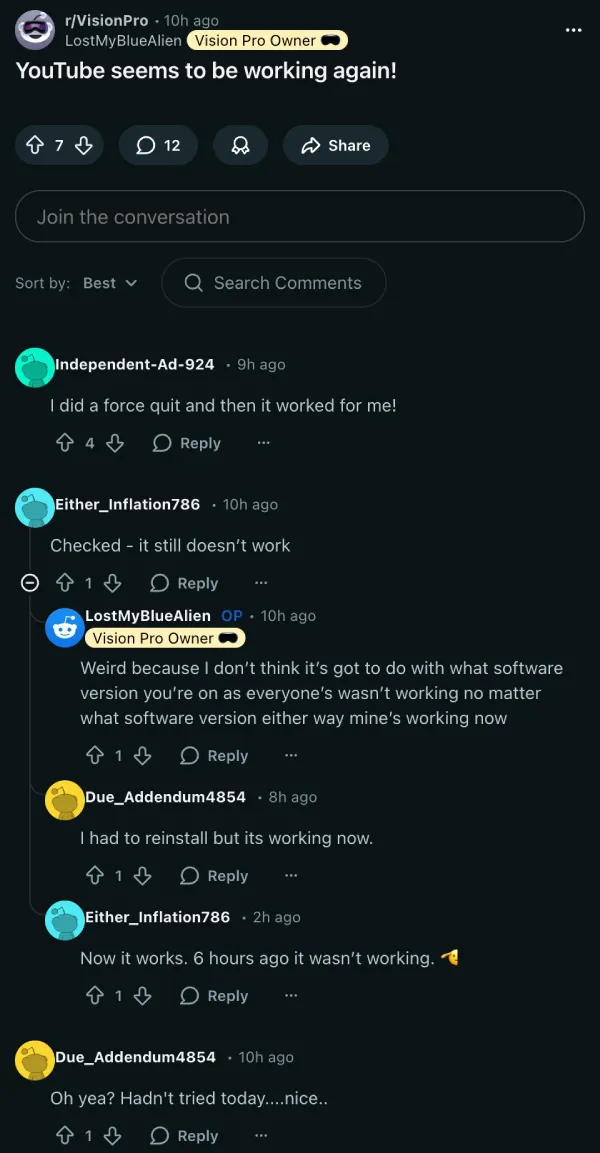
Update 24/02/26 – 03:32 pm (IST): Some Apple Vision Pro owners now report the YouTube app is playing videos again after the black screen issue, with a few saying a force quit or reinstall helped — though others noted it was still broken earlier and then began working hours later, suggesting the change may be intermittent or potentially server-side rather than tied to a specific visionOS version or app update.
We’ll keep monitoring for an official acknowledgment or a clear root cause/fix from YouTube.
Original article published on February 23, 2026, follows:
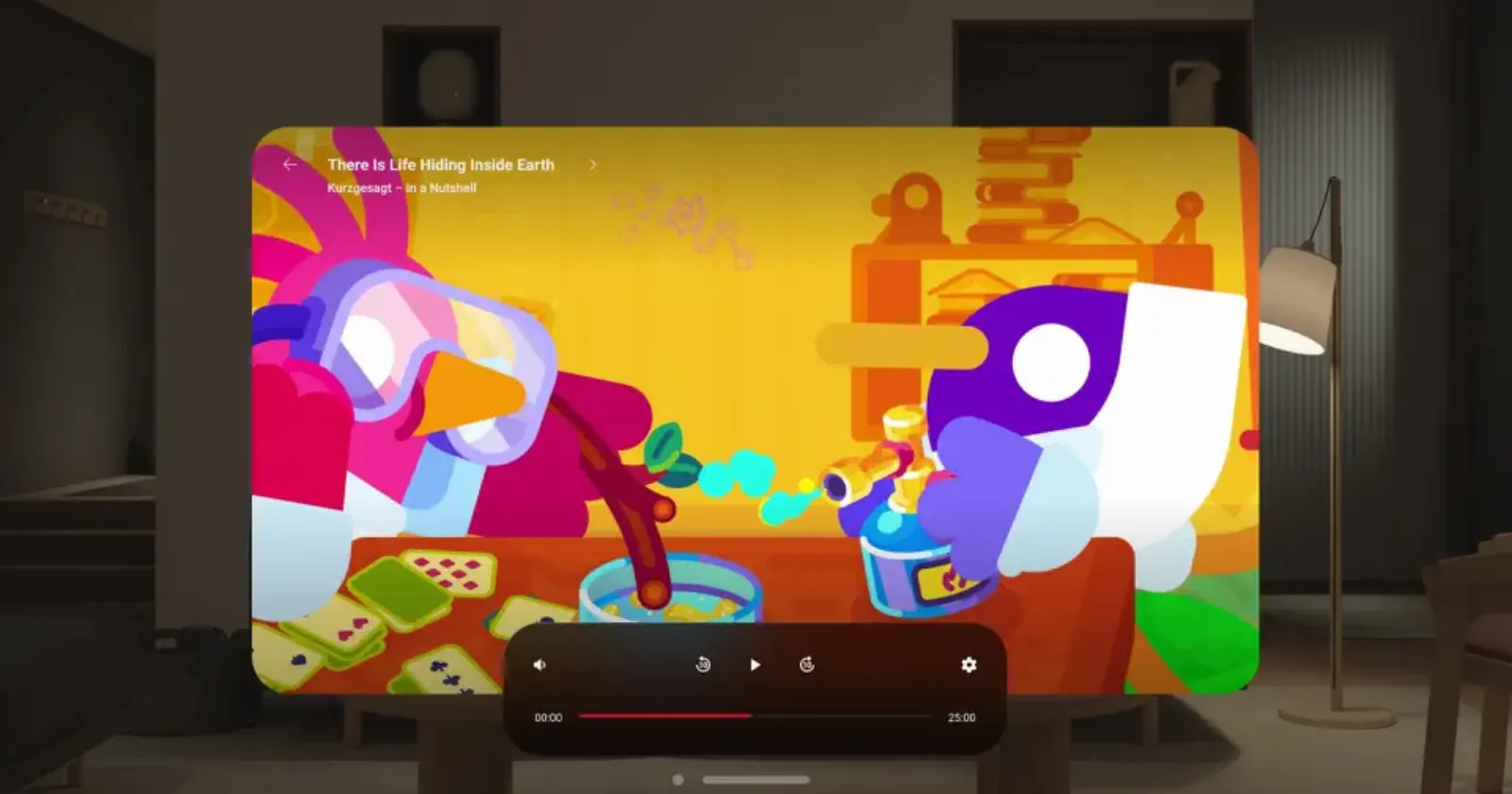
YouTube finally came to Apple Vision Pro on February 12, nearly two full years after the headset launched without it. Before this, Vision Pro users had been stuck watching YouTube through Safari the whole time, since third-party apps like Juno were removed for violating YouTube’s Terms of Service. So when the official app finally landed on the visionOS App Store, people jumped on it. But for many, the welcome they got was a black screen.
Reports of playback issues are piling up on r/VisionPro and users are all describing the same thing: open a video, get a black screen. The playhead shows frozen at the end of the clip, nothing loads, and the Stats for Nerds overlay confirms it with both connection speed and readahead sitting at 0. YouTube Shorts seem to play fine, but everything else including regular videos, live streams, and VODs is dead.
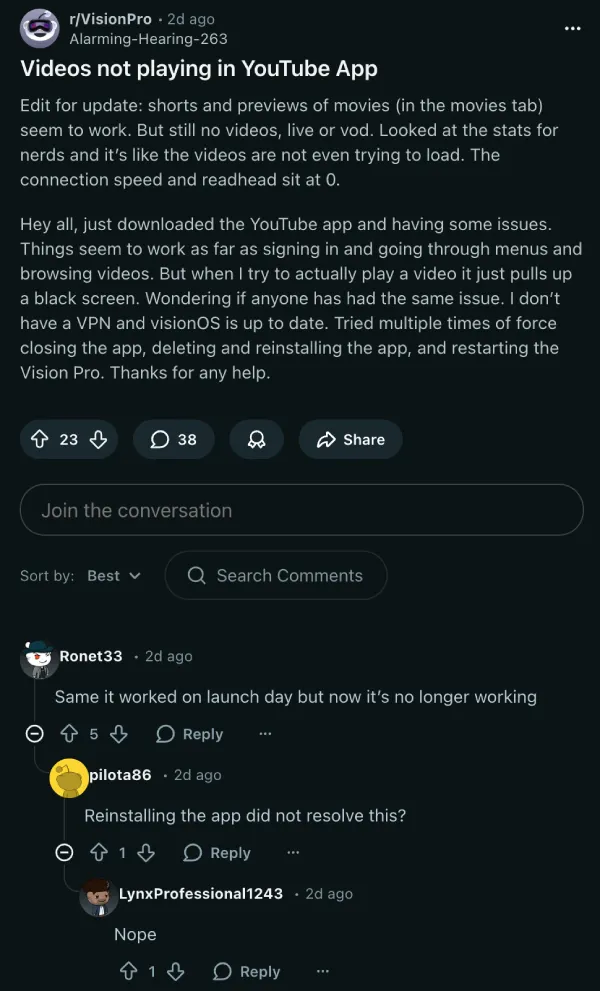
The standard fix checklist isn’t getting anyone anywhere. Reinstalling the app, signing out and back in, restarting the headset, do not seem to help right now.
One user confirmed the same result whether logged in or completely logged out. Interestingly, several users are saying the app worked fine on launch day and stopped the very next morning with no update installed in between, pointing to something changing on YouTube’s backend.
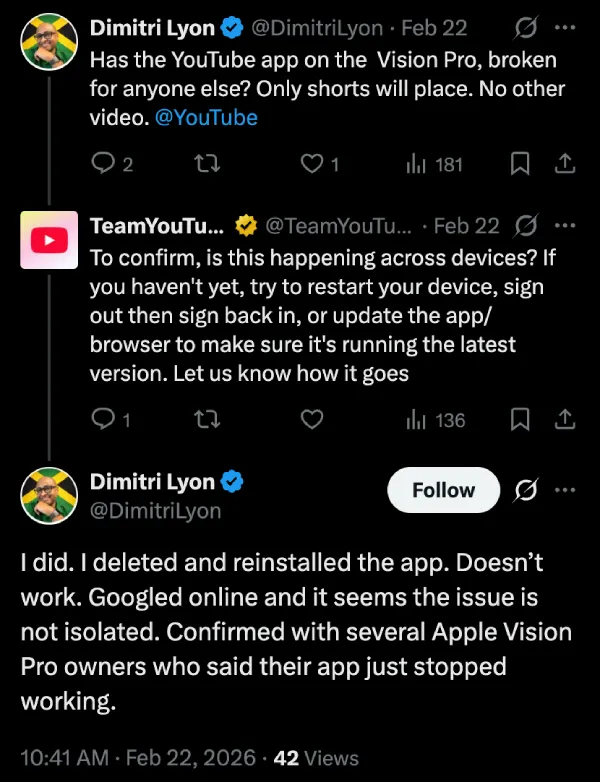
On X, Dimitri Lyon raised the issue directly at TeamYouTube. They came back with the standard troubleshooting steps. Lyon confirmed he’d already run through all of it and, after checking with other Vision Pro owners, found the problem is far from just him.
The bug is showing up across M2 and M5 units and on both visionOS 26.3 and the 26.4 developer beta. Third-party apps like Tubular Pro and Moon Player are working fine, as is YouTube in Safari. That’s got some people suspecting a content protection or DRM issue in the native app, with one Reddit user noting it behaves like the OS blocking video when screen mirroring is active.
Which also happens to be the only workaround circulating right now: toggle screen mirroring on and then off from Control Center before each video. It works, but you have to repeat it for every single clip.
Meanwhile, we’ll be keeping an eye out for any additional workarounds or acknowledgments from YouTube regarding these issues on the Vision Pro.


Dwayne Cubbins
3097 Posts
I cover fast-moving stories across apps, online platforms, and everyday tech — phones, wearables, consoles, and whatever else people are fighting with this week. Bugs, rollouts, scams, policy enforcement, and the occasional internet-culture rabbit hole are all fair game. My goal is simple — make confusing tech news readable. When I'm not working, I'm working out or chilling with my dog. Got a tip? You can find me on X @dcubbins.
Next article View Article