Google began rolling out Android 17 Beta 1 last Friday, giving Pixel owners an early look at the next major Android release. And if early feedback is anything to go by, this could be one of the most impressive first betas in recent memory.
There’s just one problem: a chunk of Pixel users can’t install it at all.
Big battery and performance improvements in Beta 1
Across devices including the Google Pixel 10, Google Pixel 9, Google Pixel 8, and even the older Google Pixel 6 Pro, early adopters are reporting noticeable improvements in day-to-day use.

The most consistent highlights so far include:
- Smoother scrolling with reduced micro-stutter
- Faster app launches
- Better RAM management and multitasking
- Smoother camera lens switching during photo and video
- Dramatically improved idle battery drain
Battery life appears to be the biggest win. Several users are seeing significantly lower overnight drain compared to Android 16 builds. Others report gaining roughly an extra hour or more of screen-on time. Deep sleep behavior also seems more aggressive, suggesting improved background process management.
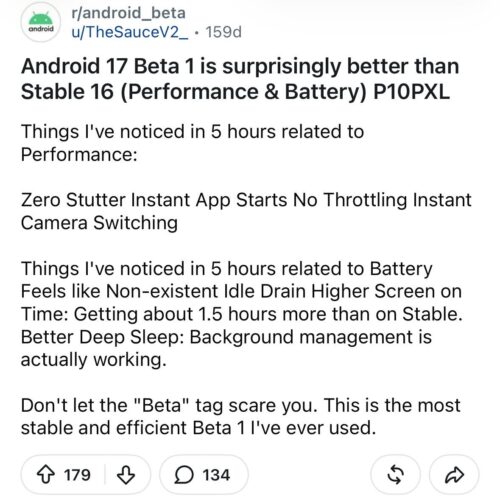
Camera transitions, especially lens swaps, are reportedly much smoother, with less lag and fewer visual hiccups.
For many testers, Android 17 Beta 1 feels more refined than expected for an initial developer preview-style release.
But some Pixel users can’t install Android 17 Beta 1
While early adopters are praising the build, a growing number of Pixel owners are finding themselves stuck.
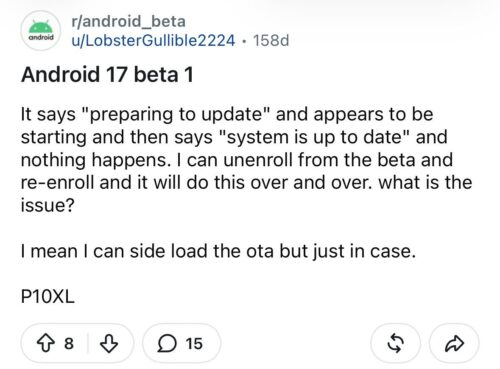
Users who opted into the beta program report that the update never appears. The phone says “Your system is up to date,” and the update even briefly shows as “preparing” before disappearing. Sideloading attempts fail with security patch downgrade errors.
The reason? A security patch level mismatch.
Android 17 Beta 1 is based on the January 2026 security patch. Meanwhile, the latest stable Android 16 builds have already moved to the February 2026 patch. Android does not allow installation of a build with an older security patch level over a newer one.
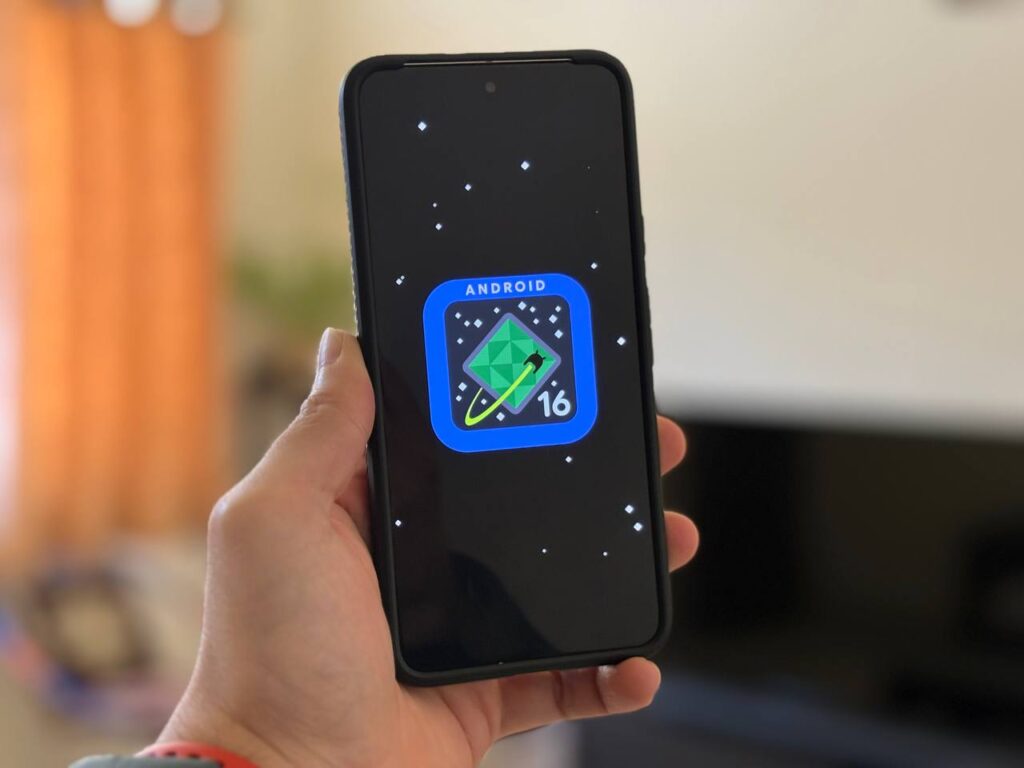
That means devices running Android 16 stable cannot upgrade to Android 17 Beta 1. OTA enrollment won’t override this restriction. You can either wait for the next beta release with a newer/same security patch level or unlock the bootloader and use flash.android.com.
In short, despite Android 17 being a newer OS version, its older security patch blocks OTA installation for users already on February’s stable update.
As with any beta, experiences vary.
A minority of users report system UI crashes, temporary lockups after installation, or the need to reboot before things stabilize. In more extreme cases, some reverted to Android 16 after encountering repeated crashes.
However, the overall sentiment leans positive. Many describe the build as surprisingly stable for Beta 1, with smoother performance and better battery life than the previous Android 16 beta cycle.
For users stuck on the February patch, the only real solution is to wait. The next Android 17 beta release will likely carry an updated security patch level, removing the downgrade barrier and allowing installation.
Until then, Android 17 Beta 1 remains a tale of two groups: those enjoying meaningful performance and battery improvements, and those watching from the sidelines, locked out by a technicality.


Hillary Keverenge
2723 Posts
Tech has been my playground for over a decade. While the Android journey began early, it truly took flight with the revolutionary Lollipop update. Since then, it's been a parade of Android devices (with a sprinkle of iOS), culminating in a mostly happy marriage with Google's smart home ecosystem. Expect insightful articles and explorations of the ever-evolving world of Android and Google products coupled with occasional rants on the Nest smart home ecosystem.
Next article View Article